









|
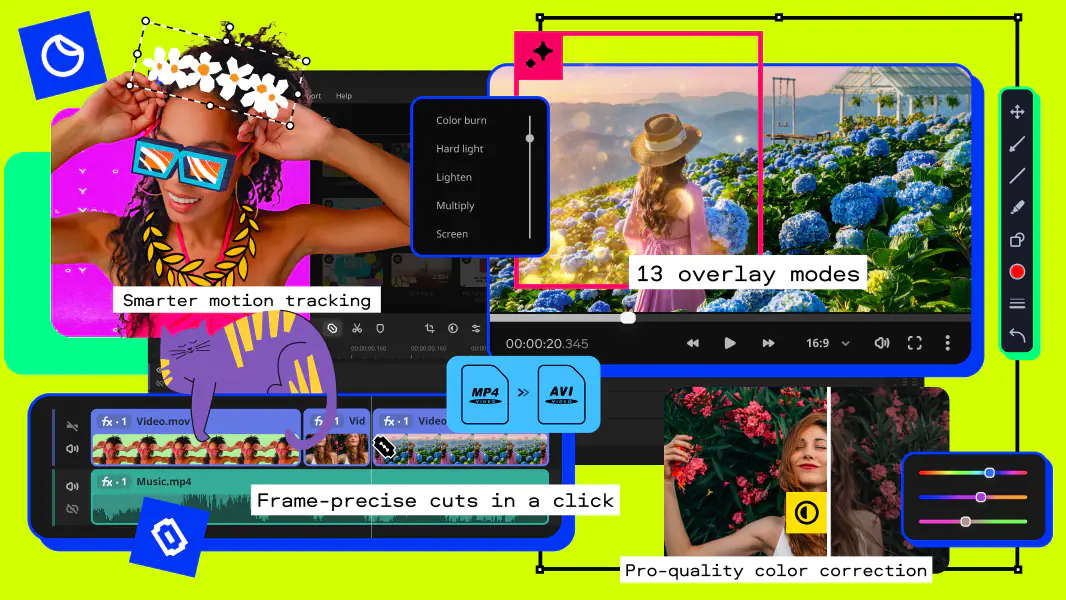
Movavi EnhanceMovie is an effective and easy-to-use video editing program. Cut, split and join video files of any format. Add stylish transitions and special effects. Clean up poor quality video.
Download or Buy Now!
Movavi EnhanceMovie - making a complex task simple
Here's just a taster of what you can do:
- Improve the quality of your video using professional video filters.
- Trim, cut, split, and join video clips to create your own video story.
- Insert stylish transitions between video episodes for a smooth progression through your production.
- Edit video files in all popular formats: AVI, MPEG, MP4, MOV, WMV, DVD (VOB, IFO), 3GP, and others.
- Capture video from MiniDVs and web cameras right in the program.
- Save edited video in all popular formats and for a range of mobile devices - iPod, iPhone, PSP, Zune, Blackberry, cellphone and many others.
|
|
|
|
Movavi EnhanceMovie key features
|
Improve the quality of your video
- Choose from more than 20 automatic and customizable filters to take care of diverse video quality problems
* Movavi EnhanceMovie boasts a powerful set of automatic video filters that that can drastically improve overall quality of almost any video and fix a whole range of problems.
The Magic Enhance filter, for instance, automatically removes any color casts by calculating the best balance of colors for each frame of the video. This filter also fixes brightness, contrast and color levels.
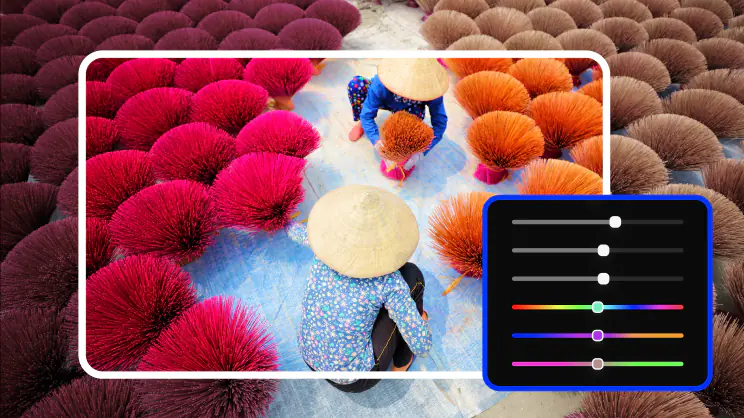
* Customizable video filters enable you to fine-tune the results of video restoration, defining the desired level and parameters of every single improvement you introduce.
Each filter is designed to fix a specific video problem, such as interlaced or blurred video, poor color balance, insufficient brightness, lack of contrast, and many others.
* Movavi EnhanceMovie also offers an amazing selection of video effects that will liven up your video and give it a professional feel. Make your home video look like an old 30's movie or create a futuristic atmosphere - your imagination is your only limitation!
|
|
Trim, cut, split, and join video clips
- Create your own video story with the help of handy editing tools
* Take advantage of a range of essential editing tools: split your video in parts, trim or cut out segments, even join multiple clips to make a single longer movie.
* Enjoy the simple drag-and-drop editing interface with the new Storyboard feature.

The Storyboard is a "working area" that displays the sequence of video segments you have selected for processing. Drag a video clip to the Storyboard to improve it, apply different effects to it, or add animated transitions.
|
|
Insert stylish video transitions
- Liven up your video - make separate episodes link smoothly to one another
A transition is applied to the end or to the beginning of a video clip, making it begin or end with some visual effect (for example, fading out), or to two clips so that they link smoothly one to the other
* Choose from more than 15 stylish transitions to insert between video clips, or at the beginning or end of your movie.
* Define basic transition settings (such as duration, direction, etc.) and preview the transition. |
|
|
Edit video files of different formats
- Movavi EnhanceMovie supports all popular video formats
- Input Formats:
AVI, MPG, MPEG 1,2,4, QuickTime (MOV, QT), WMV, ASF, IFO (DVD), VOB (DVD), 3GPP, 3GPP2, DAT (Video CD), H.264.
- Output Video Formats: AVI, MPG, MPEG 1,2,4, QuickTime (MOV, QT), WMV, ASF, IFO (DVD), VOB (DVD), 3GPP, 3GPP2, DAT (Video CD), Real Media (RM, RMVB), H.264.
- Output Audio Formats: WMA, WAV.
- Output Image Formats: BMP, GIF, JPEG, PNG.
|
|
Capture video from a MiniDV or web camera
- Easily transfer live video to your PC without the need for any additional capture software
| * Use the capture function at any point in the editing process by simply clicking one button on the toolbar:
|
 |
* Use any available video and audio capturing devices.
* Extract stills from your live video and save them as bitmaps.
* Instantly open the captured video for further editing without leaving the program.
|
|
Save edited video the way you want it
- Select your desired format or use the ready-made presets for mobile devices
* Choose from a variety of available video formats to save your video. Customize the format settings for optimum results.
* Or use the ready-made presets to save your video for all popular media players:
- Apple iPod, iPhone, Apple TV (MP4, H.264)
- Sony PSP (MP4, H.264)
- Zune from Microsoft (WMV, MP4, H.264)
- Creative Zen portable media players (WMV)
- Archos portable media players (WMV)
- BlackBerry (MP4)
- Other PDAs/Pocket PCs (WMV, MP4, H.264)
- Cellphones (3GP, 3G2, 3GP2, 3GPP, 3GPP2)
No need to customize any format settings - just choose your device from the list and click 'Share'!
|
|
About Movavi
Founded in 2004, Movavi was formed by a group of digital aficionados dedicated to making video editing and processing as simple as brewing a cup of coffee.
Our products have been well-received and reviewed by PC World, CNet, MacNN, Yahoo!Tech, VideoMaker, and many other publications.
More than four million people and businesses in 92 countries use Movavi software to take care of their video processing needs.
|
|