70M+


New features to boost your slideshow creation

Mouse-over effects preview
Picking titles, transitions, and filters has never been easier! Simply hover your mouse over any effect to see it in action. You can also view your project files in the same way.

Movie-like effects for your videos
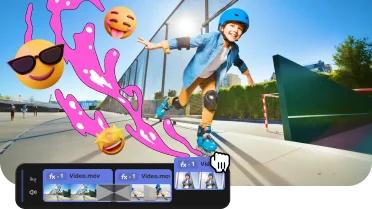
Pack a ton of action into your videos in a flash! Add fire, lightning, or other ready-to-use animated overlays – capture your audience’s attention right from the start.
Revamped timeline for easier editing
Our slideshow app now features a clearer and more streamlined timeline. Get your projects done faster and have more fun with anything – from birthday slideshows to outdoor adventure movies.

Frame-precise cuts in a click
Give your slideshows a sharper look with the new video-cutting tool. Easily make precise cuts and create eye-catching montages – just like your favorite bloggers. Try it for free with our slideshow maker!
Pro-quality color correction
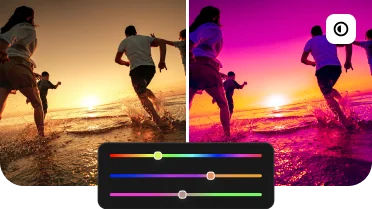
Get next-level color correction with the same simplicity. Take advantage of our slideshow maker and boost colors in a snap to draw more viewers into your slideshows.

Perfect-match overlay effects
Now each overlay effect has 13 blending modes to choose from. Try each of them with the press of a button and pick the one that fits your slideshow perfectly.
Our best effects – at your fingertips
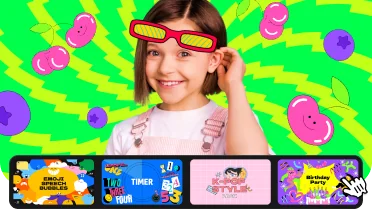
Create awesome slideshows in any style with our huge collection of professionally designed effects. Now you can try them all right away, right in the app. Don’t forget your 90% discount on the first month and create jaw-dropping slideshows easily.
Create slideshows in 3 easy steps
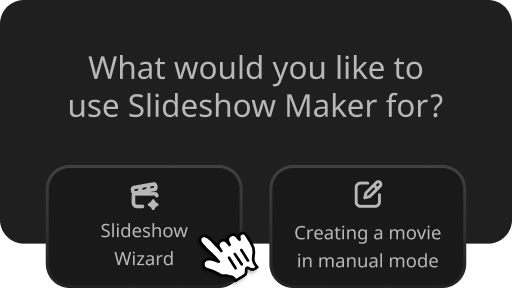
Select Slideshow Wizard from the Start menu
Or take full control over the photo slideshow maker app and the creative process with Manual Mode.
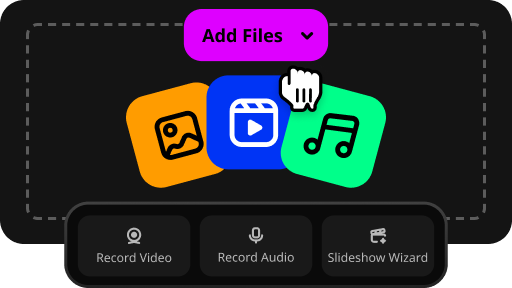
Add your media files in any format
Upload folders full of images, videos, and music to the slideshow creator. There’s no limit on the number of files.
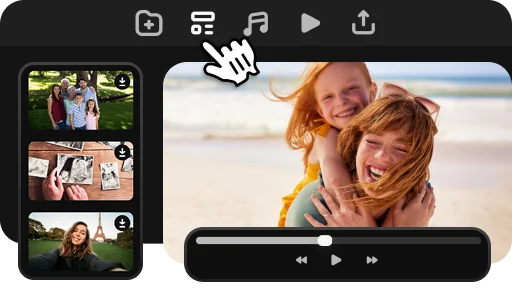
Use one of the pre-designed slideshow templates
Or customize every single detail as you wish. Choose transitions, effects, music, and titles.
What users think about Movavi Slideshow Maker

With Movavi Slideshow Maker for Windows, you can quickly compose a cool slideshow with creative effects and your choice of music.

Try it for free for a week first. Enjoy this free slideshow maker with unlimited functionality and slideshow creation tools.

You don't need a degree in photography or professional help to make your slideshows shine – Movavi’s picture slideshow maker has an easy-to-use interface and tooltips to help you quickly master the software.
Movavi Slideshow Maker software awards


1.5M+ users already subscribed to our newsletter