Which video editor is right for you
Most people looking for video editing software land between two extremes: the free app that came with their PC, and professional suites built for editors who do this all day.
What you'll use in this video editor
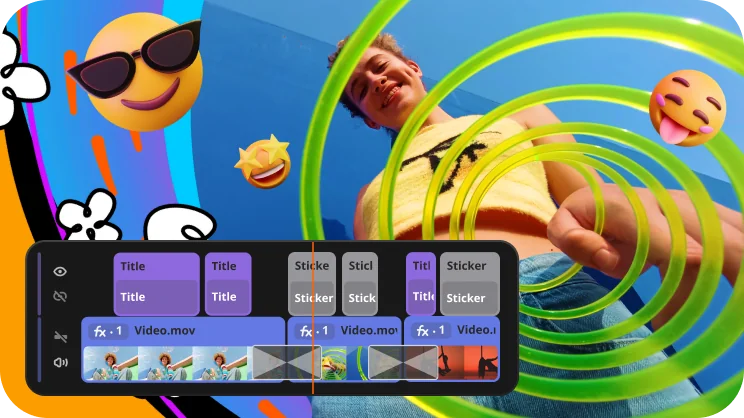
Intuitive timeline for easier editing
Edit with ease on a clear, streamlined timeline. Get your projects done faster and have more fun with anything – from short vids for socials to longer family movies.
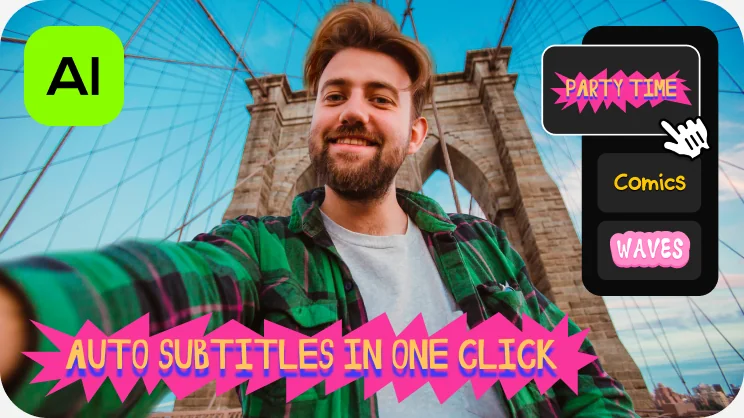
One-click automatic subtitles
Let AI quickly turn your speech into text and automatically create captions for your videos in almost any language. Just choose the font, text color, position – and you’re all set!
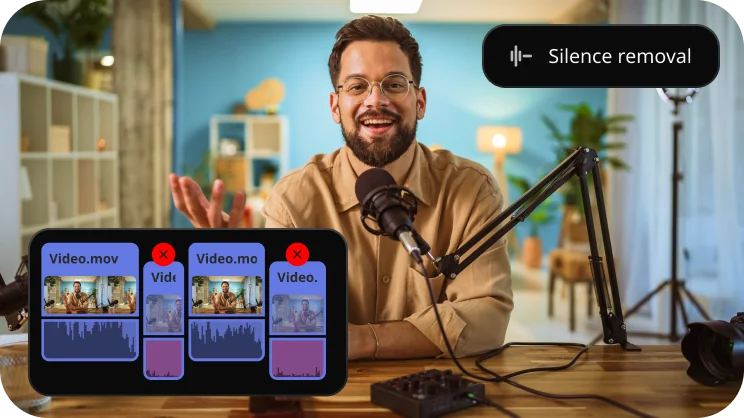
Silence removal
Cut out unwanted pauses automatically or fine-tune the pause length and volume threshold yourself. You’ll save time and be able to skip the tedious cleanup – so you can focus on the fun.
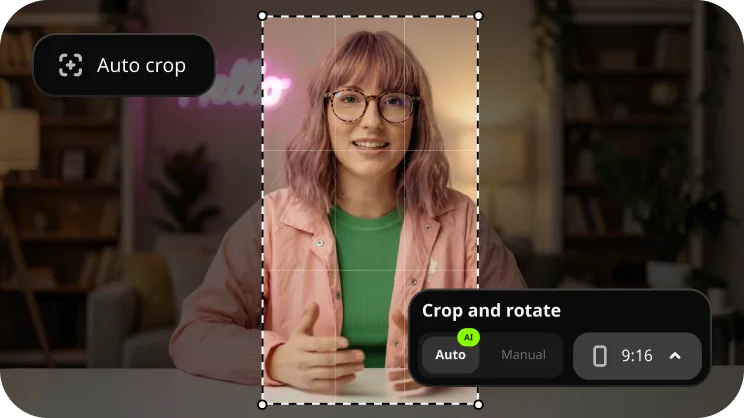
Horizontal to vertical, automatically
Crop videos while keeping the speaker or product centered – automatically. The tool follows the main subject and adjusts the frame on-the-go. Perfect for transforming horizontal clips into vertical while still highlighting what matters most.
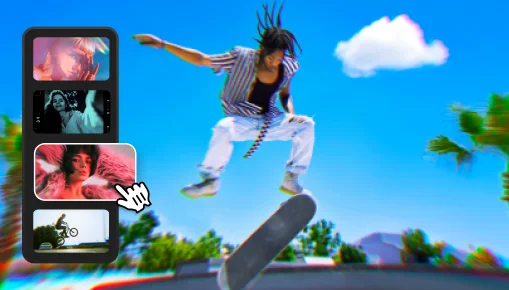
10,000+ effects and 1,500 tracks
Give your edits a new feeling of reality with fire, lightning, and other ready-to-use animated overlays – no special gear needed, just simple tricks. Pack a ton of action into your vids in a flash!
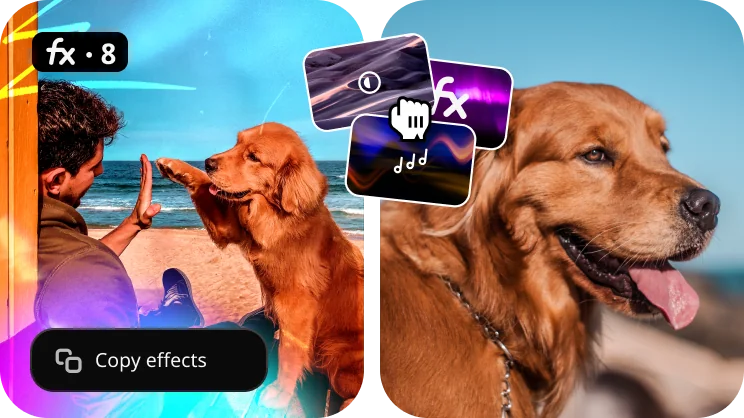
Color, stabilization, chroma key
Fix shaky footage, apply LUTs, swap a green screen background. Copy effects, color tweaks, and audio settings from one clip to another in seconds. Make your whole video look awesome way faster and with less effort.
From files to finished video
Import
Drop in video, photos, and audio from your phone, camera, or screen recorder. Every common format is supported.
Edit
Cut, arrange, add titles and music. Let AI handle subtitles and silence so you spend time on the parts that matter.
Export
Choose a preset for YouTube, TikTok, Instagram, or 4K, and export. Or save the project and come back later.
What people say after the first project
Questions before you download
Is the download really free?
Is the download really free?
Yes. You download the free version of Movavi Video Editor – no card, no time limit. Some restrictions apply to exports; see the note at the bottom of the page.
Will it run on my computer?
Will it run on my computer?
Windows 10 or 11 (64-bit), a dual-core processor, 4 GB of RAM, and integrated graphics are enough. It requires about 600 MB of disk space for ongoing operations. No dedicated graphics card required.
As for Mac, macOS® 12.0 or higher, 64-bit Intel® processor, Apple M1 or higher.
I'm on my phone right now.
I'm on my phone right now.
The editor installs on a Windows or Mac PC. For editing on a phone, there's the Movavi app for iOS and Android.
Which formats can I import and export?
Which formats can I import and export?
MP4, MOV, AVI, MKV, WMV and most phone and camera formats for import; MP4 and presets for YouTube, TikTok, Instagram and 4K for export.
Make the first video today
Download, drop in a clip, and you'll have something to share before the installer's shortcut leaves your desktop.
*The free version of Movavi Video Editor may have the following restrictions depending on the build: watermark on exported clips, 60-second video or 1/2 audio length limit, and/or some advanced features unavailable when exporting videos.