Movavi Video Suite for Windows
Record your computer screen
Create and edit videos
Convert multimedia files
Offer valid until
* Price may vary upon your location.
Movavi Video Suite is a full-featured video-editing ecosystem
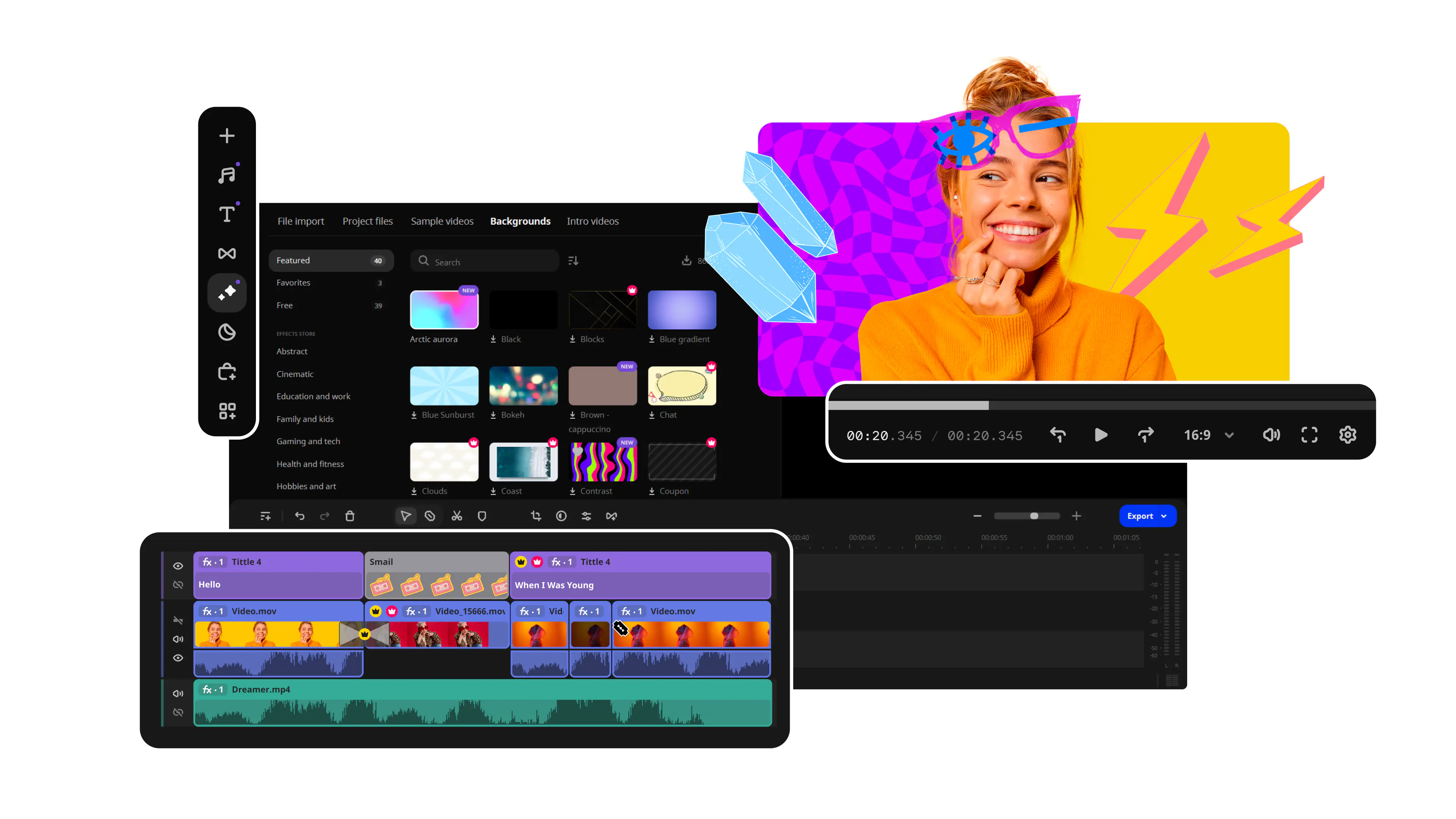
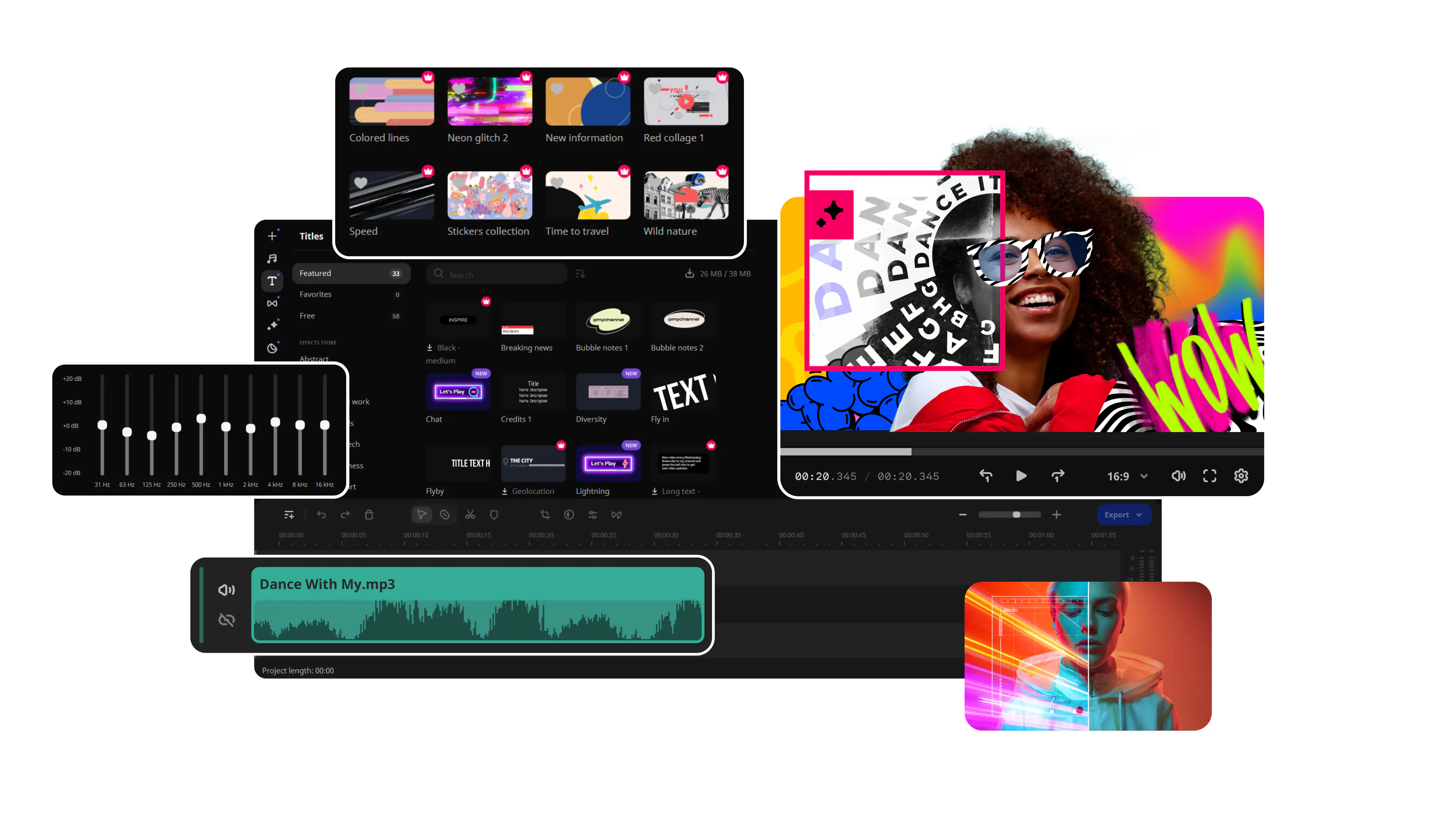
It's an all-in-one program to help you create your own video editing ecosystem. With only one purchase, you will get Movavi programs for video montaging, screen recording, and video conversion. Record your screen or a part of it, save a webcam image and add a voiceover, and then edit your footage on the convenient timeline. Video converter lets you change your file format to watch on any device.
Product features
Movavi Video Suite for Windows
Video Suite
1 year / 1 PC
$154.85
$94.95
* Price may vary upon your location.
Video Editor
Video Converter
Screen Recorder
Media Player
Split Movie
Chili Burner
Free updates during the year
Video Suite + Photo Editor
Lifetime / 1 PC
$444.95
$199.95
* Price may vary upon your location.
Video Editor
Video Converter
Screen Recorder
Media Player
Split Movie
Chili Burner
Photo Editor:
- Edit, enhance, and retouch pictures
- Restore old photos with AI
Video Suite Business
Lifetime / 1 PC
* Price may vary upon your location.
Video Editor
Video Converter
Screen Recorder
Media Player
Split Movie
Chili Burner
Priority Support
What our clients say about us
Frequently asked questions
How can I activate the product?
How can I activate the product?
Use the activation key you got with your purchase and paste in right from within the program. Once the product is activated, you'll get a system message right away.
What formats are supported?
What formats are supported?
Movavi Video Suite supports popular video, graphic, and audio formats. You can read about all available formats on Movavi website.
Can I publish content made in Movavi Video Suite on my social network?
Can I publish content made in Movavi Video Suite on my social network?
You can publish only content that fits social network requirements: for example, you can't publish copyright protected videos that have author rights.
What are the system requirements for Movavi Video Suite?
What are the system requirements for Movavi Video Suite?
System requirements for Windows and Mac users are different. You can read the program technical specifications on Movavi Video Suite landing page in the section Tech Specs.
Where can I find manuals for Movavi Video Suite?
Where can I find manuals for Movavi Video Suite?
Take a look at our User Manuals page – there you can find the latest documentation.