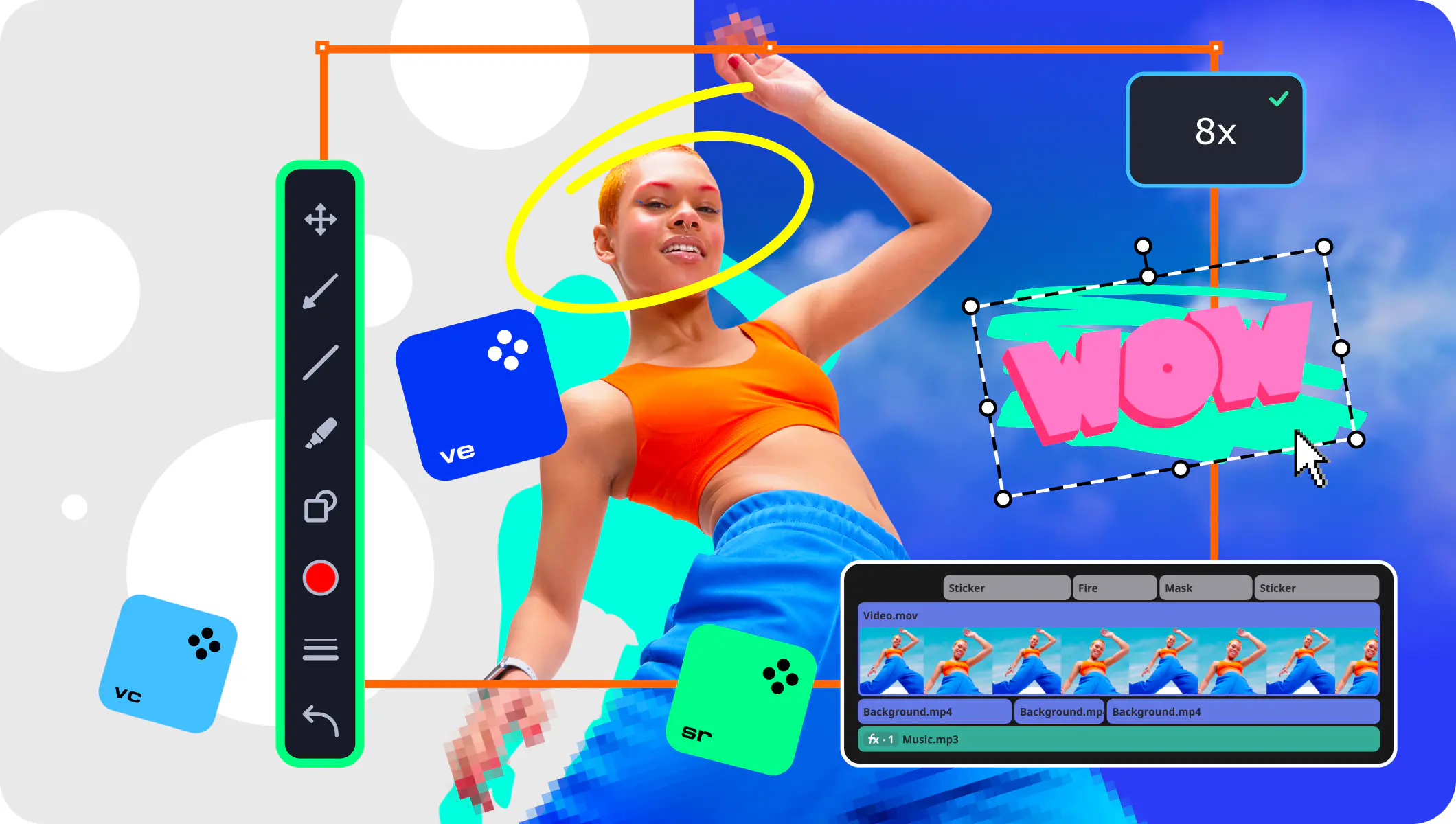
Video Suite
  • Convert video, DVD, and audio to any formats
  • Edit and enhance video, apply special effects
  • Transform 2D movies to 3D
  • Capture output from screen, camera, TV, VHS
  • Create slideshows. Record audio
  • Burn Blu-ray, CD, and DVD. Share online
Video making program for your movies Download Free Trial
Video Suite
  • Capture video from DV, AVCHD cameras
  • Compress video and convert to any format
  • Edit, improve quality, adjust colors
  • Add titles, soundtrack, effects
  • Upload to the web or burn moviesto Blu-ray or DVD
Capture, edit, and ehnance your travel video Download Free Trial
Video Suite Got Windows 8? No default DVD/Blu-ray support? Install
Video Suite
Playback and
create any disc types:
Blu-ray DVD Audio CD Data Discs

Must Have Windows 8 Software

Download Free Trial

Thank you
for trying Movavi Video Suite!

Here are some tips on how to download and install the program:

  • If the download doesn't start, click here. You will get pop-up box from your browser.
  • Click Save file or Download File depending on your browser.
  • You can run the application directly from your browser choosing Downloads in the main menu.
  • You can start the application from the folder where you save your file to. Just double click it to run the installation.
  • Then simply follow the instructions of the Installation Wizard.
  • And don't forget to tell your friends about our program:


Movavi Video Converter Convert video, audio, DVD, save for mobile devices, edit, enhance, add subtitles and effects to your video

Try other Movavi products:


If you wish to remove the Movavi software from your computer, please check this step-by-step instruction.