The 10 best sites to convert YouTube to MP4 for free and online

Try Movavi Video Converter!

  • Very fast conversion speed

  • Basic video editing tools

  • Easily converts to formats supported by YouTube

Program

Pros

Download

Convert video clips according to your needs

Download 4K and 360-degree videos, great teaching resources

Automatic file capture, one-click downloads of playlists and channels

What is the best application to convert YouTube to MP4? There are two types of applications. Desktop software must be installed in advance, and then used to convert video files. Other applications are simple YouTube to MP4 conversion websites, where you can download videos by copying and pasting URLs. Either way, there are excellent options available on the web. Here is a selection of recommended YouTube to MP4 conversion tools at 2026.

Quick summary

  1. iTubeGo

    Convert video clips according to your needs

  2. 4K Video Downloader

    Download 4K and 360-degree videos, great teaching resources

  3. ByClick Downloader

    Automatic file capture, one-click downloads of playlists and channels

Best YouTube to MP4 Converters

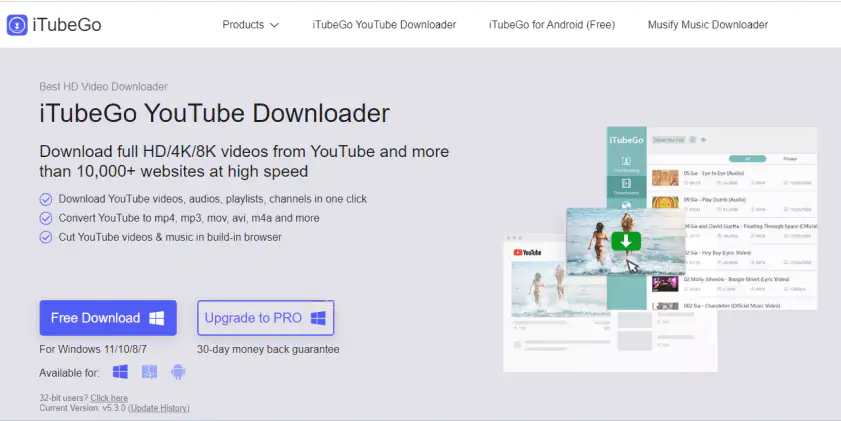
iTubeGo is a combination YouTube converter and download software that must be installed on your computer before you can use it. iTubeGo offers one-click downloads of playlists, channels, music albums, and compatibility with YouTube video resolution: 1080P, 2K, 4K, 8K.

This software not only supports YouTube video downloads, but also saves a large number of videos from popular video sites such as Facebook. In addition, iTubeGo also offers the ability to download subtitles and capture clips. However, the free version of iTubeGo can convert only one-third of the file length.
Pros:
  • Built-in YouTube downloader and converter for HD video and multiple file formats

  • Convert clips according to your needs, saving time and with convenience

  • High-quality audio transcoding and editing of video files

Cons:
  • The free version has limited functionality, supports only MP4 and MP3 formats, and cannot convert whole files

  • Does not include an online function from YouTube to MP4, not suitable for casual users

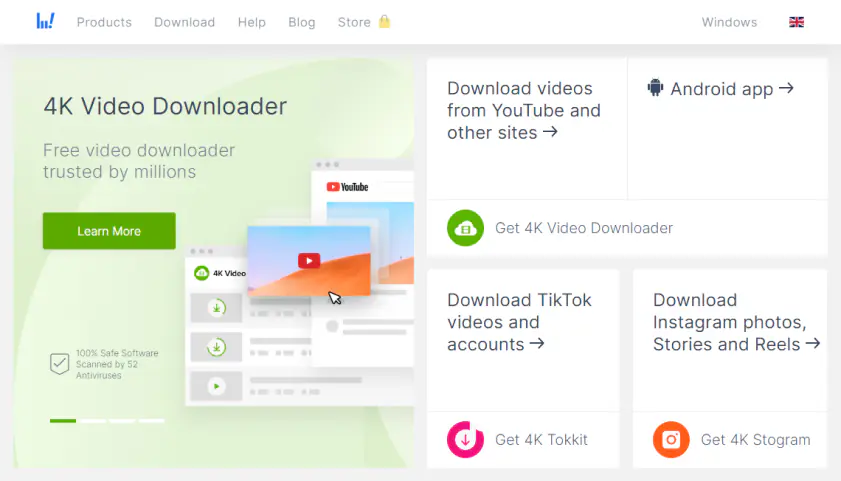
4K Video Downloader can help you convert YouTube MP4 videos, so you can watch videos without Internet connection after downloading.

4K Video Downloader can download YouTube playlists and channels, subtitles and private YouTube videos. This app has a free plan with basic features: no watermark, no registration, no upfront fees. You can upgrade to Lite, Personal or Pro version for more benefits.

Pros:
  • Downloading 4K, 3D, 360° video

  • Supports downloading from YouTube and many other video platforms

  • Available cross-platform on Windows, macOS and Linux (Ubuntu)

Cons:
  • The free version limits downloads, such as downloading playlists and channels

  • The main functions are available only after payment

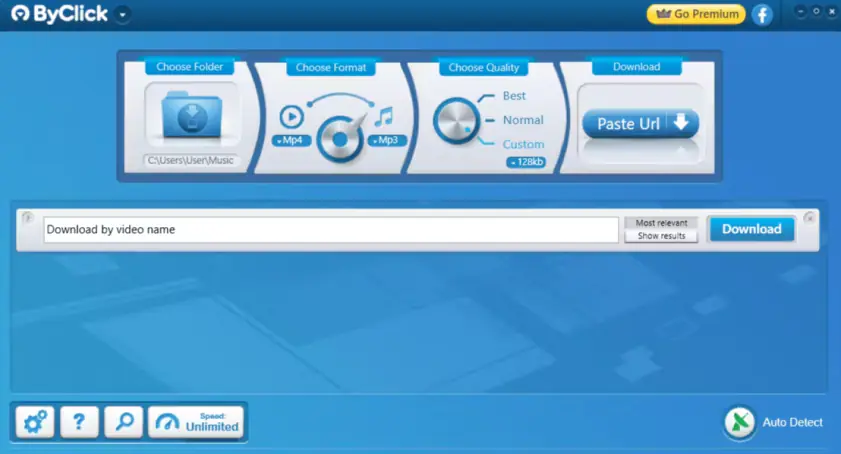
ByClick Downloader is one of the best YouTube to MP4 video and music downloader for Windows. It has a nice and easy-to-understand interface with automatic one-click conversion features, which makes this program widely recommended by users.

ByClick Downloader can be used to download videos and music from most of the world's video sites, with a choice of resolution and format. The app also supports downloading YouTube playlists and channel content.

Pros:
  • Free trial version with full functionality

  • Clear and simple interface

  • Automatic video URL detection and download function

  • Support for multiple types of downloads, including playlists and subtitles

  • Automatic multiple downloads

Cons:
  • Still no macOS version

  • After downloading 4K or 8K files, there will be a conversion time

  • Short trial period

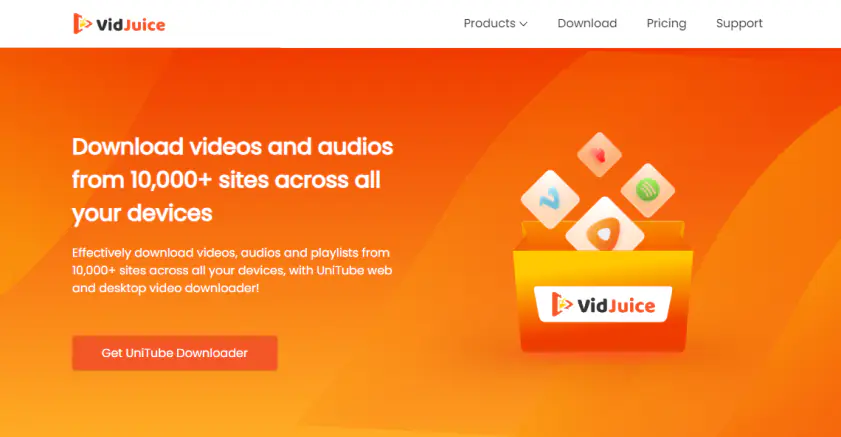
VidJuice UniTube is a powerful YouTube converter that helps users download video and audio files from various online platforms. It is a great conversion tool for those who want to save their content for viewing later.

This app supports Windows, Mac and Android devices. It is easy to use and packed with features that help users download content quickly and easily. It includes one-click downloads of multiple videos, channels and playlists, from Full HD to 8K, and compatibility with popular video and audio sites.

Pros:
  • Easy-to-use interface allows users to easily download videos from different platforms

  • Supports many websites, including YouTube and Facebook

  • Live streaming download available

  • Users can select video and music resolutions and formats

  • Advanced download acceleration technology

Cons:
  • There are restrictions on the free version, for example, the number of downloads is controlled

  • Video editing options not available

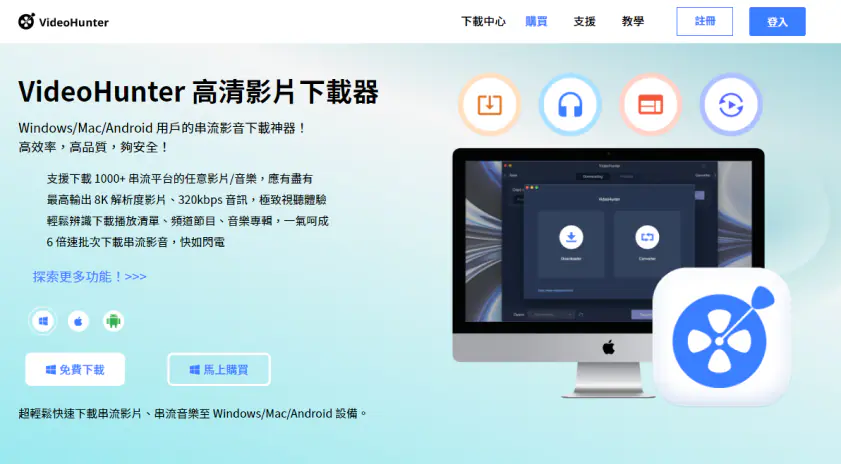
VideoHunter is a YouTube MP4 converter that works on Windows and macOS and has been well received by many users. The user interface of the app is simple and intuitive, no extra buttons, intuitive operation makes it easy to download videos.

After installation, users can automatically download their favorite videos and music tracks in just three easy steps.

VideoHunter can be tried for free and is compatible with videos and music from online platforms, such as YouTube, Facebook and popular websites. Whether you want to download MP4 videos or MP3 music or convert YouTube videos to MP4, VideoHunter also supports capturing YouTube playlists and channel content. It is great for performing multiple downloads at the same time, saving you time!

Pros:
  • Download 1080p, 4K and 8K high-definition video

  • Saves video subtitles in various languages as SRT/TTML files

  • Up to 6 times faster download speed, the best choice for multiple and automatic video downloads

  • Windows version supports proxy servers to circumvent restrictions on downloading videos with regional restrictions

  • Little space taken up by the software, no intrusive pop-up ads

Cons:
  • Register to get 3 free downloads per day

  • To download HD video or more files at a time, you must upgrade to the Pro version

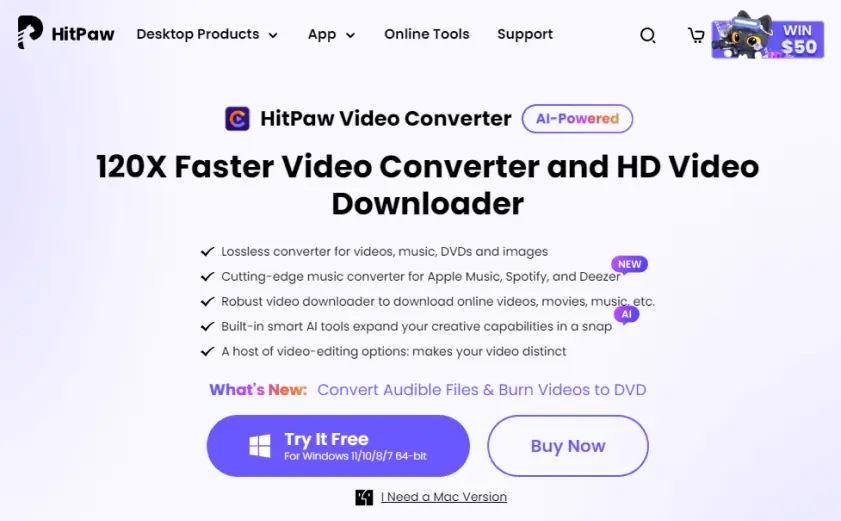
HitPaw Video Converter has the advantage of being more feature-rich than other YouTube to MP4 video downloading software. Besides the video downloading function, there are also video transcoding functions and many useful widgets.

The software allows you to download videos from the Internet at very high speed, such as videos from YouTube and other social platforms. If you need a high-performance download tool, HitPaw Video Converter is highly recommended!

Pros:
  • Available for free

  • Several video formats available

  • Integrated video editor

  • Lossless conversion, including videos, music, DVDs and pictures

  • Many useful functions, including AI tools

Cons:
  • Video editing functionality is still not perfect

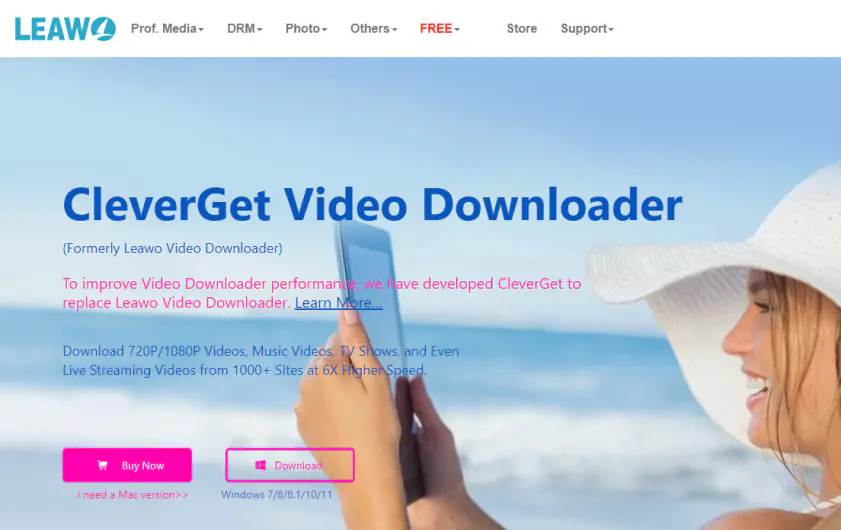
CleverGet (formerly Leawo Video Downloader) is an advanced YouTube converter that allows users to have an outstanding video downloading experience. This app can download videos from multiple streaming media services at high speed.

It can also download videos and music with audio tracks and multilingual subtitles.

CleverGet's main features include music and video downloads from more than 100 websites, support for live streaming videos from YouTube Live and multiple live platforms, capture of YouTube channels and full playlists, and support for 6x or faster online video downloads.

Pros:
  • Intuitive interface

  • Downloading 8K video

  • Supports all popular media streaming sites

  • Supports downloading live M3U8 connections

  • Hardware acceleration features

Cons:
  • The supported file formats are rather limited

  • The program interface cannot be resized and cannot be used in full screen mode

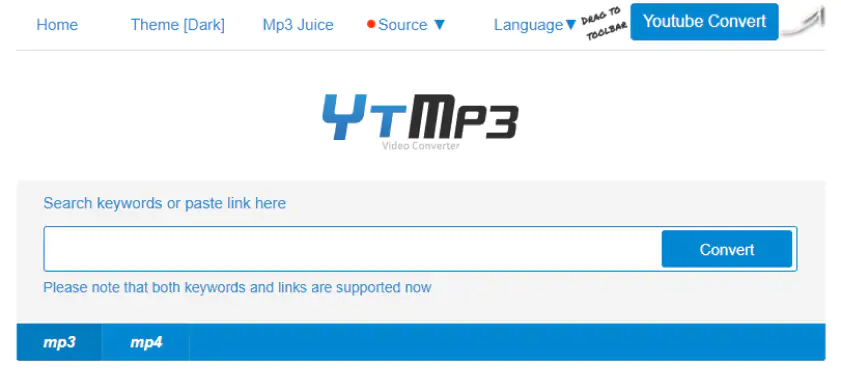
YTMP3.cc is currently one of the most popular online YouTube to MP4 websites. It is a convenient and free tool to download MP4 or MP3 files from YouTube via computers, tablets and cell phones without any installation or registration.

The operation is quite simple, users just need to copy the URL of the target YouTube video, paste it into the YTMP3.cc conversion URL field, then select MP3 or MP4. Finally, click the download button to save the converted file to your computer.

YTMP3.cc offers users the ability to convert and download unlimited files for free and can convert up to 90 minutes of video. So basically, users do not have to worry about the quantity limit of YTMP3.

Pros:
  • Free, virtually unlimited

  • Supports online conversion from YouTube to MP4 or MP3

  • Easy to use, copy and paste and one-click conversion

  • Web-based operation, so you can use computers, tablets and cell phones

Cons:
  • The web page is well designed, but pop-up ads may cause malicious plug-ins or software installation risks. We recommend associating good antivirus software.

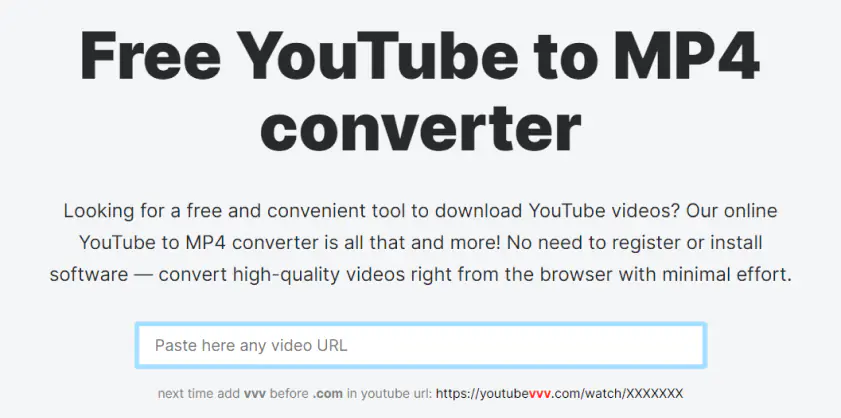
Wave.video is an all-encompassing cloud-based video creation platform that combines six essential video marketing features, including live studio, video recording, video editing, thumbnail tools, video hosting, and media library.

This online app is free and does not require registration. Copy and paste the YouTube URL directly into the URL input box on the screen. Then select the parameters on the screen, including: audio or video conversion, resolution, and finally click the Download button to get the video or music file.

If necessary, you can edit your video before downloading it. The free version of the app allows you to download 15-minute videos and adds a watermark. You can purchase a subscription to unlock more features.

Pros:
  • Free to use and no limit to the number of downloads

  • Three steps to capture YouTube video, easy to use

  • Easily transcode YouTube from anywhere in the world with any browser

Cons:
  • Poor automatic resolution recognition, need to pay for higher resolutions

  • Few file types supported

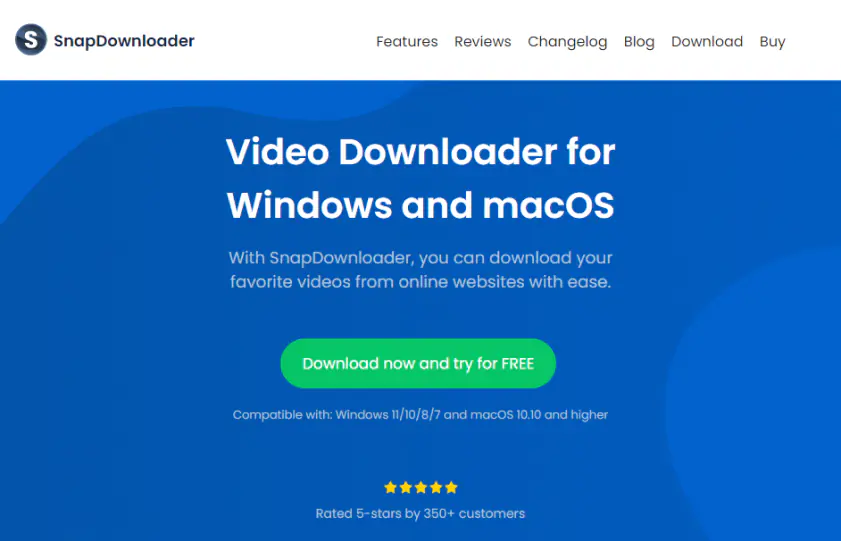
SnapDownloader is a YouTube converter that allows users to download videos from YouTube and other sites. It supports FHD and 8K HD resolution and offers parallel downloads.

It has a built-in format converter that allows users to get MP4, MP3, AVI, WMA or AAC as well as download, and it has a built-in easy cropping tool that provides basic video editing. The tool is free to start and offers monthly and lifetime paid subscriptions.

Pros:
  • Download multiple movies at a time from different websites

  • Download high-speed video and convert directly and quickly to MP3 and MP4 formats

  • Customizable file quality and size

  • Free lifetime updates available

Cons:
  • The free version is only available for 48 hours

  • No support for iOS or Android phones

Summary

Downloading videos for offline viewing avoids the delays of unstable network signals and eliminates advertising interference. Whether it is a movie, entertainment, cooking guide, or online tutorial, the smoothness is superior to watching an Internet stream.

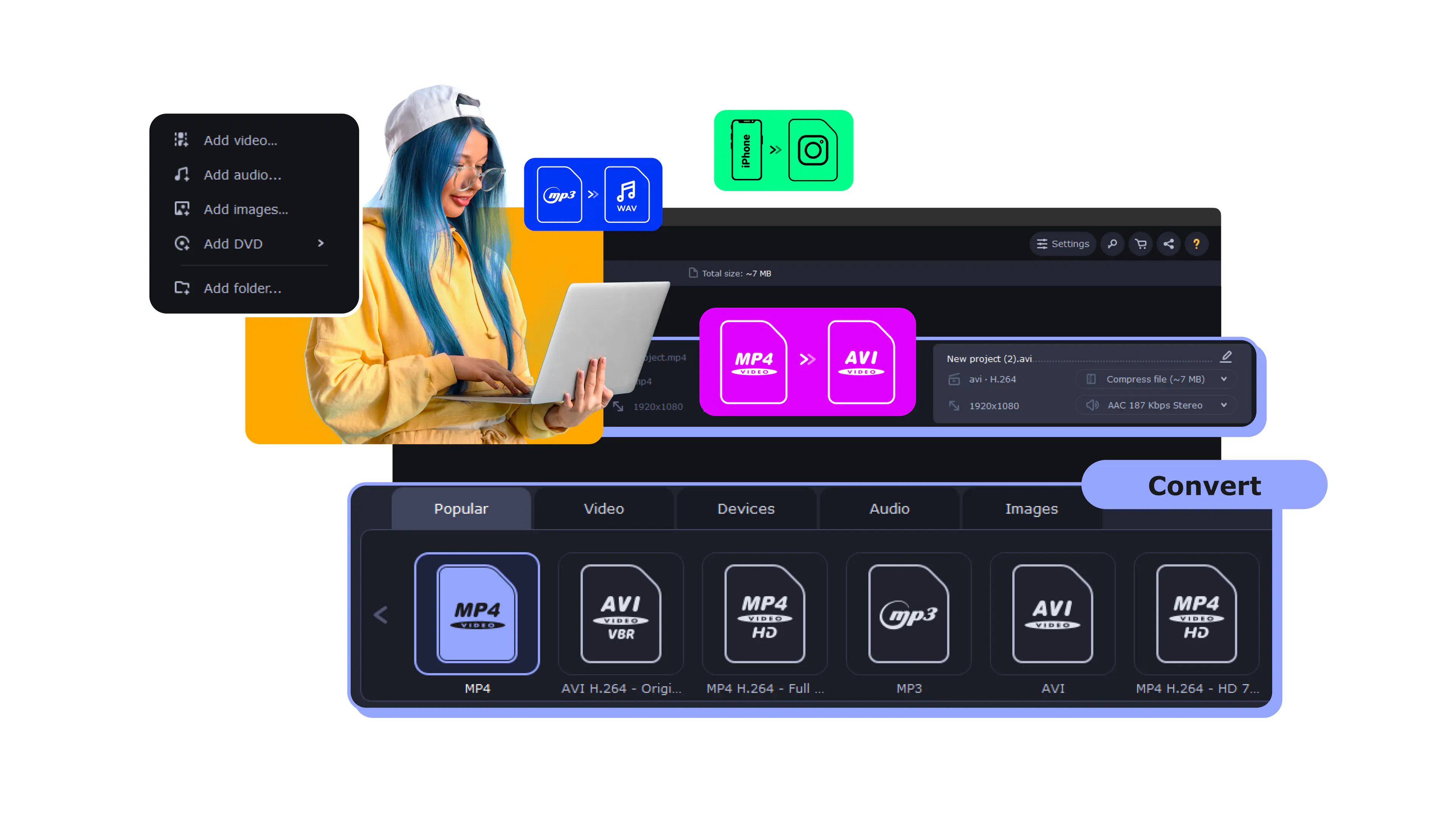
Since the YouTube to MP4 downloader conversion function is not the focus of the app's development, if you need to convert formats, we recommend using Movavi Video Converter! Its three main strengths include conversion of more than 180 video formats, fast conversion, and ease of use. It is the best tool for media format conversion!

Movavi Video Converter
The ideal way to get your media in the format you need!
Have questions?
If you can’t find the answer to your question, please feel free to contact our Support Team.
Join us for discounts, editing tips, and content ideas

1.5M+ users already subscribed to our newsletter

By signing up, I agree to receive marketing emails from Movavi and agree to Movavi's Privacy Policy.