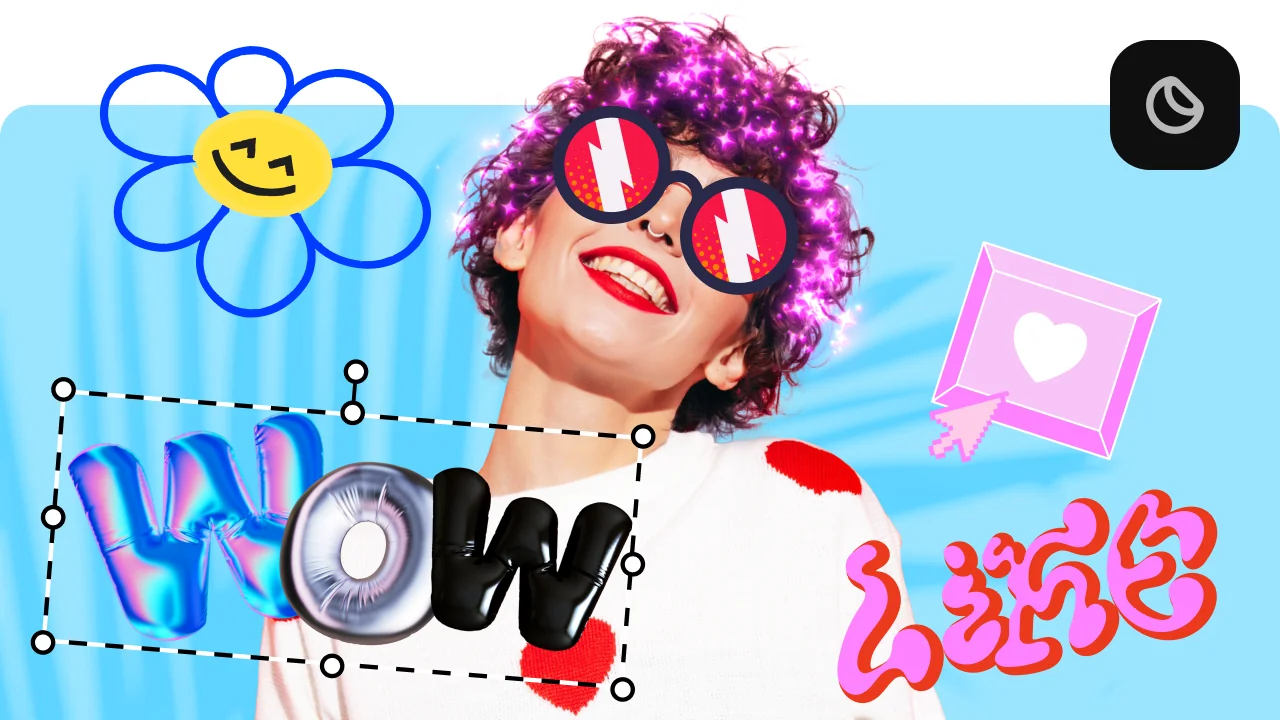
How to choose a video editor
Some of the most important features to consider are:
Simple, understandable interface
Cool visual effects
Wide selection of music and sounds
Automatic subtitles
The essentials for a video editor
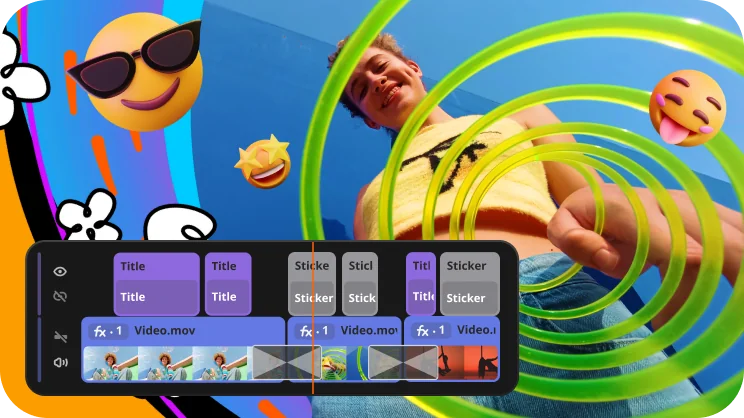
Simple interface
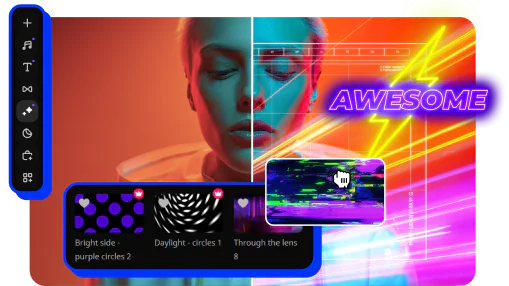
Effects
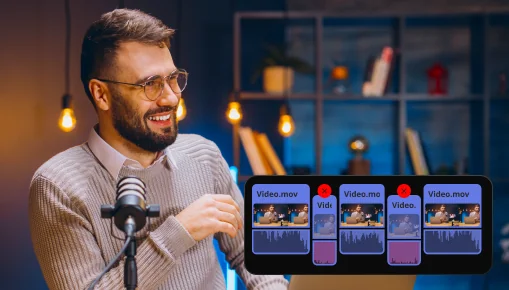
Music
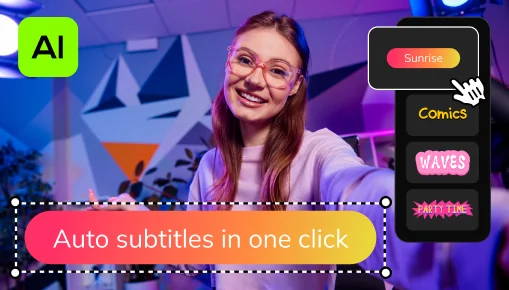
Auto subtitles
A clean, easy-to-use interface means you can jump in and start editing without spending hours figuring out where everything is. When the tools are where you expect them to be, you spend less time clicking around and more time actually making something great.
Effects are what give your video personality. A good filter can make shaky, dull footage look polished and intentional. Transitions keep the viewer's eye happy as you move from one clip to the next. Without effects, even well-shot footage can feel flat. With them, an ordinary video can look like it took twice as long to make.
The right track sets the entire mood and keeps people watching. Without music, videos can feel empty and awkward. Having a built-in music library also saves you from worrying about copyright issues, which is a real headache when posting to social media.
A huge number of people scroll through social media with their sound off. If there are no subtitles, they'll just keep scrolling. Auto subtitles solve this instantly by turning your spoken words into on-screen text without you having to type a single word.
Popular video editors
Try Movavi Video Editor and enjoy great results every time
Create videos for social media in a snap with auto-tracked cropping
Creating and editing videos for social media is now as easy as it gets. Crop videos while keeping the speaker or product centered – automatically. The tool follows the main subject and adjusts the frame on-the-go. Perfect for transforming horizontal clips into vertical while still highlighting what matters most.
Give your business a boost
Make engaging promo reels in minutes and win new customers! With our simple design, one-click AI tools, and handy presets, you’ll save a ton of time creating eye-catching brand videos.
Cheer up your loved ones
Quickly craft videos of family get-togethers, birthday parties, and holiday celebrations. In just a few clicks, you can preview and add titles, transitions, and music to make memories that will last forever.
All you need to create wow videos
One-click automatic subtitles
Let AI quickly turn your speech into text and automatically create captions for your videos in almost any language. Just choose the font, text color, position – and you’re all set!
Frame-precise cuts in a click
Give your videos a sharper look with the new Blade tool. Easily make precise cuts and create eye-catching montages like your favorite bloggers.
Sound effects for content that slaps
Make your videos more immersive with high-quality sounds: booms, keyboard clicks, a round of applause, a birthday cheer, even a “ba-dum-tss” for your jokes! Test out different audio presets to see how your voice sounds with radio, echo, robot, or other effects.
Adjustable effects
Enhance your videos in a click with new realistic effects – from dust particles and light leaks to retro-style and VHS. Every effect is fully customizable – so it will fit any clip perfectly and bring an extra spark to your edits.
Perfect-match overlay effects
Choose from 13 blending modes for each overlay effect. Try each of them with the press of a button and pick the one that fits your video perfectly.
AI background removal
No green screen needed. Built-in AI removes backgrounds from your videos and replaces them with anything you like.
Movavi Effects
Get Movavi Video Editor – and full access to a huge library of effects and background music
- Over 10,000 creative effects
- Rad stickers, transitions, titles, overlays
- 1,500 music tracks to fit any mood
- Free access to all effects for 7 days


1.5M+ users already subscribed to our newsletter