How to choose the right video editor
There are so many video editors out there. How can you choose the right one? We'll break down what's important and help you make a choice.
Features to look for
Simple interface
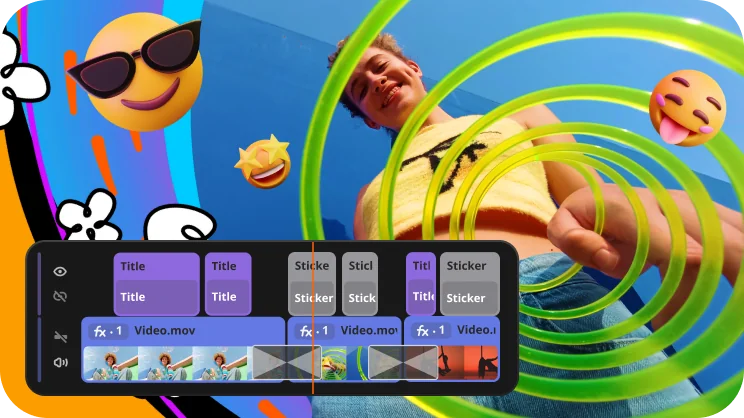
Not everyone who edits videos is a tech expert, and that's completely fine. A clean, easy-to-use interface means you can jump in and start editing without spending hours figuring out where everything is. When the tools are where you expect them to be, you spend less time clicking around and more time actually making something great. A confusing layout, on the other hand, can kill your motivation before you've even made your first cut. It makes the whole process less stressful, more enjoyable, and genuinely accessible to anyone – whether you're a teenager making your first YouTube video or a small business owner putting together a product reel.
Visual effects
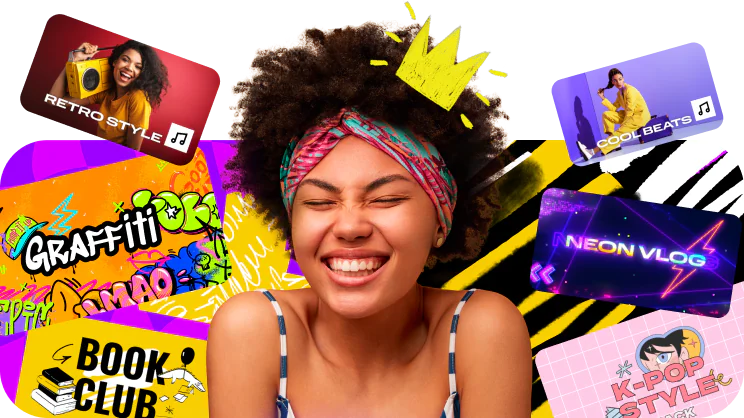
Effects are what give your video personality and make it feel finished. A good color filter can make shaky, dull footage look polished and intentional, while transitions keep the viewer's eye happy as you move from one clip to the next. Speed effects, overlays, and visual enhancements let you express a mood or style that plain footage simply can't convey on its own. Without effects, even well-shot footage can feel flat and forgettable. With the right ones applied thoughtfully, an ordinary video can look like it took a professional twice as long to make.
Music and sounds
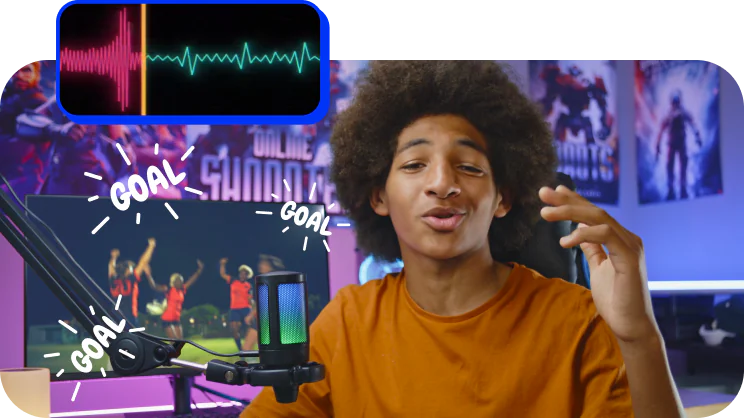
Think about any video that's ever given you chills or made you feel something – there was almost certainly music behind it. The right track sets the entire mood, fills awkward silences, and keeps people watching all the way to the end. Without music, videos can feel empty and a little cold, no matter how good the footage is. Having a built-in music library inside the editing app saves you from trawling through third-party sites and worrying about copyright issues, which is a very real headache when posting to platforms like YouTube or Instagram. The easier it is to find the right song, the better your final video will be.
Auto subtitles
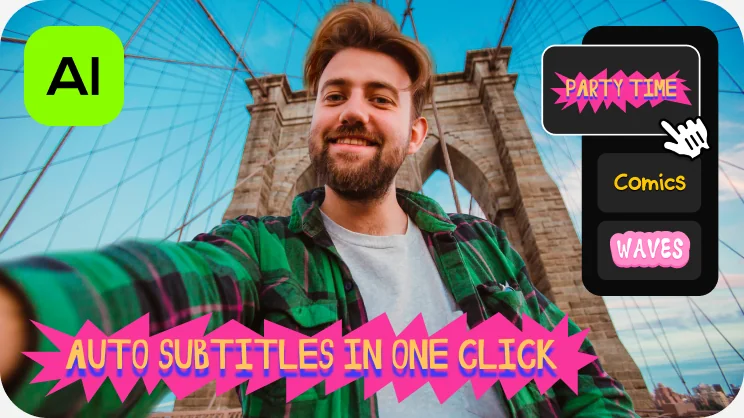
A huge number of people scroll through social media with their sound off – on the bus, at work, or just out of habit. If there are no subtitles, they'll simply keep scrolling without ever knowing what your video was about. Auto subtitles solve this instantly by turning your spoken words into on-screen text without you having to type or time a single word yourself. That alone saves a significant amount of time, especially if you're producing content regularly. It also makes your videos more inclusive for people who are deaf or hard of hearing, and it can even help with search visibility since platforms can read the text and better understand what your content is about.
Popular video editors
Try Movavi Video Editor and enjoy great results every time
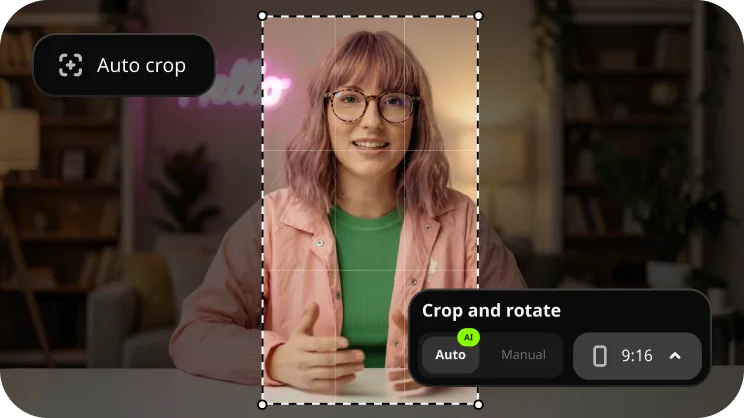
Try auto-tracked cropping
Crop videos while keeping the speaker or product centered – automatically. The tool follows the main subject and adjusts the frame on-the-go. Perfect for transforming horizontal clips into vertical while still highlighting what matters most.
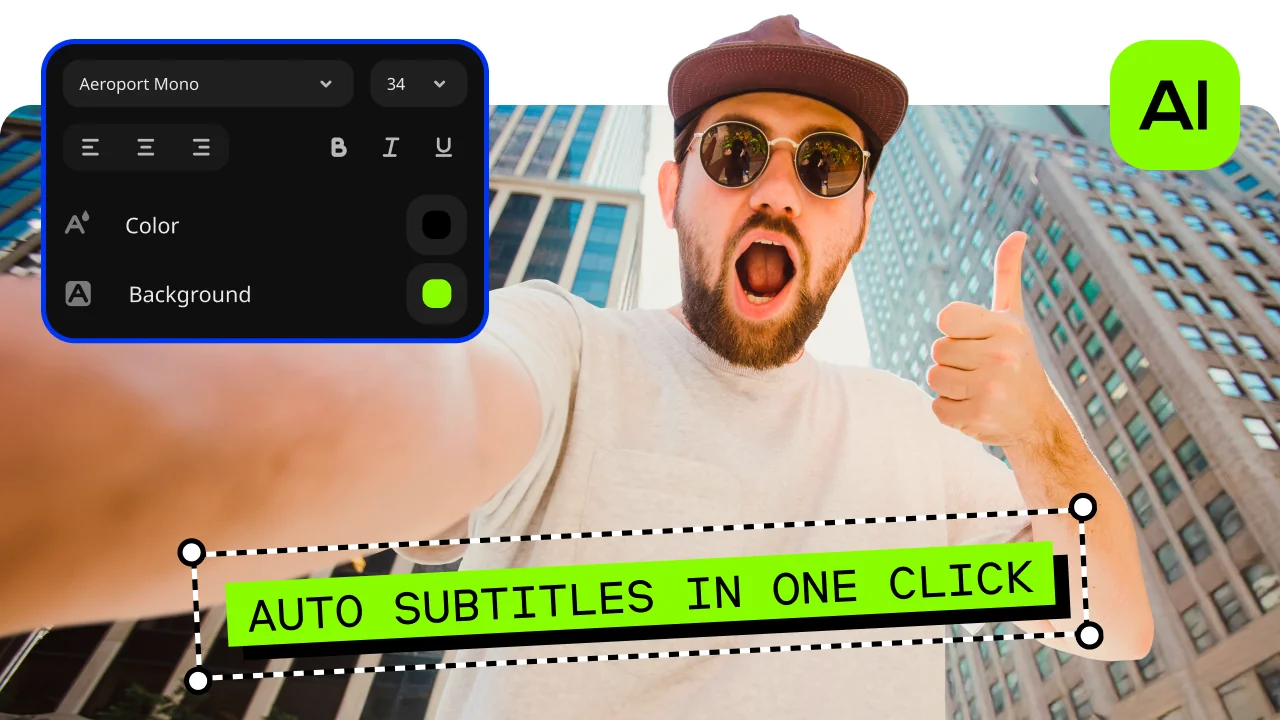
Give your business a boost
Make engaging promo reels in minutes and win new customers! With our simple design, one-click AI tools, and handy presets, you’ll save a ton of time creating eye-catching brand videos.
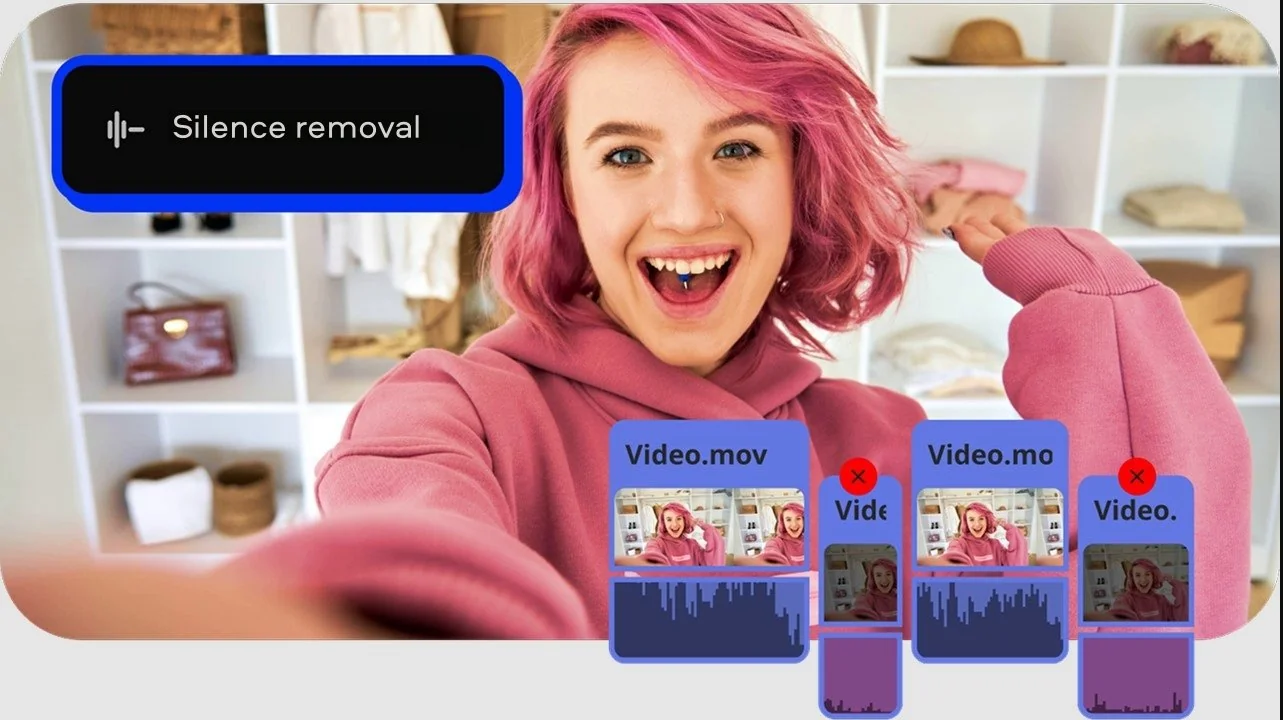
Cheer up your loved ones
Quickly craft videos of family get-togethers, birthday parties, and holiday celebrations. In just a few clicks, you can preview and add titles, transitions, and music to make memories that will last forever.


1.5M+ users already subscribed to our newsletter