Step 1. Install and run the program
Install the program following the guidelines on your screen.
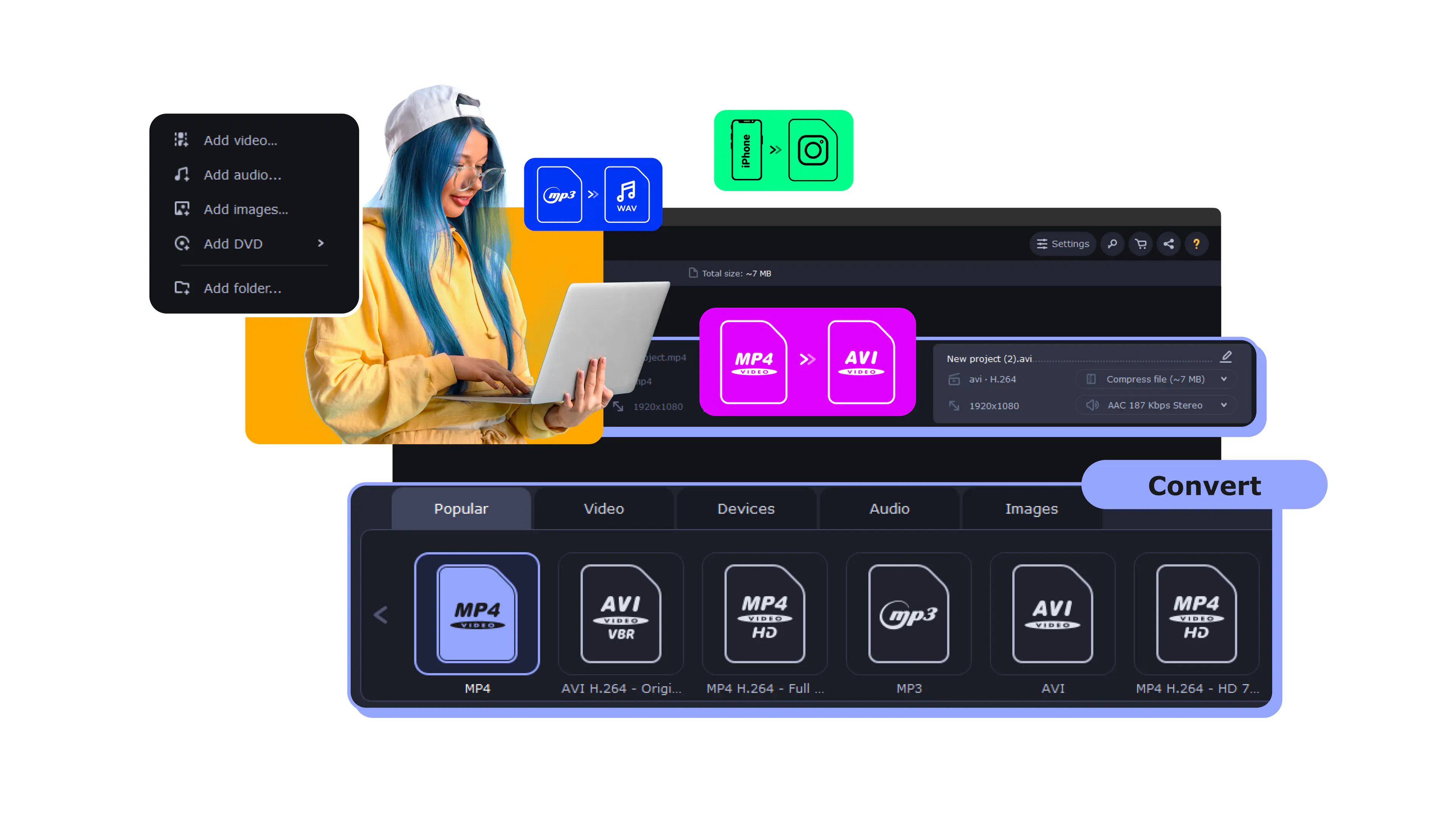
Try Movavi Video Converter!
Lightning-fast conversion
Batch processing of files – any number, any size
No quality loss, even with 4K videos
Easy editing and compression
You’ve probably noticed that fewer and fewer new laptops and desktop computers are equipped with a built-in DVD drive. The use of physical media has been in decline for some time, and sooner or later it’s going to be difficult to play back your DVD movie collection. If you’re wondering how to rip your DVDs* to AVI or another digital format such as MP4, MPEG, and FLV without getting a degree in multimedia engineering, there is a simple solution. Its name is Movavi Video Converter. This easy-to-use software for Windows or Mac is designed to make video conversion as easy and fast as can be. It'll help you to transfer your DVD video into digital files in four simple steps.
Download Movavi Video Converter and start converting DVD to AVI yourself. Just follow our step-by-step tutorial below and you’ll have a digital movie library in no time.
Install the program following the guidelines on your screen.
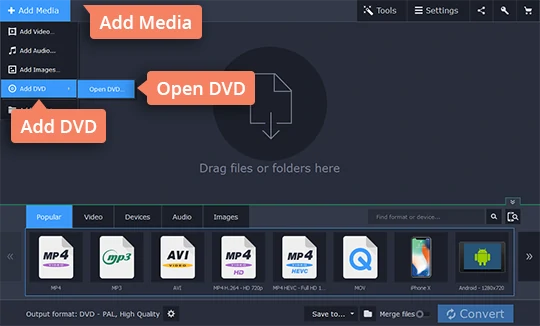
Hit Add Media, then select Add DVD, and click Open DVD. Find the VIDEO_TS folder on your DVD and click Select Folder to add the files to the conversion list.
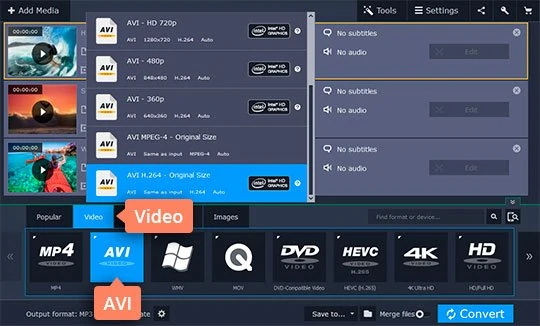
Go to Video at the bottom of the program window. Expand the list of AVI formats and choose a specific type of AVI, for example with a different codec or resolution.
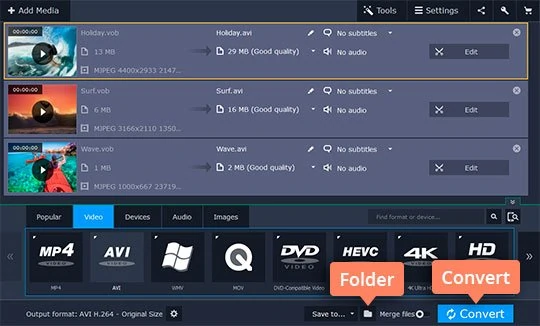
Make sure the correct Save to folder is selected and click Convert to start ripping your DVD. Using Movavi Video Converter, you can encode most file types both ways, so it’s also possible to convert AVI to the DVD (.vob) format or any of the other 180+ presets.
* Disclaimer. Please be aware that Movavi Video Converter does not allow to convert copy protected videos and DVDs.




1.5M+ users already subscribed to our newsletter