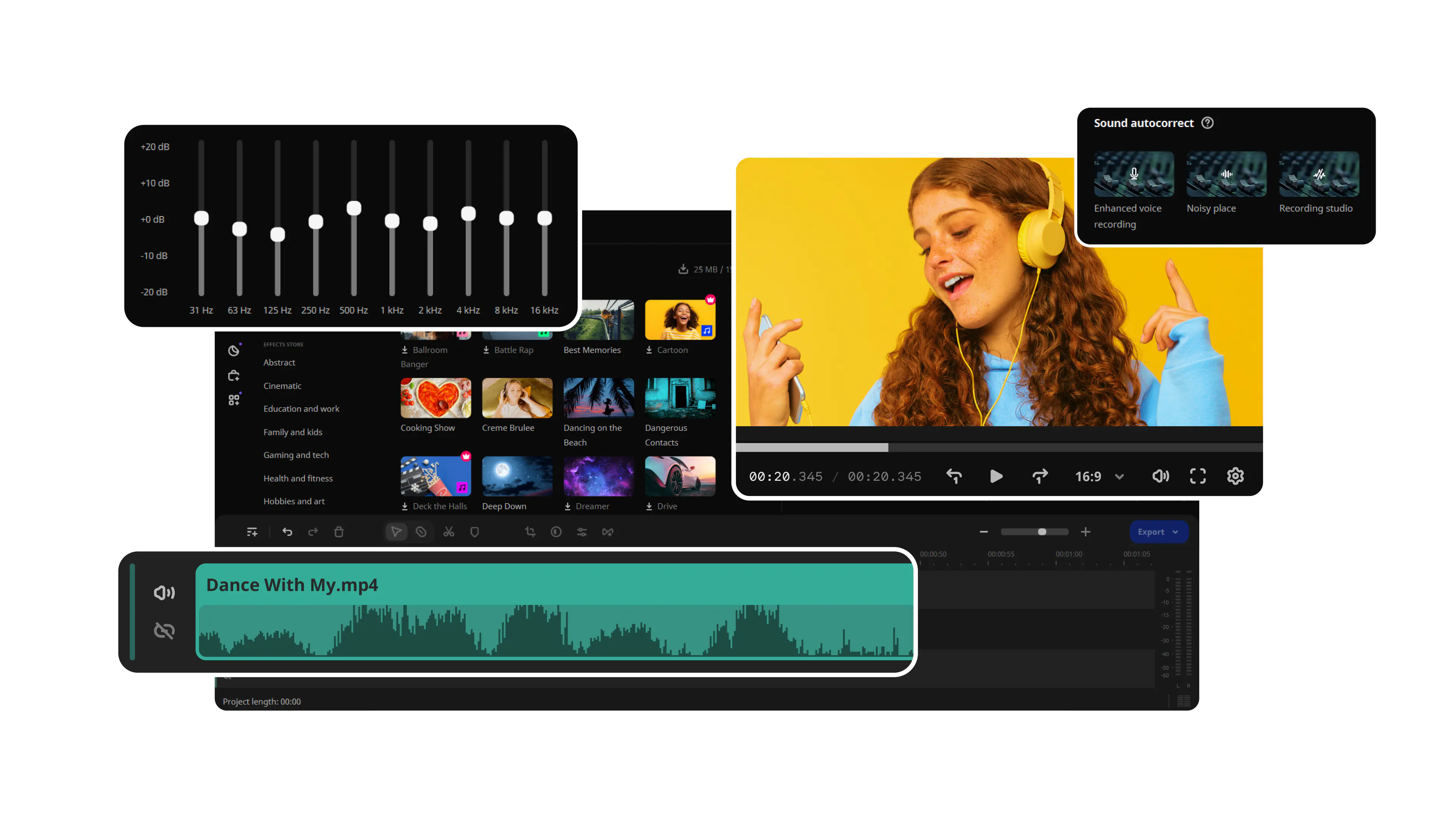

Looking for a video volume booster?

Try Movavi Video Editor!

By clicking the download button, you're downloading a free version of the program.*

How to make a video louder

Is your video a little too quiet? This has probably happened because you were too far from the sound source, or you accidentally covered the microphone on your camera. No matter why it happened, you can still fix it if you increase the video volume. To make a video louder on a computer, download the Movavi Video Editor and adjust the audio volume of your videos in just a few short steps.

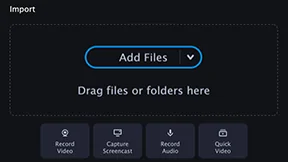
1. Add your files to the program

Click Add Files to choose the videos, photos, and music you want to use for making your movie. You can upload as many files as you need in one go.

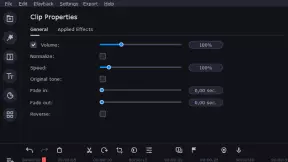
2. Boost the volume of the video

Select the added file and click Clip Properties. In the General tab of the sound increaser, just drag the Volume slider to make the video louder.

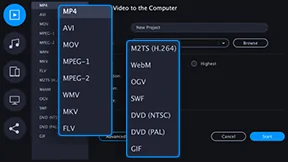
3. Save and share your video

To save your video, just click the Export button. When you’ve chosen your desired option, click Start to save your movie.

Enhance your videos with other awesome features!

Experiment with filters and ready-made intros – Movavi Video Editor has plenty of editing tools to create a stunning video.

Movavi Video Editor
Create awesome videos easily

*The free version of Movavi Video Editor may have the following restrictions depending on the build: watermark on exported clips, 60-second video or 1/2 audio length limit, and/or some advanced features unavailable when exporting videos.

Join us for discounts, editing tips, and content ideas

1.5M+ users already subscribed to our newsletter

By signing up, I agree to receive marketing emails from Movavi and agree to Movavi's Privacy Policy.