*The free version of Movavi Video Editor may have the following restrictions depending on the build: watermark on exported clips, 60-second video or 1/2 audio length limit, and/or some advanced features unavailable when exporting videos.

Video Cutter from Movavi
Сut, rearrange, and trim clips in the timeline
How to cut a video with Movavi Video Editor
Movavi Video Editor is the only video cutter you need to easily cut videos the way you want. It will only take a few minutes!
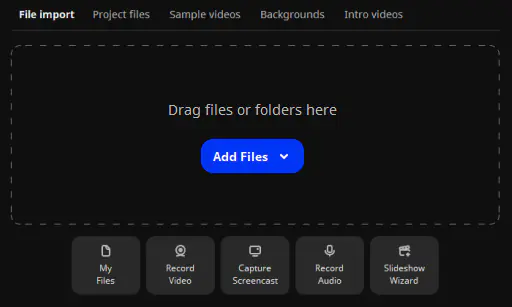
1. Upload your video
Open the file or simply drag-and-drop it to the editing panel.
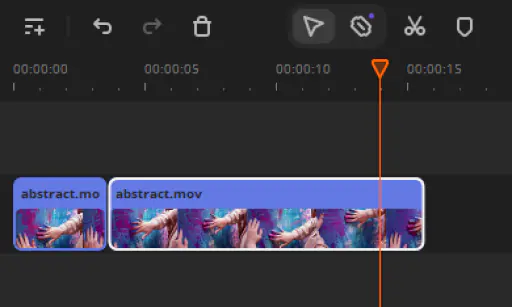
2. Cut a video with a few clicks
Split the video anywhere by simply clicking a button. Then you can move the cut segment around as needed or just delete it.
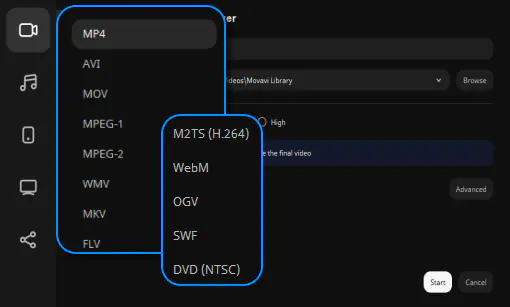
3. Save the result
Save your file in one of the many supported video or audio formats, or upload it online right from within the program.
Enhance your videos with other awesome features!
Begin making awesome videos with our intuitive interface and a collection of cool effects. Experiment with filters, add atmospheric transitions, titles, and ready-made intros – it’s all available to you for free.
1.5M+ users already subscribed to our newsletter