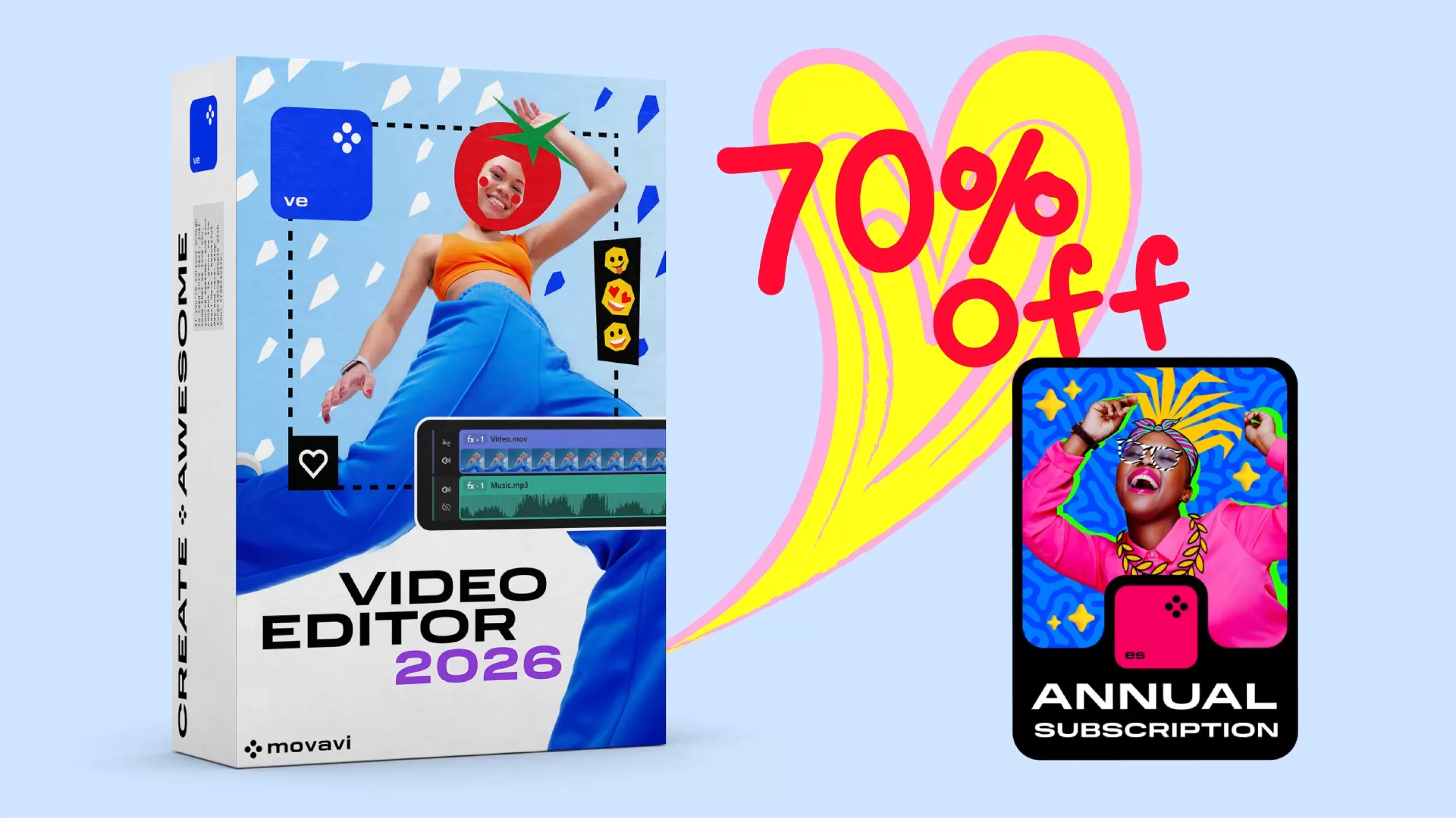
70% off Movavi Video Editor + Effects for a full year
An intuitive video editor and 10,000+ effects for every occasion
- Fast and easy editing: cut, crop, adjust colors and speed
- One-click AI tools: auto subtitles, noise removal, and more
- Automatic noise removal, a wide selection of music and sound effects
- Thousands of filters, transitions, titles, overlays
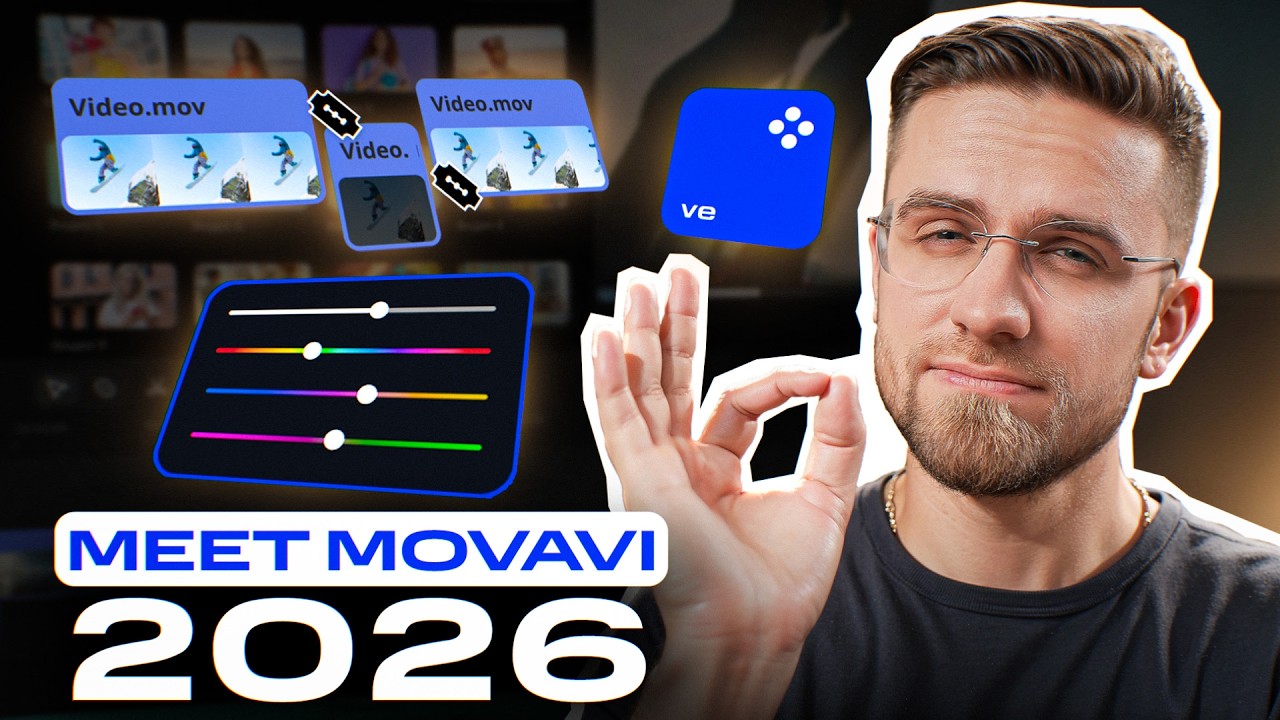
What’s New in Movavi Video Editor 2026
Have you updated yet?
Here’s what’s new in the latest version: silence removal and other smart AI tools, plus fresh effects and new auto-caption styles.
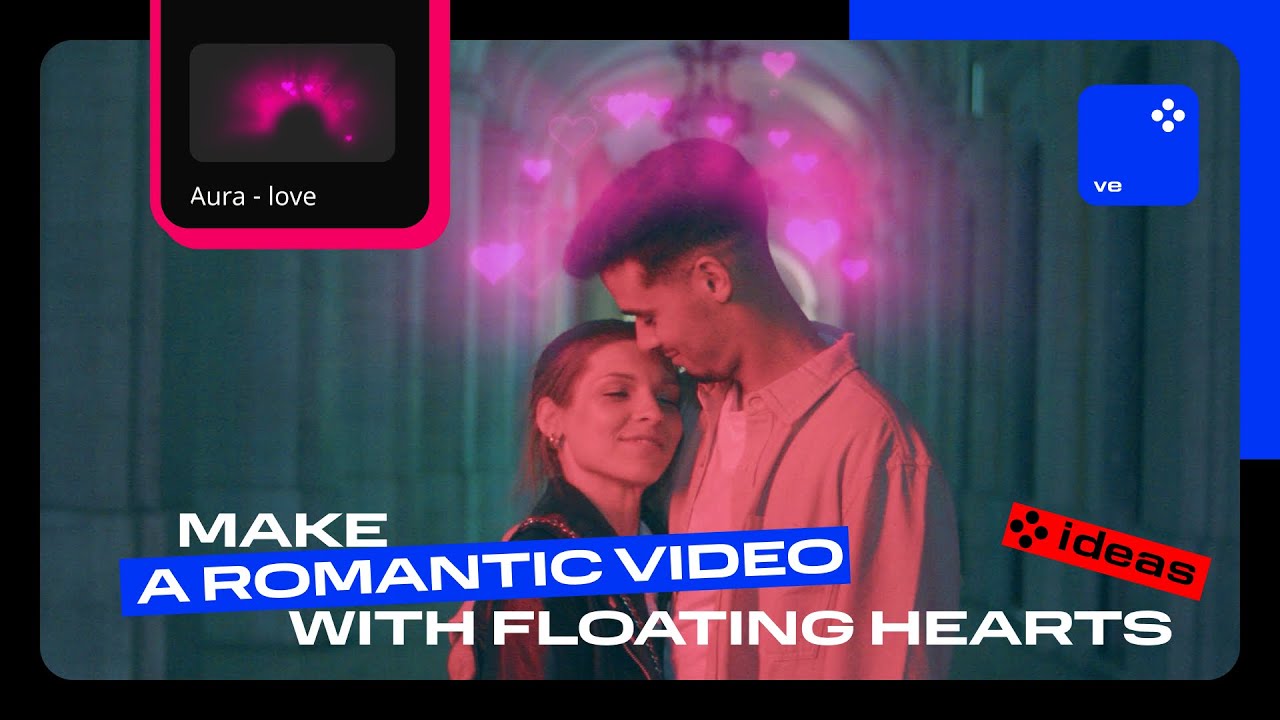
Ideas for romantics
Keep the love going all year
Add a heart overlay, slow down your footage, choose soft background music – even an ordinary evening will turn into a memorable movie moment.
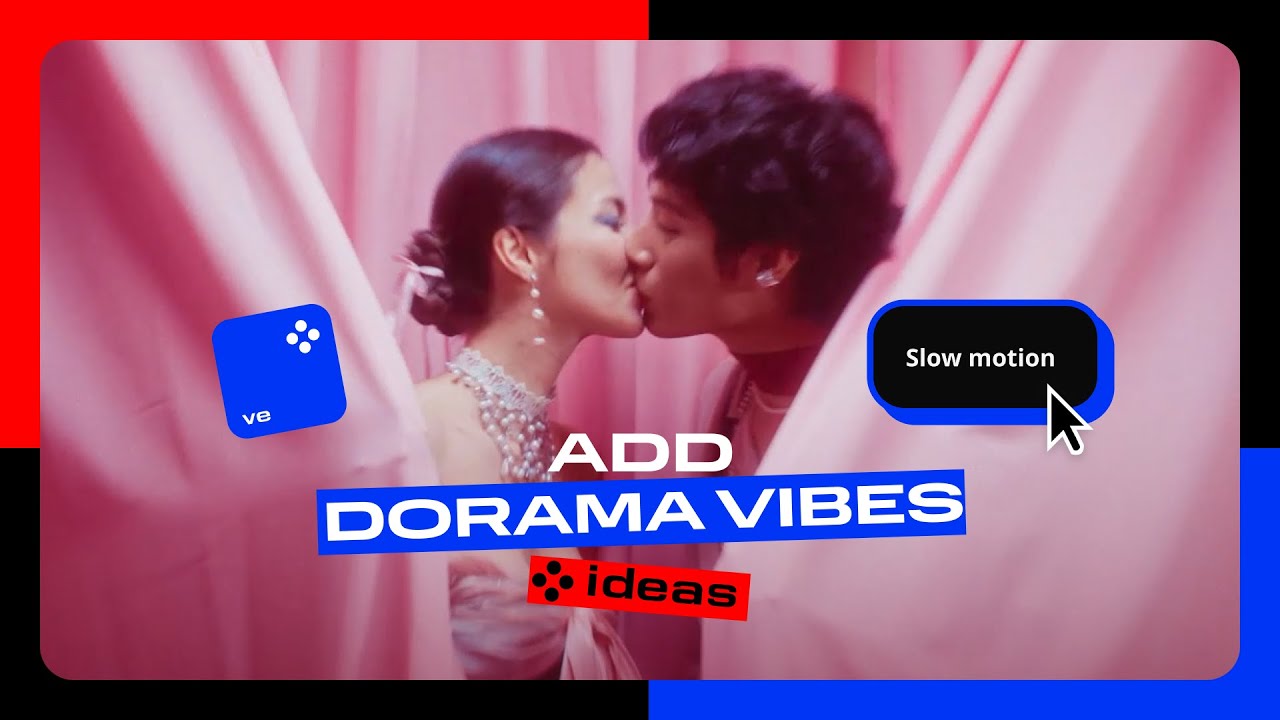
Create a K-drama-style edit
Slow motion, flash transitions, automatic captions – suddenly your video feels like a scene from your favorite romantic series.
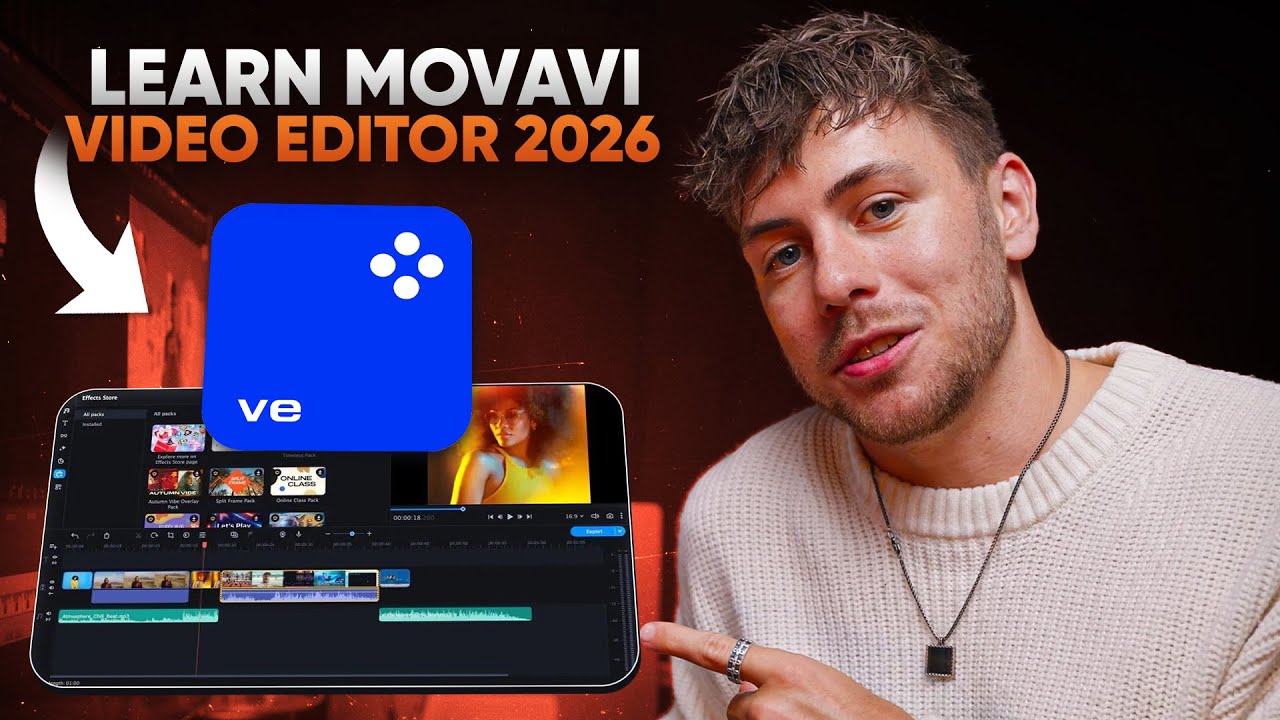
Learn Movavi Video Editor with Matthias Dangl
Matthias Dangl is the filmmaker, content creator, and video expert behind a popular YouTube channel. His step-by-step beginner tutorial covers editing basics, animations, text, and video effects. Plus, let’s discover how AI tools can help speed up your workflow and make content creation even easier.
Shoot more. Edit faster
We’ll help you get that wow result in no time. Check out our YouTube channel for practical, easy-to-follow tutorials. Here are our latest videos:
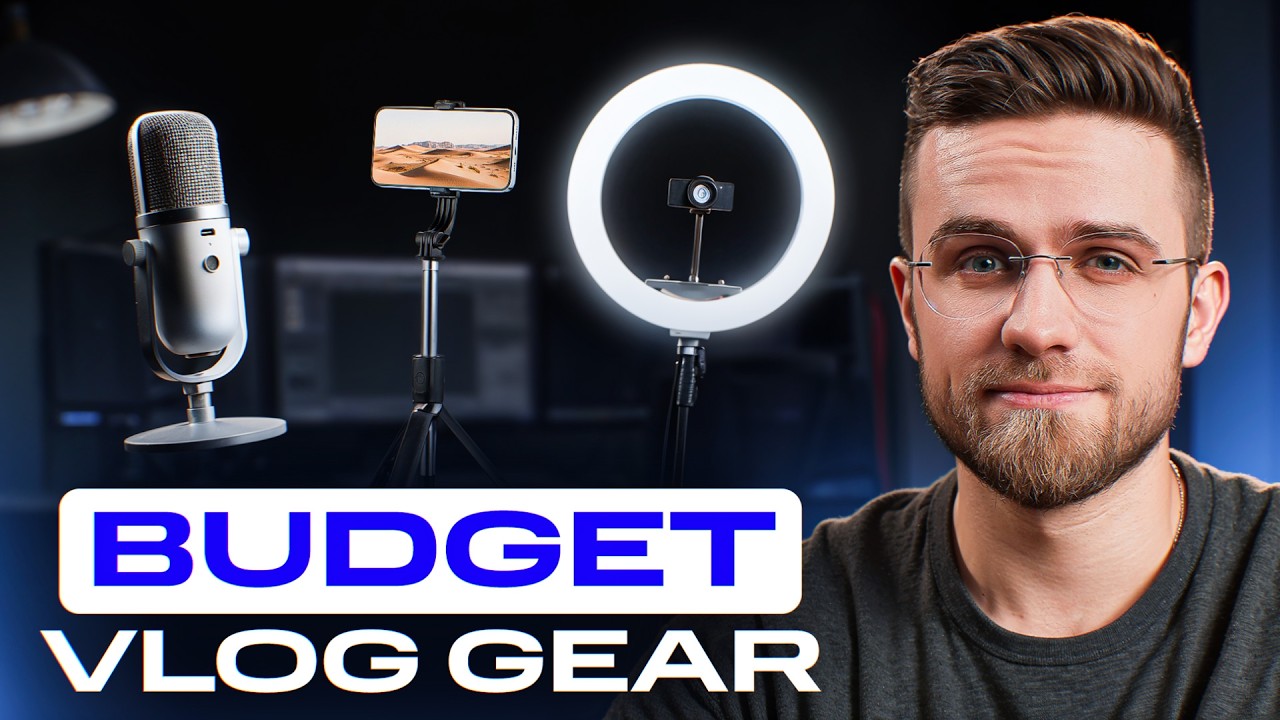
Affordable Filming Gear
In this video, we break down creating a budget-friendly filming kit: home lighting, phone tripods, lavalier and USB microphones, and more. We’ll show specific models, explain what to look for, and highlight common beginner mistakes.
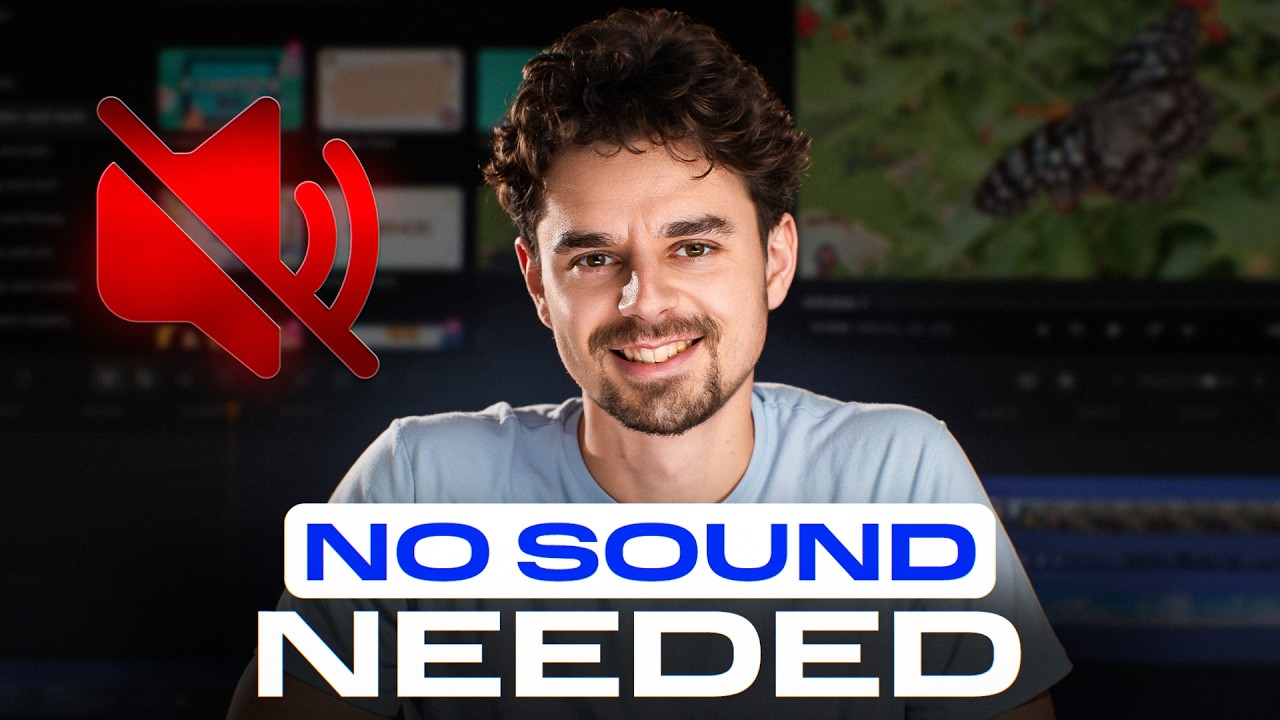
How to Add Subtitles to Any Video Automatically
Step-by-step, we show you how to create subtitles without typing them manually. Choose your language, enable automatic English translation if needed, and customize the layout – one or two lines. The whole process takes less than a minute, even for longer videos.
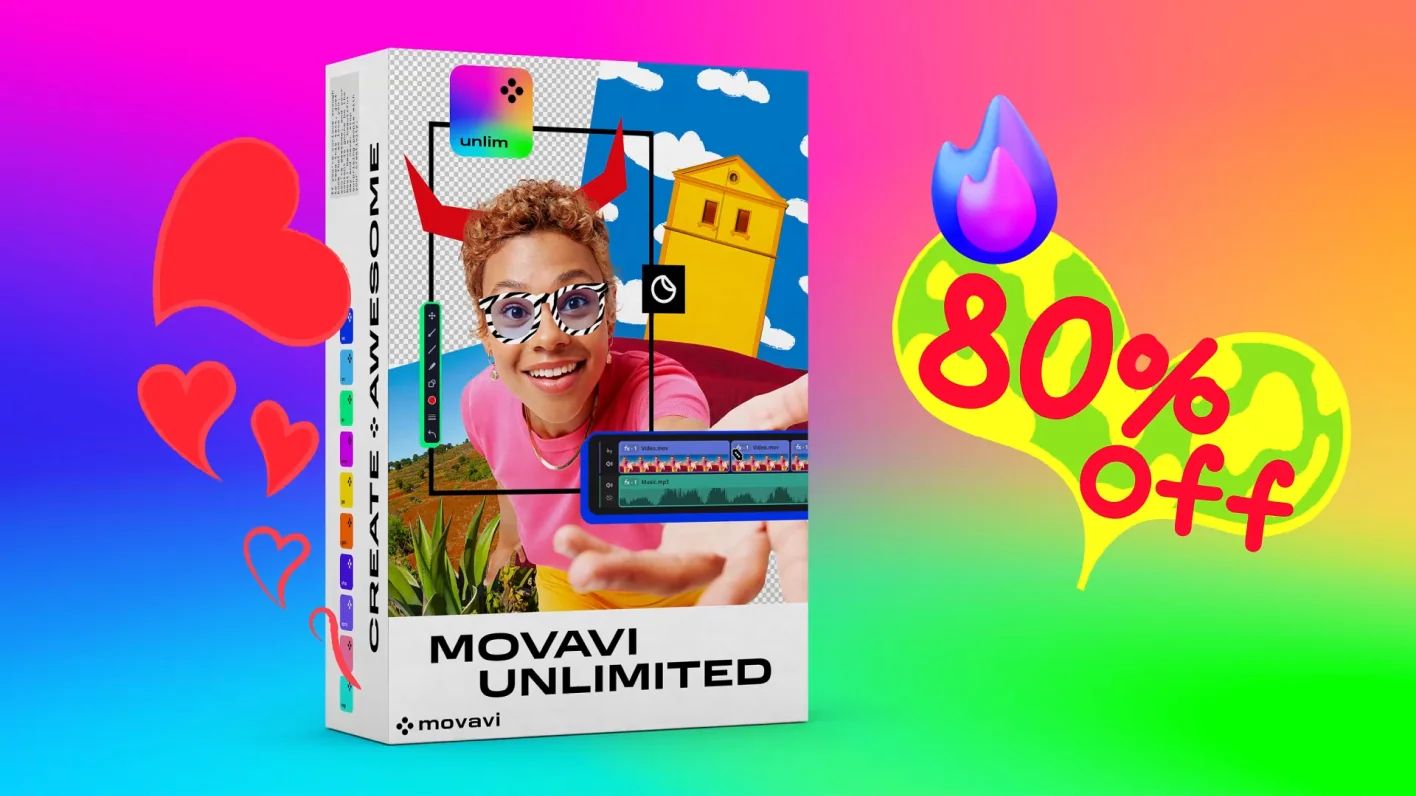
Want it all in one bundle?
No explanation needed – get Movavi Unlimited. All our programs in one: video and photo editing, plus 10,000+ effects. Now 80% off.
Join us for discounts, editing tips, and content ideas


1.5M+ users already subscribed to our newsletter