
Top 8 M4P to MP3 Converters to Use in 2026

Try Movavi Video Converter!

  • Lightning-fast conversion

  • Batch processing of files – any number, any size

  • No quality loss, even with 4K videos

  • Easy editing and compression

Edited by
Ben Jacklin
16,775

In this guide, we're exploring the best ways to convert M4P to MP3. M4P is a DRM-protected audio format used by Apple for iTunes purchases made before 2009 and for downloaded Apple Music tracks. Because of Apple's FairPlay DRM encryption, standard online converters physically cannot process these files. To convert M4P to MP3, you must use specialized software that bypasses the DRM via virtual audio recording, or rely on the official iTunes CD-burning workaround. Read on to discover the tools and methods that actually work.

Program

Main advantages

Read more

Fast conversion speeds

Best M4P-to-MP3 converters

Easy M4P Converter is a free way to convert M4P to MP3 that can easily remove the DRM protection from iTunes M4P. It is possible to extract the audio files from iTunes while retaining 100% of the quality. This software has two versions so it can be used on both Mac and Windows. It also retains the ID tags from the original song without iTunes being required.

The converter outputs to a lot of different media file formats that users can choose between and is simple to use. The free version limits some of the functionality, though, meaning that users need to pay if they want to unlock all of its features.
Pros:
  • Choose from a variety of output files

  • Fast conversion speeds

Cons:
  • Limited use on the free version

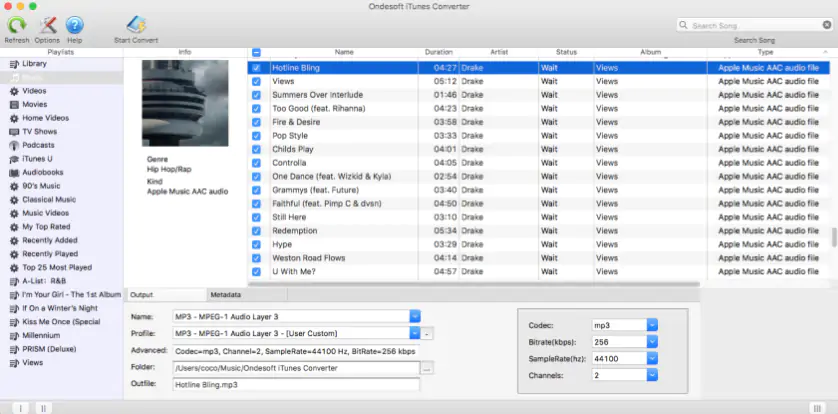
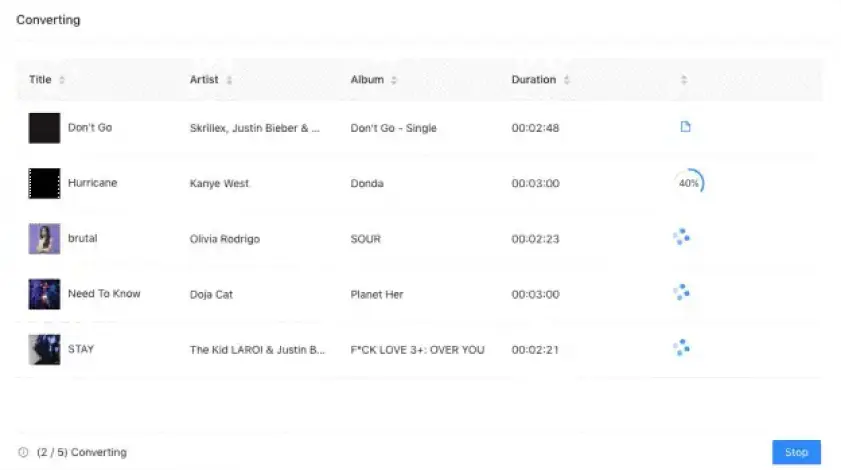
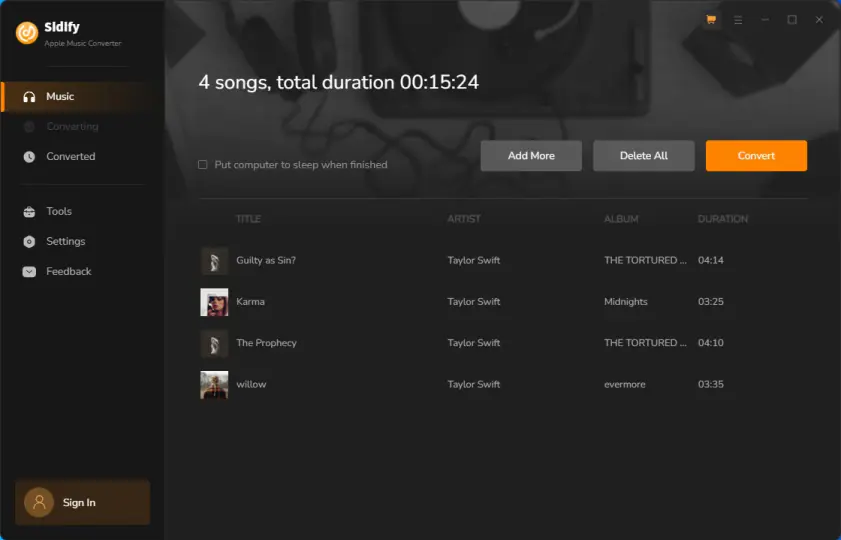
This software is a robust tool for bypassing Apple's DRM. Rather than directly altering the file code, it uses a virtual soundcard to record the Apple Music and iTunes audio streams in the background at accelerated speeds, saving them into widely-used formats like MP3, AAC, and WAV. It preserves original audio quality, song lyrics, and ID3 tags.

Featuring a 10X faster conversion speed, this also includes an integrated ID3 tag editor, AI audio splitter, and CD burner so that users can burn Apple Music directly onto CDs with a single click. This is something not everyone will want to do, but it can be useful for storing a lot of audio files.

This software has both a Windows and a Mac version and comes with a one-time fee to get started. Users can also download a free trial version.

Pros:
  • Includes a CD burner option

  • Has an integrated ID3 tag editor

  • Supports all popular audio formats

Cons:
  • Not a completely free tool

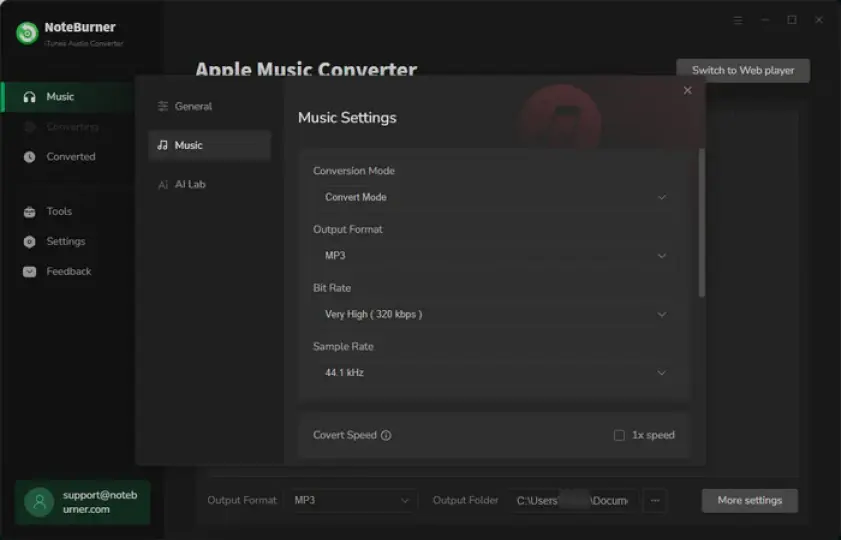
NoteBurner iTunes Audio Converter for Windows is software designed to take your Apple Music and iTunes purchases and turn them into more commonly-used audio formats. It converts Apple Music tracks as well as older iTunes M4P songs, audiobooks, and podcasts into widely-used formats like MP3.

The software preserves original audio quality and ID3 tags so your music won’t suddenly be unrecognizable. Operating at 10X faster speed, it ensures seamless and efficient conversion. Beyond conversions, NoteBurner offers additional features such as CD burning, ID3 tag editing, and AI-powered vocal separation – very similar to the Sidify converter option. Compatible with the latest iTunes and Windows versions, it includes free updates, multi-language support, and a customizable interface. It isn’t the cheapest option and can work out expensive when paying for monthly memberships.

Pros:
  • Customizable interface

  • Fast conversions

  • Supports Apple Music tracks and older iTunes M4P audio files

Cons:
  • Quite expensive for long-term use

4. iTunes / Apple Music (CD Burning Method)

If you don't want to download third-party "greyware" to bypass DRM, you can use a 100% legal and free workaround built right into iTunes (or the Apple Music app on macOS). Apple permits users to burn their DRM-protected M4P purchases to a physical CD-R. Once the playlist is burned to an Audio CD, the DRM encryption is stripped away. You can then immediately rip that same CD back into your iTunes library, but this time selecting MP3 as the import encoder in your settings. If your computer lacks a CD drive, you can use virtual CD burner software to replicate this process digitally.

Pros:
  • Completely free and legal

  • No sketchy third-party software required

Cons:
  • Requires a CD/DVD drive (or virtual drive setup) and blank discs

  • Time-consuming for large music libraries

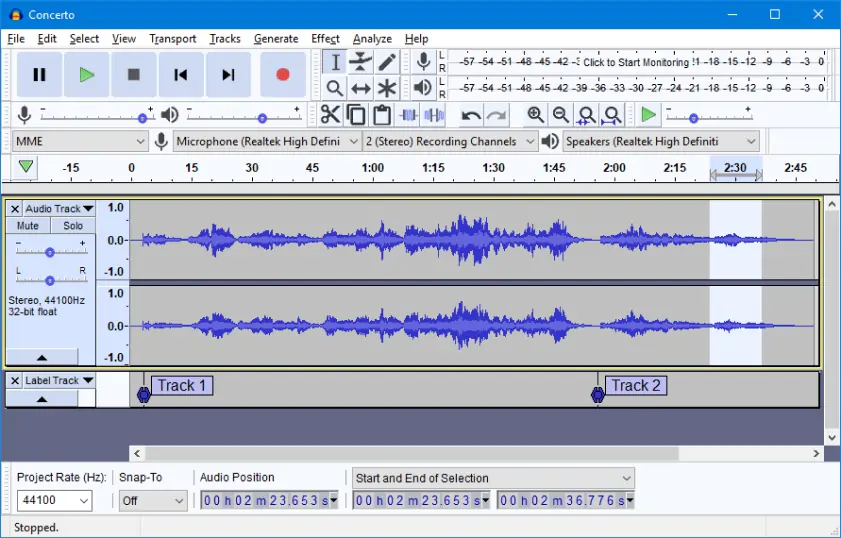
Audacity is a free, open-source audio editor that can be used to bypass M4P DRM using a technique called "loopback recording." Because online converters cannot crack Apple's encryption, recording the audio as it plays on your computer is the most reliable free method. By setting your audio host to Windows WASAPI (on PC) and selecting loopback recording, Audacity will capture the exact audio stream coming out of your speakers while you play the M4P file in iTunes. Once recorded, you can trim the track and export it directly as an MP3. 

Pros:
  • 100% free and open-source

  • Bypasses DRM without violating encryption laws 

Cons:
  • Records in real-time (a 4-minute song takes 4 minutes to process)

  • Requires manual cropping and ID3 tagging

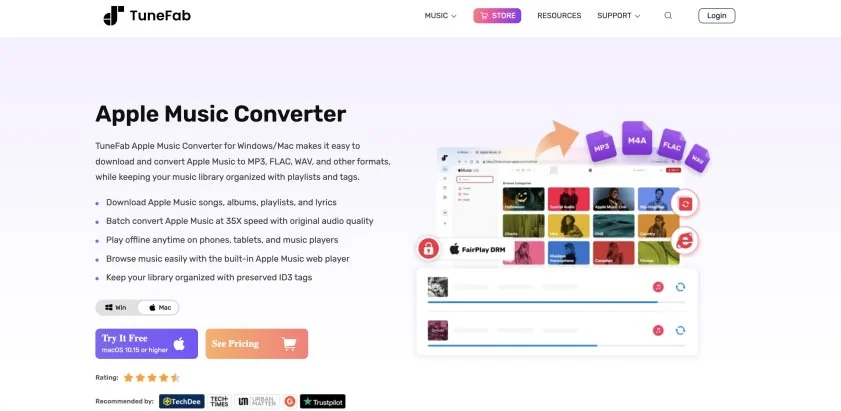
TuneFab is a highly popular commercial tool specifically engineered to strip DRM from Apple Music and M4P files. Instead of requiring you to install iTunes, modern versions of TuneFab feature a built-in Apple Music web player. You simply log in, select your playlists, and the software records and converts the tracks into DRM-free MP3s in the background. 

Pros:
  • Built-in web player (no iTunes needed)

  • Retains ID3 tags and metadata 

Cons:
  • Paid software (free trial is heavily restricted)

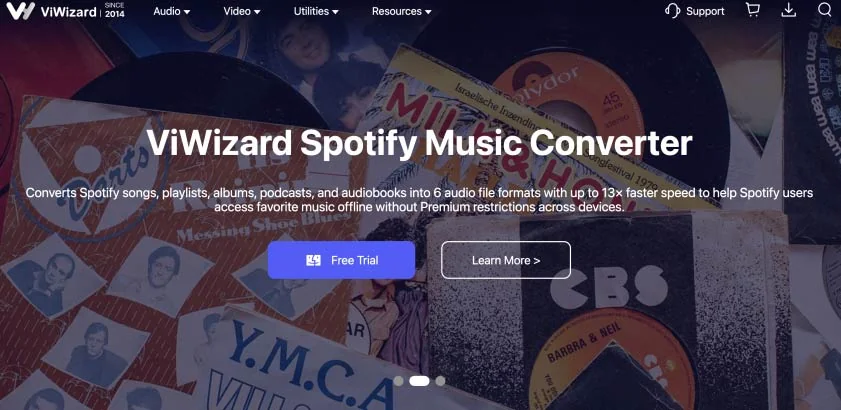
ViWizard is a dedicated audio DRM removal tool that handles not just M4P songs, but also DRM-locked Audible audiobooks (AA/AAX) and Apple podcasts. It records the encrypted streams at high speeds and outputs crisp MP3s. It's an excellent choice if your Apple library extends beyond just music. 

Pros:
  • Handles Apple Music, M4P, and audiobooks

  • High-speed batch processing 

Cons:
  • Requires an active iTunes installation to work properly

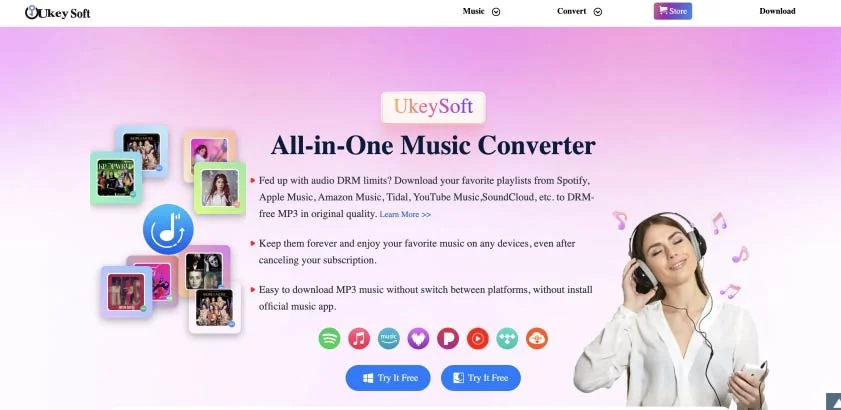
Similar to TuneFab, UkeySoft accesses your Apple Music library to bypass DRM restrictions, allowing you to convert M4P tracks to MP3, M4A, AAC, or FLAC. It boasts up to 10X conversion speeds on Windows and preserves the original audio quality seamlessly.

Pros:
  • Lossless audio quality retention

  • Very fast processing speeds on Windows 

Cons:
  • Premium pricing model

Convert files on a PC and Mac with Movavi Video Converter

Important Note: Due to strict copyright regulations, Movavi Video Converter does not support the removal of DRM protection from older M4P files or active Apple Music tracks.

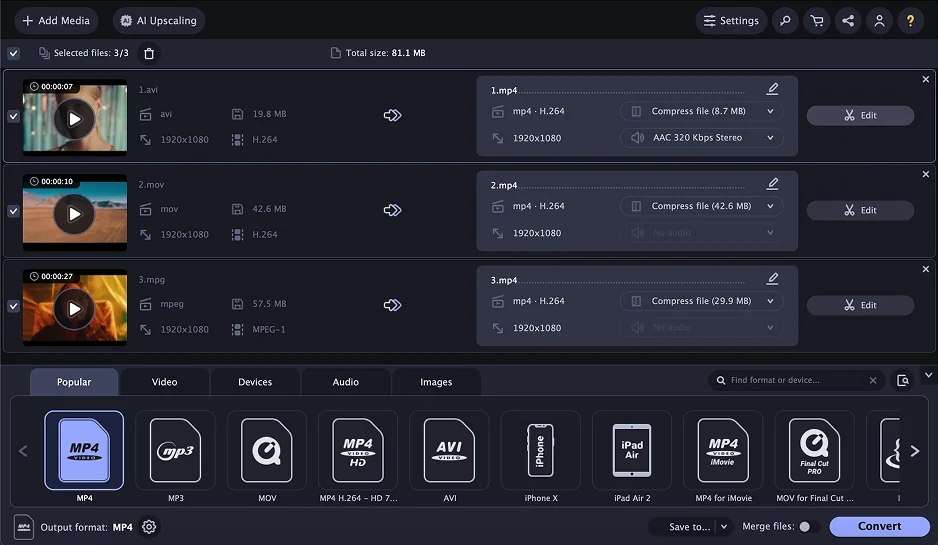
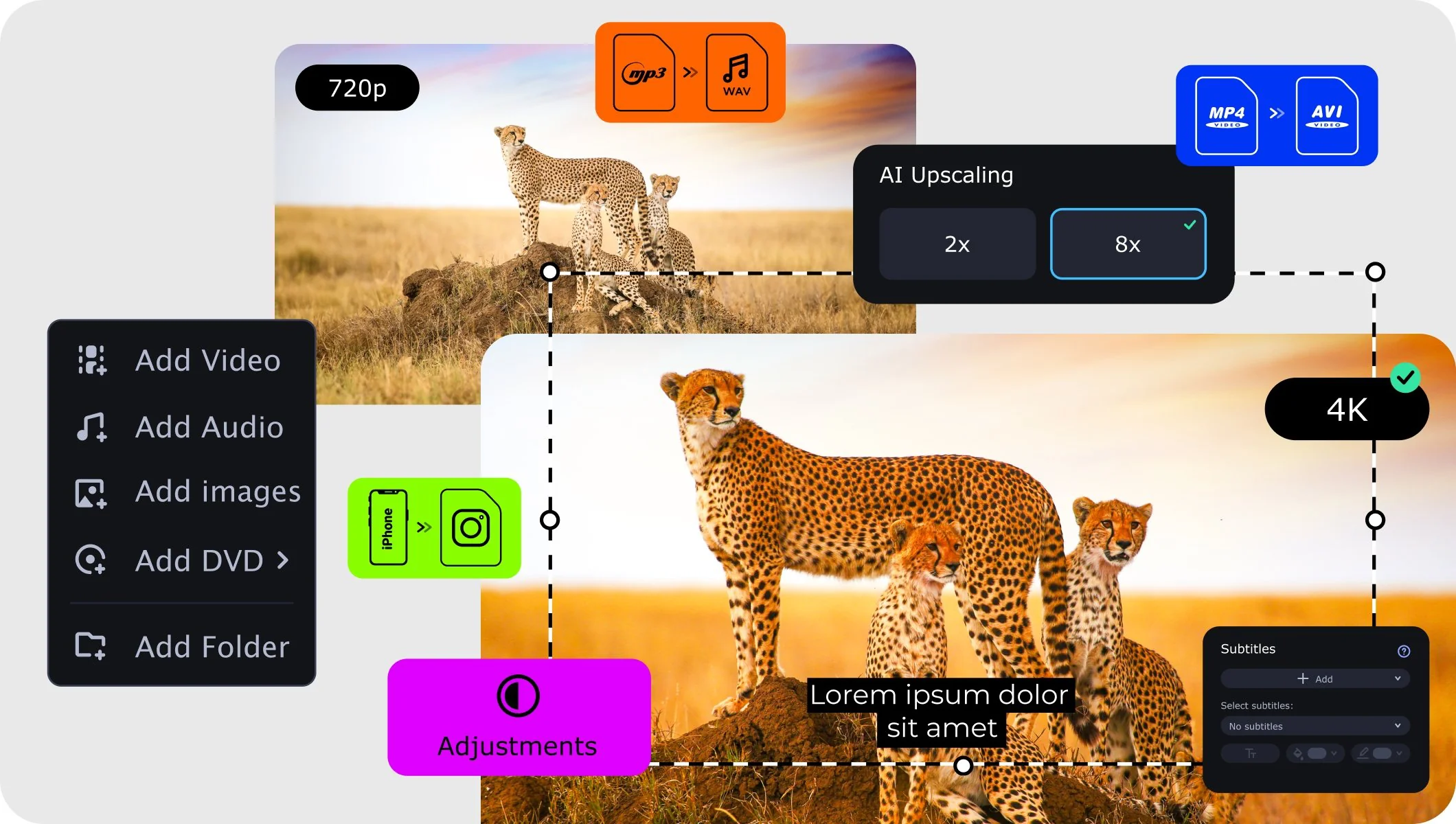
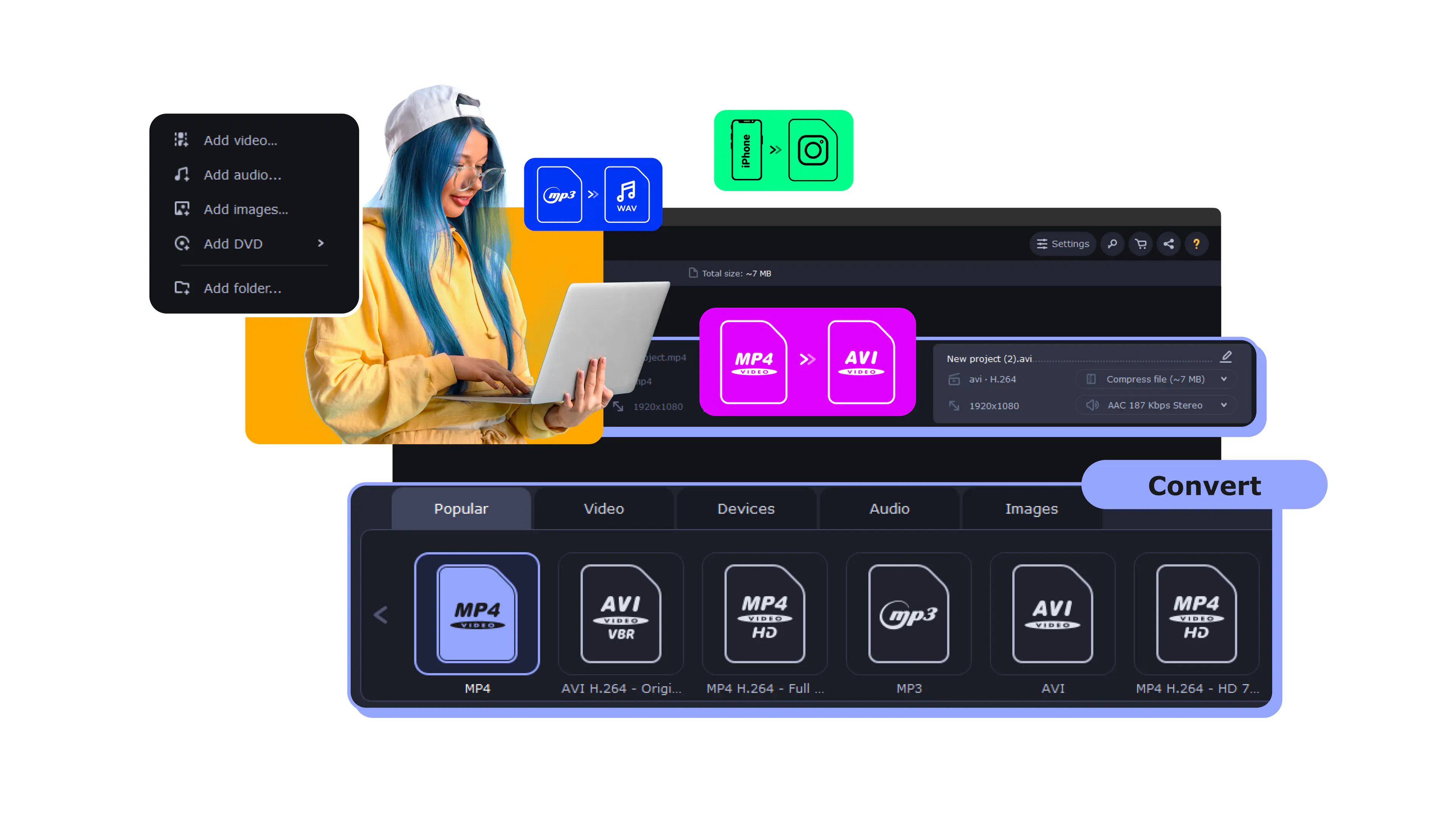
However, once you have successfully removed the DRM using one of the recording methods above, or if you are dealing with modern, unprotected .M4A iTunes files, Movavi Video Converter is the ultimate tool to have on your desktop. It supports lightning-fast batch conversion into MP3, FLAC, or WAV, effortlessly handles large video libraries, and works locally on your computer so you never have to worry about browser file size limits or upload speeds.

Summary

It can be frustrating when a file format like an M4P is restrictive and can only be opened with iTunes or other certain programs. Plenty of users are looking for the best M4P-to-MP3 converter to make these files much more universal and simple to play on a wide variety of devices. Whether you use the official CD-burning workaround, free loopback recording software, or a dedicated premium DRM-removal tool, there are reliable options to set your audio free.

Movavi Video Converter
The ideal way to get your media in the format you need!
Have questions?
If you can’t find the answer to your question, please feel free to contact our Support Team.
Join us for discounts, editing tips, and content ideas

1.5M+ users already subscribed to our newsletter

By signing up, I agree to receive marketing emails from Movavi and agree to Movavi's Privacy Policy.