Step 1. Import your media files
Install and launch Movavi Video Editor 2026. Drop your video onto the timeline. The layout is refreshingly intuitive, so even first-timers can get their bearings without a tutorial spiral.
In Movavi Video Editor 2026, AI automatically cleans up audio by reducing wind noise, traffic sounds, and background voices. See how it works in the guide below – and unlock this tool plus all other features with 55% off an annual subscription.
It happens: you record a video outside and get wind noise, or film in a café and hear other people talking in the background. The good news: you don’t have to reshoot the whole thing.
We want your videos not only to look great, but sound great too – that’s why we added an AI-powered noise removal tool to the latest version of Movavi Video Editor. The program automatically cleans up unwanted sounds in your audio track, so all that’s left is to save the result and keep editing.
Install and launch Movavi Video Editor 2026. Drop your video onto the timeline. The layout is refreshingly intuitive, so even first-timers can get their bearings without a tutorial spiral.
Open Tools > Audio and select Noise removal. This is where background noise removal begins, quietly working to sharpen clarity while keeping speech intact.
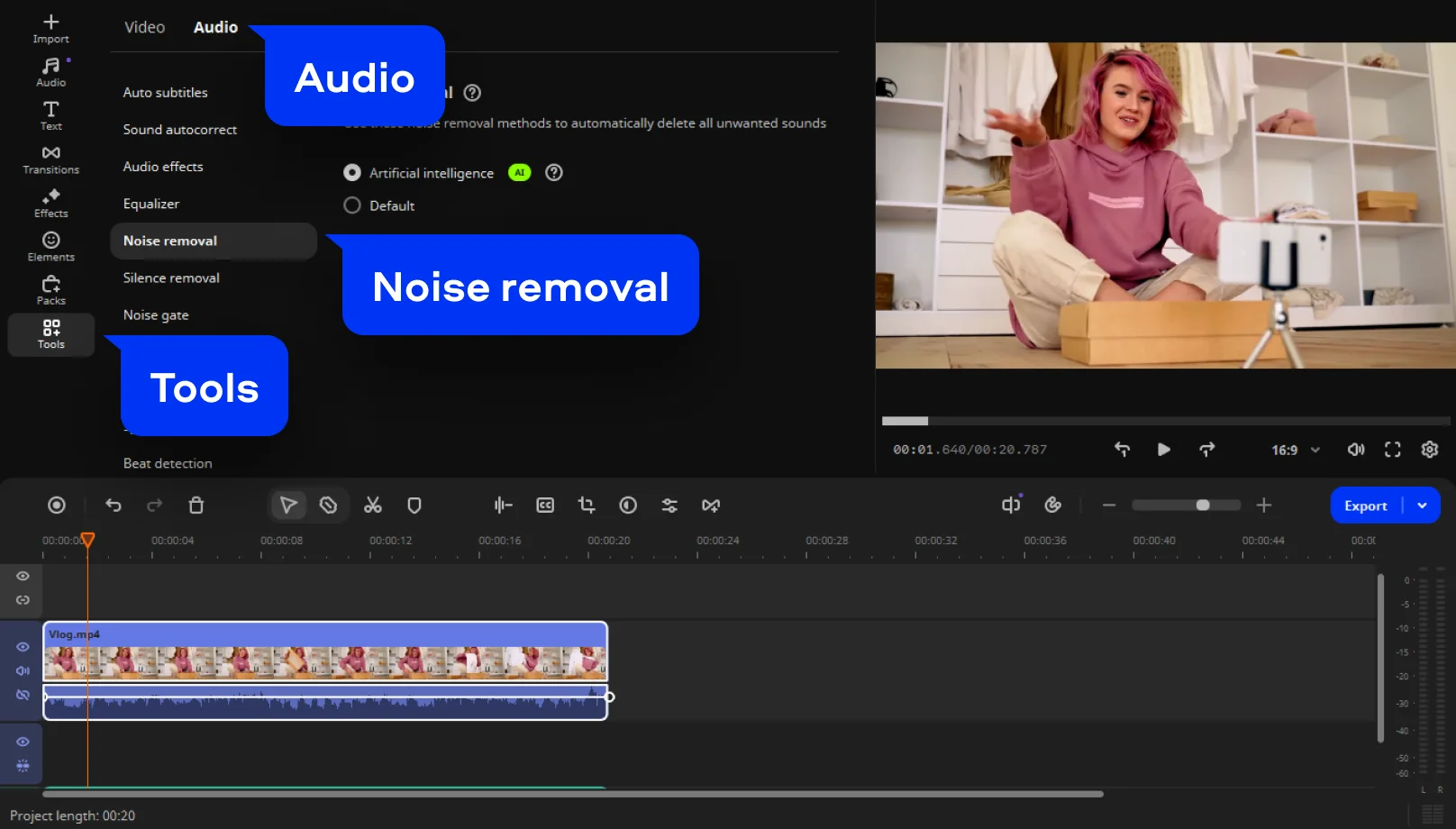
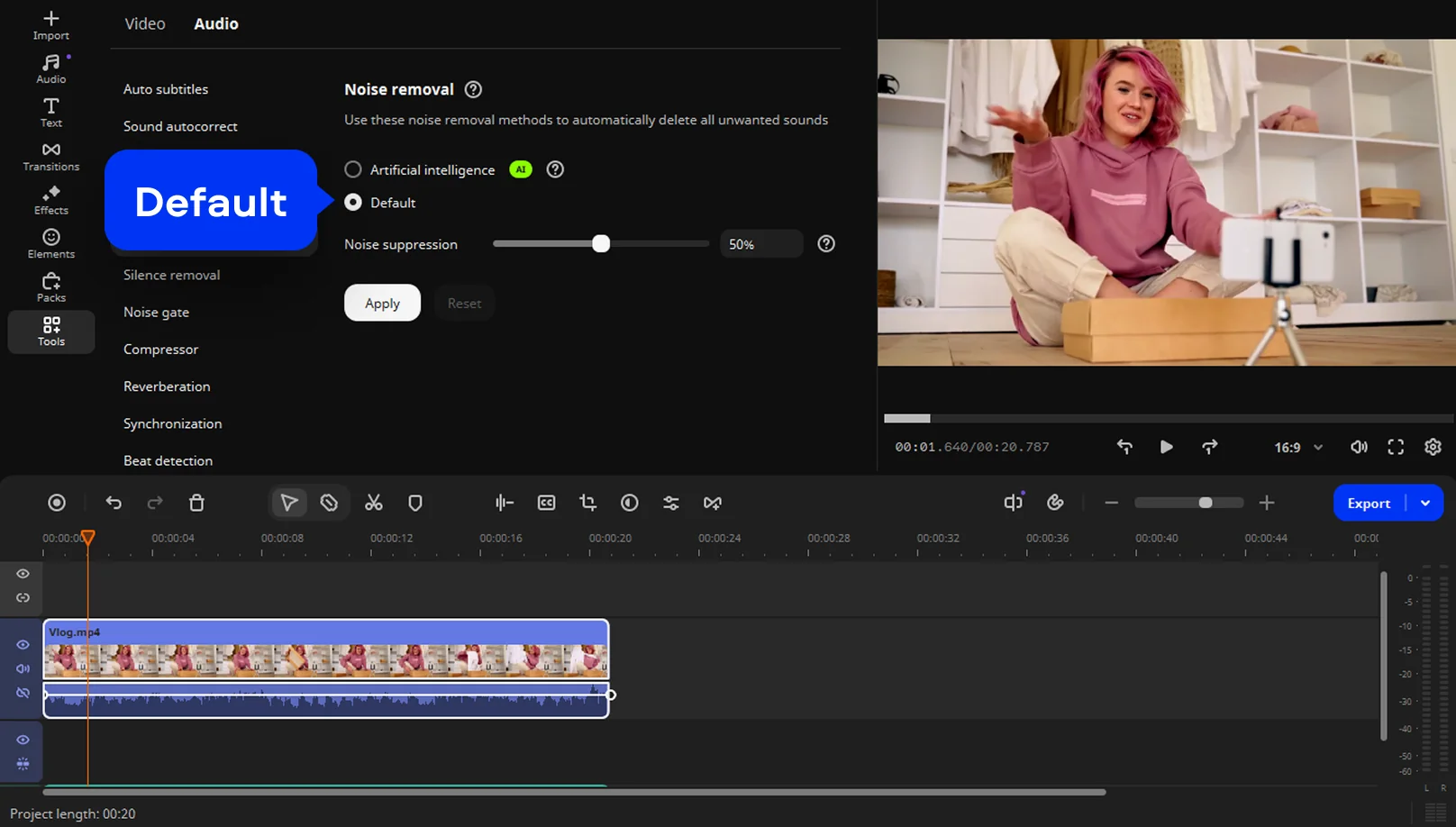
You can remove noise automatically – just select the AI option from the menu. To remove noise manually, choose Default and move the Noise suppression slider.
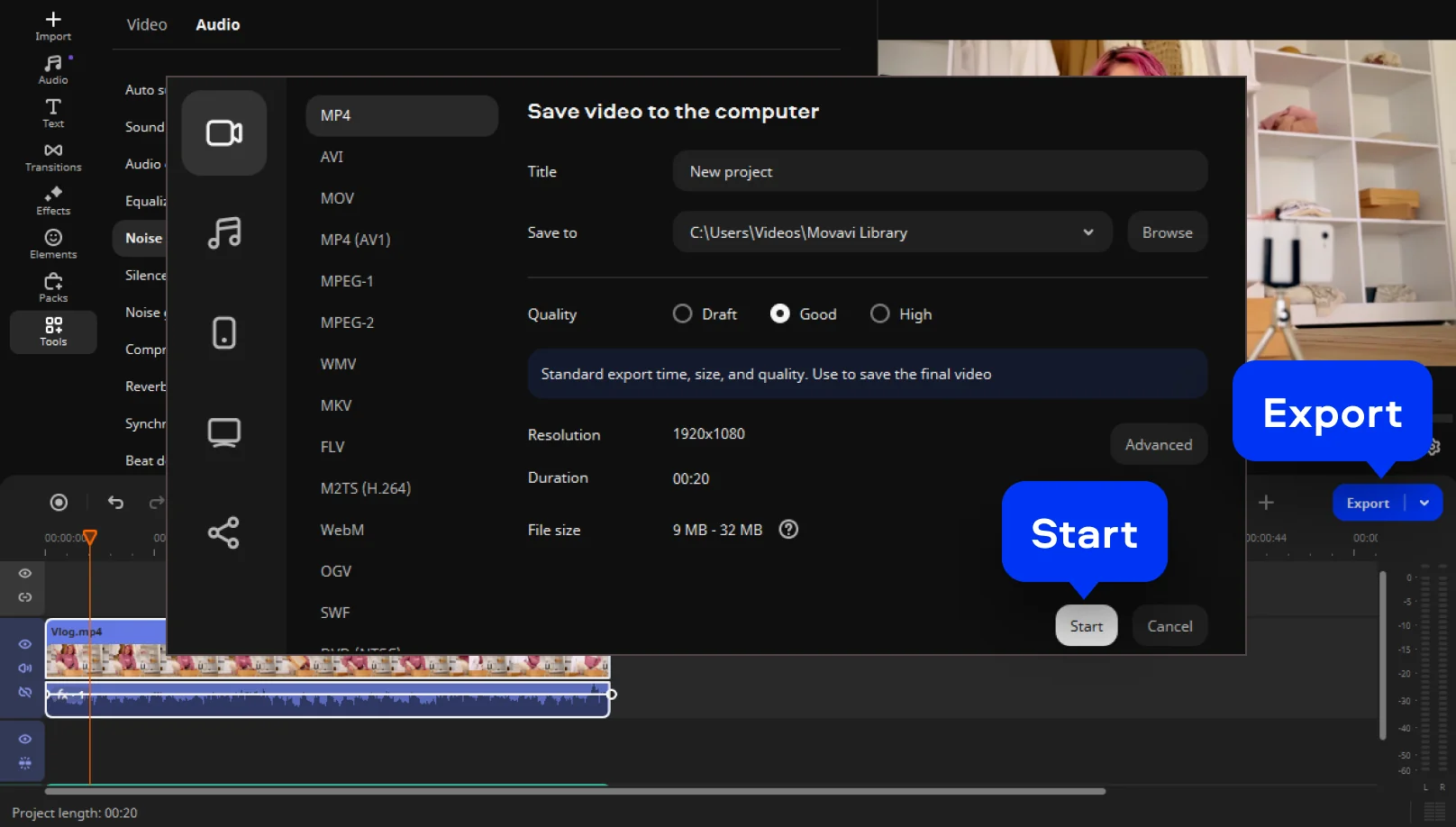
Click Export when your video is ready. Choose the desired format (MP4, MOV, AVI) and resolution up to 4K. Upload directly to YouTube or save it locally to share later.
1-month subscription
No watermark
No cap on video or audio length
Free minor and major updates throughout the subscription period
Basic editing tools
One-click AI tools
Basic effects
Media file conversion
Screen recording
One-click silence removal
Cut out unwanted pauses automatically or fine-tune the pause length and volume threshold yourself. Skip the tedious cleanup and make your videos more dynamic in a flash.
Fast effect copying
Copy effects, color tweaks, and audio settings from one clip to another in seconds. Make your whole video look awesome way faster and with less work.
30+ auto-subtitle styles
Upgrade your automatic captions with new designs. From reels and family clips to classy business ads – there’s a style to perfectly match any video and keep your message clear and eye-catching.
40+ adjustable effects
Enhance your videos in a click with new realistic effects – from dust particles and light leaks to retro-style and VHS. Every effect is fully customizable – so it will fit any clip perfectly and bring an extra spark to your edits.
No watermark
No cap on video or audio length
Free minor and major updates throughout the subscription period
Basic editing tools
One-click AI tools
Basic effects
Media file conversion
Screen recording
One-click silence removal
Cut out unwanted pauses automatically or fine-tune the pause length and volume threshold yourself. Skip the tedious cleanup and make your videos more dynamic in a flash.
Fast effect copying
Copy effects, color tweaks, and audio settings from one clip to another in seconds. Make your whole video look awesome way faster and with less work.
30+ auto-subtitle styles
Upgrade your automatic captions with new designs. From reels and family clips to classy business ads – there’s a style to perfectly match any video and keep your message clear and eye-catching.
40+ adjustable effects
Enhance your videos in a click with new realistic effects – from dust particles and light leaks to retro-style and VHS. Every effect is fully customizable – so it will fit any clip perfectly and bring an extra spark to your edits.
Plus: 3 effects packs for a quick start
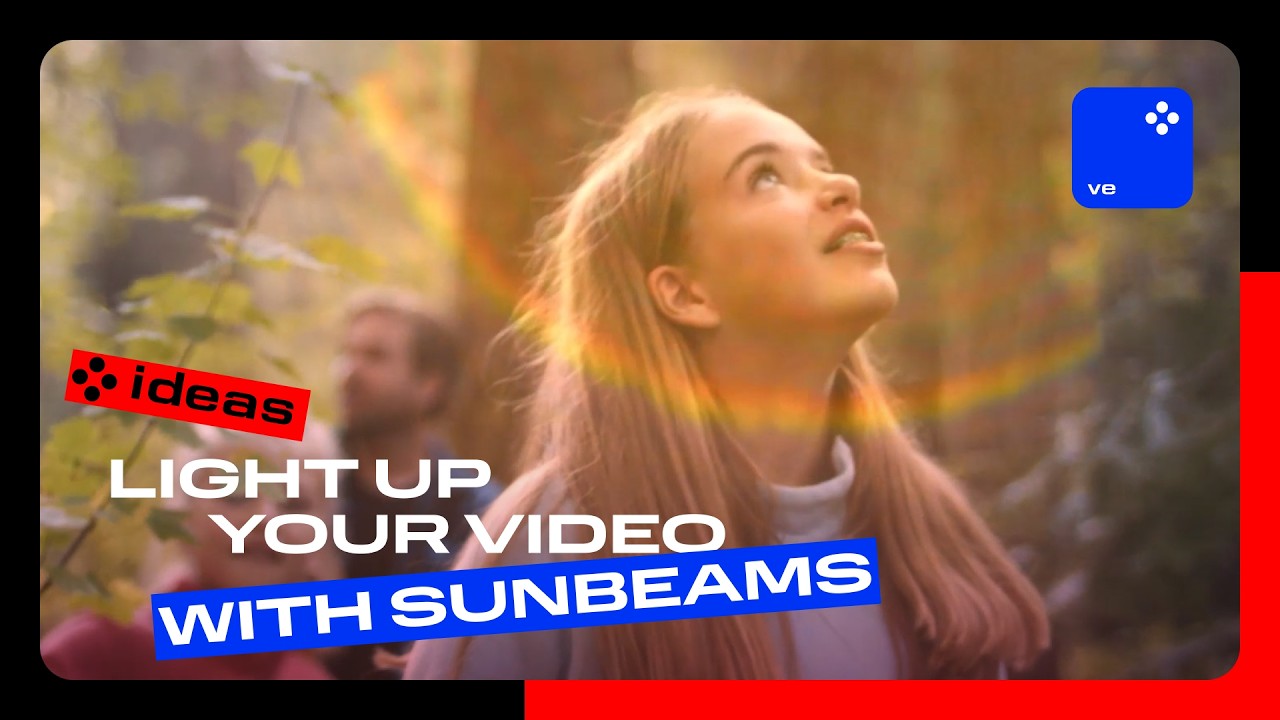
How light up your video with sunbeams
No need to wait for the sun – add it yourself with a single overlay! Give any clip a warm, radiant vibe that feels like a sunny day, no matter the actual weather.
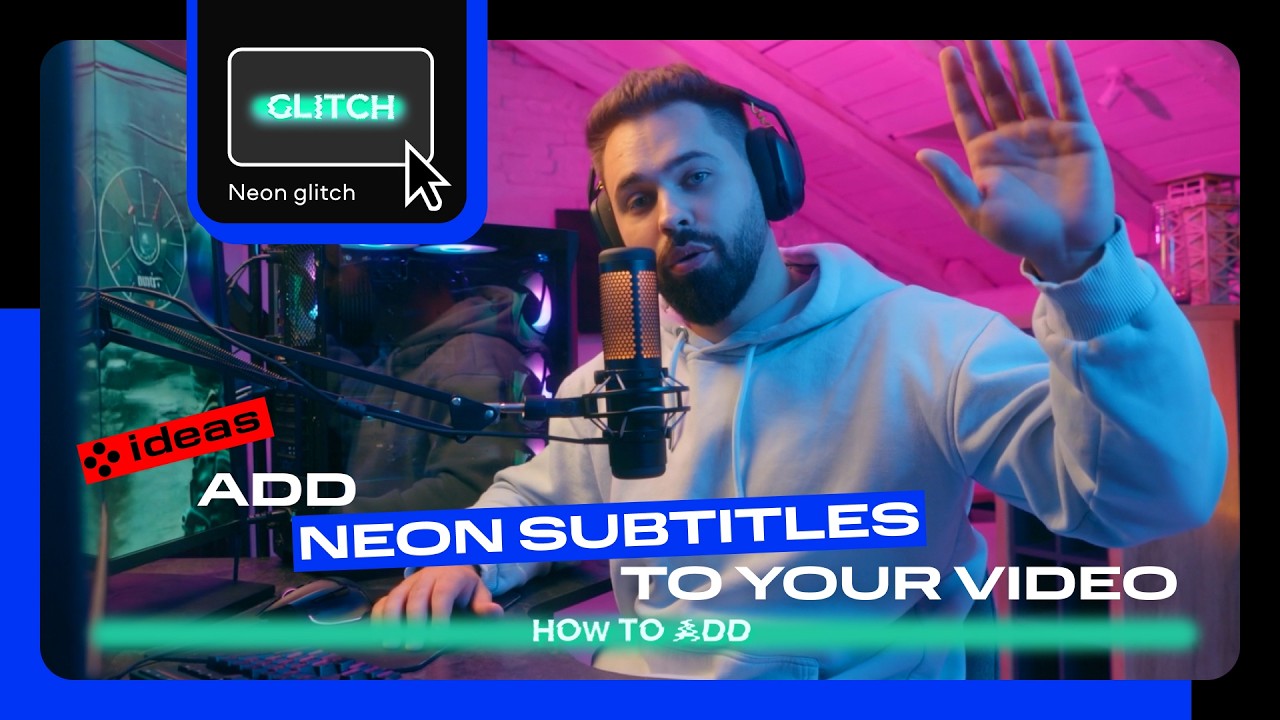
Add neon subtitles to your video
Turn your auto-generated captions into glowing neon text that makes your video impossible to ignore – even if viewers are watching on mute. Watch your videos light up feeds and get more double-taps.
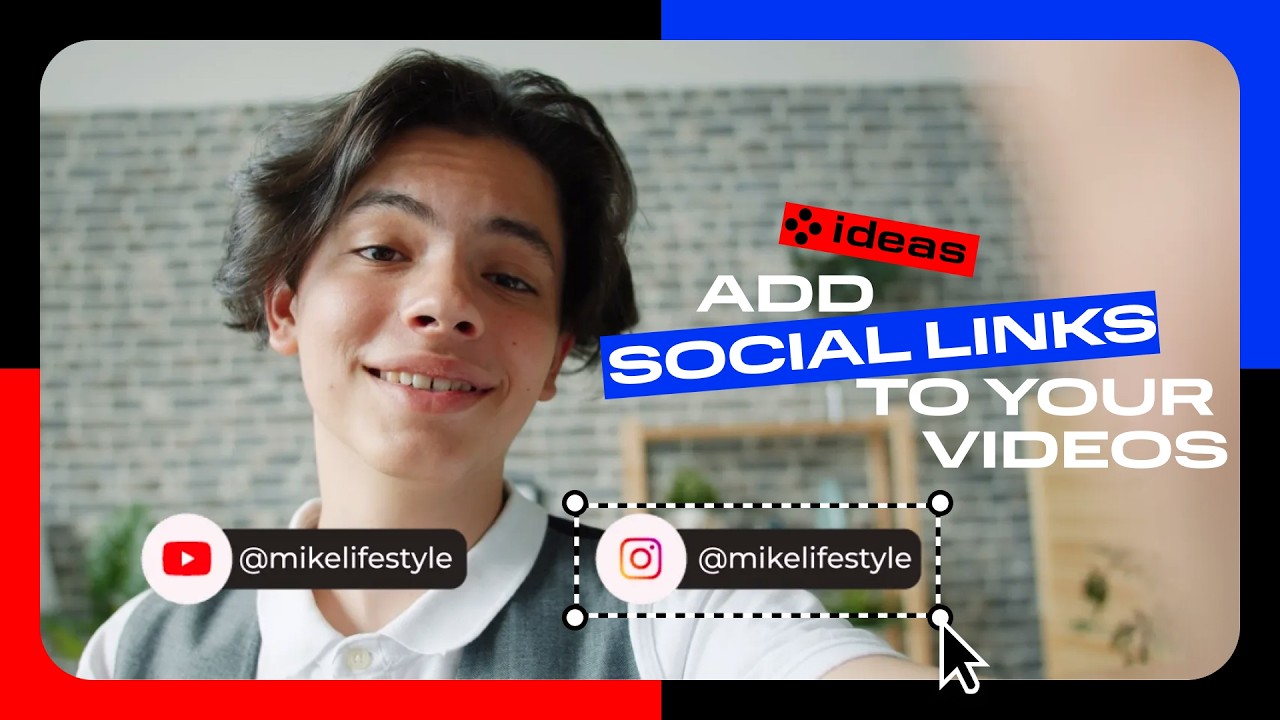
And don’t miss the social links
Make it easy for viewers to follow you – add your socials as on-screen titles and turn every video into a traffic booster for your accounts.
What’s new on Movavi social media


1.5M+ users already subscribed to our newsletter