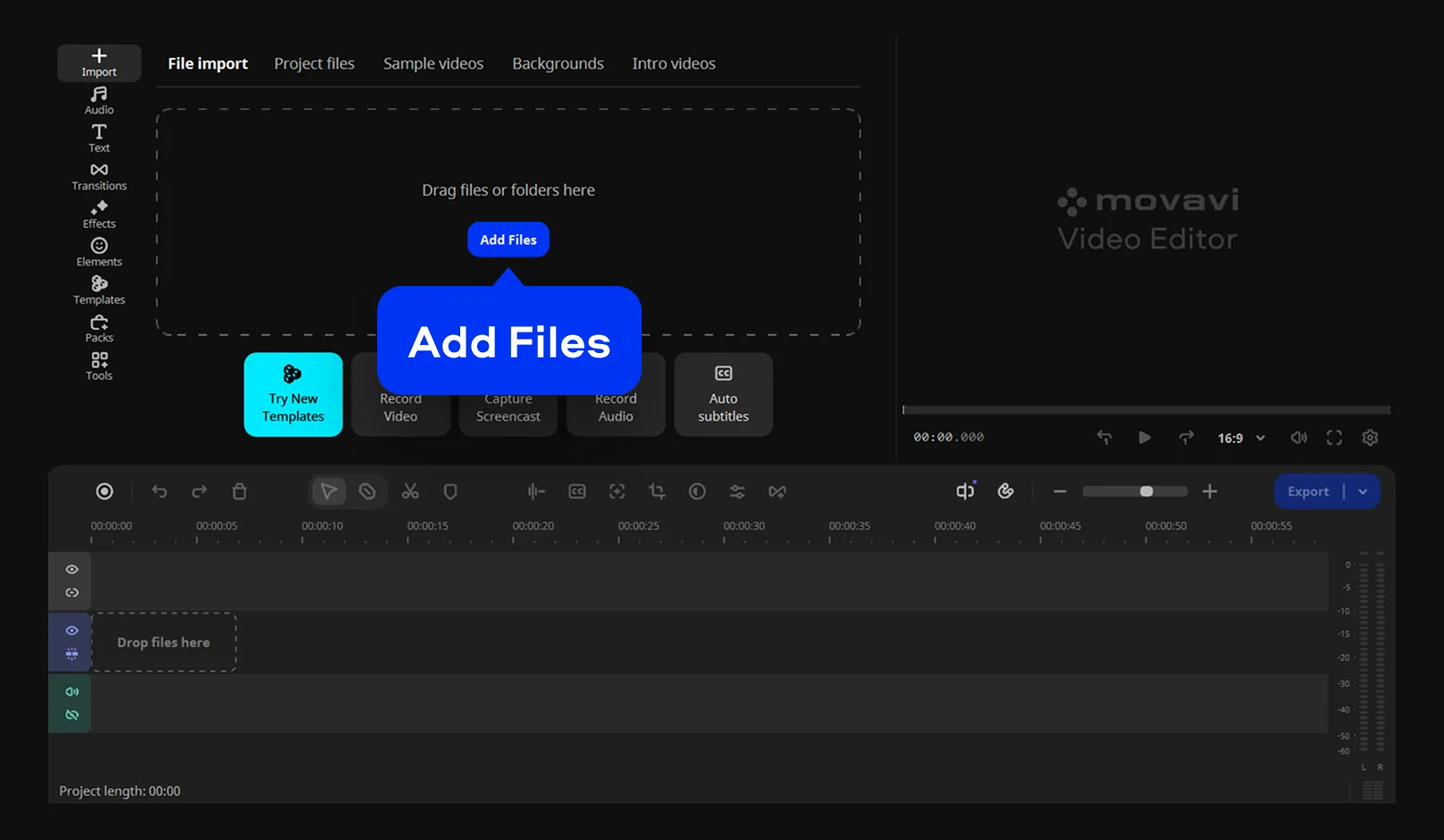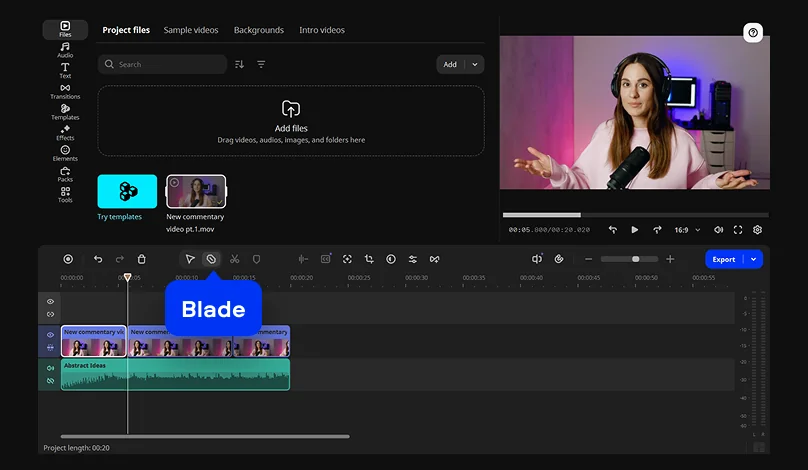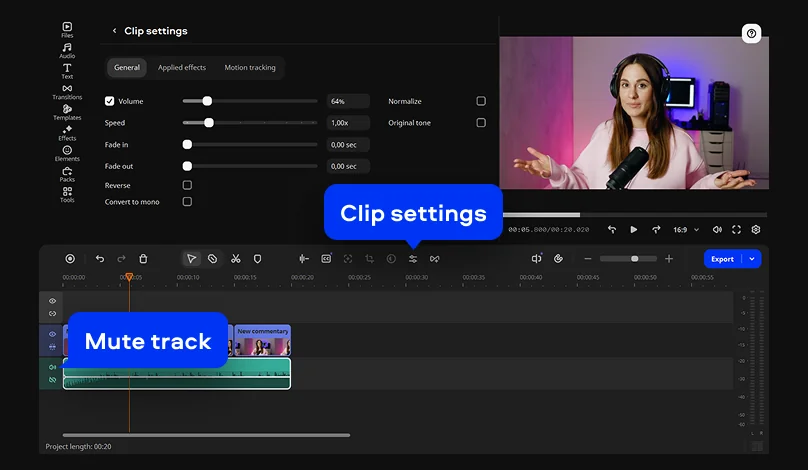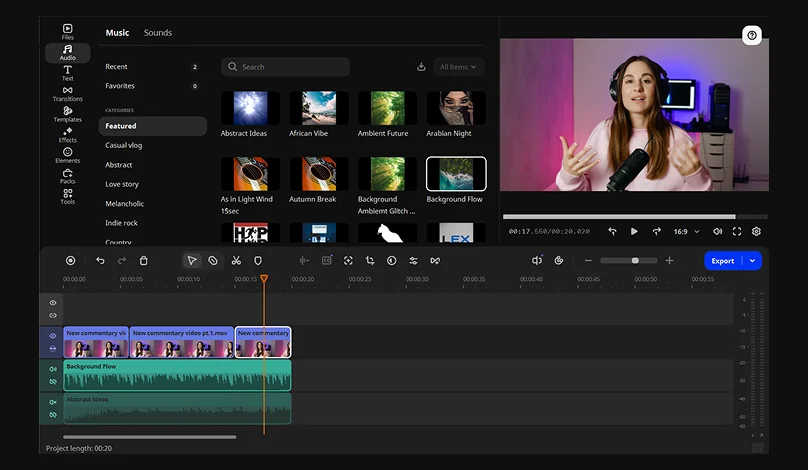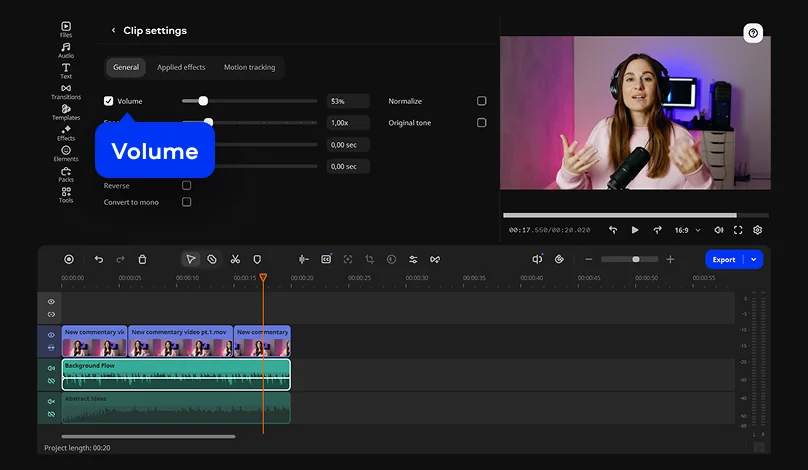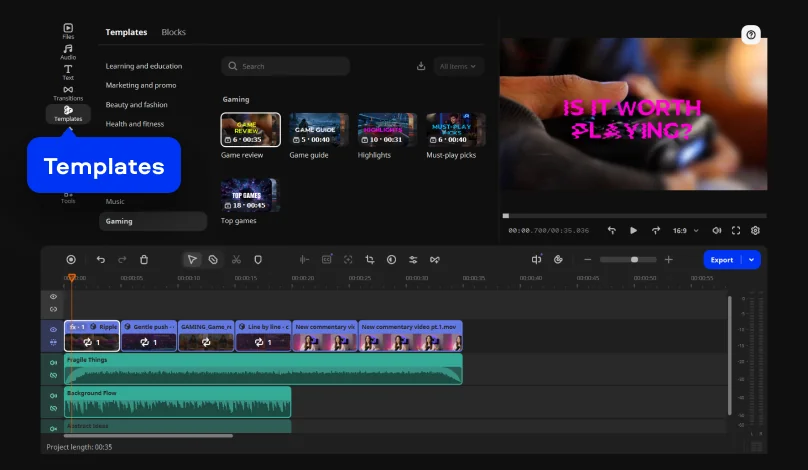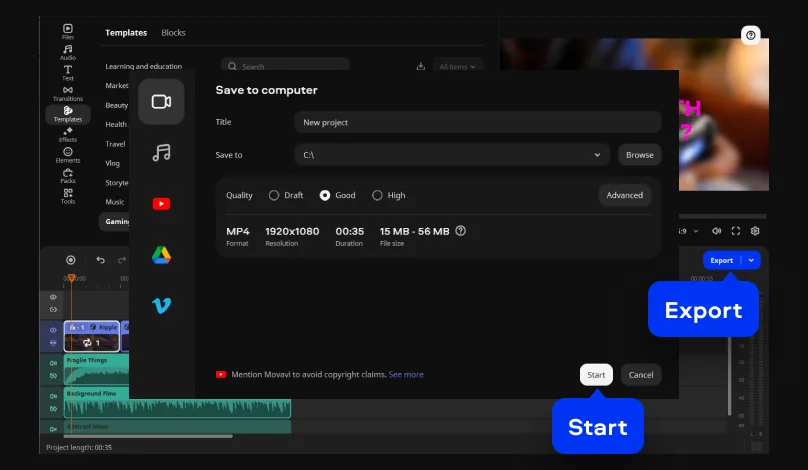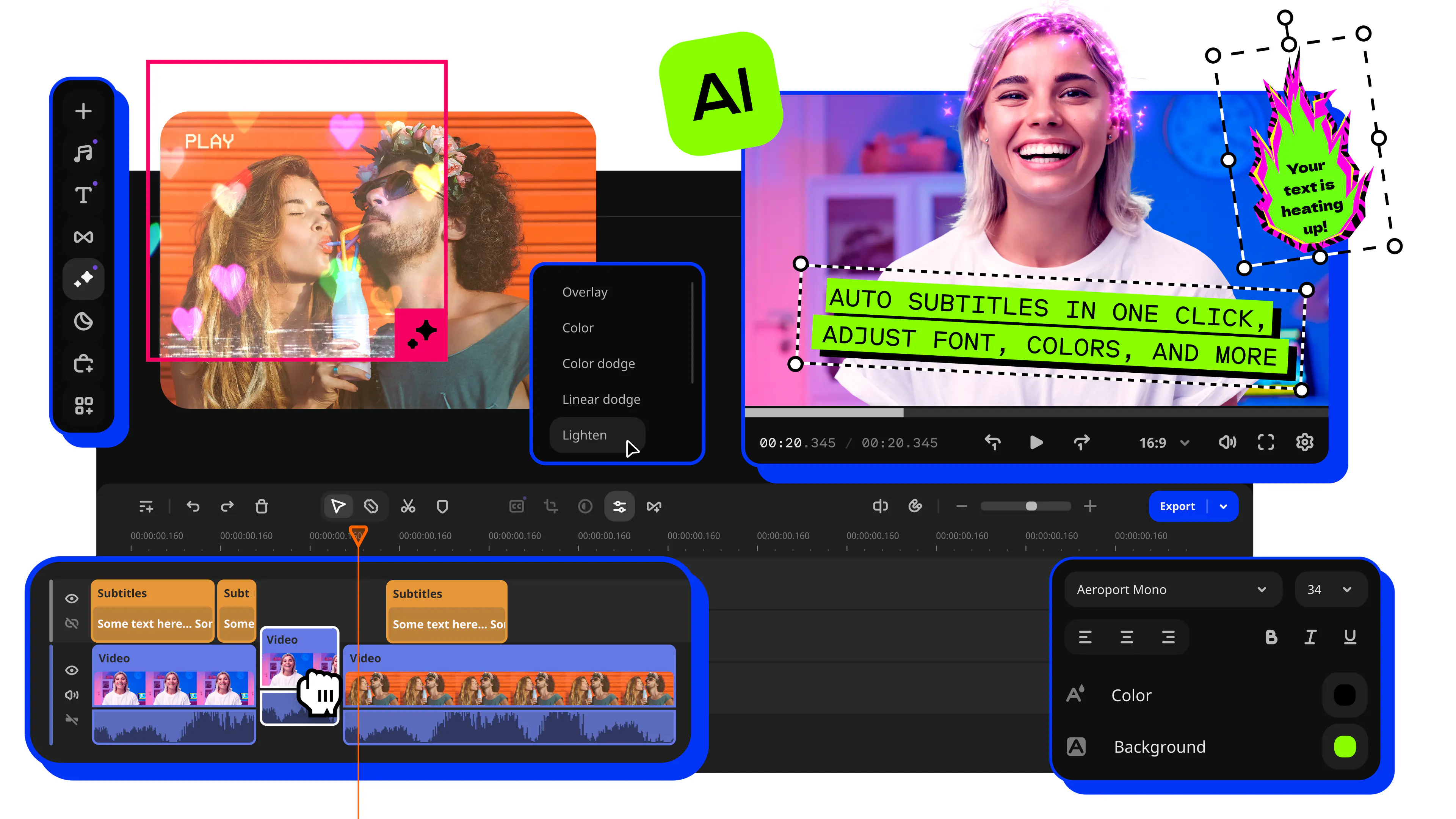

Hover previews show a clip or an effect before you commit, and drag-and-drop puts it on the timeline. That keeps the steps below short.
Picture a boss fight recorded for a game review. You cut the loading screens, turn the game sound down, and lay your commentary on top. A cinema review works the same way, with a voiceover and a background music track. Two one-click AI tools can help with the sound you add: AI audio noise removal clears traffic, wind, and steady hums from a voiceover while keeping the voice, and silence removal cuts dead air from commentary.
Step 6 uses a template, and it relies on Blocks: short segments of the video where you drop in your own clips, photos, and text. New to the editor? Movavi Ideas is a free tutorial hub with a new step-by-step editing idea every week, handy for practice.