Movavi Templates
Multi-style library of customizable, pro-looking, modular templates for any kind of video
- Ready-made: drop in your clips and get an awesome video fast
- Customizable: each template is made from pre-edited Blocks you can move and adjust
- For any video: vlogs, business promos, travel clips, family videos, and more
Movavi Templates
Multi-style library of customizable, pro-looking, modular templates for any kind of video
- Ready-made: drop in your clips and get an awesome video fast
- Customizable: each template is made from pre-edited Blocks you can move and adjust
- For any video: vlogs, business promos, travel clips, family videos, and more
Ready-made Templates for every occasion
Vlogs and social content
Whether it’s a daily vlog, travel recap, gaming clip, or cooking video, we’ve got a template styled and ready to go. Put together on-point clips in minutes and keep your content looking pro.
Family movies
Forget editing birthday celebrations, weddings, or holiday recaps from scratch. Pick a template, drop in your clips and photos, and get a video complete with synced music – no skills needed. Your loved ones will adore it!
Business and promos
Get a ready-made foundation for your next presentation, ad, or promo video. Customizing text, colors, and logo takes seconds and you get a sleek, professional video ready for your team, prospects, or clients.
Tutorials and lessons
Skip setting up picture-in-picture and transitions by hand. Choose a structured template, drop in your material, and get a clear, engaging lesson without all the hard work.
How to create videos with Movavi Templates
Easily find the perfect template
We’ve organized everything into neat categories so you can easily grab a fully designed template for whatever you're making – vlogs, promos, travel recaps, you name it. Choose a style you like and start making it your own instantly.
Add your clips and watch them glow up
Swap out the sample footage and replace it with your own in a snap. Drop in your raw clips and see just how easy it is to give them that awesome pro look!
Adjust anything on the fly
Want to make it totally your vibe? Rearrange the Blocks however you want – drop them at the start, middle, or end of your video. Then swap in the text and make every word count, in style.
Build any video faster with pre-edited Blocks
No need to design from scratch anymore. Combine intros, transitions, and dynamic cuts like modular building blocks to assemble any type of video effortlessly.
Fast edits, professional Look
Make standout edits in minutes thanks to ready-to-use video ideas and customizable video Templates – all available with Movavi Video Editor
Movavi Ideas
Meet your go-to tutorial hub for awesome content – fresh, simple video ideas, updated every week
- Perfect for any format, from short reels to long vlogs
- Step-by-step tips for fast results, always-relevant ideas
- Exclusively for Movavi users
Movavi Templates
Multi-style library of customizable, pro-looking, modular templates for any kind of video
- Built from customizable Blocks that you can tweak, swap, or shuffle
- Perfect for blogs, business promos, family videos, travel, and more
- Some templates are included; unlock them all with a subscription
Movavi Templates
Multi-style library of customizable, pro-looking, modular templates for any kind of video.
Get more tools and effects for video editing
Easily create awesome content with Movavi Video Editor: cut frames precisely, polish the sound, drag and drop filters, titles, overlays, and more
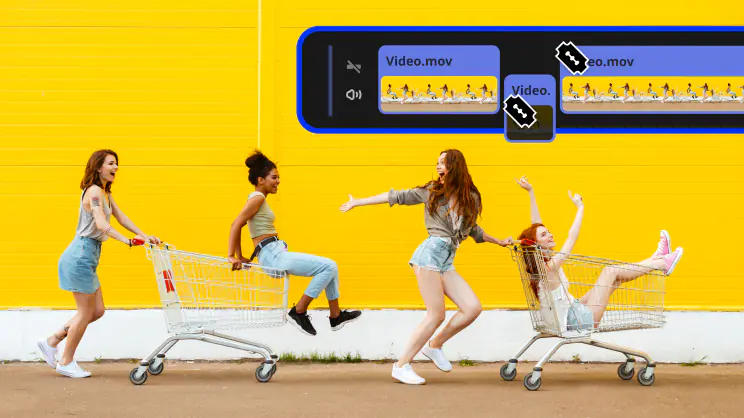 Blade tool
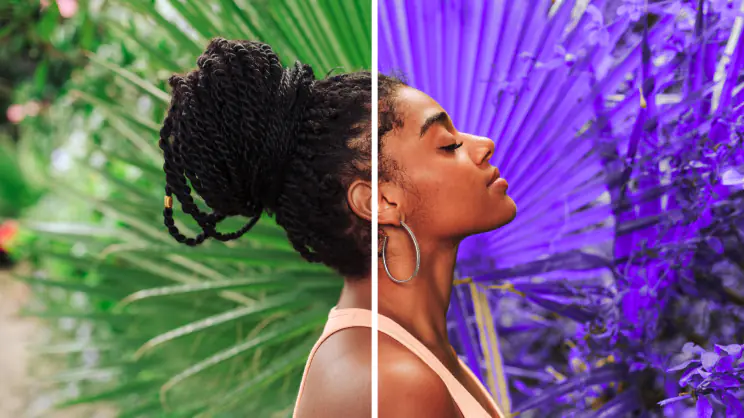 Filters and LUTs
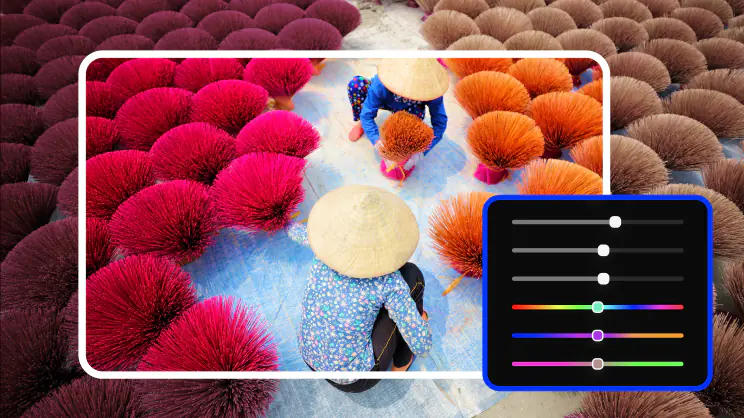 Color correction
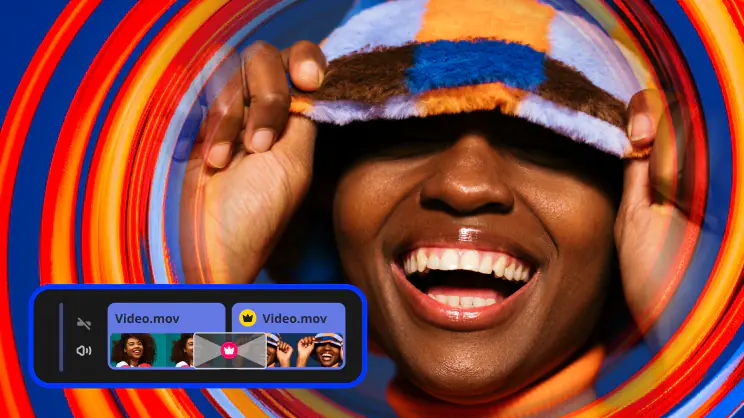 Transitions
 Overlays
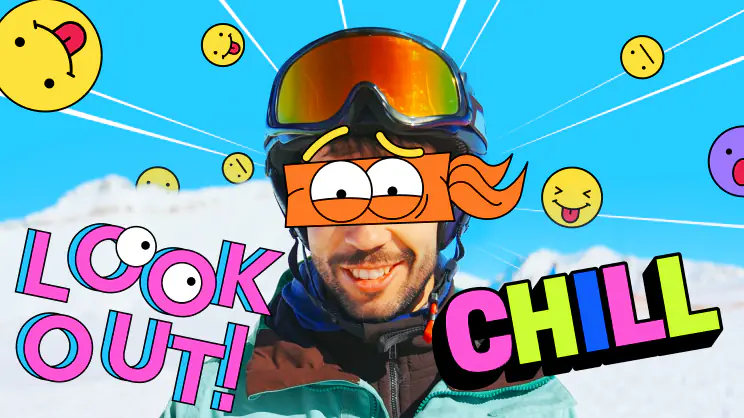 Stickers
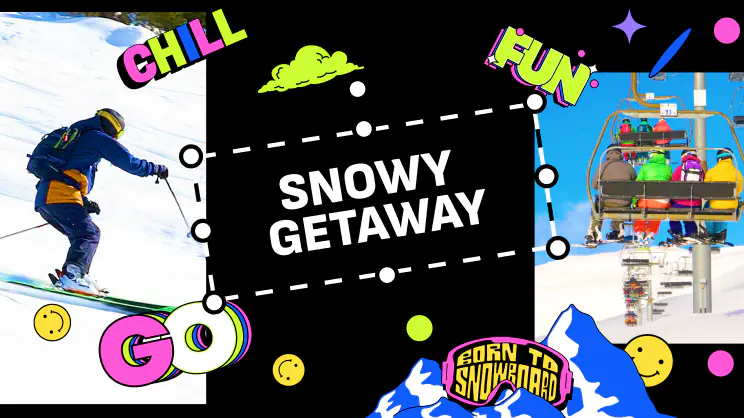 Intros
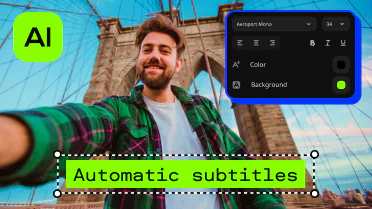 Automatic subtitlesBlade toolFilters and LUTsColor correctionTransitionsOverlaysStickersIntrosAutomatic subtitles
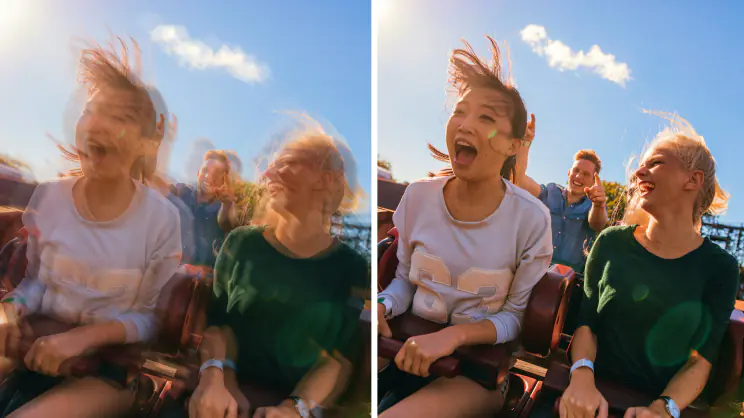 Stabilization
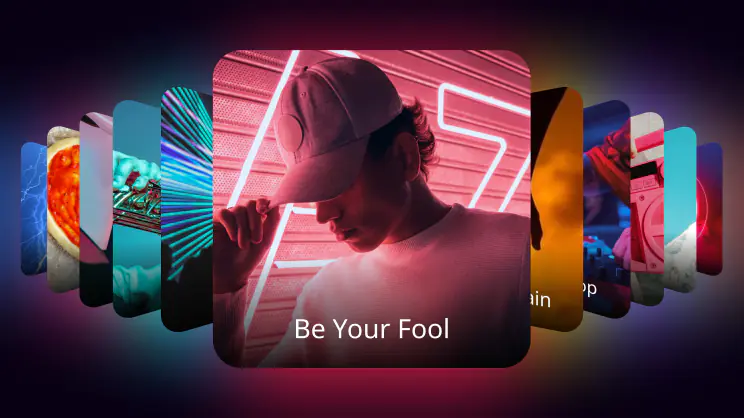 Free music and sounds
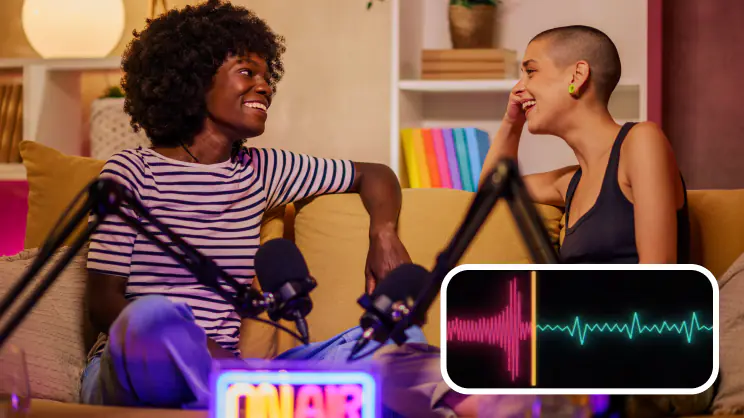 Audio editing
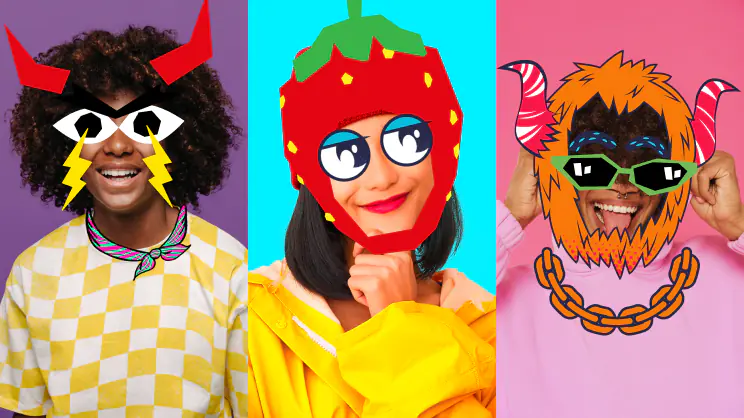 Motion tracking
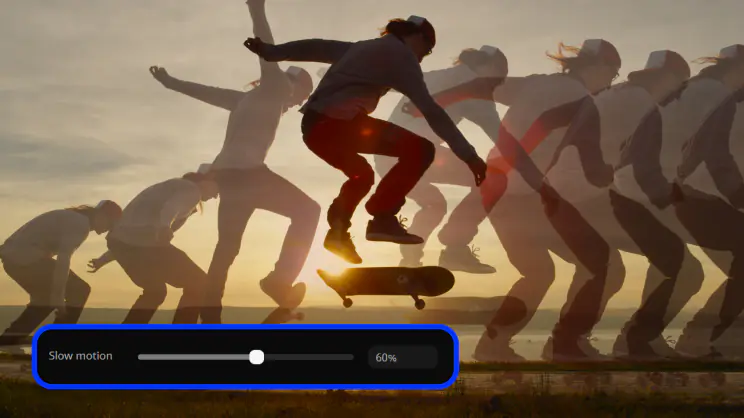 Slow motion
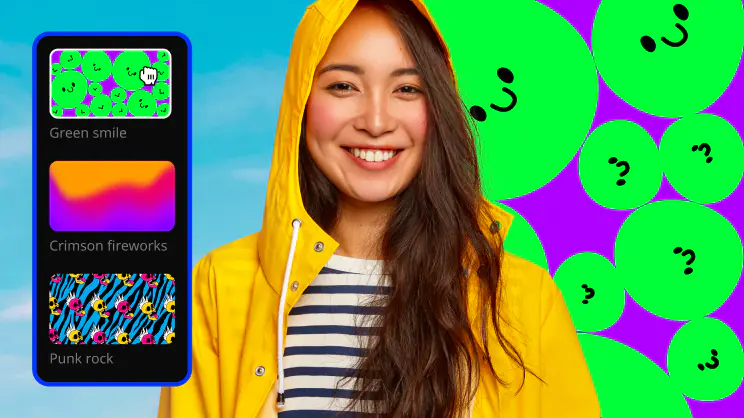 Chroma key
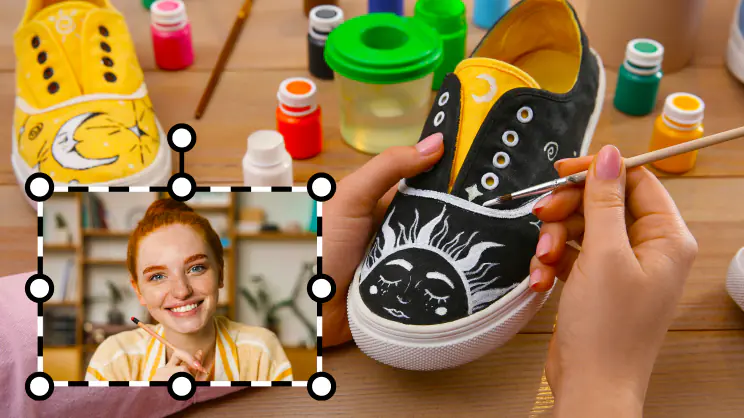 Picture in pictureStabilizationFree music and soundsAudio editingMotion trackingSlow motionChroma keyPicture in picture
Frequently asked questions
What is Movavi Video Editor and how can I download it?
What is Movavi Video Editor and how can I download it?
Movavi Video Editor is an intuitive video editor with customizable video templates, one-click AI tools, and hundreds of drag-and-drop effects.
It’s a simple desktop app available for Windows and macOS that’s made for anyone who wants to create high-quality videos without a steep learning curve. Download the free version on this page.
How do Movavi Templates actually work?
How do Movavi Templates actually work?
Use as-is or change it however you like: move the Blocks around, add more in a snap, and tweak to match your vibe. Enjoy a brand-new way to build videos! Here is what sets the Template approach apart:
- Fully customizable: Rearrange, add, remove, or customize Blocks to build a video that matches your content.
- Pro-level editing, built in: Drop your videos or photos in and get a dynamic, professionally edited result without starting from scratch.
- Modular by design: Use ready-made intros, countdowns, dynamic cuts, animated collages, and more as building blocks – either within a template or to create your own video from scratch.
What kind of videos can I create with Movavi Templates?
What kind of videos can I create with Movavi Templates?
Almost any kind! Whether you are a beginning video maker, content creator, small business owner, or just capturing family memories, Movavi Templates make it fast and easy.
You can easily create pro-looking content for:
- Socials and vlogs: YouTube intros and outros, beauty and fashion, travel, health and fitness, gaming, and many other types of everyday content
- Business: Product promos, video resumes, portfolios, and eye-catching ads
- Special moments: Birthday clips, wedding slideshows, and travel recaps
- Education: Video lessons, step-by-step tutorials, and news clips
What can I customize in a template?
What can I customize in a template?
Shuffle, add, or delete Blocks, drop in your own photos or video clips, adjust the text, change music, and apply one-click AI tools or drag-and-drop effects.
What AI tools are available in Movavi Video Editor, and how do they help?
What AI tools are available in Movavi Video Editor, and how do they help?
Movavi Video Editor includes one-click AI tools to make video editing fast and easy:
- AI Subtitles: Automatically transcribes speech into text with over 99% accuracy in 100+ languages, featuring dynamic karaoke-style word highlighting and 60+ customizable styles.
- Auto-Tracked Cropping: Keeps the main subject or speaker perfectly centered when reframing videos (e.g., converting horizontal footage to vertical for social media).
- AI Video and Audio Denoise: Instantly removes visual grain from low-light footage and filters out unwanted background noise (wind, traffic, and the like) while keeping voices crisp.
- Auto-Silence Removal: Detects and cuts out awkward pauses in your audio automatically, speeding up the editing process by up to 5x.
- AI Motion Tracking: Locks titles, stickers, or graphics to moving objects in your video with a single click.
- AI Background Removal: Removes video backdrops behind people without needing a green screen, allowing you to easily swap in any new background easily.
Where can I find creative ideas and tutorials to help with my videos?
Where can I find creative ideas and tutorials to help with my videos?
Explore Movavi Ideas – a free tutorial hub of quick editing tricks and inspiration updated weekly.
IIdeas offers short, step-by-step video tutorials (under 1 minute each!) covering a wide range of popular needs: vlogs, vertical Shorts, Reels and TikToks, holidays, memes, and business content. It’s perfect for beginners looking to learn quickly or everyday creators searching for new techniques.


1.5M+ users already subscribed to our newsletter