Step 1. Download and install DVD to AVI Converter
First, download and install Movavi Video Converter on your Mac or Windows computer. You can follow the instructions that appear on your computer screen to install the program.
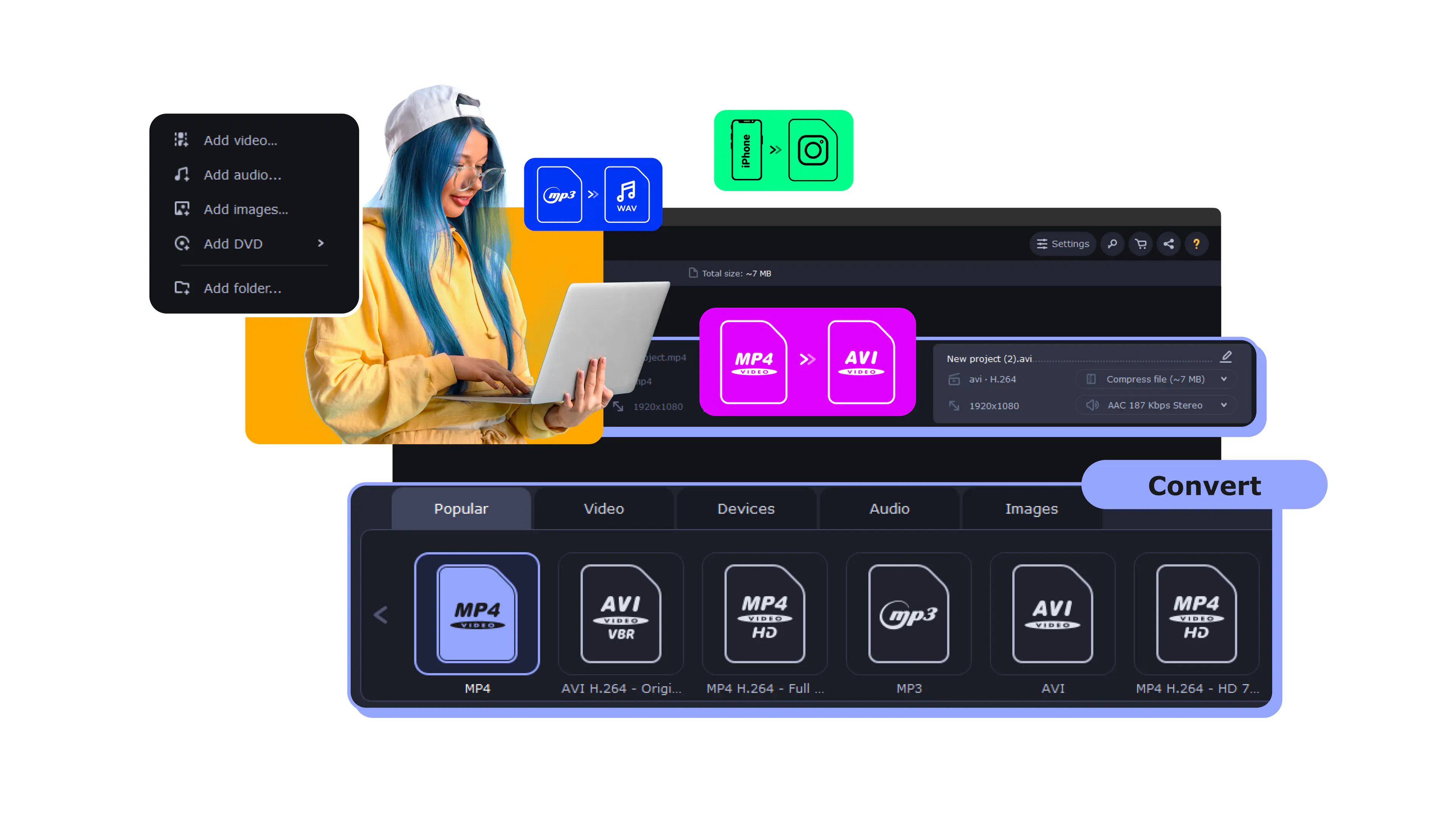
Movavi Video Converter reads a DVD straight from your computer – inserted disc, VIDEO_TS folder, or ISO image – and saves it as a plain AVI file. Pick AVI, hit Convert, and you have an ordinary video you can watch, store, and move around without the disc.
Movies, family archives, weddings, language and fitness courses – turn all of it into a convenient file you can keep and play offline, with no disc and no DVD drive. The converter reads the disc directly on your Windows or Mac machine, and nothing gets uploaded to a server: the whole job runs locally.
Millions


A good DVD to AVI converter should open the disc for you, pick the right video automatically, and hand you a clean AVI that plays almost anywhere – without a single codec setting.
Reads DVDs directly
Movavi opens a VIDEO_TS folder, individual VOB files, or an ISO image and detects the main title automatically – so you don't have to guess which of a dozen VOB files is the actual movie. Reading a physical disc or its folder structure is something browser-based tools simply can't do; it only works on the desktop.
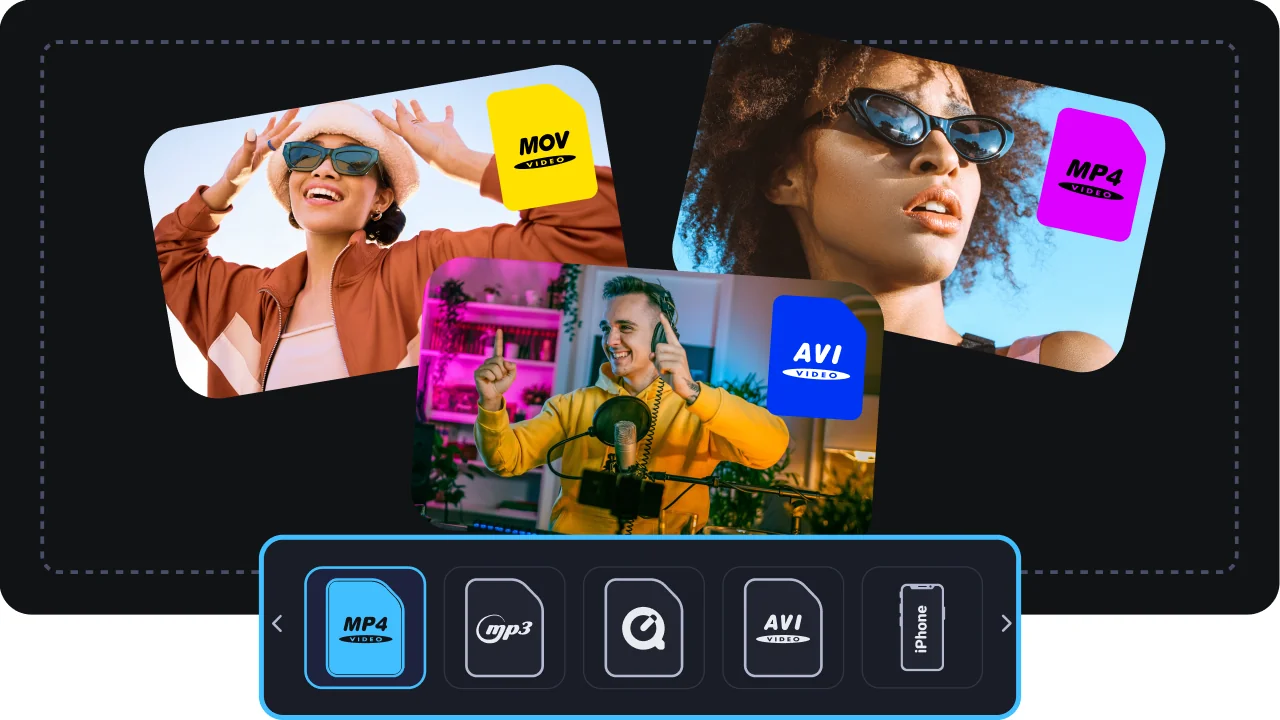
Outputs to AVI
AVI is one of the most forgiving formats out there – it plays in older Windows media players and opens cleanly in simple video editors, without fussy software requirements. Pick the AVI preset and Movavi hands you a file that just works across legacy players and basic editing tools.
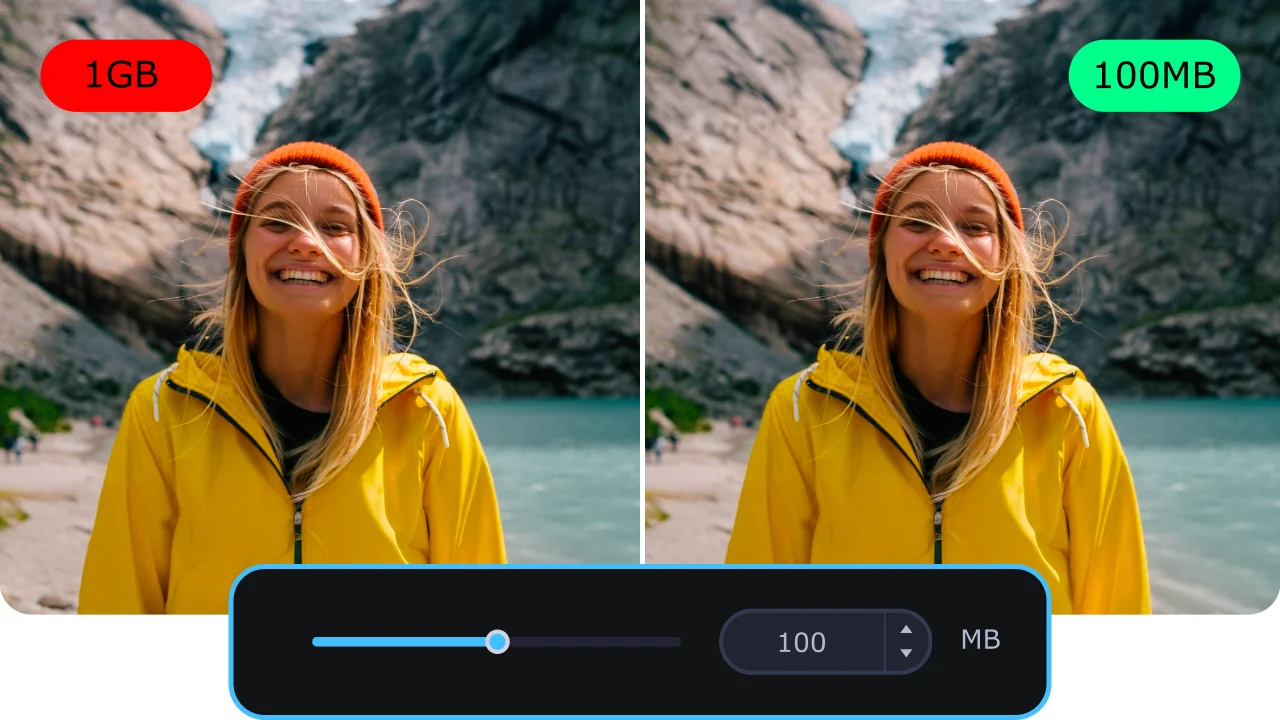
AI upscaling – from soft SD to sharp
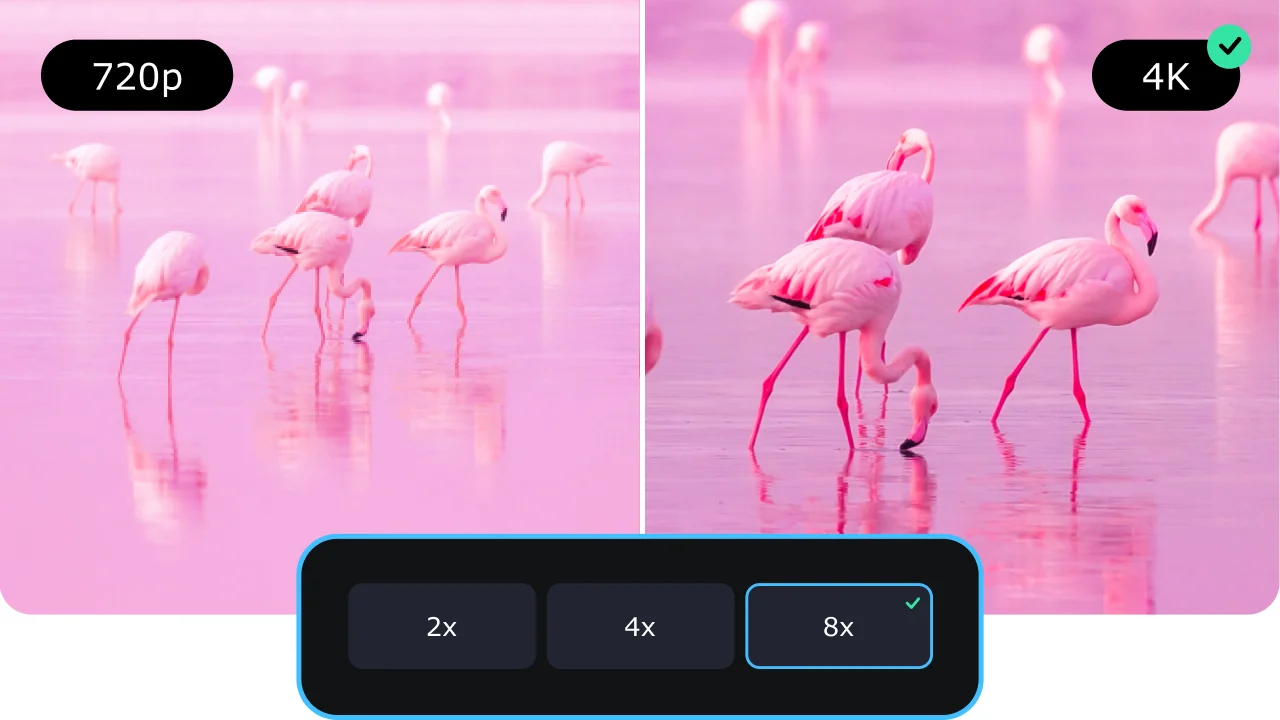
A DVD is 480p or 576p, and modern screens are sharp enough to show every soft edge. Movavi's built-in AI upscaler raises resolution by up to 4× or 8×, reconstructing detail instead of just stretching pixels. It's the practical way to make old standard-definition footage watchable on today's displays – the AI fills in what plain resizing would leave mushy.
Audio tracks, subtitles, and trimming
Keep only the audio language and subtitle track you want, cut out the menus and trailers, and convert just the film. Batch mode handles several discs in one run, and SuperSpeed hardware acceleration keeps conversions fast even on long titles.
Three reasons a desktop app beats a free or online DVD to AVI converter for this task.
From a disc in the tray to a ready-to-use AVI file – done in minutes.
First, download and install Movavi Video Converter on your Mac or Windows computer. You can follow the instructions that appear on your computer screen to install the program.
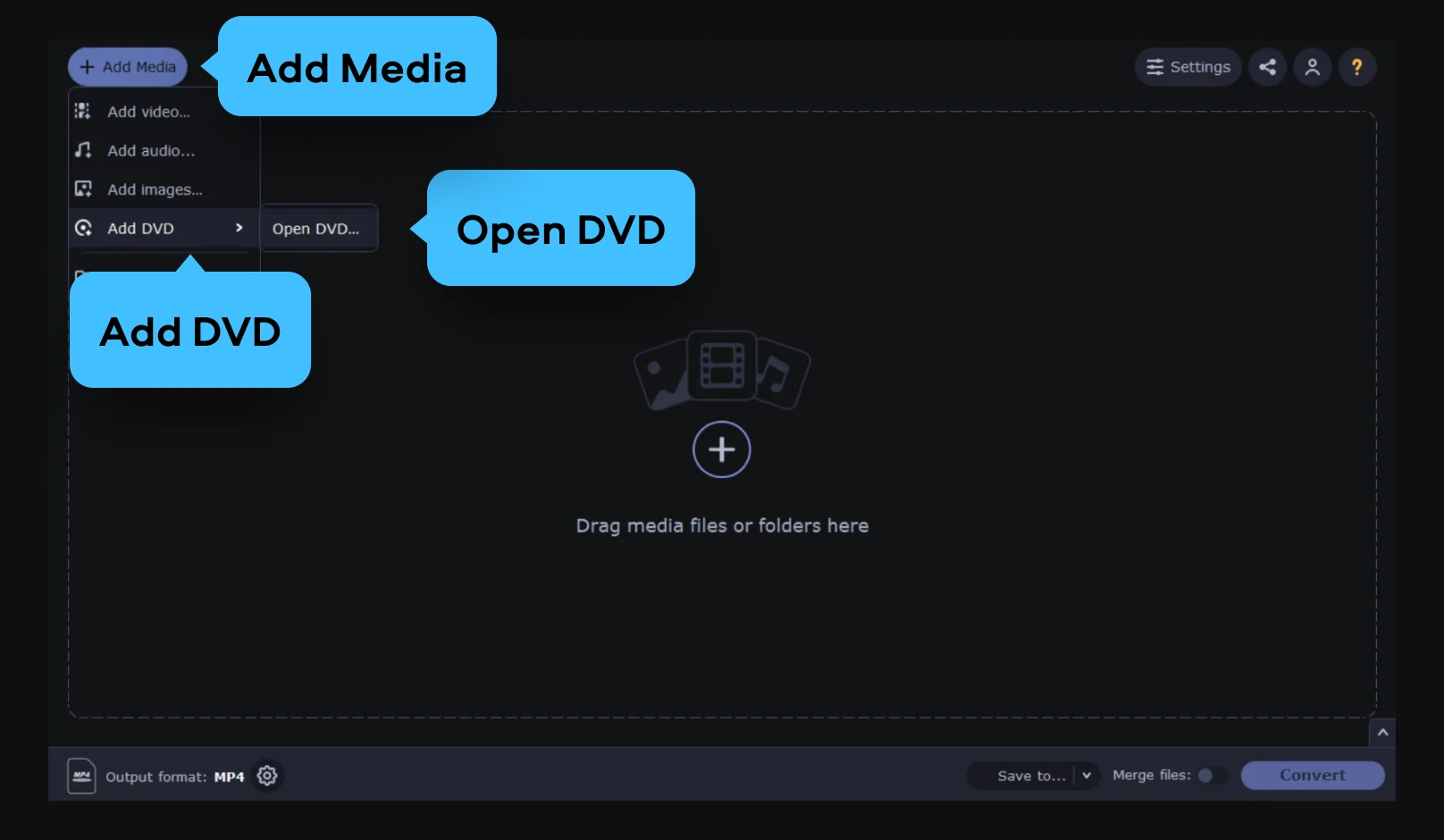
Click Add Media, choose Add DVD from the list that appears, and then Open DVD.
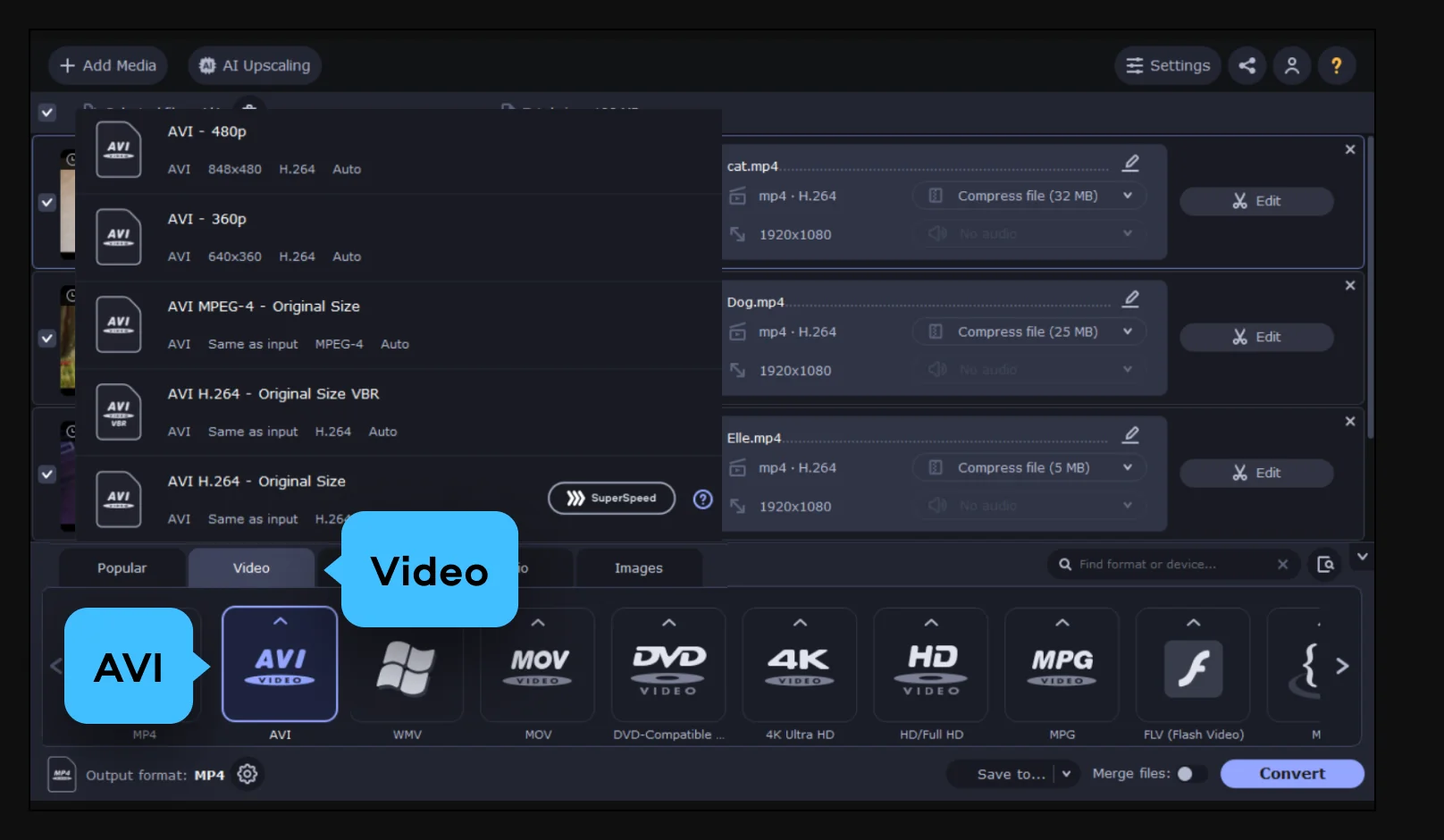
Open the Video tab and pick AVI – either the general AVI preset or the one that matches your needs. This sets a compatible format without any manual codec setup.
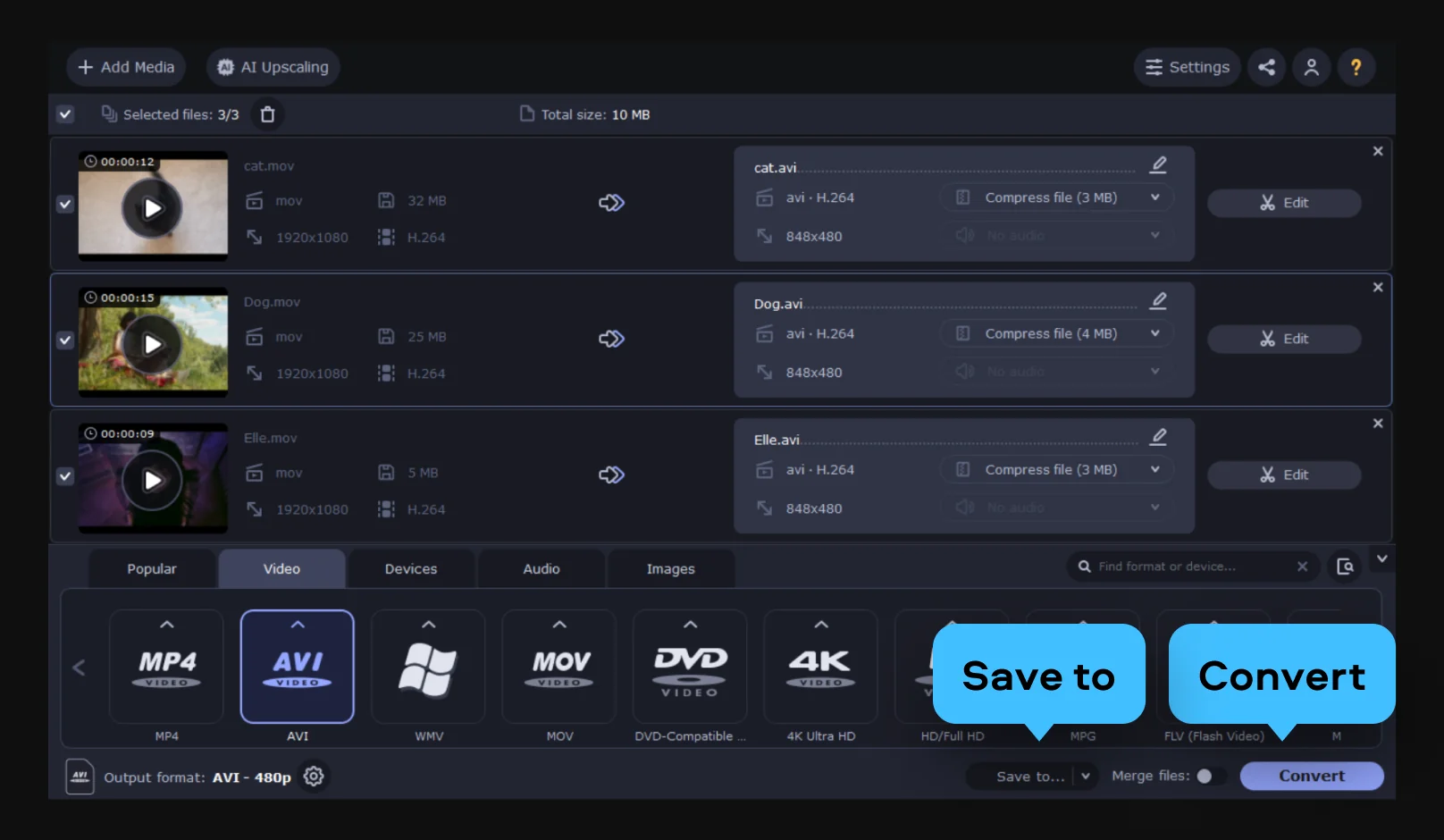
Click Save to to pick an output folder, then hit Convert. When it's done, the AVI is ready to watch, edit, or move to another device.
Getting a disc into a plain file comes up across family archives, movie libraries, and learning alike.
Families with a home-video archive · PERSONAL
Wedding, christening, birthday, and family-reunion discs don't last forever – the dye layer degrades and players disappear. Converting them to AVI digitizes those memories before the discs go bad and keeps them in a format that's easy to store and play.
Collectors and movie fans · LIFESTYLE
Turn store-bought DVD movies into tidy files for a home media library, a TV box, or a laptop on the road – no disc juggling, everything in one place.
Students and pros with DVD courses · EDUCATION / WORK
Language, training, and fitness courses that shipped on disc become a file you can open whenever you need it. Convert the DVD once and keep the lessons within reach.
Common questions about converting a DVD to AVI and what to expect from the process.
In four steps: install Movavi Video Converter on Windows or Mac; add the DVD by inserting the disc or loading a VIDEO_TS folder or ISO; open the Video tab and pick AVI; then click Save to and Convert. The converter keeps the standard-definition quality of the DVD source as-is, and if you want it sharper on a modern screen you can turn on AI upscaling during setup.
A DVD is standard definition – 480p or 576p – so a plain resize will look a little soft on a sharp display. Turning on Movavi's AI upscaling helps a lot: it reconstructs detail instead of just enlarging the picture, which makes SD footage noticeably crisper. Be realistic about the ceiling, though – the result won't match native HD, because quality is ultimately limited by what's on the original disc. Starting from the disc itself rather than a compressed copy gives the best outcome.
Movavi Video Converter is intended for your own personal and home-recorded discs and other unprotected content. Please respect copyright and the laws that apply where you live – we don't provide any guidance on bypassing disc protection.
For most people the default AVI preset is the right choice and needs no tweaking. If you want more control, you can set the bitrate and resolution yourself and choose exactly which audio and subtitle tracks to keep.
An AVI opens in ordinary media players and simple video editors, so you can watch it or edit it right away. From there it's easy to move to a phone, a TV box, or the cloud.
It's a free download for Windows and Mac with a trial that unlocks every feature – disc reading, AI upscaling, and track selection included – so you can try the whole workflow first. Exported files carry a watermark during the trial period.
The conversion preserves the quality of the DVD source; it doesn't add loss beyond what the format change requires. Because a DVD is standard definition to begin with, the AVI reflects that – and AI upscaling is there if you want to push detail higher.
Yes. Movavi Video Converter runs on both Windows and Mac, and the DVD-to-AVI workflow is the same on either platform.
Beyond DVD, the converter reads and writes a wide range of video and audio formats – MP4, MKV, MOV, AVI, and more – plus Blu-ray, so you can move almost any source into the format you need.


1.5M+ users already subscribed to our newsletter