
Step 1. Install the chroma key video editor
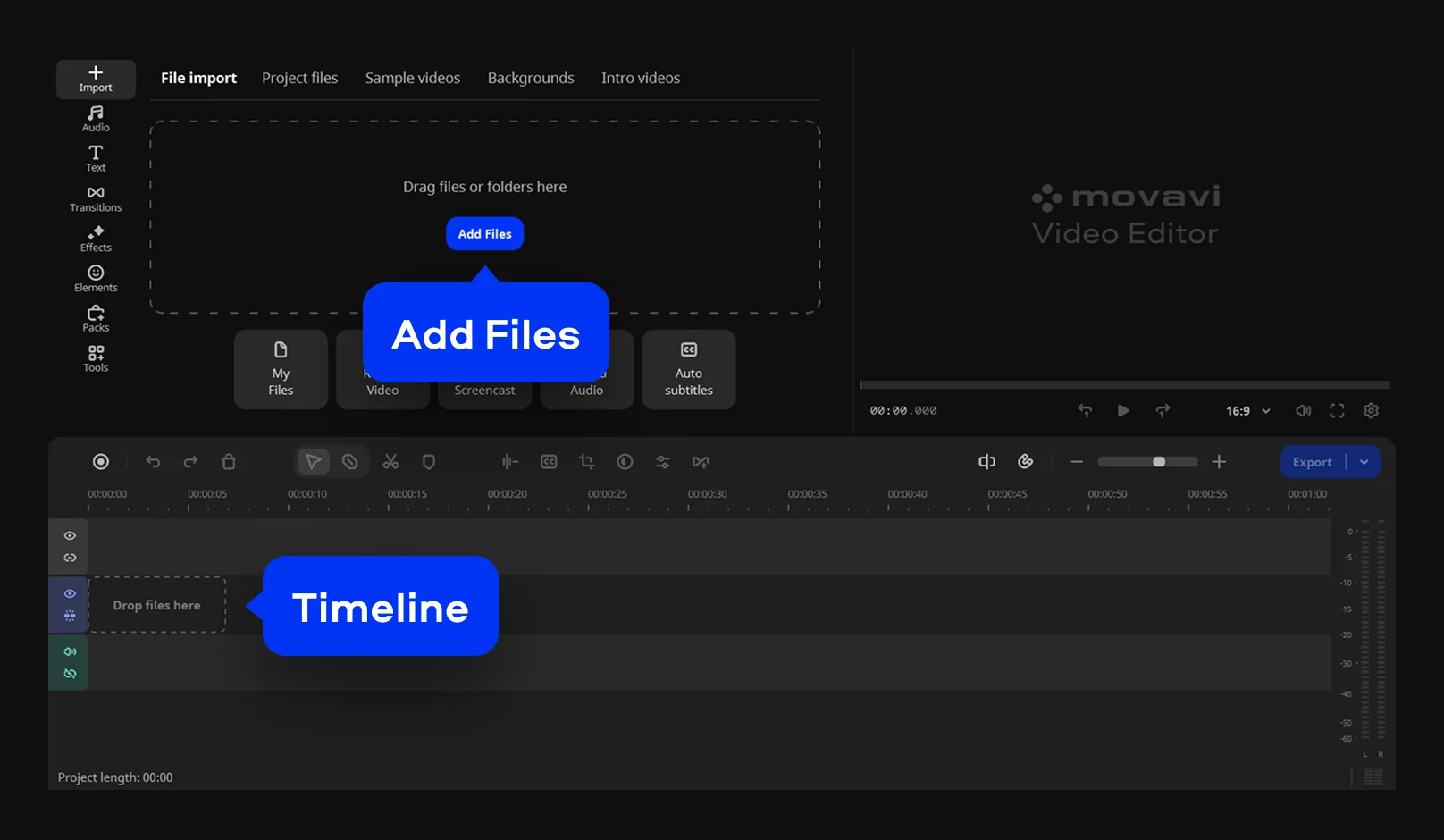
Download and install Movavi Video Editor. Open the green screen editor, click Add Files, and choose the video you want to edit. Drag the clip onto the Timeline so you can start working with it. If you already know which background you want to use, import that image or video too. It saves time and makes the next step much smoother.