Movavi Video Editor

Track motion in videos and apply effects with precision

By clicking the download button, you're downloading a free version of the program.*

Meet the Best Motion-Tracking Software

Get a free download of Movavi Video Editor

Track objects with precision

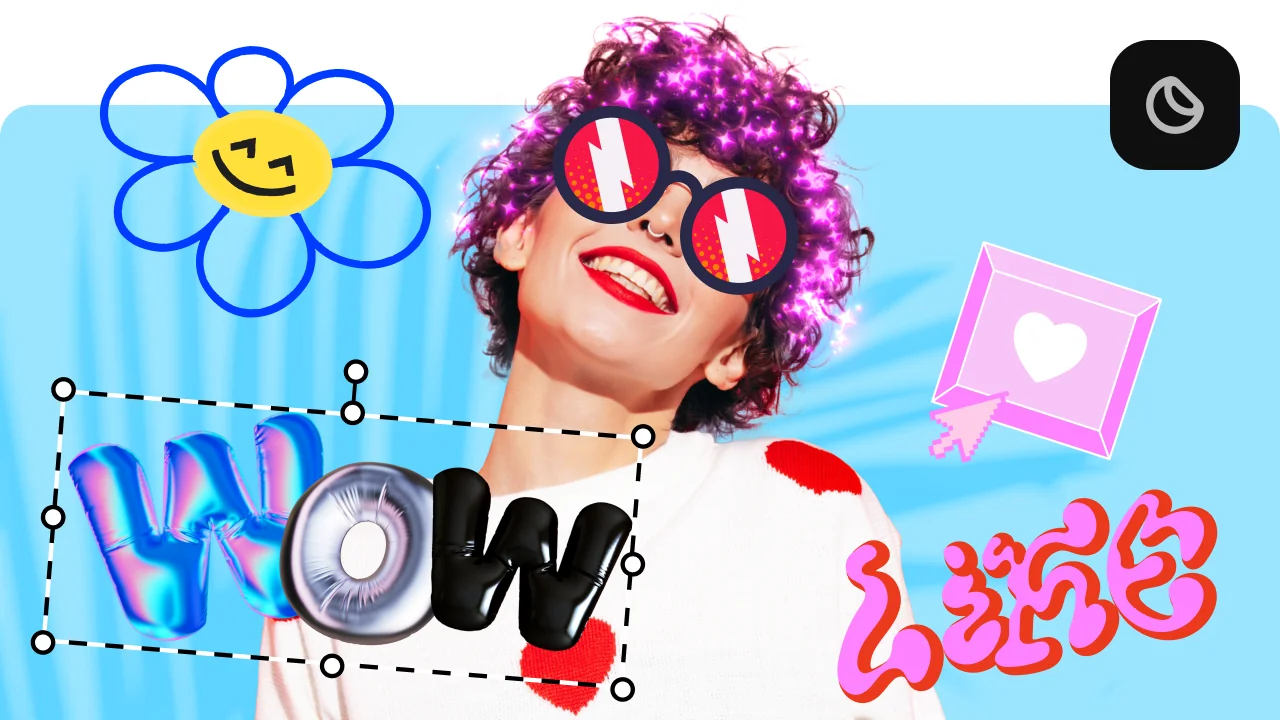
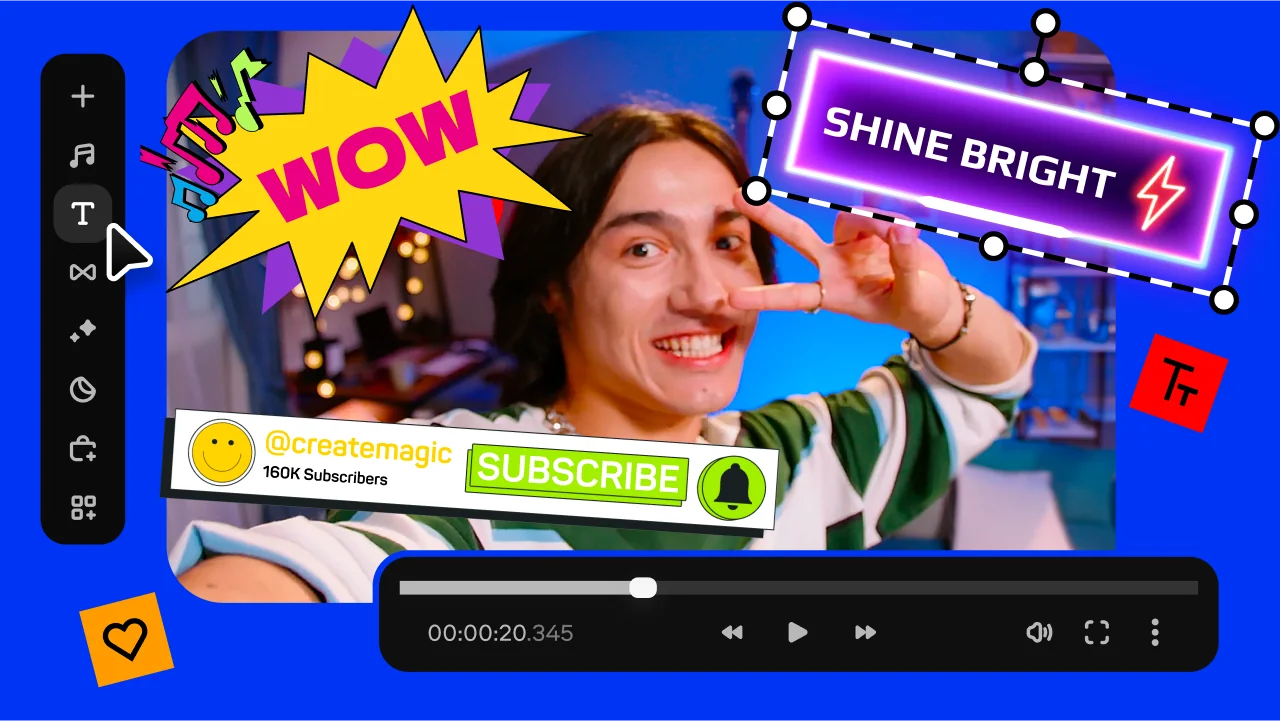
Attach text, graphics, or effects to moving objects and keep them perfectly aligned frame by frame.

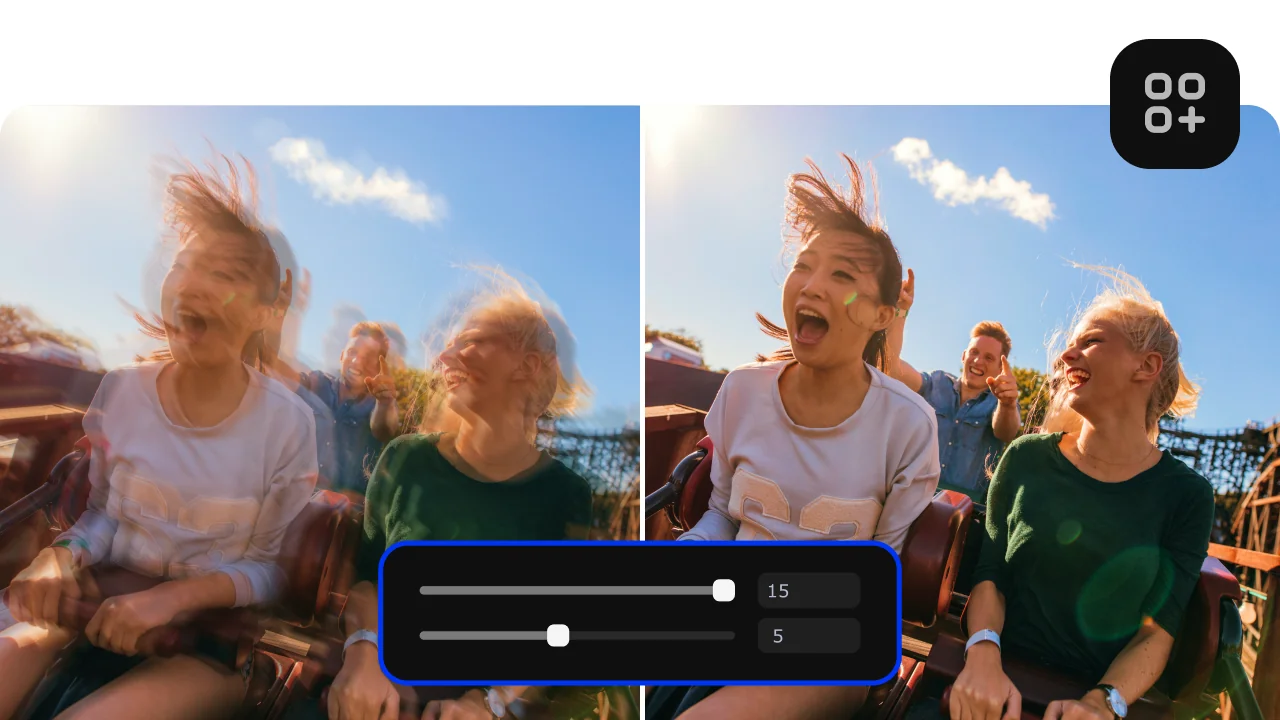
Add dynamic effects to motion

Enhance your videos by applying filters, highlights, or blur effects that follow movement naturally.

Edit and export in multiple formats

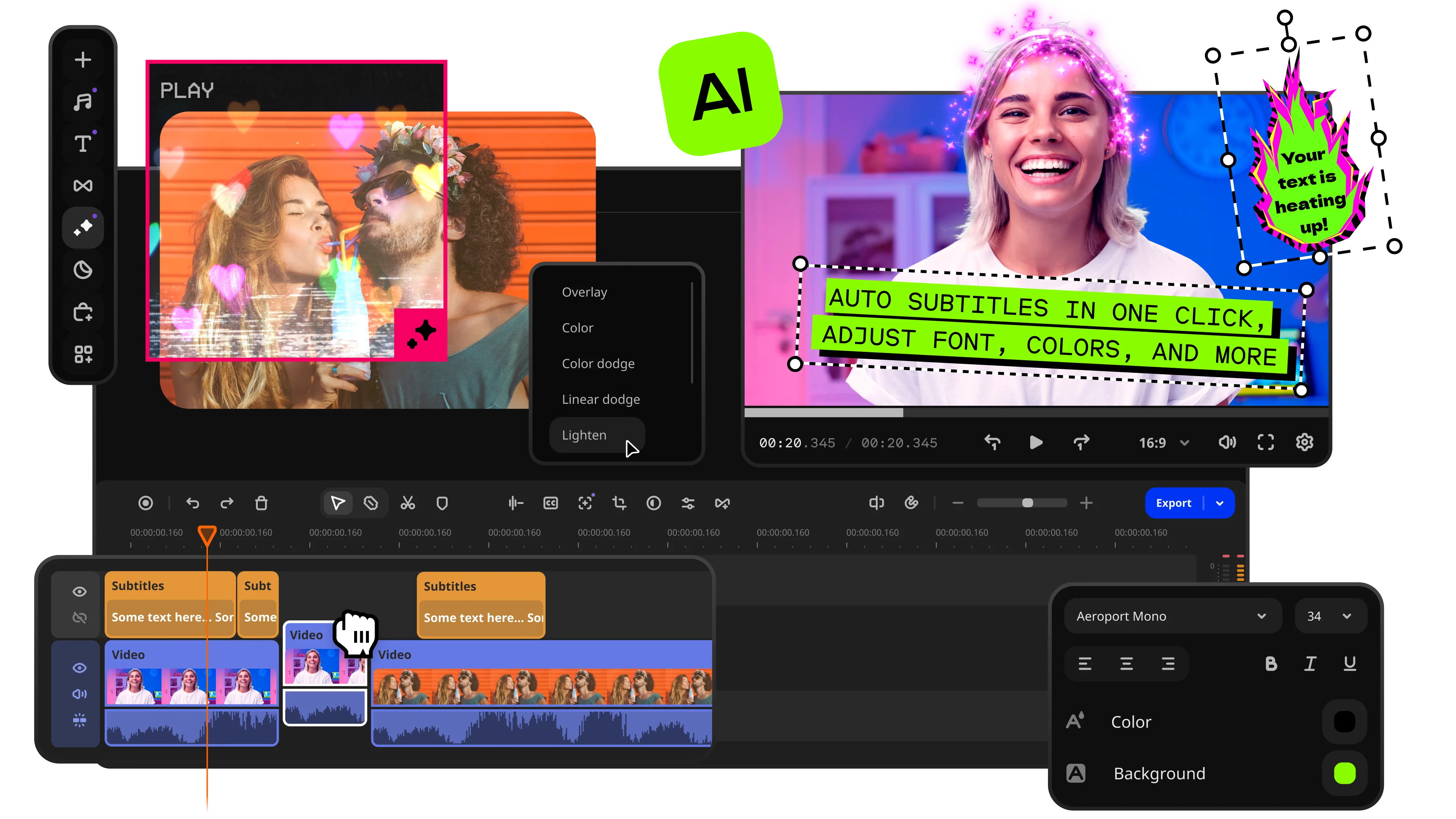
Combine motion tracking with full video editing tools and export your project in any popular format.

Add motion tracking to a video

Wondering how to add motion tracking to a video without getting lost in complex tools? Movavi Video Editor makes motion tracking video editing really simple. It’s easy to track objects and attach effects, text, or graphics that follow movement smoothly.

This motion-tracking video editor has an intuitive interface and support for all popular formats – you can edit, enhance, and export your videos in just a few clicks. No advanced skills required, just install this 3D-tracking software on your PC with Windows or on Mac and start creating dynamic, professional-looking content right away.

How to add motion tracking to a video

Step 1. Install the match-moving software

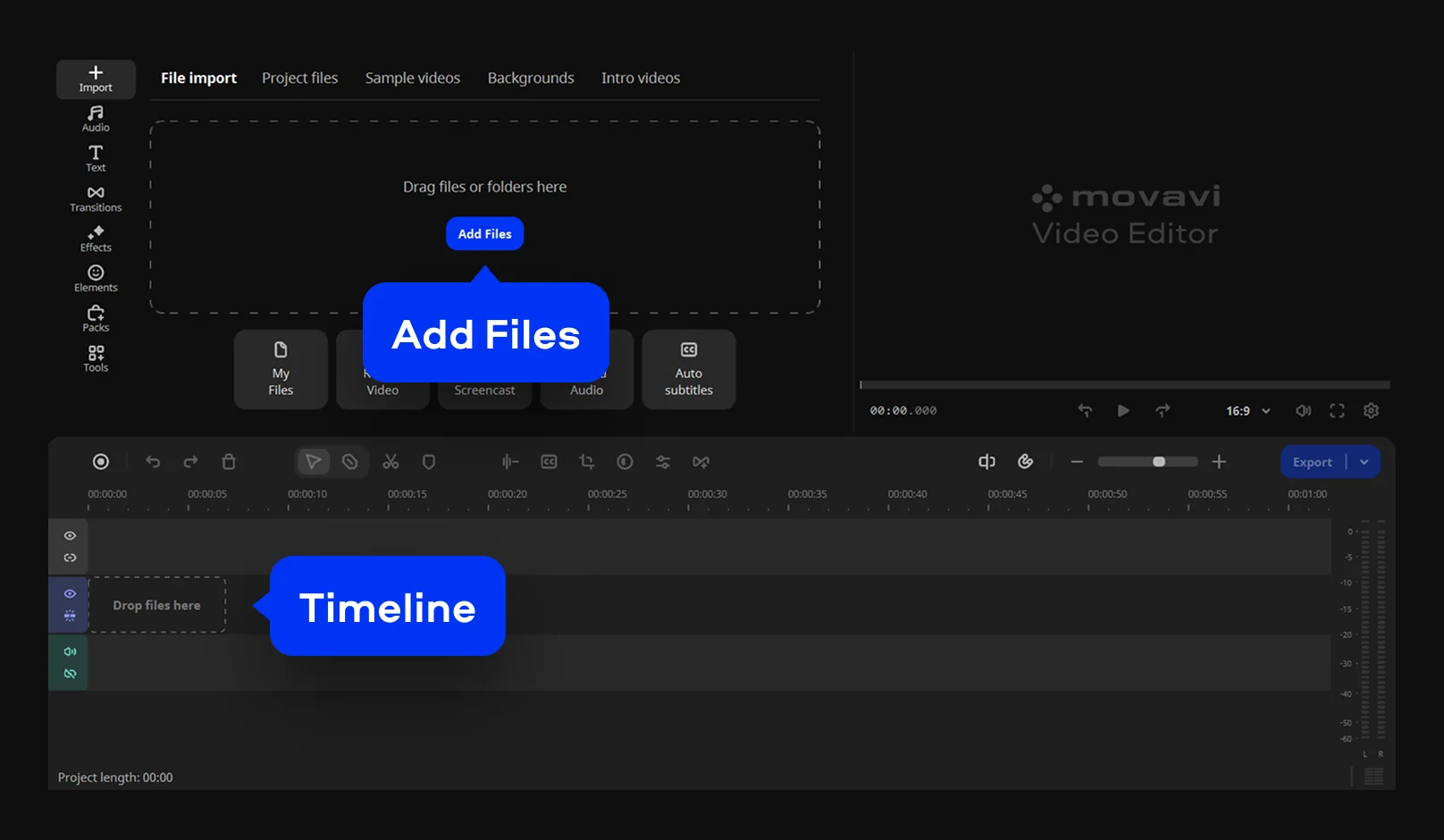
Download and install Movavi Video Editor. Open the camera-tracking software, click Add Files, and select the video you want to work with. Once the clip appears in the project files, drag it onto the Timeline so you can start editing.

Step 2. Open the masking tool

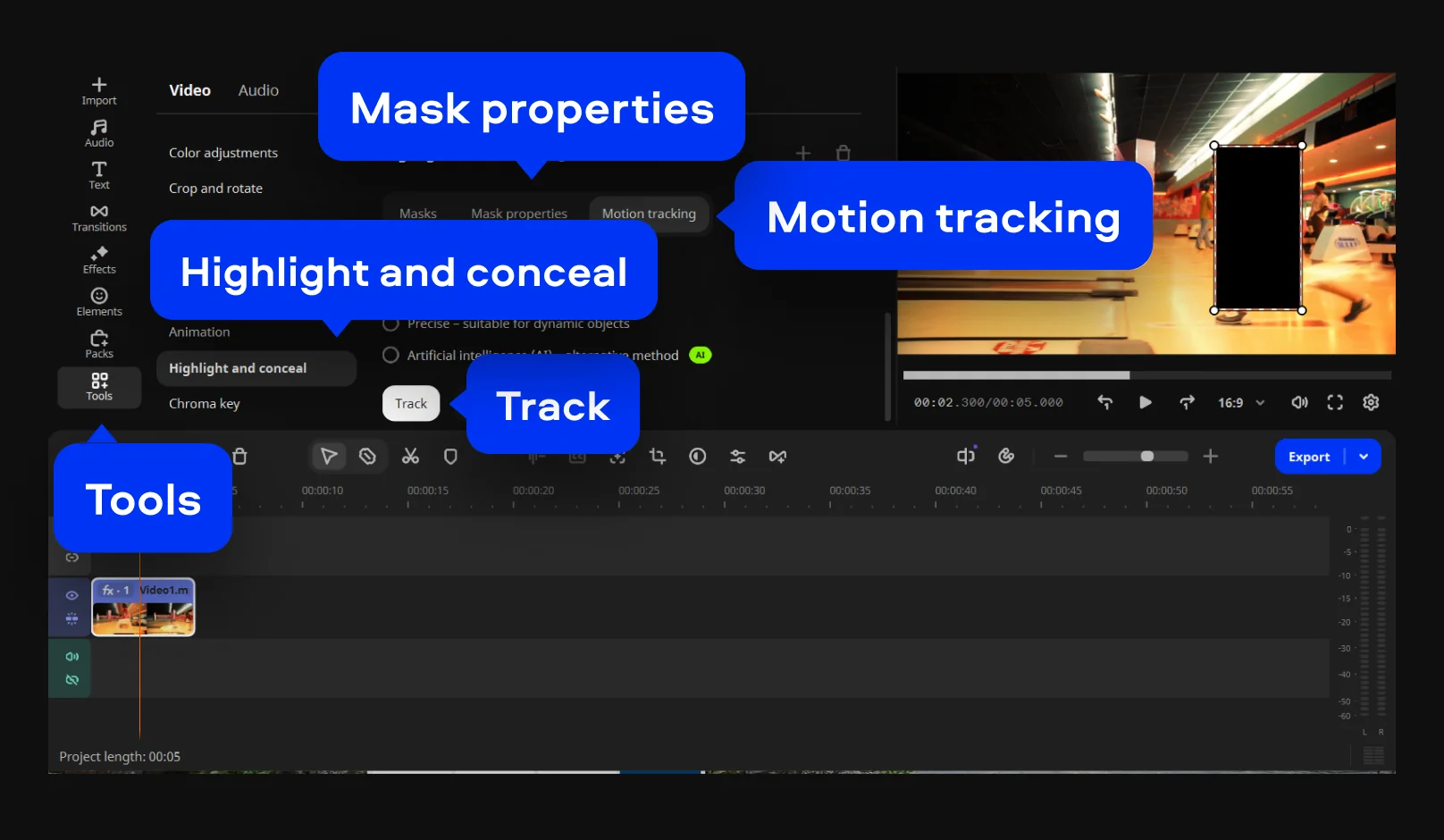
To add a motion tracker for a video, go to Tools and open Highlight and conceal. Choose the mask preset you need and place it over the object or area you want to follow in the frame. After that, open the Mask properties settings to adjust details like feathering and opacity. When the mask is in position, move to the Motion tracking tab so the mask can follow the subject as it moves through the shot.

Step 3. Export the video

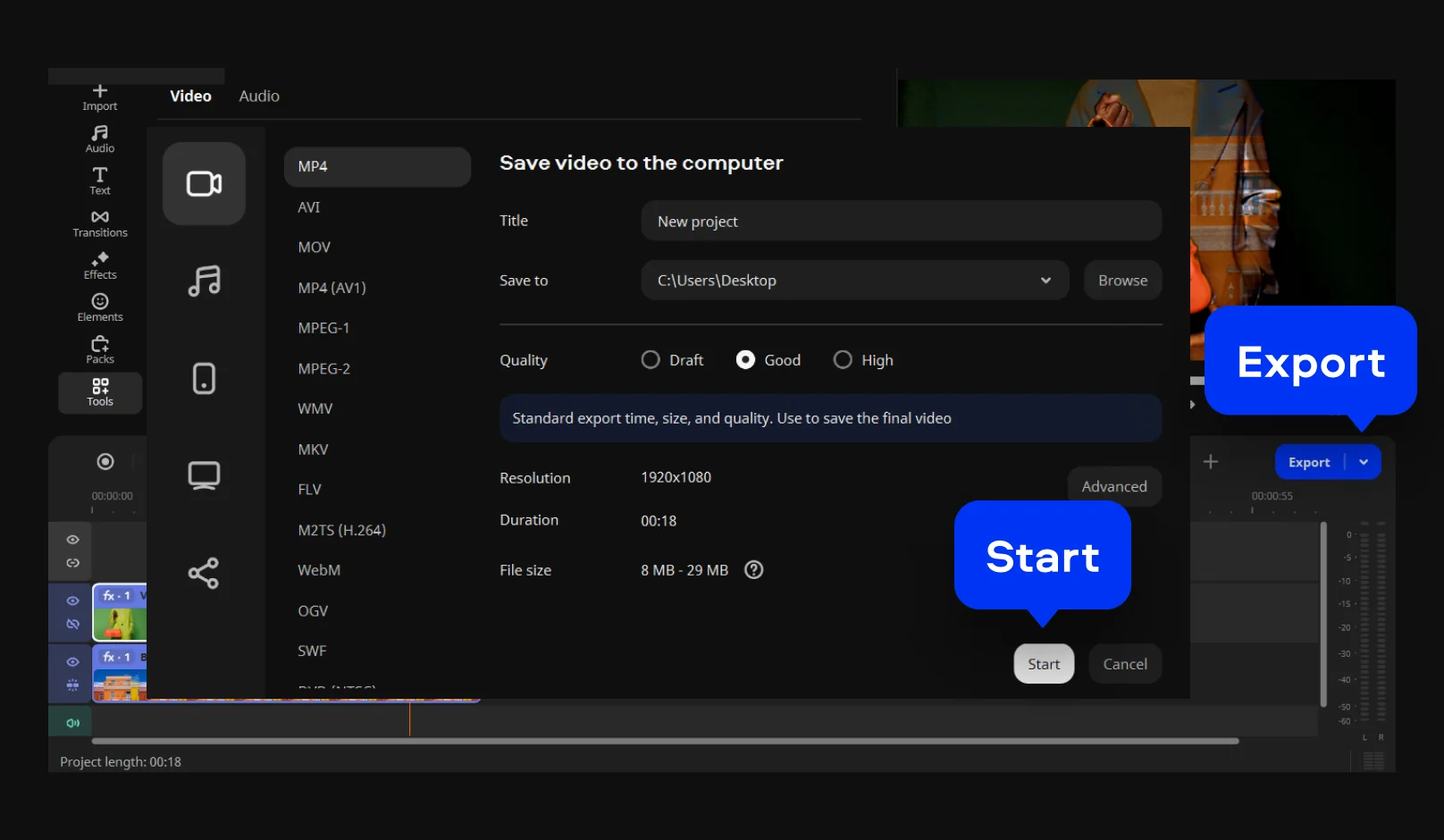
Check how the mask follows the object through the clip and adjust it if needed so the effect stays locked in place. This works especially well for blurring faces, hiding details, or keeping the viewer’s attention on a moving subject. Once everything looks right, click Export, choose your output settings, and hit Start to save the finished video.

Movavi Video Editor
Create awesome videos easily

*The free version of Movavi Video Editor may have the following restrictions depending on the build: watermark on exported clips, 60-second video or 1/2 audio length limit, and/or some advanced features unavailable when exporting videos.

Why choose Movavi

We’re the #1 choice for millions of people from all around the world. Join our thriving community and create stunning content with incredible ease.

70M+

users

190+

countries

15+

updates per year

10,000+

effects to choose from

Frequently asked questions

What is motion tracking in video editing and how does it work?

Motion tracking feels like teaching software to pay attention. I mark an object in the frame, and the motion-tracking app starts following it across every second of footage. Under the hood, it analyzes movement, contrast, and position, then maps that path frame by frame. The result is simple to use but deceptively clever. Text sticks to a moving car, a blur follows a face, graphics lock onto motion without drifting off. Once it works, everything in the scene suddenly feels more connected and intentional.

How do I motion track an object in video for free?

You do not need a premium setup to get started. I have used free motion-tracking software that handle motion tracking well enough for real projects. The process is usually the same. Import your video into the camera tracker app, select the object you want to track, and let the software analyze its movement. After that, you attach an effect, text, or blur to the tracked path. Some free object-tracking software limit export quality or features, but they still get the job done. It is a good way to test ideas before moving to something more advanced or polished.

Which is the best motion-tracking software for beginners?

For beginners, the best motion-tracking software is the one that does not fight back, for example, an AI motion tracker. I have seen people drop motion tracking entirely because the interface felt like a puzzle. Software like Movavi Video Editor keeps things accessible, with tracking tools that are easy to find and apply. It does not overwhelm you with controls you do not need yet. There are more advanced VFX tracking software out there, sure, but they come with a learning curve that can slow you down. For starting out, clarity and speed matter more than having every possible feature on day one.

Movavi Video Editor
Create awesome videos easily

*The free version of Movavi Video Editor may have the following restrictions depending on the build: watermark on exported clips, 60-second video or 1/2 audio length limit, and/or some advanced features unavailable when exporting videos.

Join us for discounts, editing tips, and content ideas

1.5M+ users already subscribed to our newsletter

By signing up, I agree to receive marketing emails from Movavi and agree to Movavi's Privacy Policy.