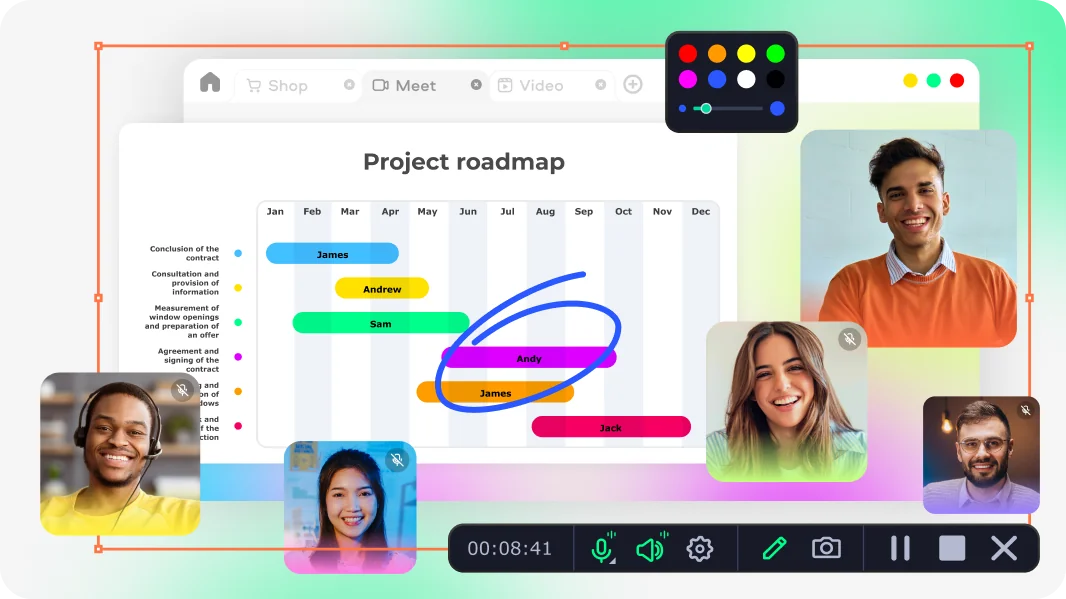
High-Quality Streaming Audio Recorder for Windows & Mac

Movavi Screen Recorder captures live audio from any online source – websites, webcasts, music streams, webinars, and apps – in clear, accurate sound and saves it as an MP3 file.

As a complete audio stream recording software, it lets you choose system audio, microphone, or both – then trim recordings, remove noise, and schedule captures automatically, all in one app.

Trusted by 70 million creators worldwide

70M+

users

190+

countries

15+

updates per year

10,000+

effects to choose from

Key features of the streaming audio recorder

Everything you need to capture, edit, and save streaming audio as an MP3 file.

Capture streaming audio from any online source

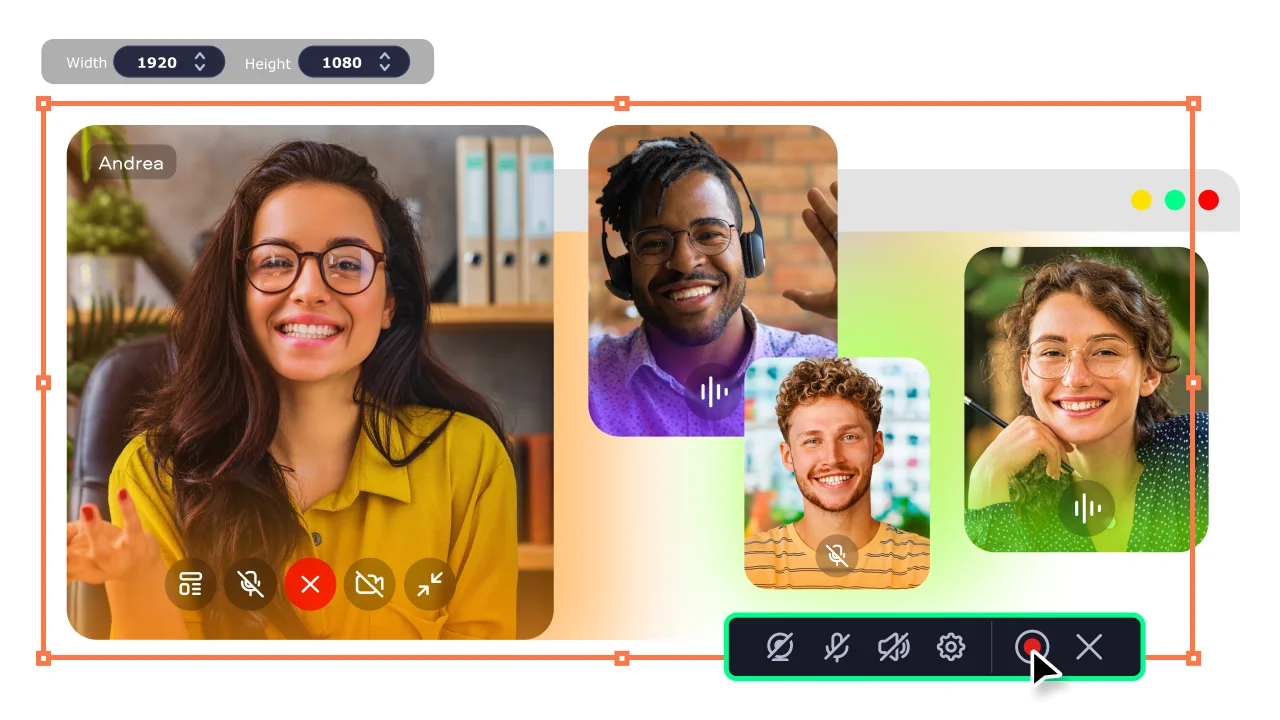
Movavi Screen Recorder captures live audio playing through your computer – from websites, webcasts, music platforms, podcast players, online radios, webinars, and almost any app. Toggle System audio to record what's playing through your speakers, enable Microphone to capture your own voice simultaneously, or use both sources at once. The recording starts clean and runs in real time without introducing latency or quality loss.

AI noise reduction for clear, broadcast-quality sound

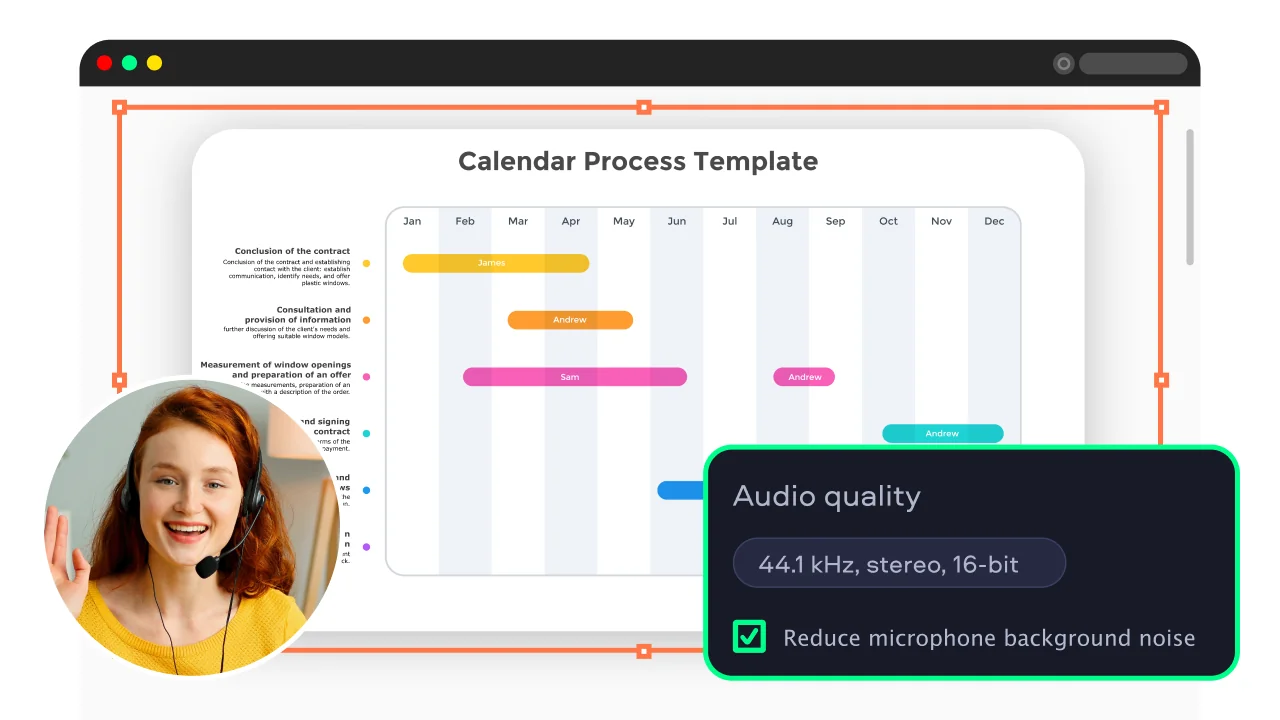
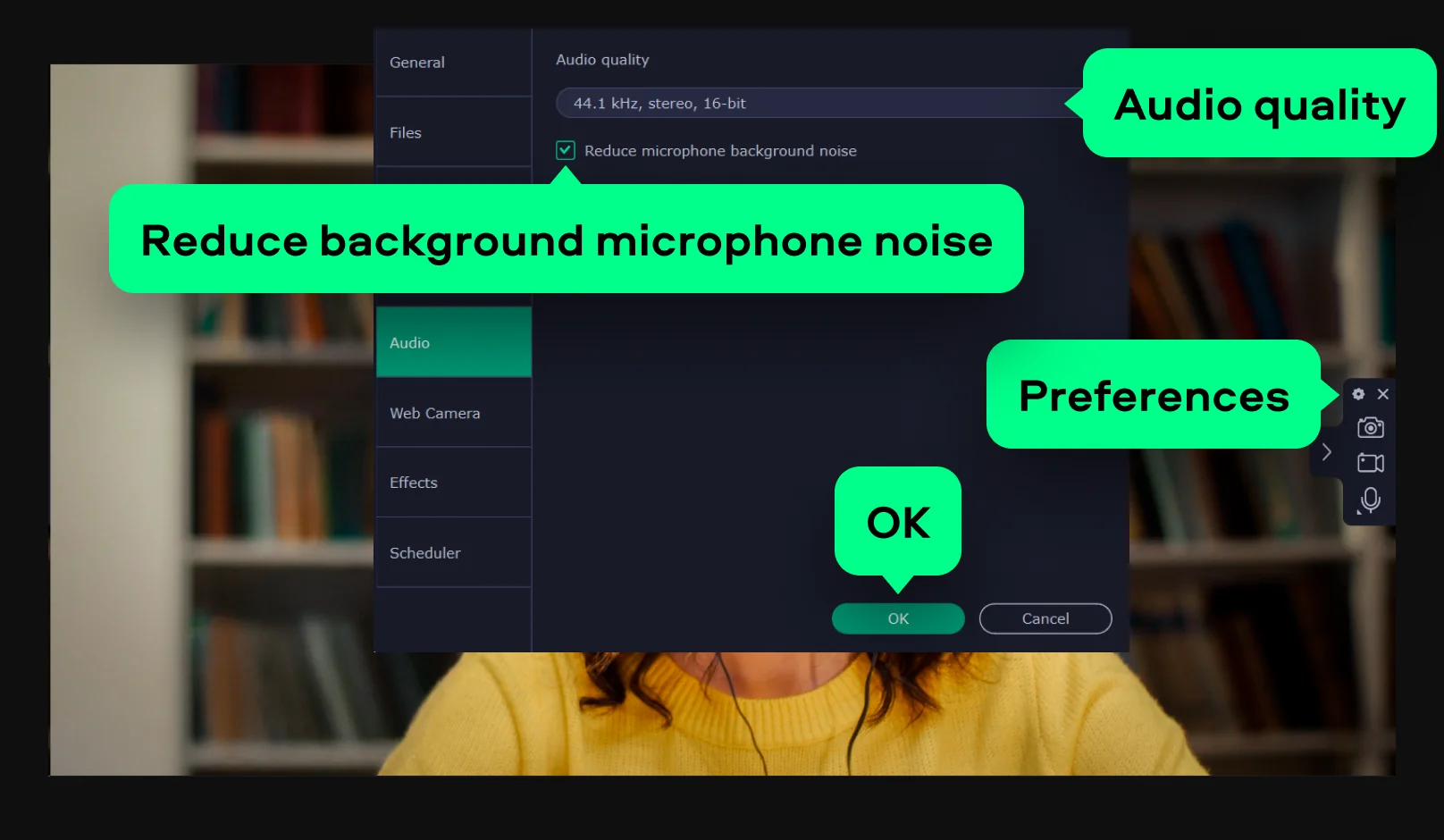
The built-in AI noise reduction tool removes background sounds – ventilation hum, keyboard clicks, ambient room noise – from the recorded audio track automatically. Enable it in Preferences before recording, or apply it after capture. The result is a cleaner sound file that is noticeably easier to listen to without post-processing in a separate audio editor.

Schedule audio stream recordings in advance

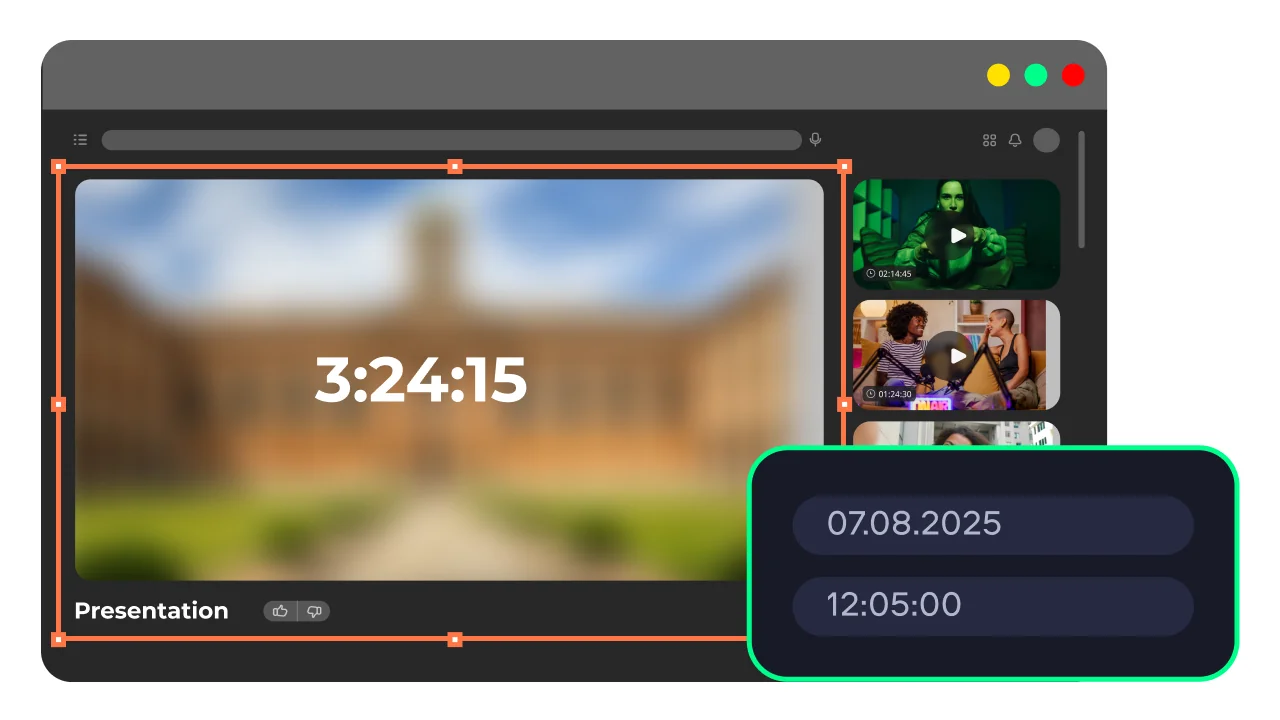
The scheduler lets you set a specific date and time to start and stop automatically – so you can capture a live webcast, online radio broadcast, or scheduled webinar even when you are away from the computer. This is the feature that makes Movavi useful to record webcast audio that airs at inconvenient hours or overlaps with other commitments.

Trim recordings and save as MP3 in one step

After a live audio stream recording is complete, the built-in editor lets you trim the beginning and end, cut out unwanted segments, and remove dead air – all without opening a separate audio application. Export the finished file directly as an MP3 for easy playback on any device or platform. The full version of the software removes all usage limits and watermarks from exported files.

Why use Movavi as your audio stream recorder

Three reasons Movavi outperforms basic online audio recorders and browser extensions.

System audio + microphone in a single capture

Most free tools record either system audio or microphone – not both simultaneously. Movavi Screen Recorder captures both sources on independent tracks in one session, so you can record a webcast's live audio and your own commentary at the same time without any external mixer. This is the practical requirement for anyone creating reaction content, lecture annotations, or podcast episodes built around live audio streams.

Scheduled and unattended recording

Browser extensions and online tools require you to be present at your computer when a stream starts. Movavi lets you set the recording to start and stop automatically at a specific time, which means you can schedule a capture for a live webcast, an online radio program, or a webinar that starts while you are unavailable. No other free streaming audio recording software for a PC offers this level of hands-off automation without a complex setup.

Free download for Windows and Mac

Movavi Screen Recorder is available as a free download for Windows and Mac, with a 7-day trial that gives access to all features before any payment is required. The free version adds a watermark to exported video files but MP3 audio export is available. The full version removes all limitations and is available as a one-time purchase or annual subscription.

How to record streaming audio with Movavi – 3 steps

From installation to a saved MP3 audio file in under five minutes.

Step 1. Install Movavi Screen Recorder

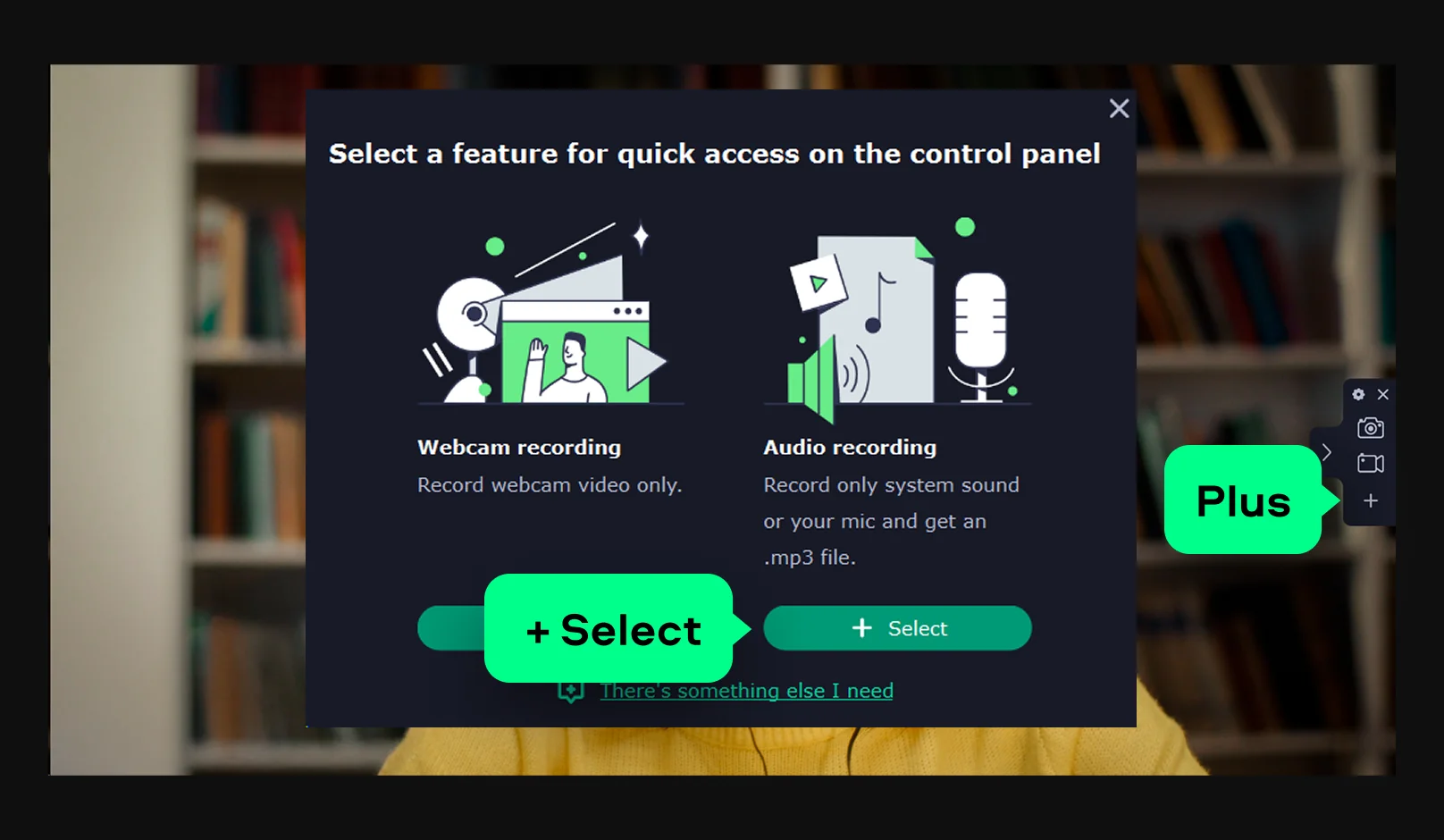
Download and install the program on your Windows PC or Mac. Launch it and add Audio recording via the Plus icon if it’s not on the panel. Once set up, the tool works as a convenient audio stream recorder with quick access to all controls.

Step 2. Choose your audio source and settings

Open Preferences > Audio to set quality and enable noise reduction if needed. Turn on System audio to record streams or apps, and enable Microphone if you also want to record your voice.

Step 3. Schedule your recording (optional)

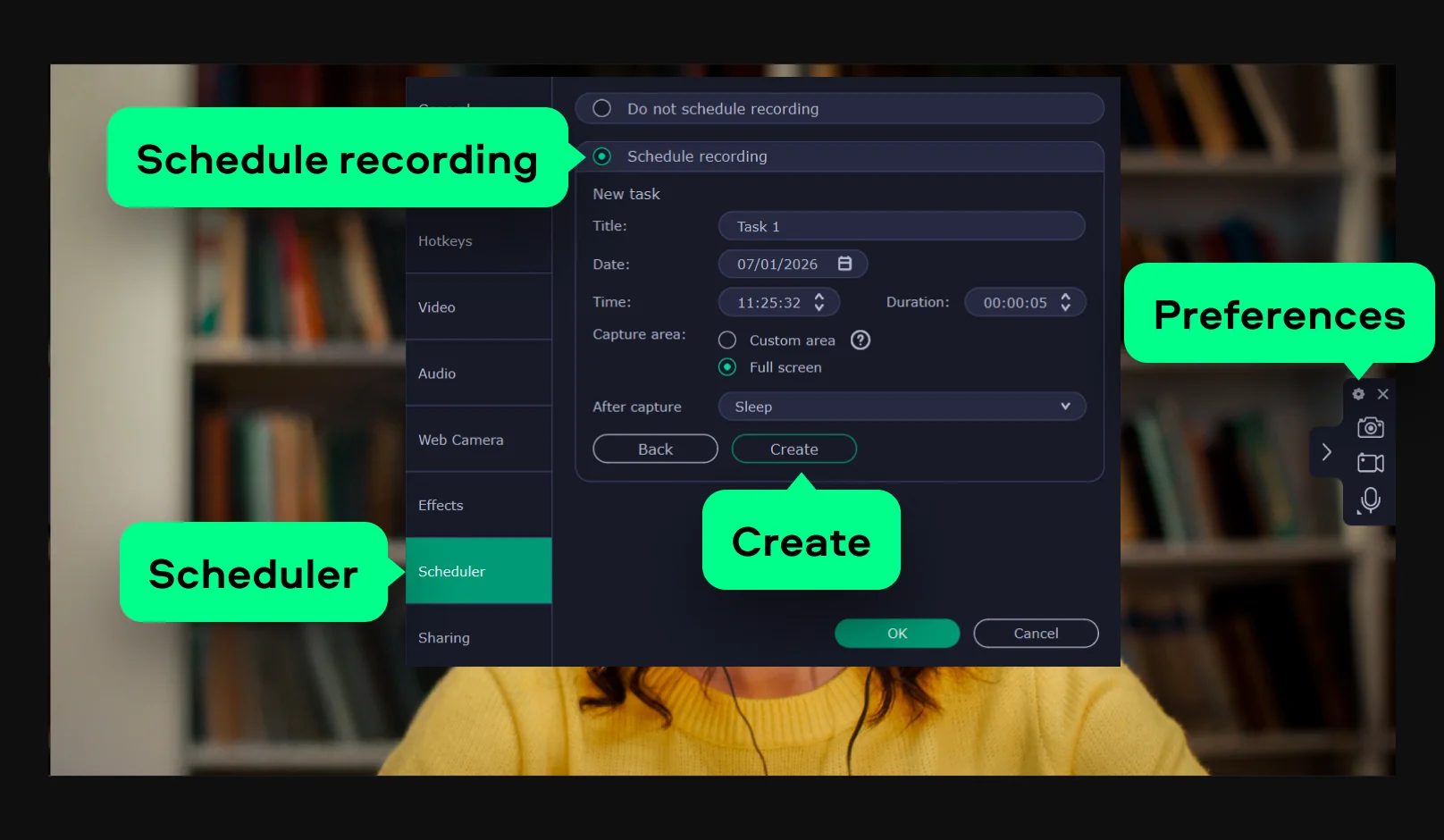
If you want to schedule your recording at a specific time, click Preferences and open the Scheduler tab. Click Schedule recordingAdd Task and set date, time, and capture area. Hit the Create button to save the recording task.

Step 4. Record, edit, and save

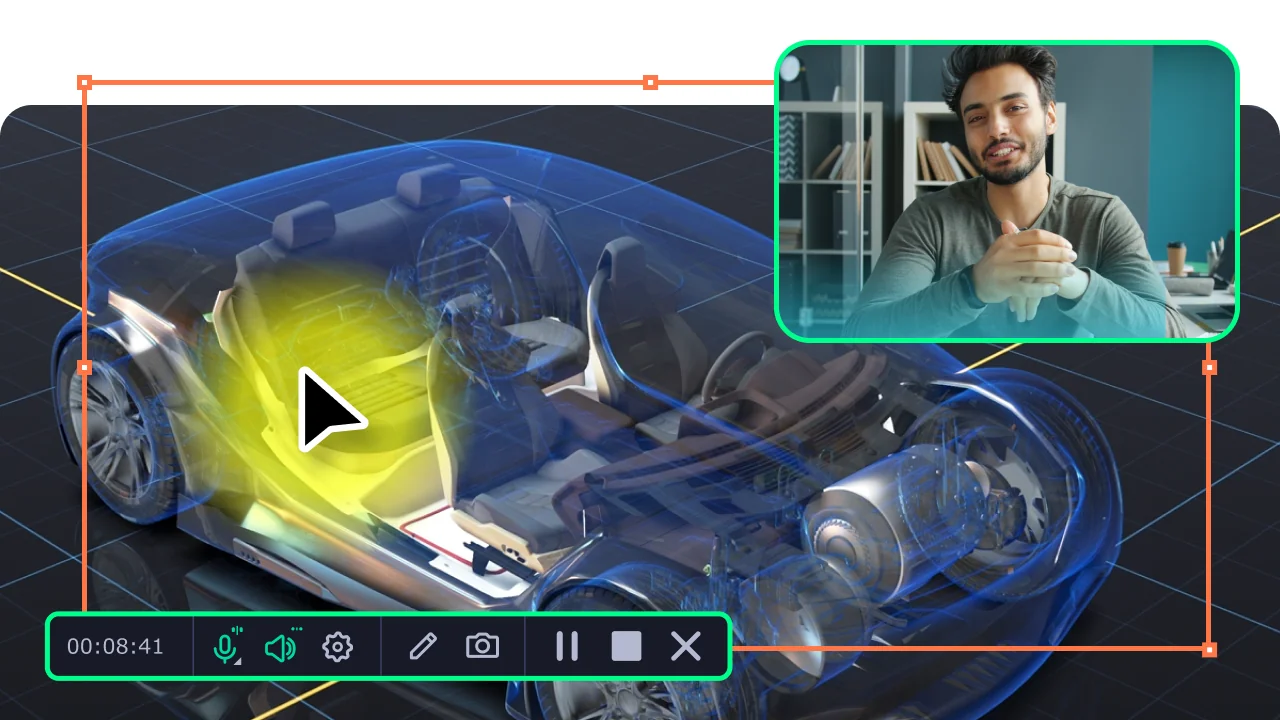
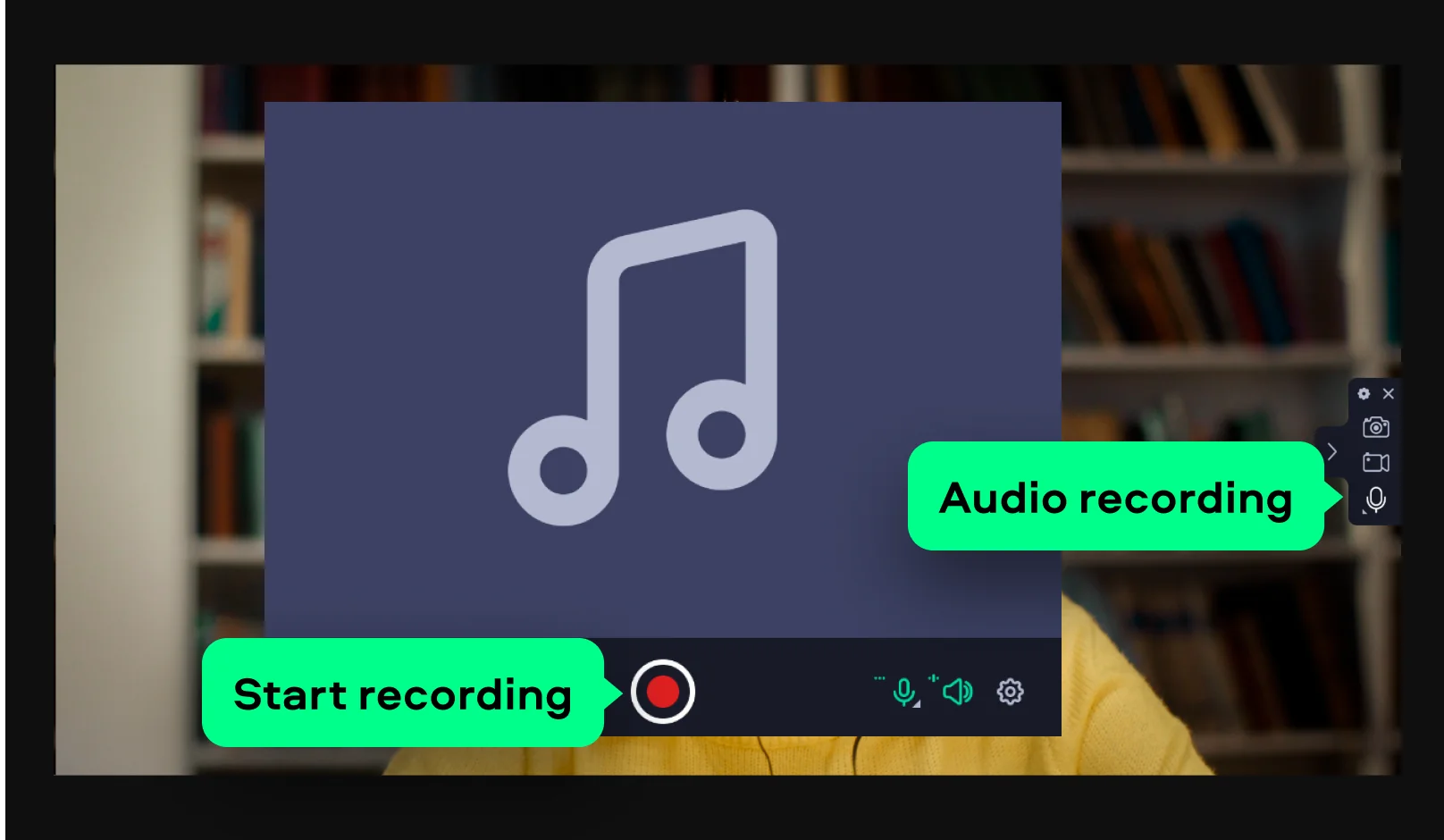
Start your stream and click REC. Stop the recording when finished, then trim unwanted parts in the built-in editor. Export the final file and save it to your computer.

Who uses a streaming audio recorder

Capturing live audio from online sources is a practical need across many different workflows.

Students and lifelong learners  ·  EDUCATION

Students who attend online lectures, webinars, and live educational sessions use an audio recorder to keep a copy of the audio for revision – particularly useful when a recording is not made available after the session ends. Movavi's scheduler lets them set the capture to start and stop automatically at the precise time the webcast begins, even if they cannot be at their computer when it airs.

Music fans and podcast listeners  ·  PERSONAL

Listeners who want to save music from web radio stations, live concert streams, rare webcasts, or podcast episodes that are later removed from platforms use Movavi Screen Recorder to keep a local MP3 copy. The AI noise reduction ensures that the captured audio sounds clean, and the built-in editor makes it straightforward to split a long recording into individual tracks.

Professionals recording webinars and online meetings  ·  BUSINESS

Remote workers, consultants, and researchers who attend webinars, online conferences, and client calls use the streaming audio recorder to capture the audio track of sessions for note-taking, reference, and knowledge archiving. Movavi's dual-source recording – system audio and microphone simultaneously – allows them to record both the presenter's audio and their own spoken notes in a single capture session.
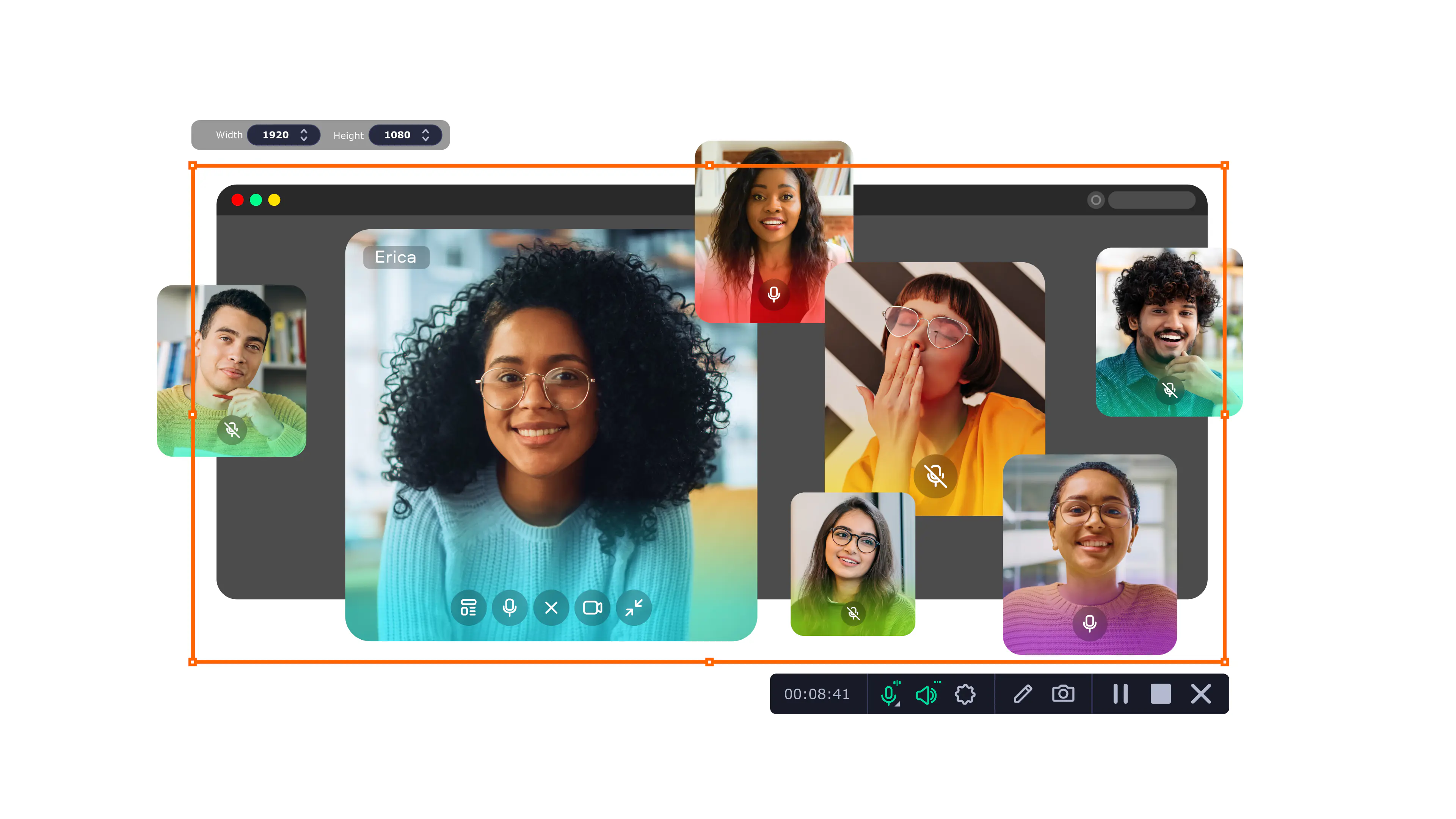
Movavi Screen Recorder
The perfect way to record anything from your screen

Disclaimer: Please be aware that Movavi Screen Recorder does not allow capture of copy-protected video and audio streams.

Frequently asked questions

Common questions about recording streaming audio, devices, software, and live broadcasts.

Is there a way to record streaming audio?

Yes, dedicated streaming audio recording software like Movavi Screen Recorder captures live audio playing through your computer in real time. Enable System audio in the recording panel, play the stream you want to capture, click REC, and the program saves everything to a local file. When finished, export as MP3 for easy playback. The free version of the app gives full access to all features for 7 days. Alternatives include Audacity (free, open-source, captures system audio via the WASAPI input on Windows), OBS Studio (free, more complex but powerful for webcasts and live audio), and browser extensions like Audio Capture (Chrome extension, records audio from a single browser tab). For most users who want reliable live audio capture with noise reduction and MP3 export on both Windows and Mac, Movavi Screen Recorder is one of the most accessible starting point.

Is there a device that records streaming?

Both hardware devices and software tools can function as a streaming audio recorder. On the hardware side, a DAT recorder, a digital audio recorder (like a Zoom H-series device), or an interface with loopback capability can capture streaming audio when connected to a computer's output. For most PC users, dedicated audio stream recording software is the simpler and more practical option: there is no additional hardware to purchase, no cables to connect, and the recording happens directly on the computer where the stream is playing. Movavi Screen Recorder captures whatever is playing through the system audio output and saves it as an MP3 file locally. A DVR device can also record streaming audio if the source is broadcast TV, but for web-based audio content, a software solution on the computer is the more direct route.

What is the best streaming recorder?

The best audio stream recorder depends on your use case and technical comfort level. For beginners on Windows and Mac who want a clean, fast way to capture streaming audio without complex setup, Movavi Screen Recorder is one of the most accessible full-featured recording software. It covers system audio capture, microphone input, AI noise reduction, scheduled recording, and MP3 export in one app with a free download trial. Audacity is the most powerful free option for users comfortable with a more technical interface. OBS Studio is the standard choice for streamers who also broadcast their own content, as it handles both input and output simultaneously. Total Recorder and Replay Gain are Windows-only tools purpose-built for streaming audio recording with more granular codec control. For straightforward quality recording software that works out of the box on both platforms, Movavi remains the strongest all-around option.

Can I record something that is being live streamed?

Yes, audio-recording software captures audio in real time as the live stream plays, producing a local copy you can listen to afterward. Movavi Screen Recorder does this by recording whatever is playing through your computer's system audio output. So as long as the live audio stream is audible on your computer, Movavi can record it. This works for music webcasts, online radio, webinars, live podcast recordings, conference calls, and any other live audio content delivered through a browser or app. One important limitation applies universally: copy-protected streams – content protected with DRM (Digital Rights Management) – cannot be captured by any legitimate recorder. Always verify that recording a particular stream is permitted under the platform's terms of service before capturing it. Recording for personal, non-commercial use is generally acceptable; redistributing captured live audio content is not.

Join us for discounts, editing tips, and content ideas

1.5M+ users already subscribed to our newsletter

By signing up, I agree to receive marketing emails from Movavi and agree to Movavi's Privacy Policy.