Step 1. Download & launch the app
Download Movavi Screen Recorder for Windows or Mac and run the installer. No additional hardware or browser extensions are needed. Open the app – the recording panel appears immediately on your screen, ready to use.
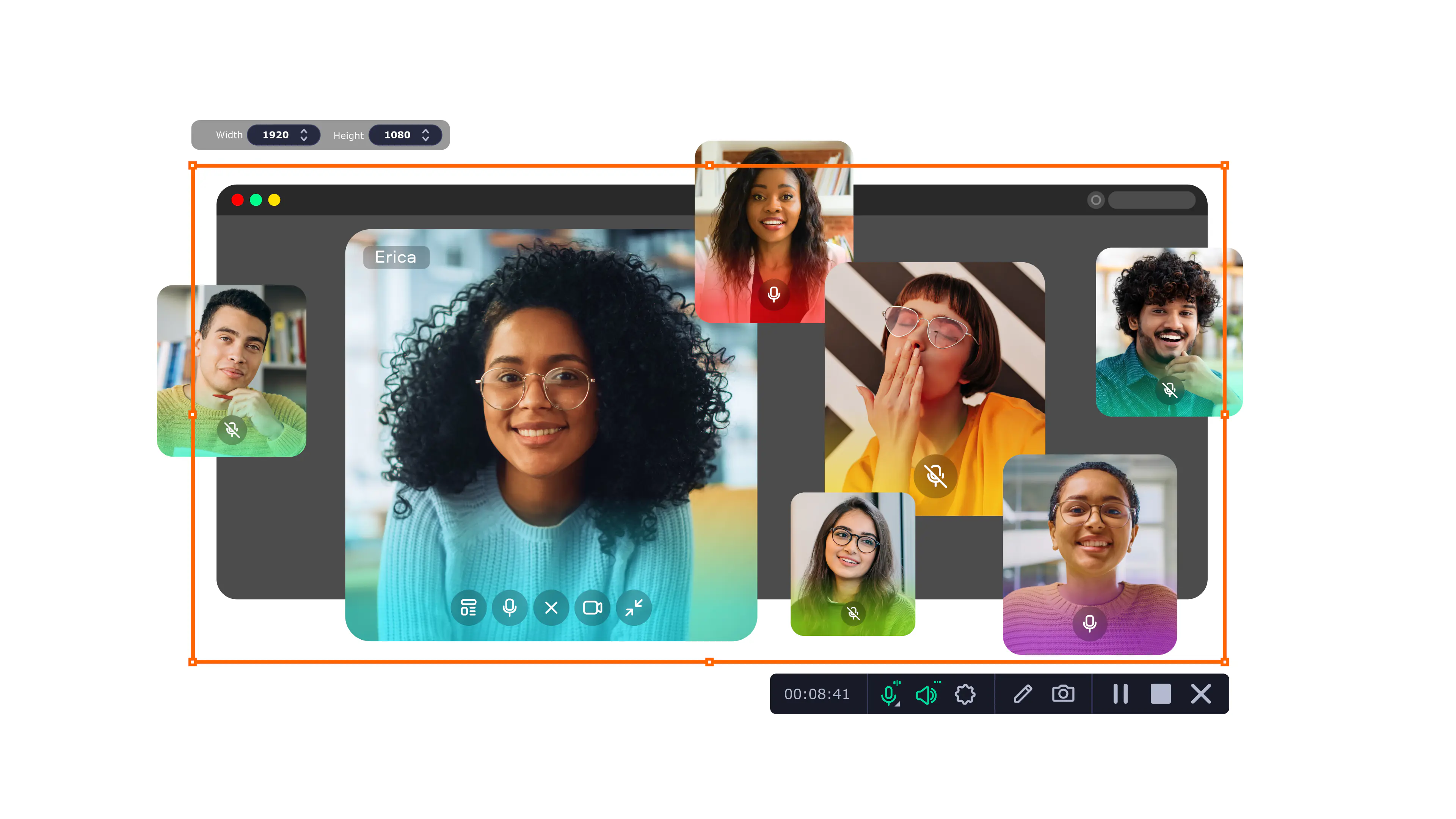
Movavi Screen Recorder lets you record streaming video from any source – with system sound, your microphone, or both – and save it in broadcast-grade quality.
Whether you need to record a live stream or capture video streams on demand, start in seconds with no setup required.
Millions


Everything you need to capture any live stream – no technical skills required.
Flexible screen area selection
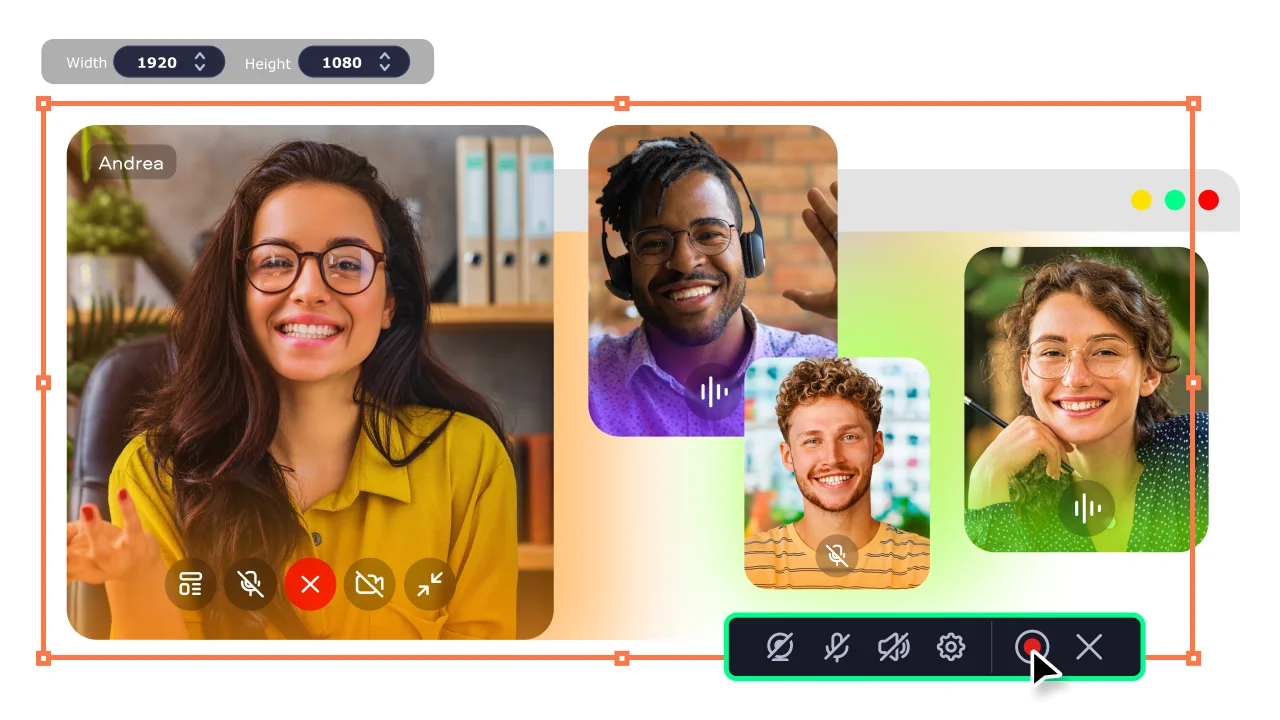
Choose exactly what you want to capture – full screen, a specific application window, or a custom-drawn region of any size. This dedicated streaming video recorder lets you frame the stream itself and nothing else: no notifications, no sidebar clutter, just the content that matters. Both Windows and macOS versions let you draw the capture zone before every session.
Dual-track audio recording
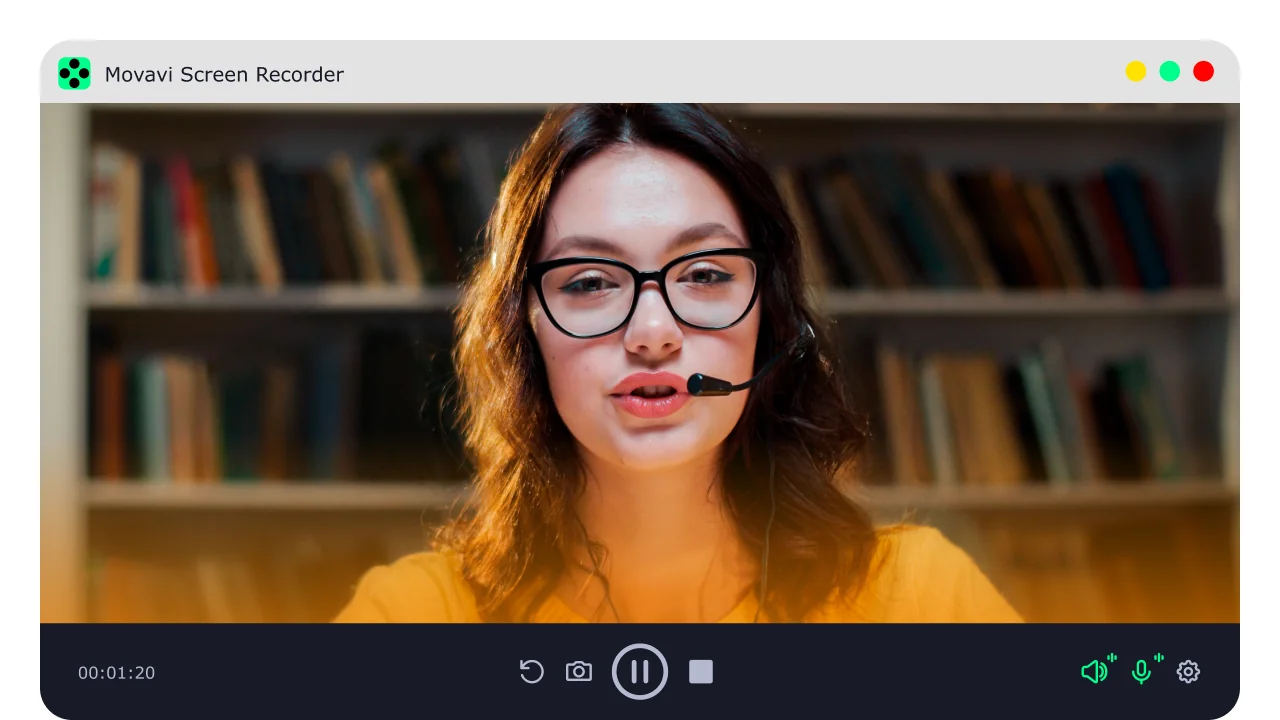
Record system audio and your microphone simultaneously on separate tracks. Whether you want to save a stream exactly as it plays or narrate your own reaction live, the audio pipeline stays clean and in sync at all times.
Scheduled recording & 4K output
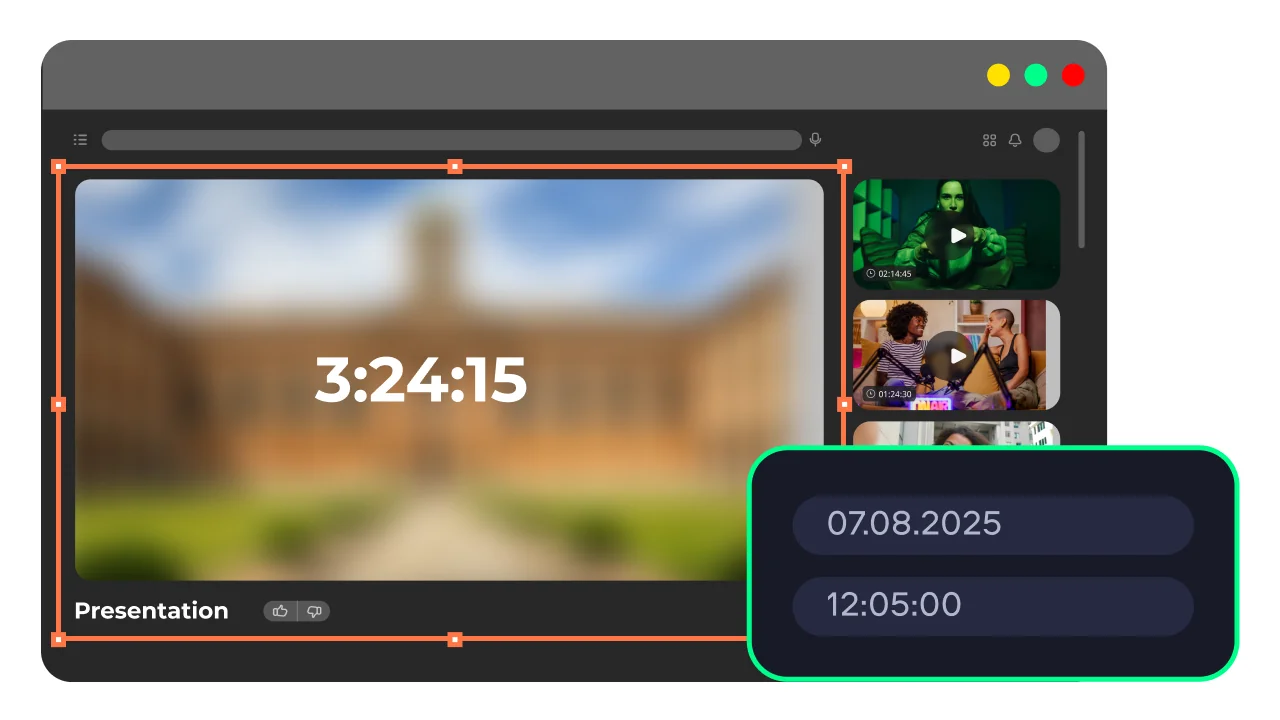
Set the recorder to start and stop automatically at a precise time so you never miss a live webcast – even when you are away from your desk. The scheduler makes it easy to record video webcasts in up to 4K resolution, so archived live streams stay sharp whether you watch them on a laptop or a large monitor.
Webcam overlay & real-time drawing
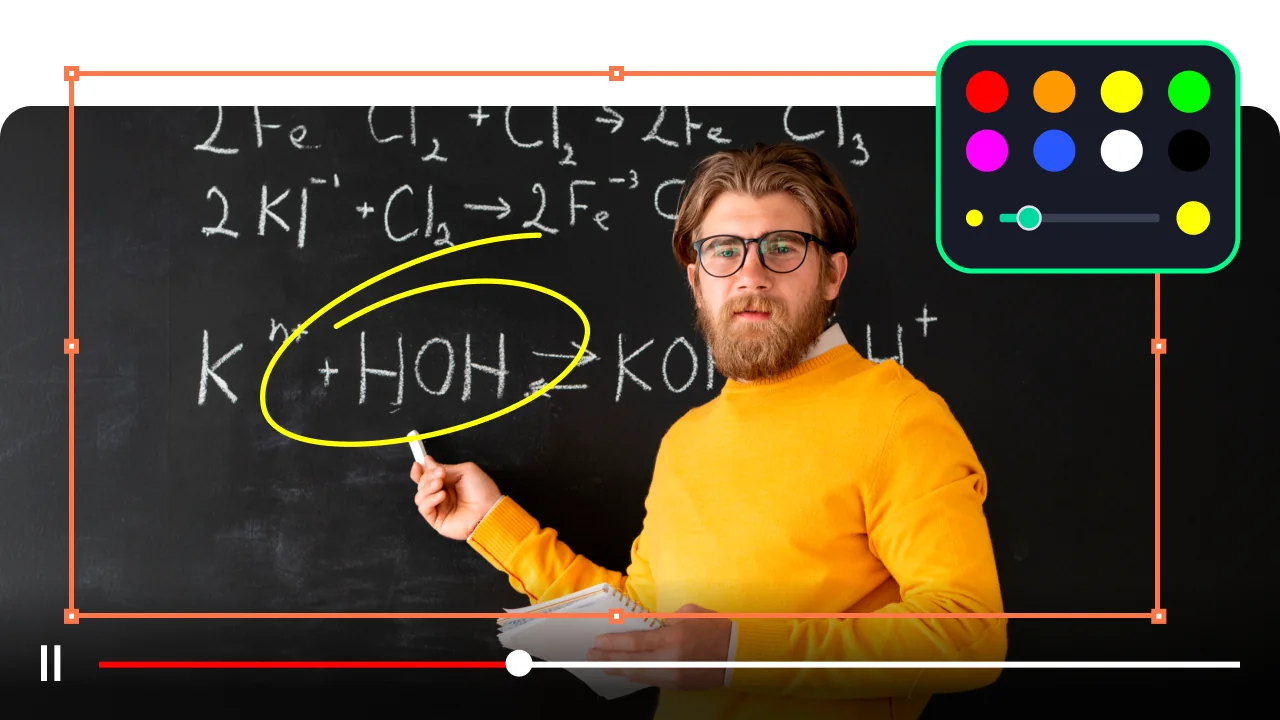
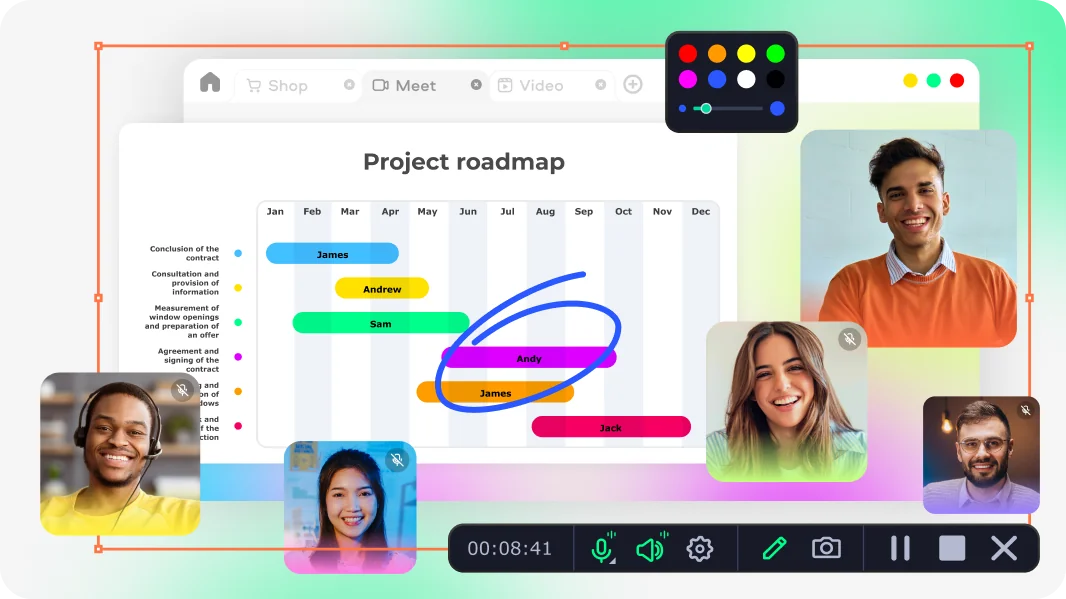
Add a picture-in-picture webcam feed directly on top of the recording to make tutorials and reaction videos more personal and engaging. On-screen drawing tools let you annotate the stream in real time, while keystroke highlights make every action visible for viewers watching a replay.
Why Movavi is the smart choice for recording streams
Three reasons thousands of users pick Movavi Screen Recorder over other tools.
How to capture streaming video with Movavi – 3 steps
Download Movavi Screen Recorder for Windows or Mac and run the installer. No additional hardware or browser extensions are needed. Open the app – the recording panel appears immediately on your screen, ready to use.
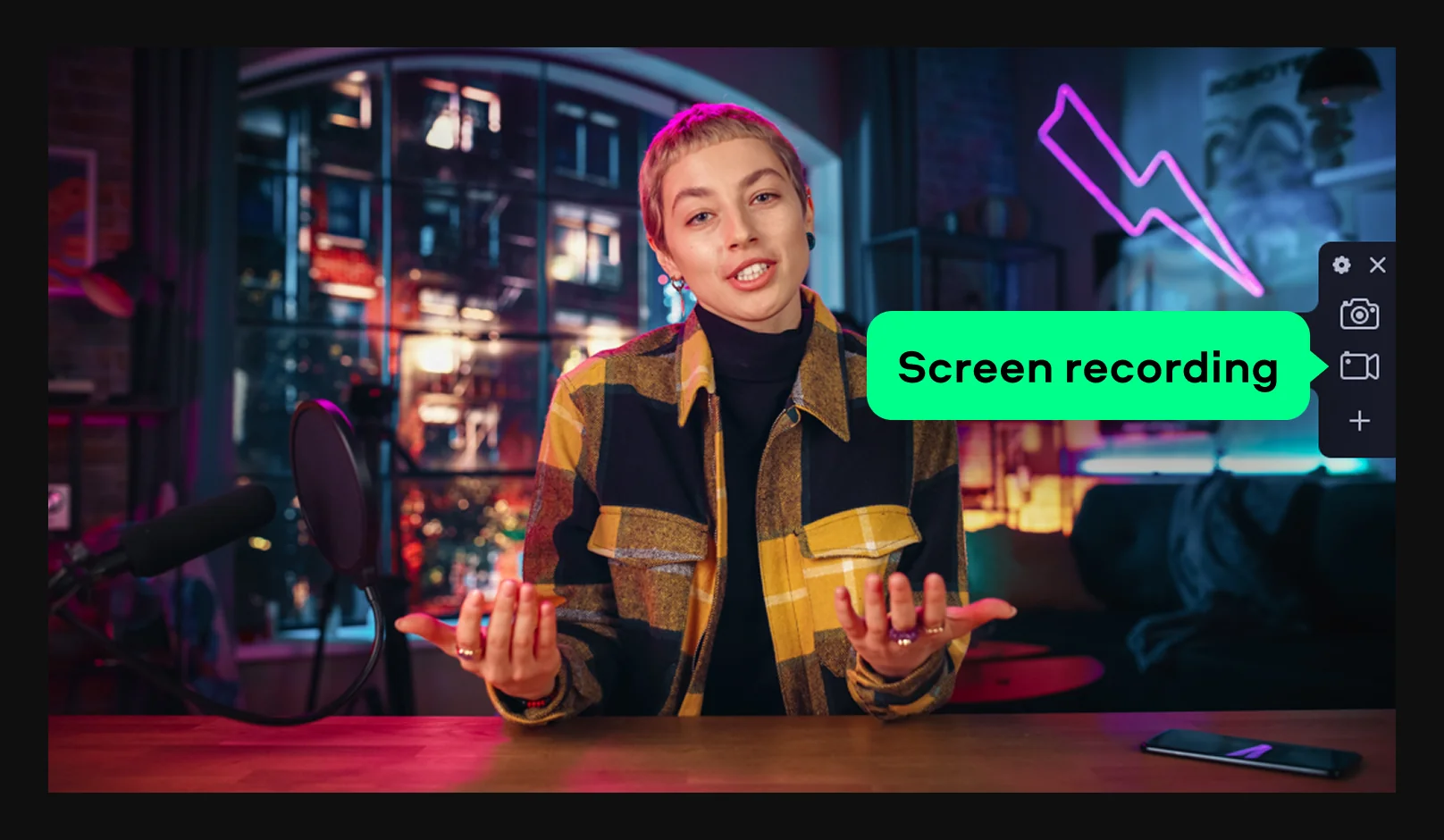
Click Screen recording and draw the capture region around the stream player.
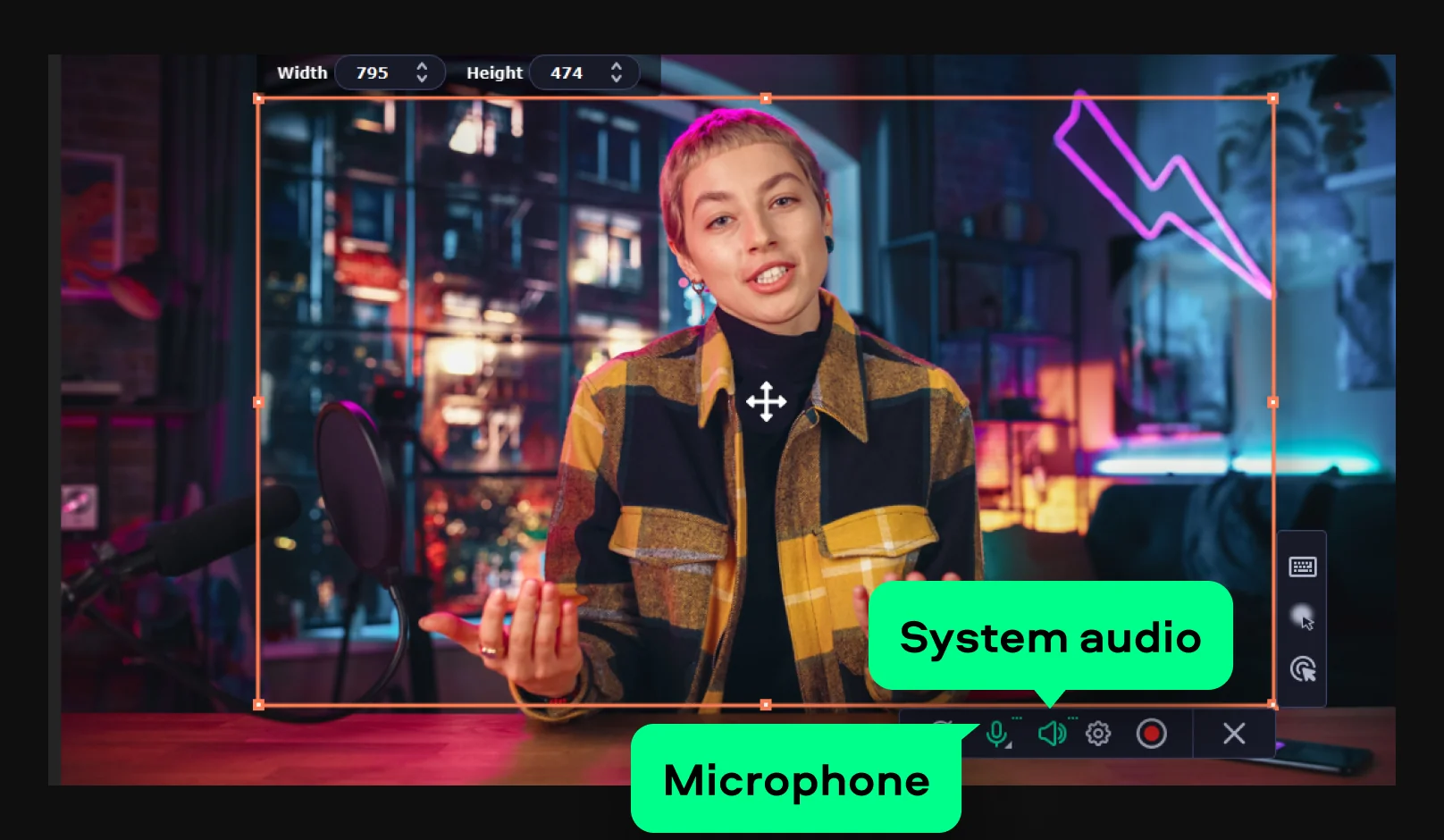
Toggle System audio on to save the stream sound, and add Microphone if you want to record commentary. Optionally, enable webcam overlay or set a schedule for unattended recording.
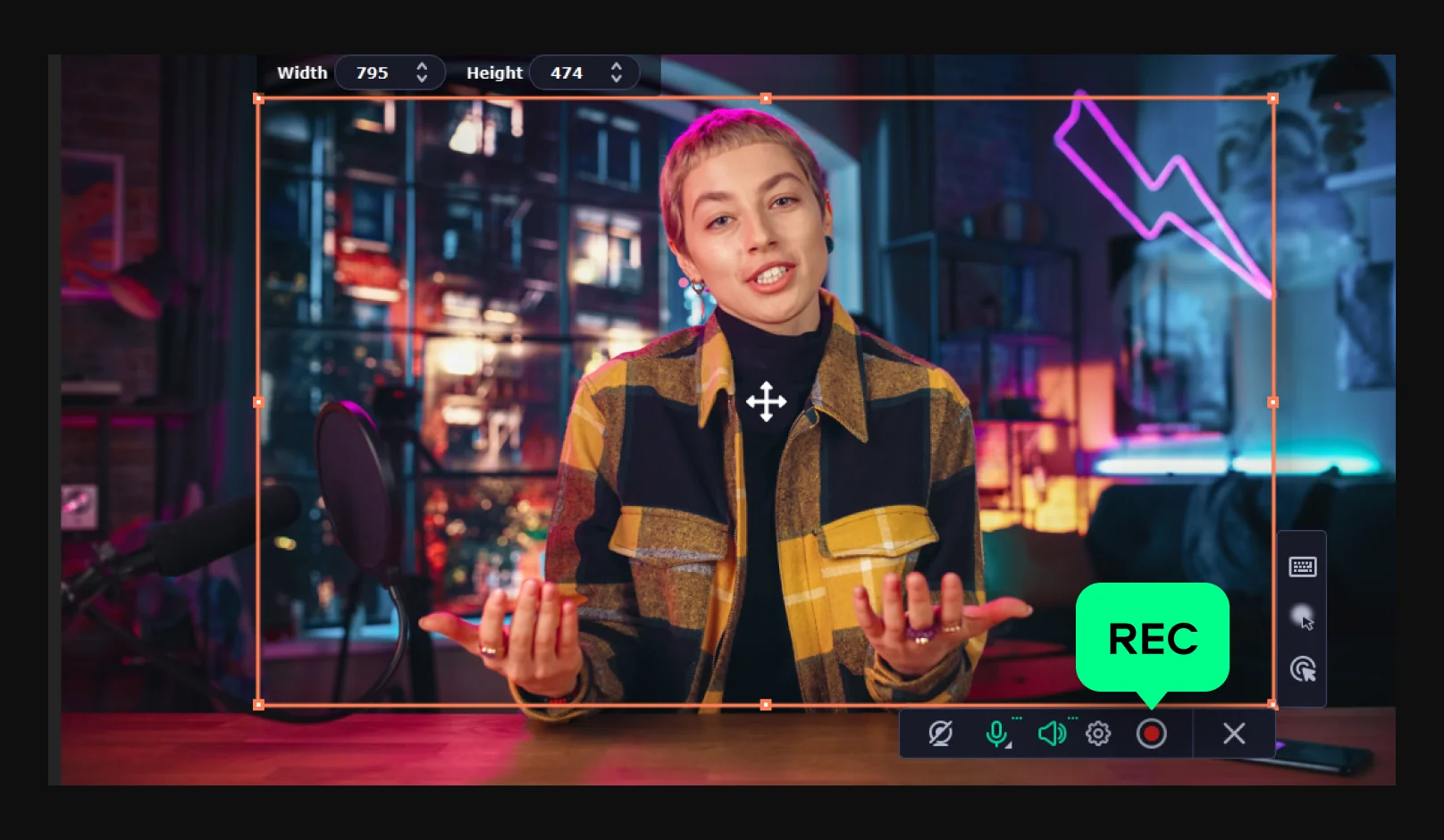
Press REC to start after a short countdown. Pause or annotate at any point during the live stream. When the stream ends, stop the recording and export the file in your preferred format and resolution. The video is saved locally, ready to watch, edit, or share.
Who uses the Movavi streaming video recorder
A versatile tool that fits a wide range of recording needs and professional workflows.
🎓 Students & lifelong learners | EDUCATION
Students record live online classes, webinars, and educational streams they cannot always attend in real time. Having a saved copy lets them rewatch lectures at their own pace, take better notes, and review complex material as many times as needed – without relying on the instructor to upload a replay.
🎮 Content creators & streamers | CONTENT CREATION
Gaming streamers, reaction creators, and tutorial makers use the screen recorder to capture their own live sessions or reference footage from other streams. Combined with webcam overlay and real-time drawing, it becomes a complete toolkit for producing engaging, commentary-driven video content.
💼 Remote workers & teams | BUSINESS
Professionals record company all-hands meetings, client video calls, and live training sessions so colleagues across time zones can watch on their own schedule. Scheduled recording handles recurring events automatically, making it easy to build a searchable library of institutional knowledge.
Everything you need to know about streaming video recording with Movavi.
Live and on-demand stream videos are available on platforms such as Twitch, YouTube Live, Kick, and Facebook Gaming. Educational streams are hosted on Coursera, Udemy, and institutional webinar services. If you want to keep a copy for offline viewing, the most reliable method is to record streaming video in real time using Movavi Screen Recorder – simply open the app, select the browser window playing the stream, and start recording.
YouTube Live prohibits content that violates its Community Guidelines, including hate speech, harassment, graphic violence, nudity, and the broadcast of copyrighted material without authorization. Live streams that promote dangerous activities, spread misinformation, or attempt to defraud viewers are also banned. If you want to record a live stream for your own archive or review, always verify that the platform's terms of service permit personal recording for non-commercial use.
No single platform has replaced YouTube, but several are growing as meaningful alternatives. Kick attracts streamers seeking flexible monetization rules; Rumble appeals to creators looking for different content moderation policies; and Odysee offers a decentralized model. For short-form content, TikTok and Instagram Reels compete directly for viewer attention. Regardless of which platform you prefer, a reliable streaming video recorder like Movavi lets you capture video streams from any of them and build a personal offline library.
The most accessible way to live stream for free is to use OBS Studio (open-source) paired with a free platform like YouTube Live, Twitch, or Facebook Live – all of which offer free broadcasting at 1080p. For mobile, both YouTube and TikTok have built-in live tools that require no extra software. If you also want to know how to capture streaming video from your own or others' sessions, Movavi Screen Recorder lets you record any live stream to your hard drive with a 7-day free trial, so you can keep the best moments even after the broadcast ends.
Disclaimer: Please be aware that Movavi Screen Recorder does not allow capture of copy-protected video and audio streams.


1.5M+ users already subscribed to our newsletter