Movavi Video Editor is a modern wedding video editing software solution that allows you to work with different kinds of projects. For example, you can surely use it as your ultimate wedding video creator on both Windows and Mac. Perfect for beginners, there is no complex setup, and you will not struggle with complex menus when editing. It comes with one-click AI utilities that remove noise, track motion, and swap backgrounds without green screen setups.
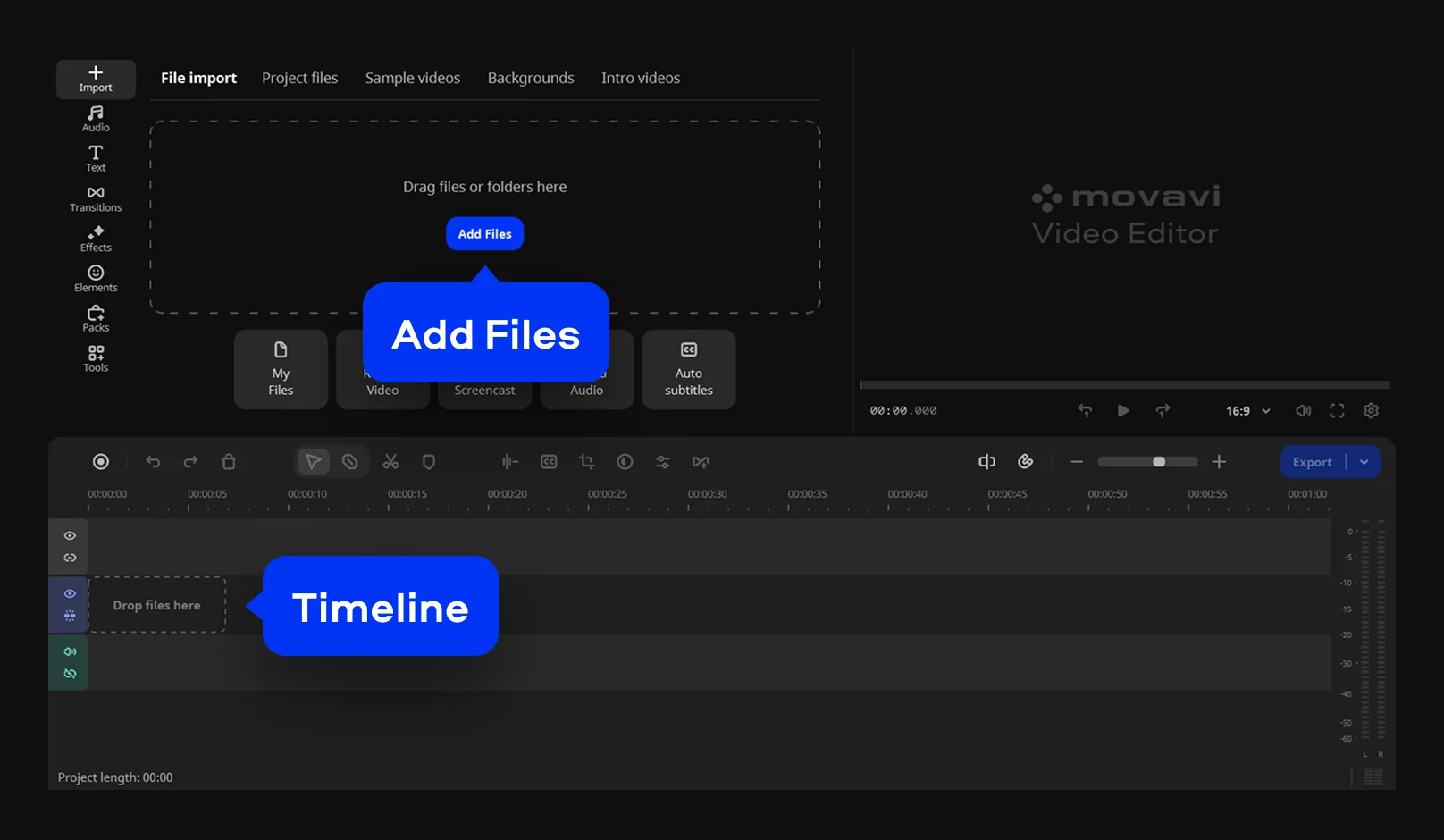
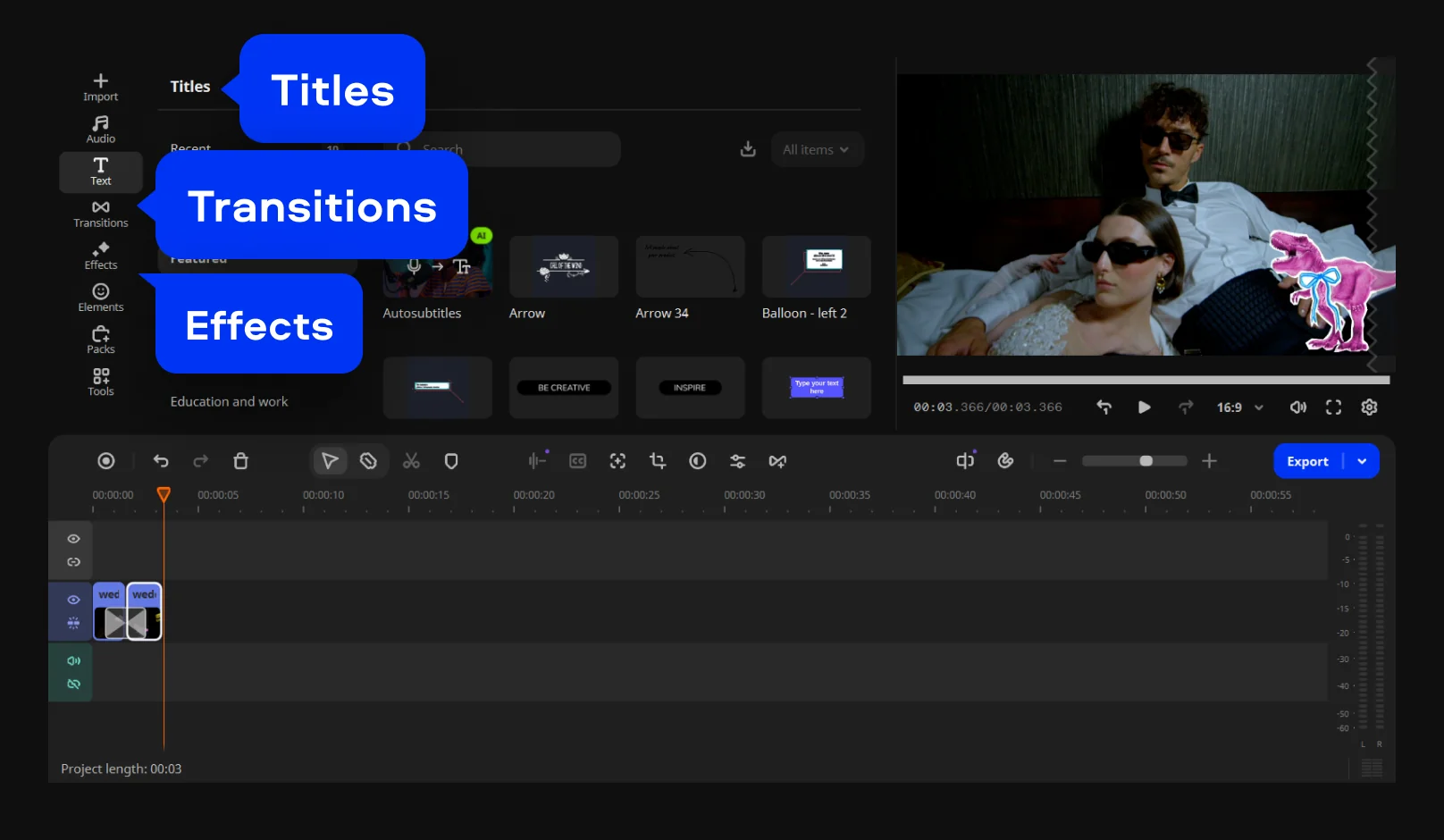
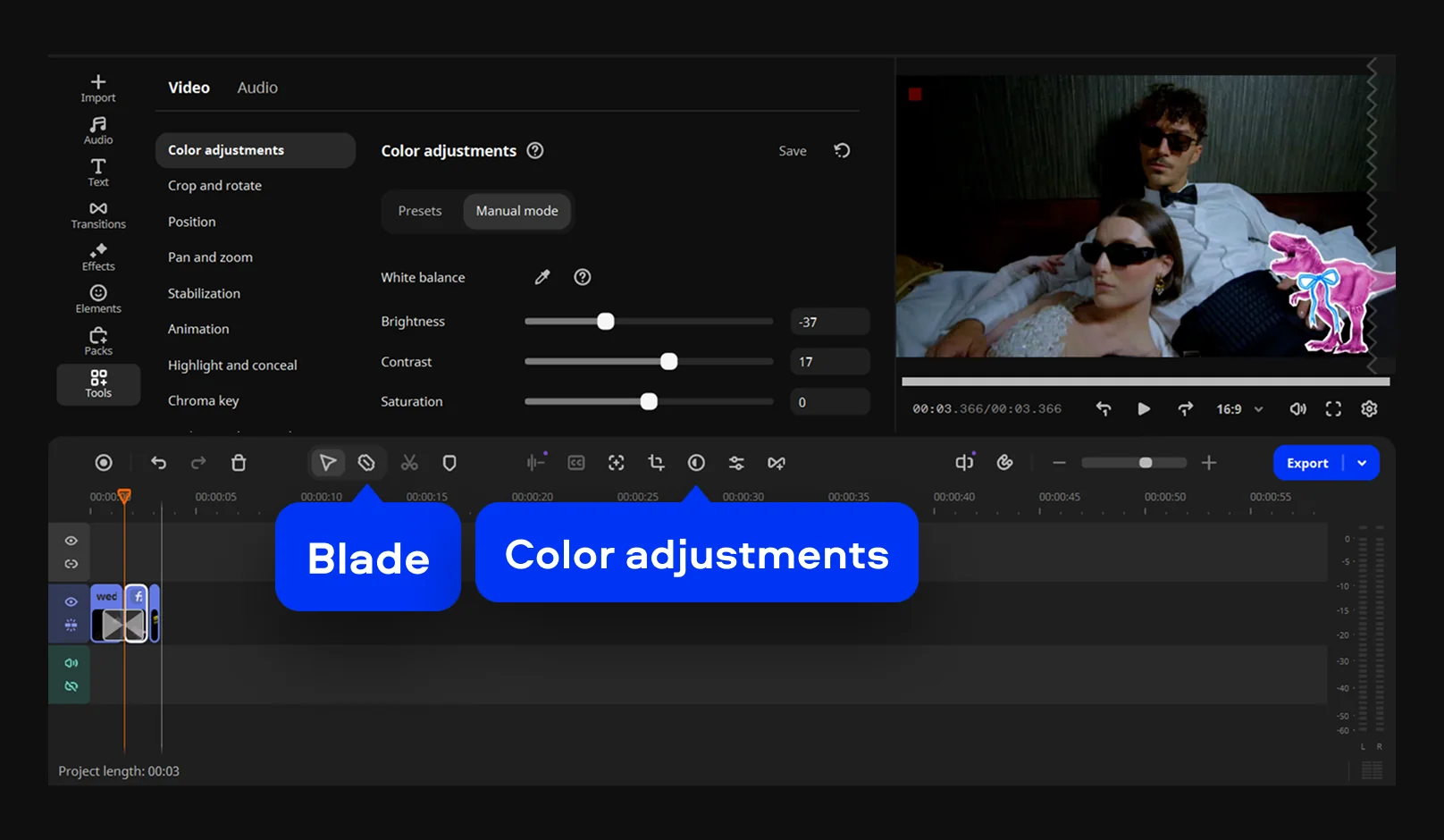
The marriage video editing app includes an impressive array of cinematic filters, transitions, titles, and overlays – these elements easily help you shape raw footage into structured scenes. It also carries drag-and-drop control for effects, so clips, sound, and visuals stay in one place. You can treat it as a marriage video editing software for a PC when working with long recordings from ceremonies or events. It also fits use cases like shadi video editing, where quick cleanup and styling matter more than technical steps. The interface keeps editing tools close to the timeline – adjustments happen while watching results instantly.
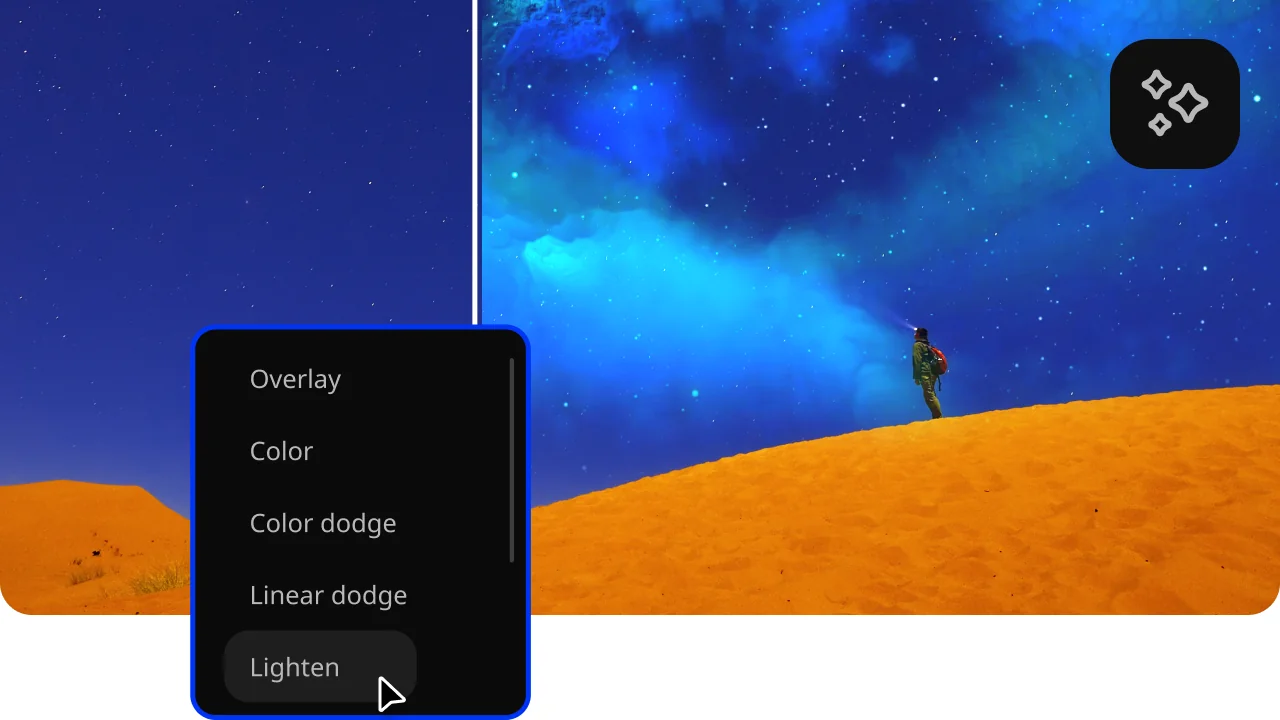
Movavi Video Editor supports wedding video editing with tools that handle both technical fixes and visual styling. AI noise removal clears background sounds like wind or traffic without manual audio editing. Motion tracking attaches text or graphics to moving subjects inside the frame. AI background removal replaces scenes even when footage has no green screen. Silence removal cuts pauses that break pacing in wedding clips.