Need more tools?
Bring your creative ideas to life with Movavi Video Converter – the all-in-one program.
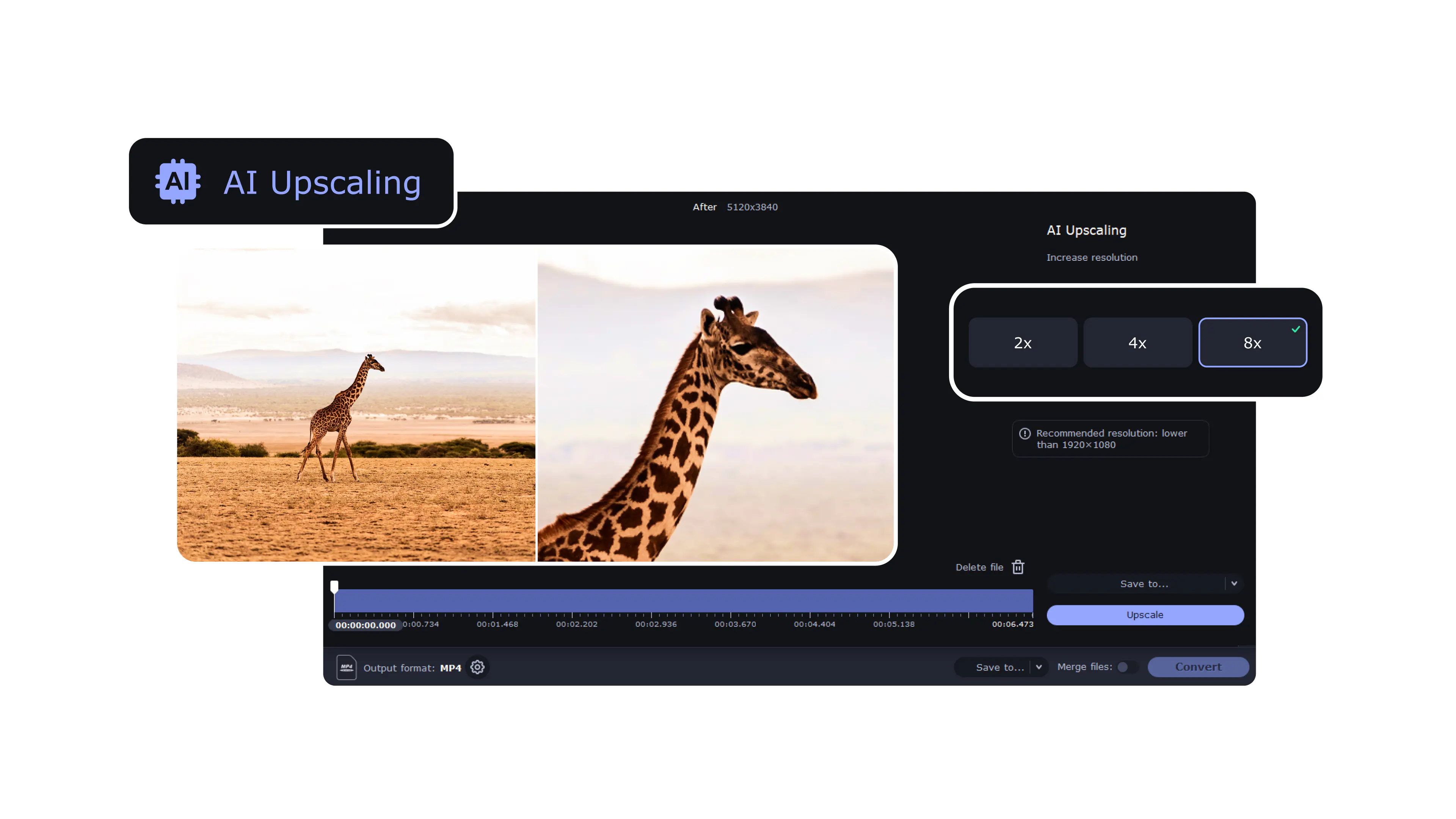
If you need to enhance video quality, try our Video Upscaler and improve your video resolution for free
A video upscaler increases resolution, so the picture holds up better on bigger displays. Instead of stretching pixels, it rebuilds the frame at a larger size. Movavi’s desktop tool offers straightforward scaling steps - x2, x4 or x8 - and you can export up to 1080p or 4K without slogging through complicated menus.
Upscaling usually helps - not in a dramatic “new camera” kind of way, but enough to remove some of that soft, stretched look you get when a tiny video is displayed on a large monitor. It basically redraws the image with more pixels instead of pulling it apart. Details lost years ago won’t suddenly reappear, and grain doesn’t disappear either, but on an HD or 4K screen it tends to look cleaner and be easier on the eye than straight resizing.
In many cases it is. On a modern display, upscaled footage tends to look crisper and closer to native resolution. The final result still depends on the source - if the original is very noisy or overly compressed, the upscaler can’t fix that; it only increases the size without side effects like sharpening or denoising.
Yes. Movavi allows resolution upscaling up to 4K using internal scaling presets. Even SD or HD clips can be converted to UHD dimensions for large screens or YouTube uploads.
It increases resolution using scale-factor presets. You open a file, choose x2/x4/x8, and export at Full HD or 4K. There are no AI enhancements - the tool focuses purely on resolution enlargement, making the workflow fast and beginner-friendly.
From experience, clips that were recorded in at least decent SD or HD tend to upscale the best. Old miniDV camcorder tapes, early-smartphone footage, even random travel videos from 2011 - they often look surprisingly watchable once enlarged properly. If the source is very rough, blocky or noisy, the tool still works - just don’t expect miracles. You’ll see improvement, but it might feel more like “better and smoother” rather than “brand new.”
No. Movavi’s upscaler increases resolution only. It does not sharpen, denoise, stabilize, or repair footage. The result depends on the source video, so higher-quality input produces better quality output.
The program offers three fixed scaling levels. x2 doubles resolution, x4 boosts significantly, and x8 allows maximum enlargement - ideal if the original clip is small. These presets keep workflow simple and help predict output dimensions clearly.
Need more tools?
Bring your creative ideas to life with Movavi Video Converter – the all-in-one program.



1.5M+ users already subscribed to our newsletter