Movavi Video Editor
- Fast and easy editing: cut, crop, adjust colors and speed
- One-click AI tools: auto subtitles, noise removal, and more
- Hundreds of filters, transitions, titles, overlays
Online Video Trimmer
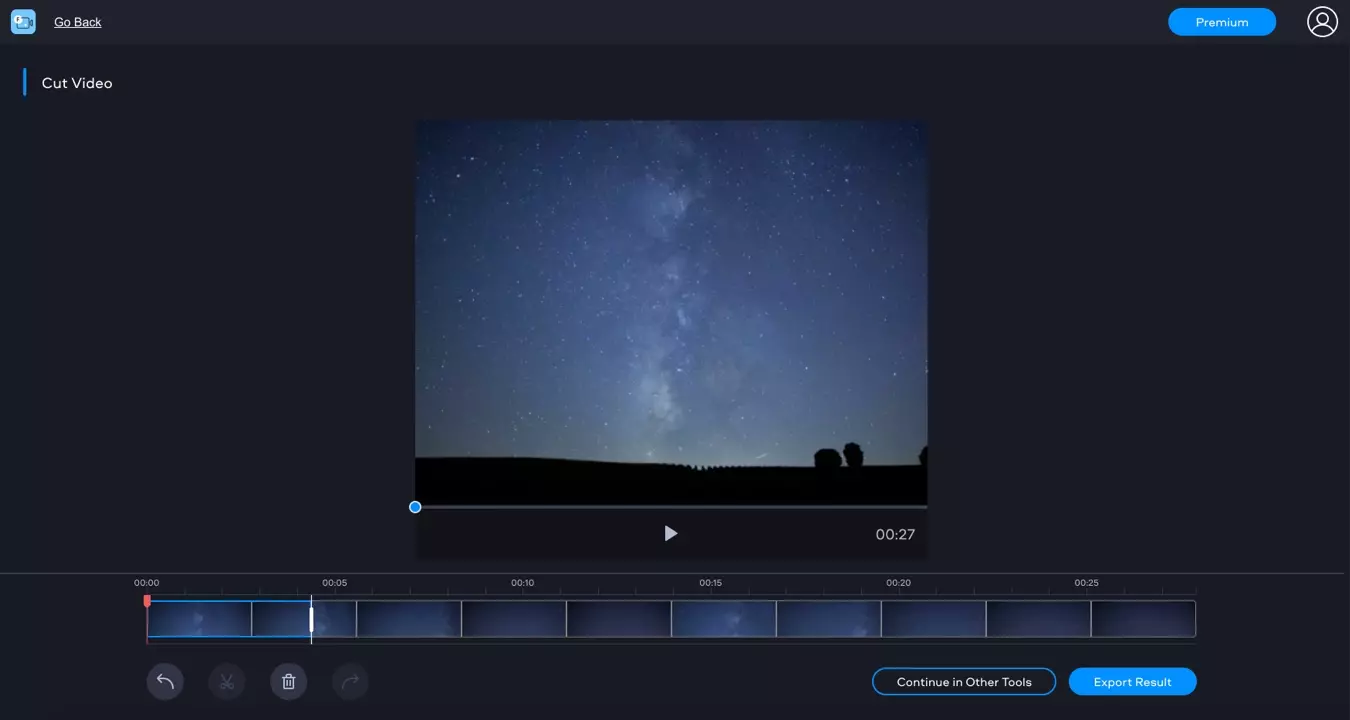
How to trim a video using the online video cutter
Add the video file
Click Add file and choose the video you want to shorten or split. Note that you can only add MP4 files smaller than 500 MB.
Cut the video
Move the red marker to the point at which you want to make a cut and click the scissors icon. Make the second cut the same way. Select the segment you want to delete and click the trash can icon.
Save the video
Click Apply. Choose the export option that suits you best.