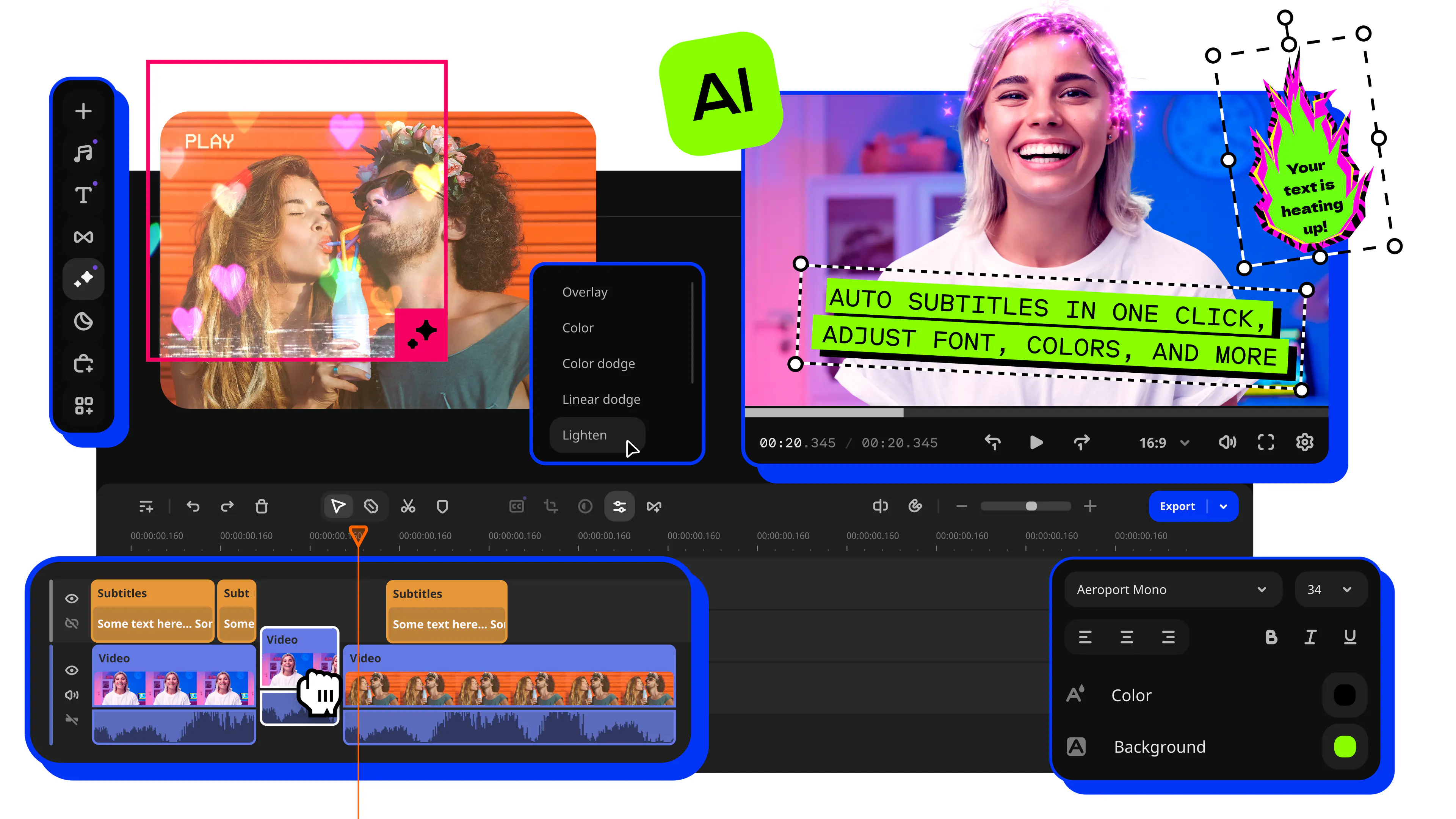
Movavi Video Editor for Windows
Is the perfect tool to bring your creative ideas to life and share them with the world. Make your videos rock with colorful filters, keyframe animation, and ready-made intros. Apply Chroma Key to easily swap the backgrounds, scale up your footage with Pan & Zoom tool, and use other special effects – even if you are a beginner.
Offer valid until
* Price may vary upon your location.
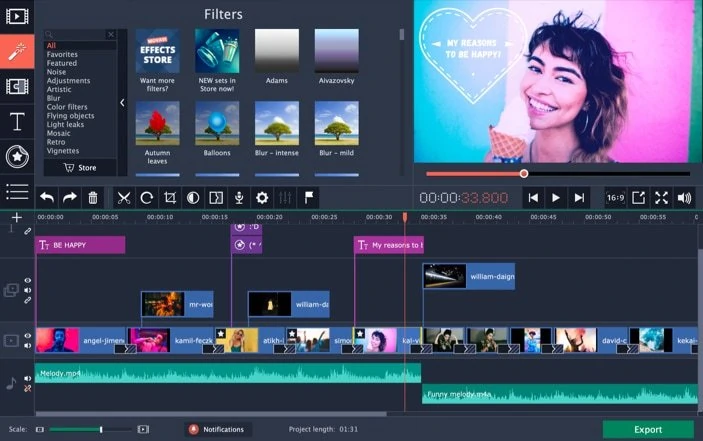
More than just video-editing software
Movavi Video Editor bridges the gap between professional editing and user-friendliness. The advantage of the program is that the features of professional-grade products meet the latest technology advances. The program is loaded with handy tools that help you put together your own digital movie with transitions, effects, and titles. Best of all, it's easy to master and fast at rendering.
Key features
Movavi Video Editor for Windows
Video Editor
1 year / 1 PC
$54.95
* Price may vary upon your location.
Use all the features of Movavi Video Editor for 1 whole year
Pay a yearly license fee and renew if satisfied
Video Editor
Lifetime / 1 PC
$119.95
* Price may vary upon your location.
Cutting, trimming, joining
Effects and transitions
Automatic video creation
Built-in media pack
16 intros and outros, 20 sample videos, 39 music tracks, 89 stickers
Keyframe animation
Timeline markers
Fast processing of 4K videos
Video Suite
Lifetime / 1 PC
$289.85
$189.95
* Price may vary upon your location.
Cutting, trimming, joining
Effects and transitions
Automatic video creation
Built-in media pack
16 intros and outros, 20 sample videos, 39 music tracks, 89 stickers
Keyframe animation
Timeline markers
Fast processing of 4K videos
Media files conversion
Screen recording
What our clients say about us
Frequently asked questions
How can I activate the product?
How can I activate the product?
Use the activation key you got with your purchase and paste it right from within the program. Once the product is activated, you'll instantly get a system message.
What formats are supported?
What formats are supported?
Movavi Video Editor supports popular video, graphic, and audio formats. You can read about all available formats on the Movavi website.
Can I publish content made in Movavi Video Editor on my social network?
Can I publish content made in Movavi Video Editor on my social network?
You can publish only content that fits social network requirements: for example, you can't publish copyright protected videos that have author rights.
What are the system requirements for Movavi Video Editor?
What are the system requirements for Movavi Video Editor?
The system requirements for Windows and Mac users are different. You can read the program technical specifications on the Movavi Video Editor landing page in the section Tech Specs.
Where can I find manuals for Movavi Video Editor?
Where can I find manuals for Movavi Video Editor?
Take a look at our User Manual page – you will find all the latest documentation.