Vlog
Productivity
All desktop programs are also available in business versions. Please contact our sales team to learn more.
Education
* Movavi Academic is only available to students, teachers, and educational institutions.
All desktop programs are also available in education versions. Please contact our sales team to learn more.
Family
File conversion
Photo
Screen recording
An all-in-one bundle for any content-making task
- Create compelling videos that boost likes and followers
- Record video calls and webinars to capture every detail
- Convert video, audio, and image files in seconds
- Use AI to create wow photos in a snap
- Amp up your videos with exclusive effects from the Movavi Effects
1-year subscription
Frequently asked questions
What programs are included in Movavi Unlimited?
What programs are included in Movavi Unlimited?
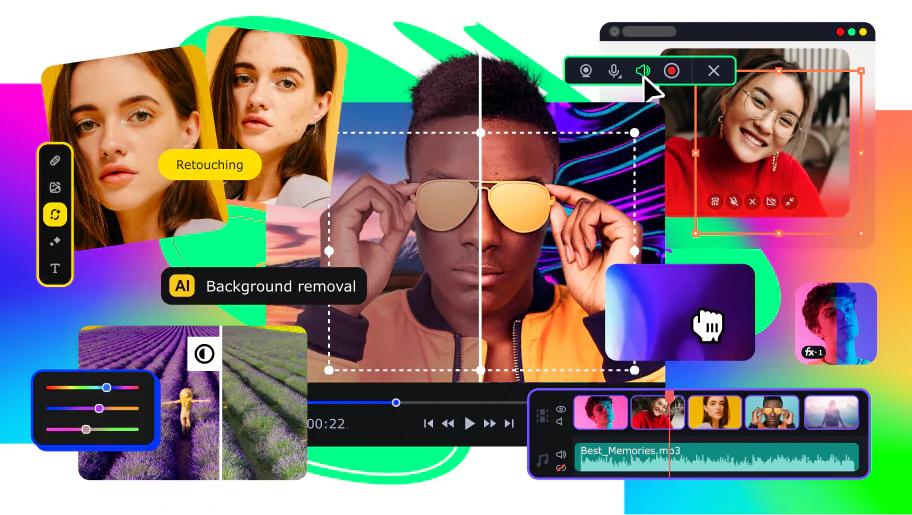
Movavi Unlimited includes 9 apps, however, for the sake of convenience, most of them are packed in one program – Movavi Video Suite. This program includes all the functions of Video Editor, Screen Recorder, Video Converter, Slideshow Maker, VHS Capture, Media Player, and ChiliBurner.
Other programs (Gecata and Photo Editor) are included in the subscription as separate programs, but after the installation they can also be launched from the interface of Movavi Video Suite.
What programs does Movavi Video Suite include?
What programs does Movavi Video Suite include?
Movavi Video Suite is an all-in-one software package that includes our most popular programs for creating and processing multimedia: Movavi Video Editor, Video Converter, and Screen Recorder. With Movavi Video Suite, you get the full functionality of all these programs. Be aware, however, that Video Suite does NOT include these programs: Gecata by Movavi, Slideshow Maker, and photo programs.
What is the difference between Movavi Video Suite and Movavi Video Editor?
What is the difference between Movavi Video Suite and Movavi Video Editor?
In addition to Movavi Video Editor, Movavi Video Suite includes our video converter, screen video recorder, media player, and other useful apps.
Can I edit photos in Movavi Video Suite?
Can I edit photos in Movavi Video Suite?
You can't edit photos independently in Video Suite. When you create a slideshow or video from still photos, you can rotate and crop images and apply various filters and effects to them, but these changes can be saved only in your video or slideshow. If you need to edit still photos, use Movavi Photo Editor.
More info about the program
Which program should I buy if I want to edit video?
Which program should I buy if I want to edit video?
Try Movavi Video Editor. With this program, you can split and join video clips, add transitions, music and titles, and apply filters and special effects. Learn more about Video Editor's features on the program web page.
Which program should I buy if I want to capture a video from my computer screen and burn it to DVD?
Which program should I buy if I want to capture a video from my computer screen and burn it to DVD?
Try Video Suite. This program lets you record video from your computer screen, edit the captured material, and burn the result to DVD.


1.5M+ users already subscribed to our newsletter