Movavi Video Converter
The ideal way to get your media in the format you need!
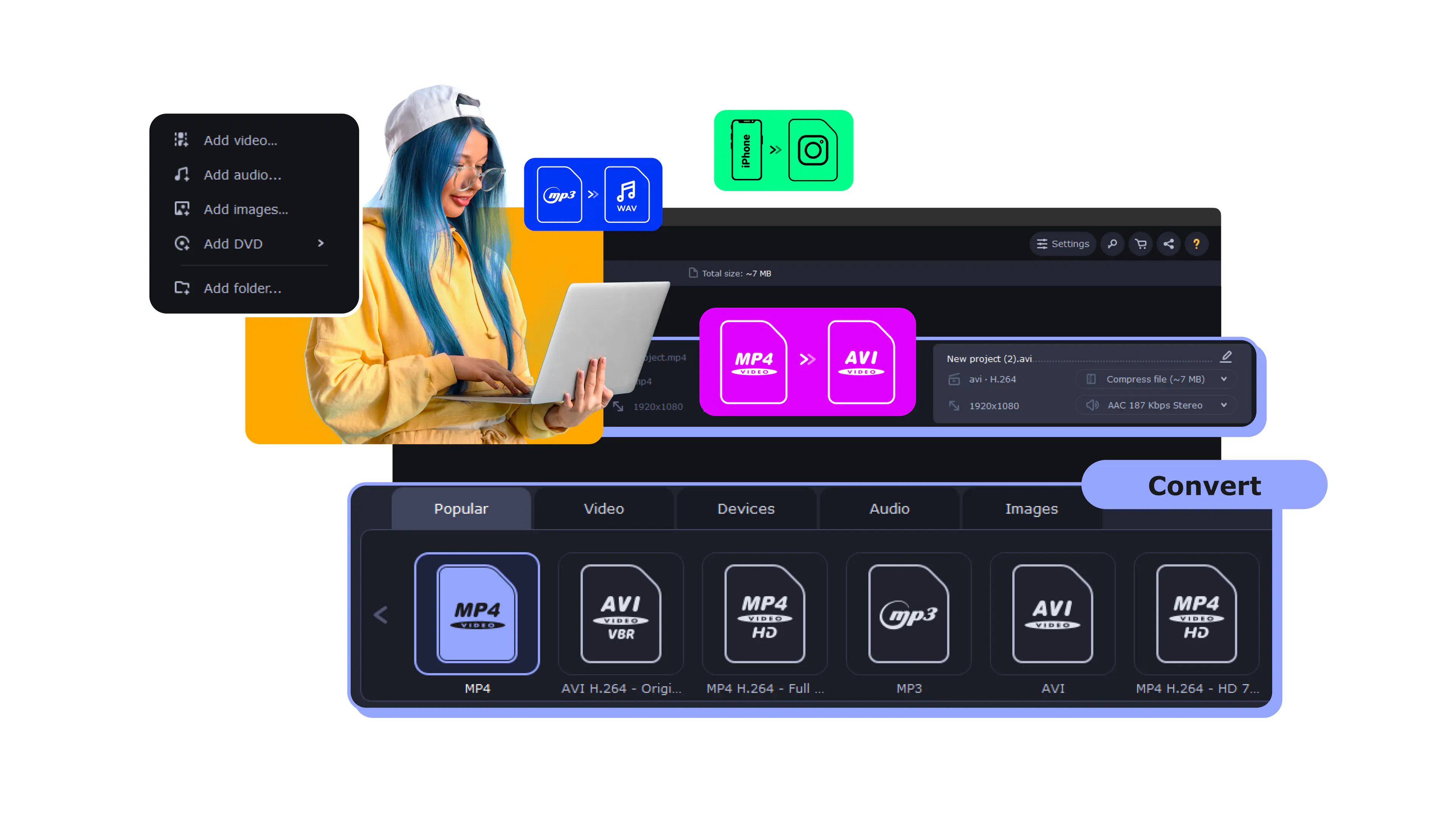
MOV Converter from Movavi
A fast tool that simply works
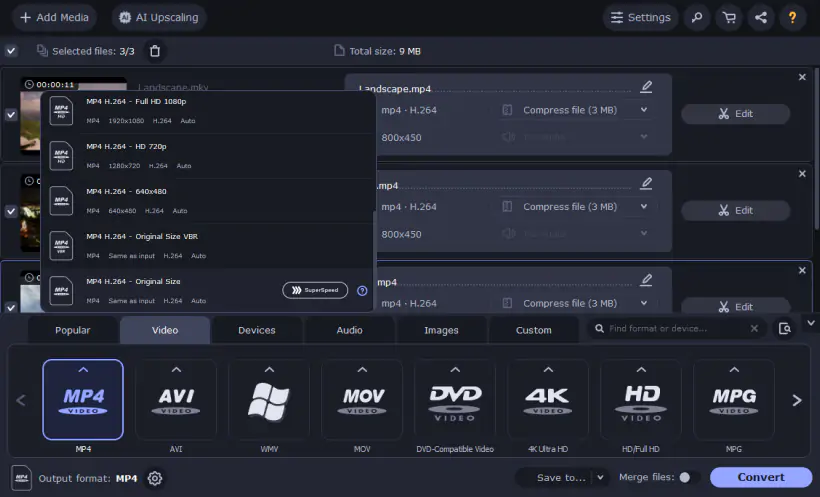
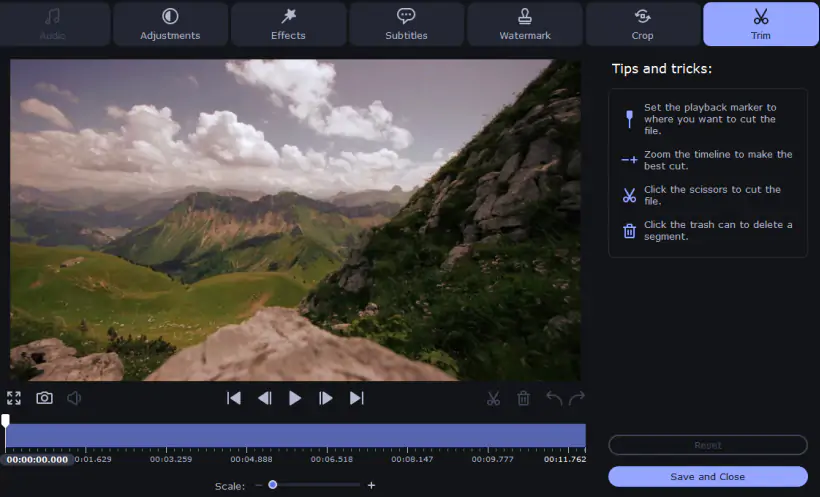
Got lots of MOV videos you'd like to watch on your mobile device or a DVD player? With the right program such as Movavi Video Converter, you'll be able to change the file format quickly and easily. We will show you how to use our app for converting MOV files to various video formats, such as AVI, MP4, MPG, or AVCHD. You can also use Movavi Video Converter to convert video to MOV or even extract music from a movie and save the audio track in MP3 or another popular audio format.
The process of conversion is very easy with Movavi software. You don't need to be familiar with programming, video formats, or settings – just run the software, choose your video, select a preset, click Convert and that's it!
View the list of supported formats
Check out how easy it is
Convert
Add files
Drag and drop your files into the program window.
Choose a format
Click the icon for the desired format.
Convert
Click Convert to get the process started.
Music and pictures, too
Transfer your video creations to any platform or device in any popular format.

Lightning-fast conversion
Convert your favorite films and clips from the Web in no time.

Be sure of what you’ll get
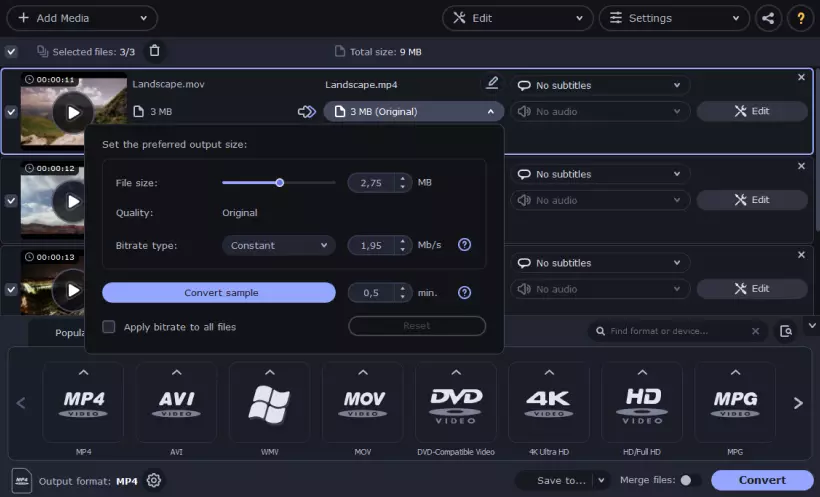
Use the Convert Sample function to easily check how your file is going to look like after conversion.



1.5M+ users already subscribed to our newsletter