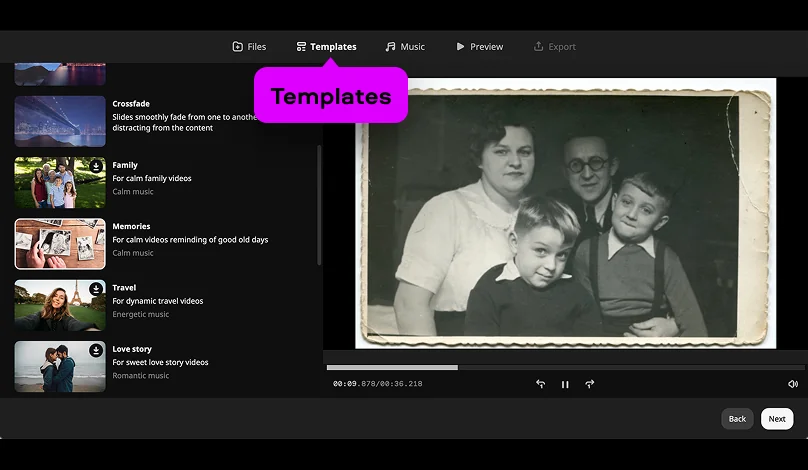
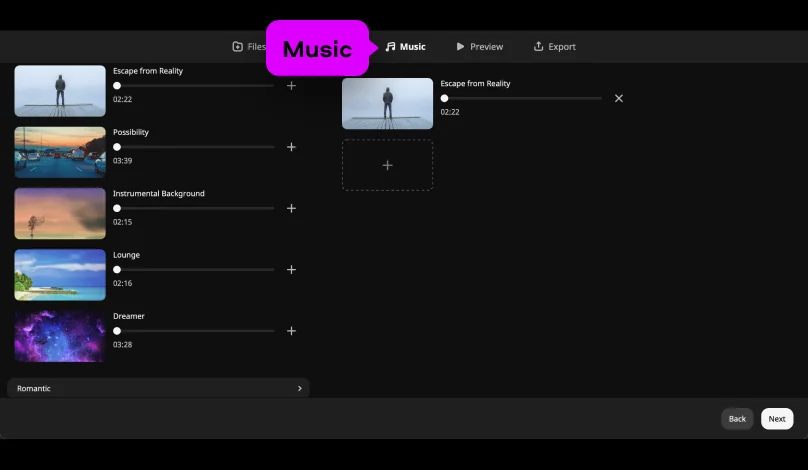
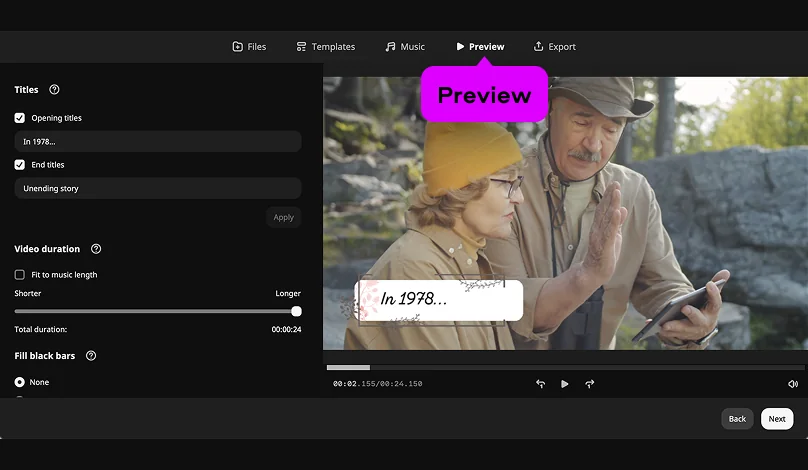
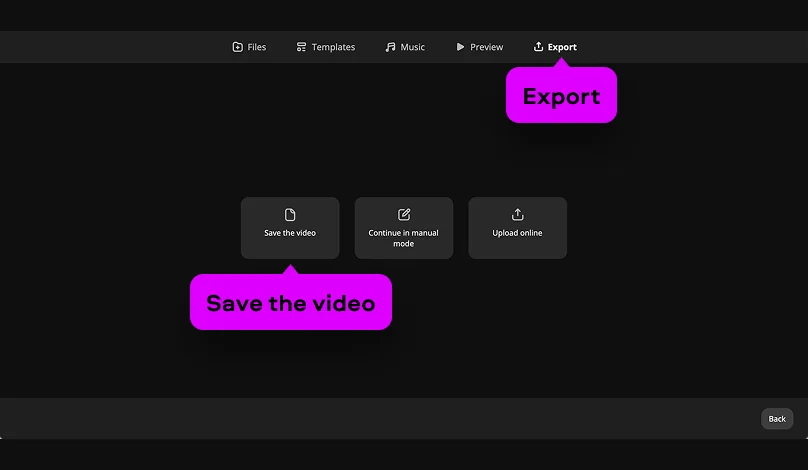
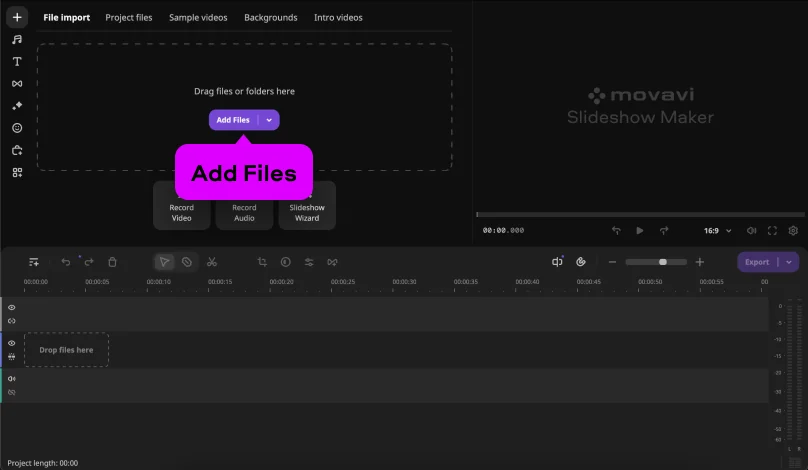
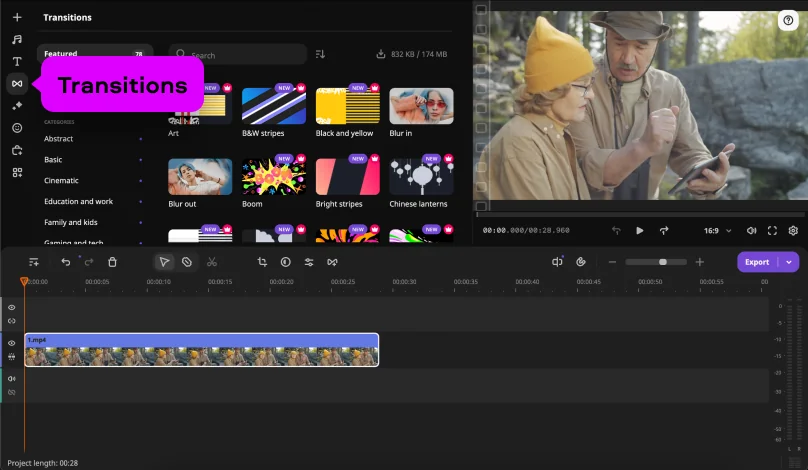
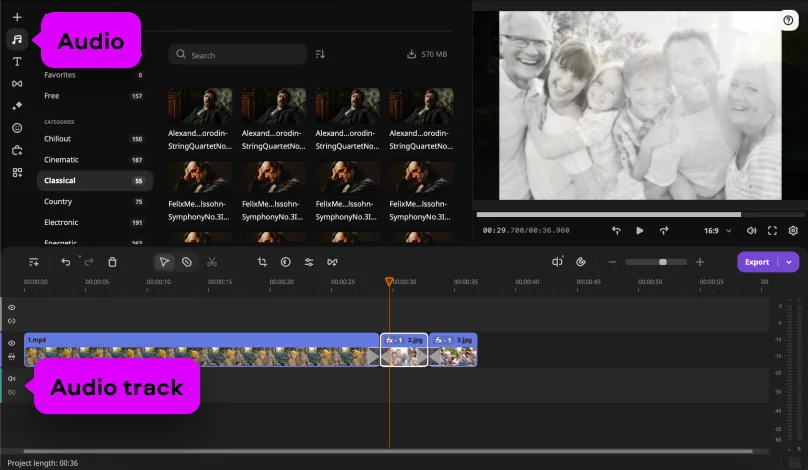
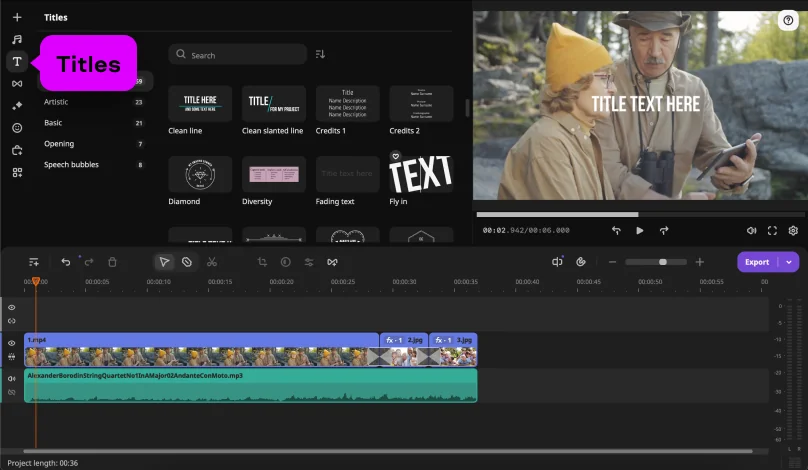
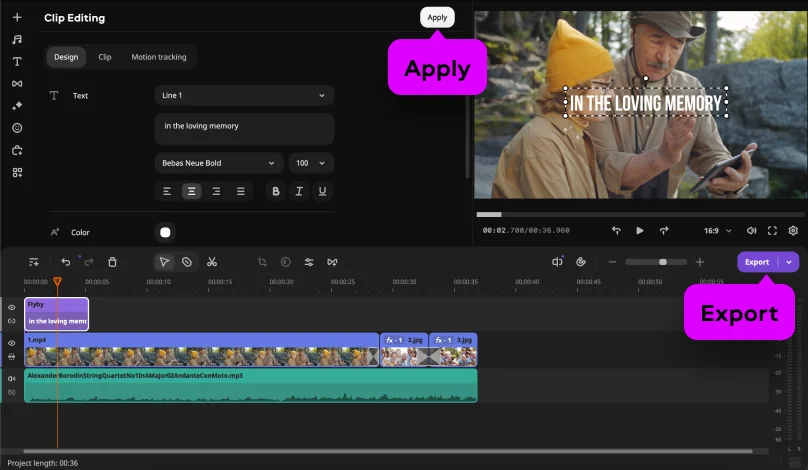
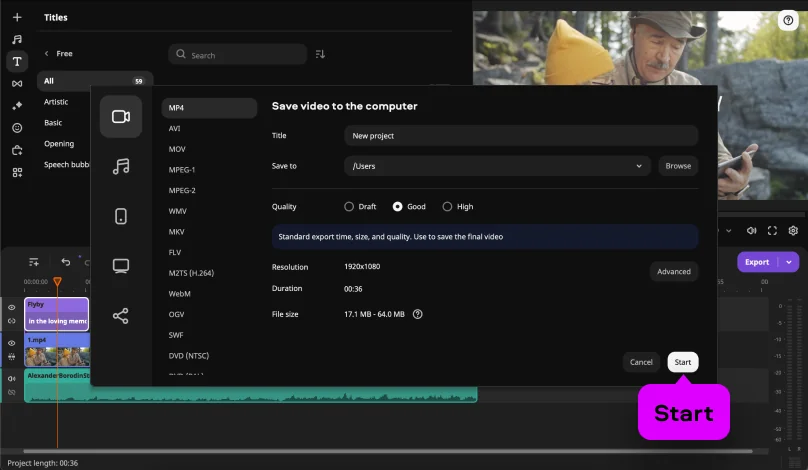
*The free version of Movavi Video Editor may have the following restrictions depending on the build: watermark on exported clips, 60-second video or 1/2 audio length limit, and/or some advanced features unavailable when exporting videos.

Make a Funeral Slideshow to Keep the Memories of Your Loved Ones Alive
Use Movavi Video Editor
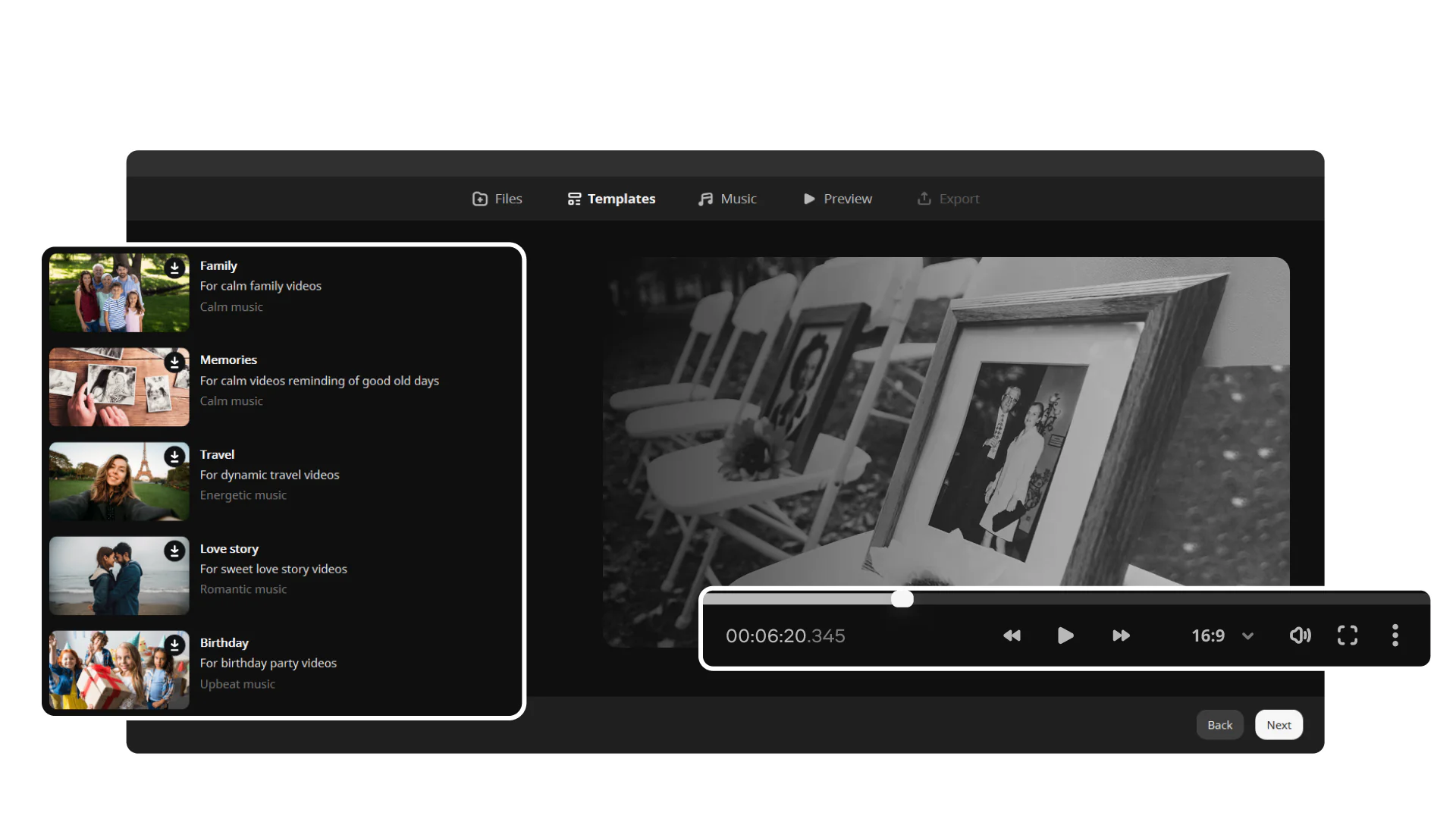
NEW: Adjustable video templates for any vibe – made of Blocks
NEW: Blocks – pre-edited video segments you can customize
Fast and easy editing: cut, crop, adjust colors and speed
Auto subtitles, noise removal, hundreds of effects, and more
By clicking the download button, you're downloading a trial version of the program.*
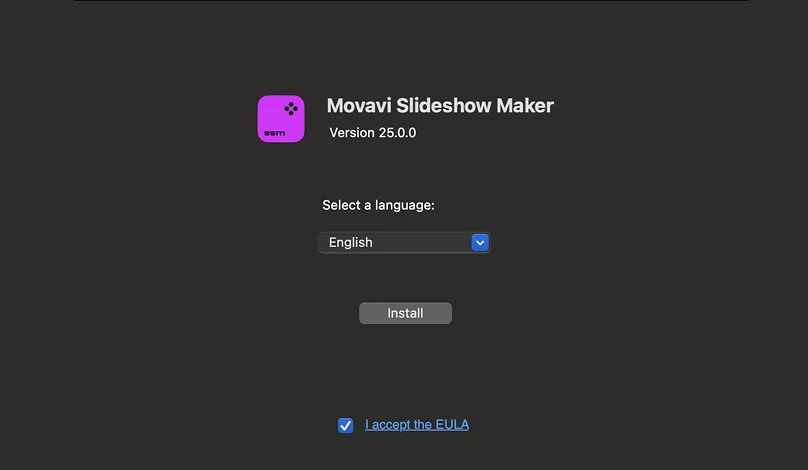
Step 1. Download and install the software
Download the installation file for free, open it, and follow the on-screen instructions to install Movavi’s memorial slideshow maker.
Have questions?
You may also like
Movavi Video Suite
Your all-in-one package for working with multimedia files. Create movies with titles and effects, capture videos from screen, convert media files to any format, burn Blu-rays, DVDs, and CDs.
Movavi Photo Editor
An intuitive photo-editing app that lets you retouch any photo on the fly. Improve quality, add filters and captions, remove unwanted objects, change backgrounds, and more!
1.5M+ users already subscribed to our newsletter
