What’s new in Movavi Video Editor
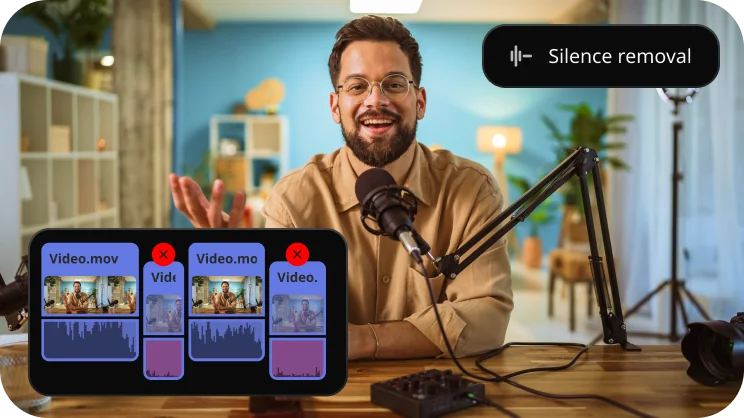
Silence removal
Cut out unwanted pauses automatically or fine-tune the pause length and volume threshold yourself. You’ll save time and be able to skip the tedious cleanup – so you can focus on the fun.
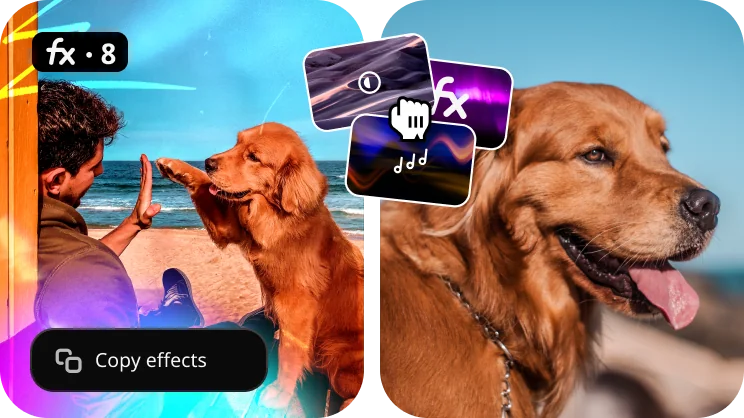
Fast effect copying
Copy effects, color tweaks, and audio settings from one clip to another in seconds. Make your whole video look awesome way faster and with less effort.
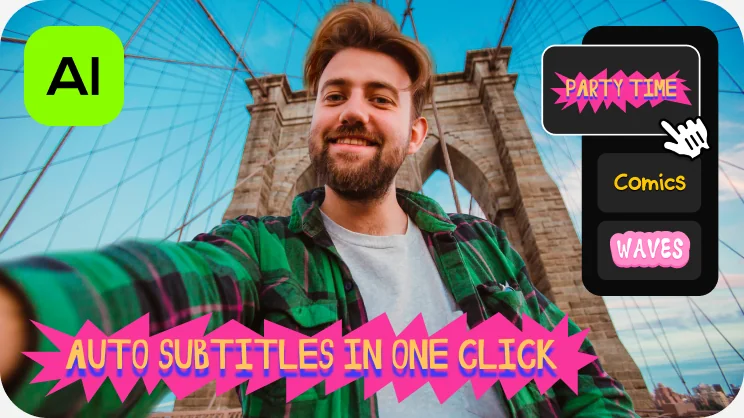
One-click automatic subtitles
Let AI quickly turn your speech into text and automatically create captions for your videos in almost any language. Just choose the font, text color, position – and you’re all set!
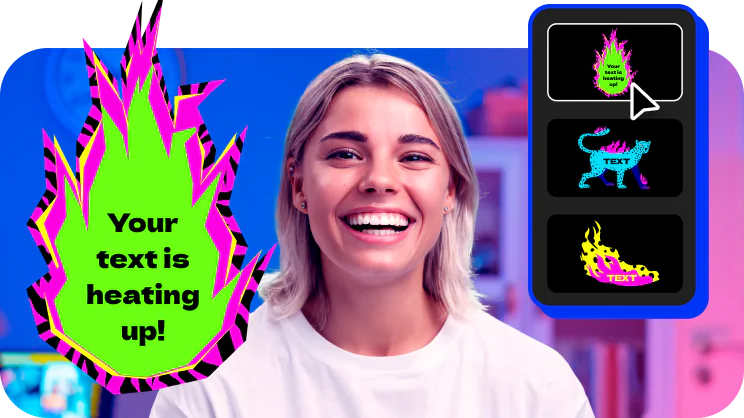
Mouse-over effects preview
Picking titles, transitions, and filters has never been easier! Simply hover your mouse over any effect to see it in action. You can also view your project files in the same way.

Movie-like effects for your videos
Pack a ton of action into your videos in a flash! Add fire, lightning, or other ready-to-use animated overlays – capture your audience’s attention right from the start.
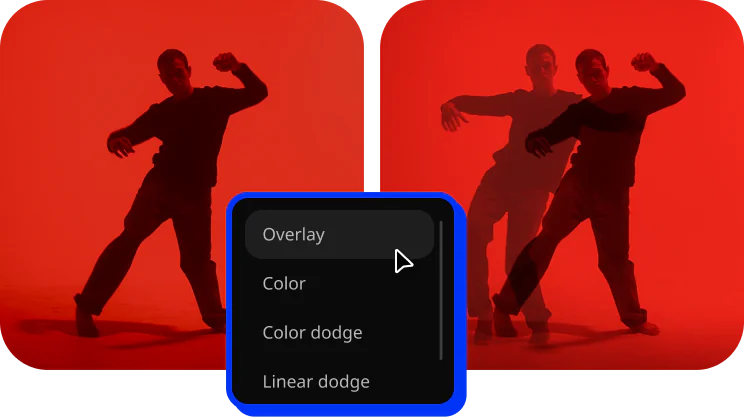
Blending modes for any content
Overlay your videos, photos, and even frames effortlessly to produce different looks. Create stylish vlogs, cinematic highlight reels, or vibrant clips in just a couple of clicks.
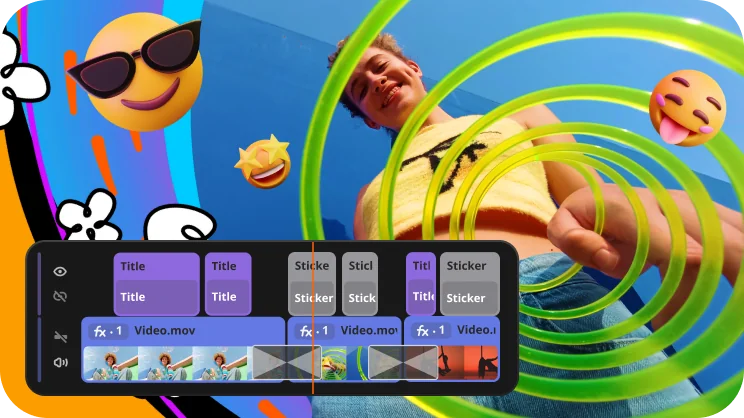
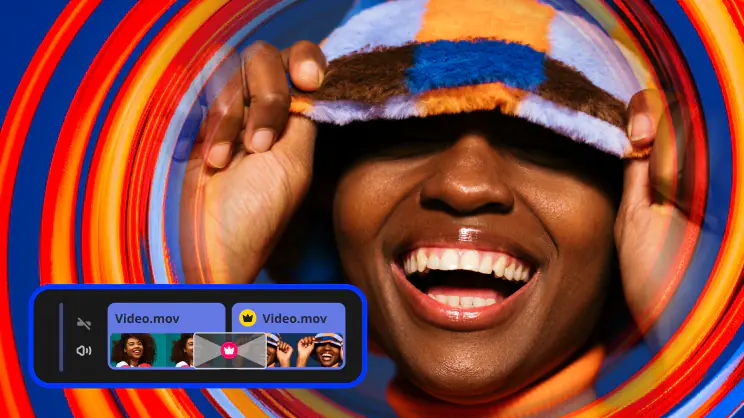
Revamped timeline for easier editing
The new timeline is now clearer and more streamlined. Get your projects done faster and have more fun with anything – from short vids for socials to longer family movies.
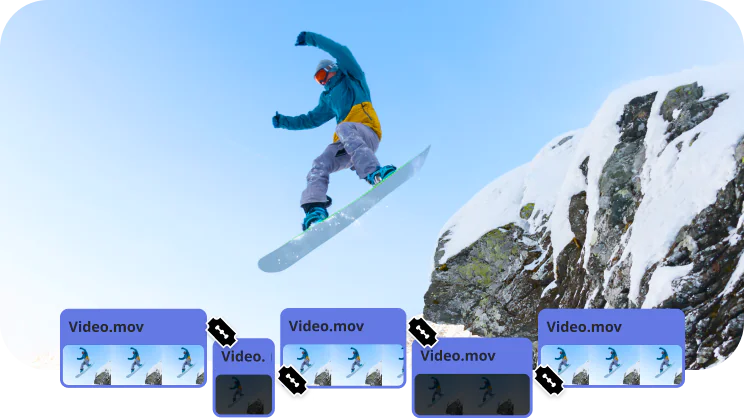
Frame-precise cuts in a click
Give your videos a sharper look with the new video-cutting tool. Easily make precise cuts and create eye-catching montages like your favorite bloggers.
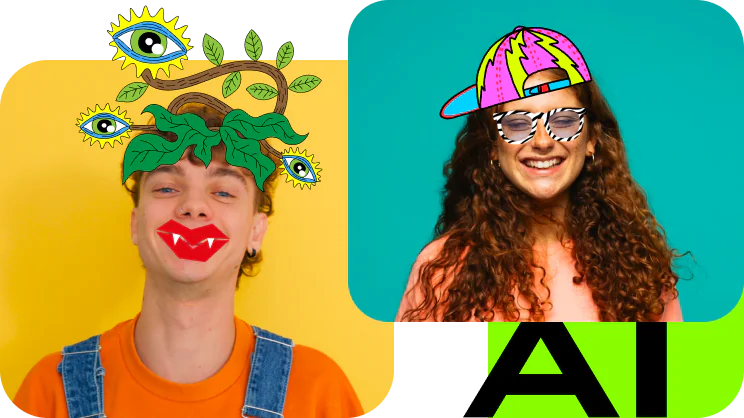
AI motion tracking
Enhance reality in your videos with additional moving graphics. Just click, and AI will quickly attach any photos, videos, emojis, or memes to objects in your footage.
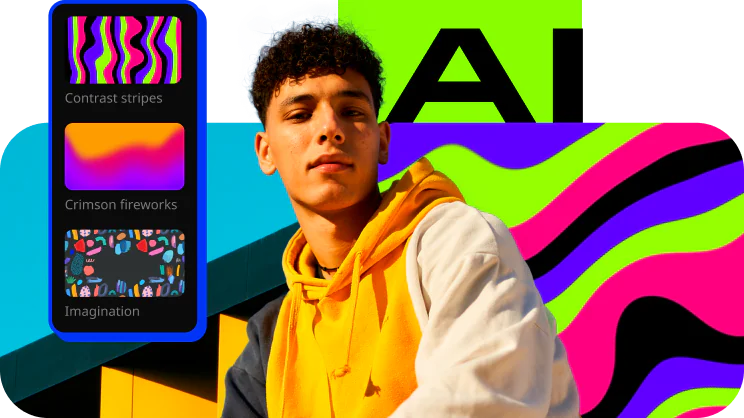
AI background removal
The built-in AI will quickly remove a background from your video, even without a green screen. Change it to anything – from a solid color to outer space – and stun your viewers with out-of-this-world videos.
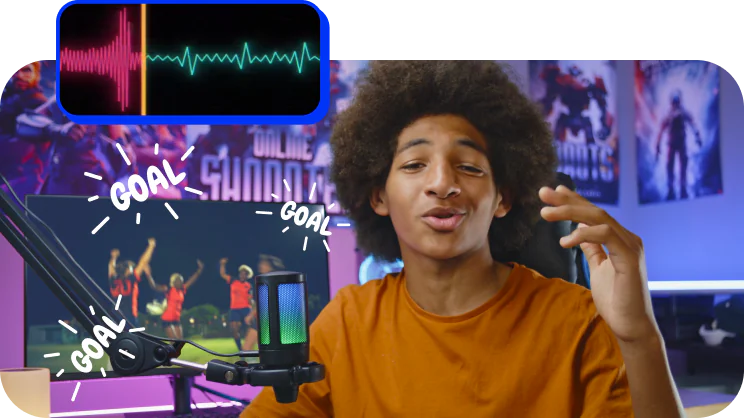
AI noise removal
Automatically remove car, wind, and other uncool sounds from your clips with our AI-driven audio denoiser. Create videos with crisp sound that viewers are sure to appreciate.
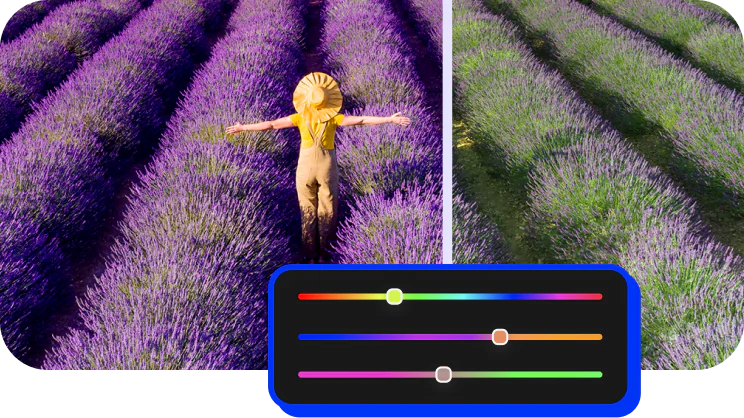
Pro-quality color correction
Get next-level color correction with the same simplicity. Boost colors in a snap and make more viewers fall in love with your videos.
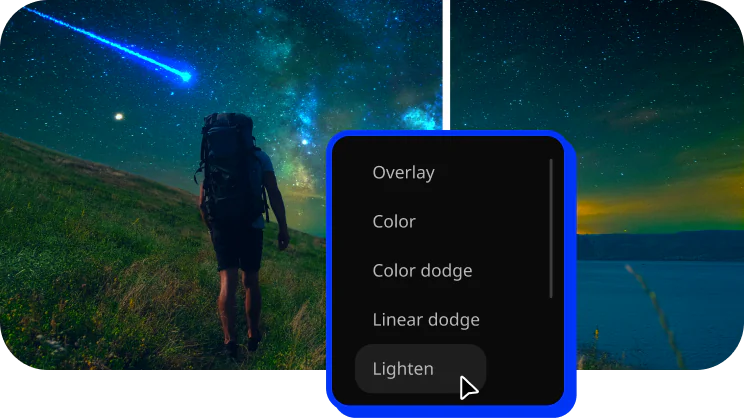
Perfect-match overlay effects
Now each overlay effect has 13 blending modes to choose from. Try each of them with the press of a button and pick the one that fits your video perfectly.
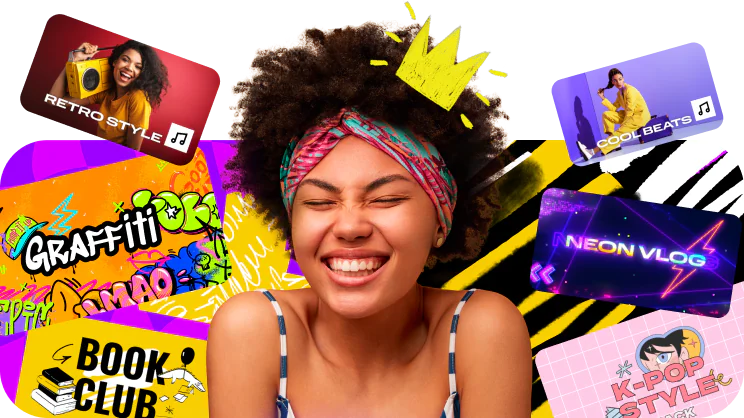
Our best effects – at your fingertips
Create awesome videos in any style with our huge collection of professionally designed effects. Now you can try them all right in the video editor. To use these effects in your videos, subscribe to Movavi Effects!
Get tools and effects for smooth video editing
Easily create awesome content with Movavi Video Editor: cut frames precisely, polish the sound, drag and drop filters, titles, overlays, and more
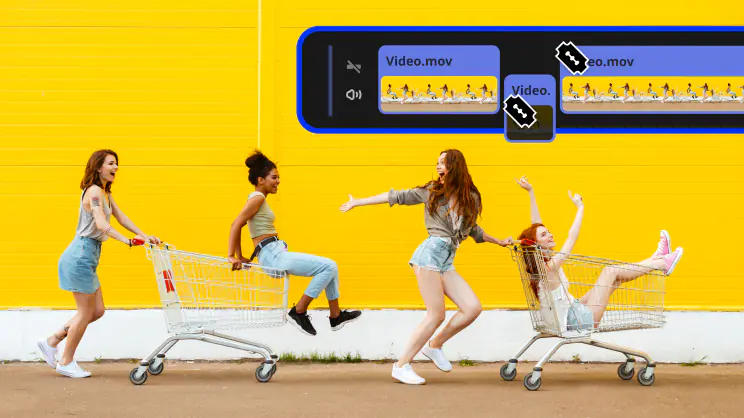 Blade tool
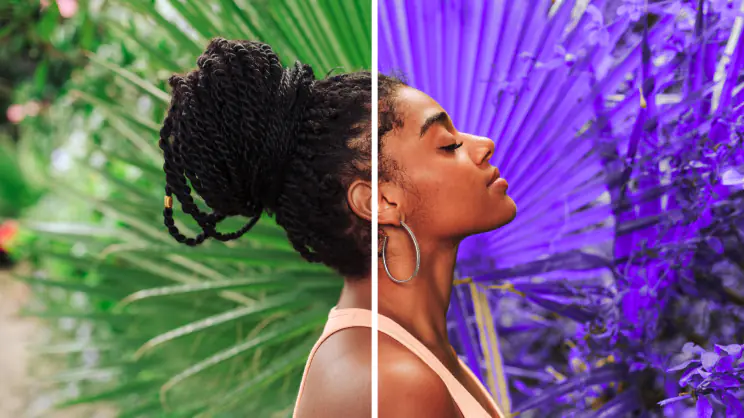 Filters and LUTs
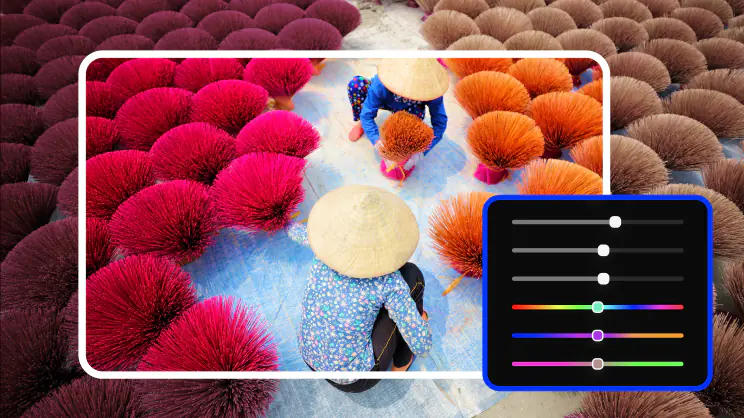 Color correction
 Transitions
 Overlays
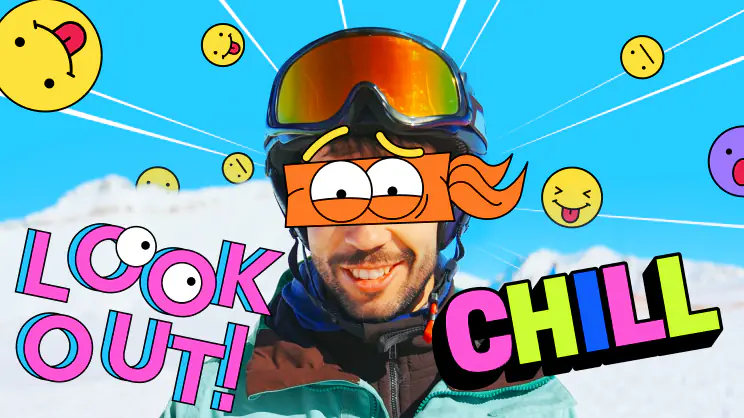 Stickers
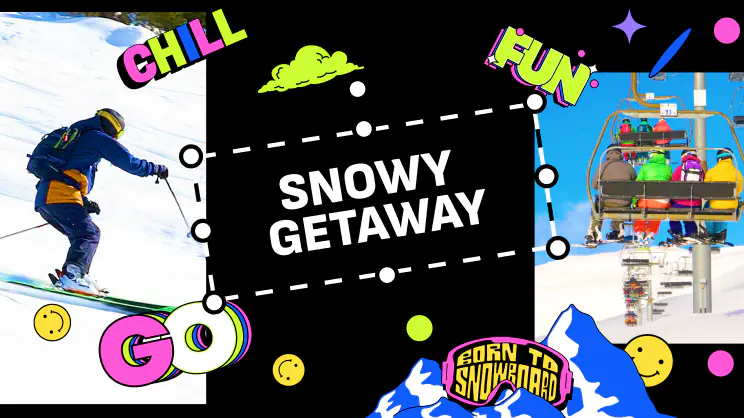 Intros
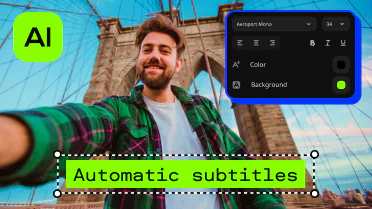 Automatic subtitlesBlade toolFilters and LUTsColor correctionTransitionsOverlaysStickersIntrosAutomatic subtitles
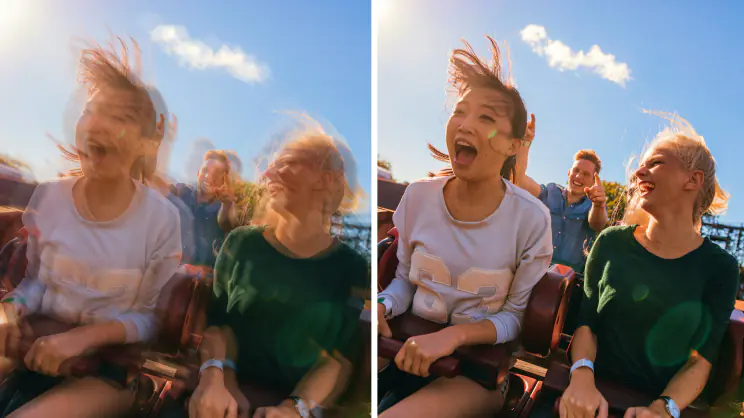 Stabilization
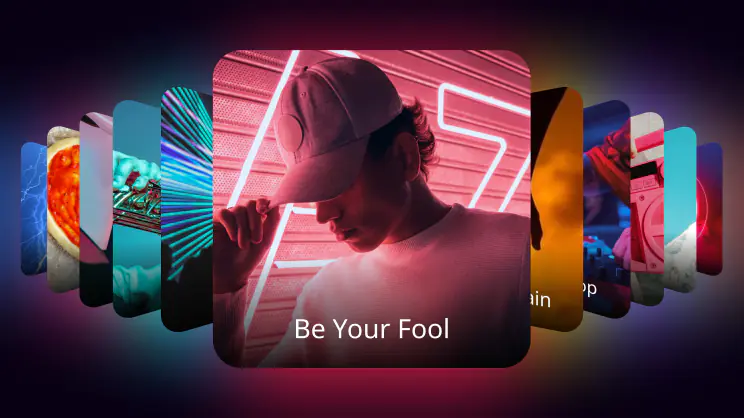 Free music and sounds
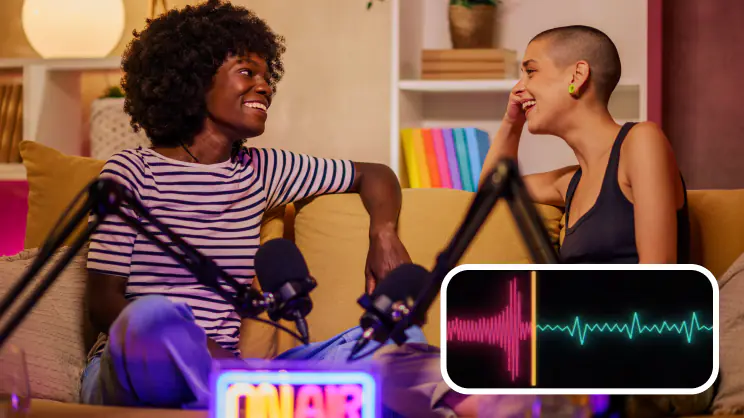 Audio editing
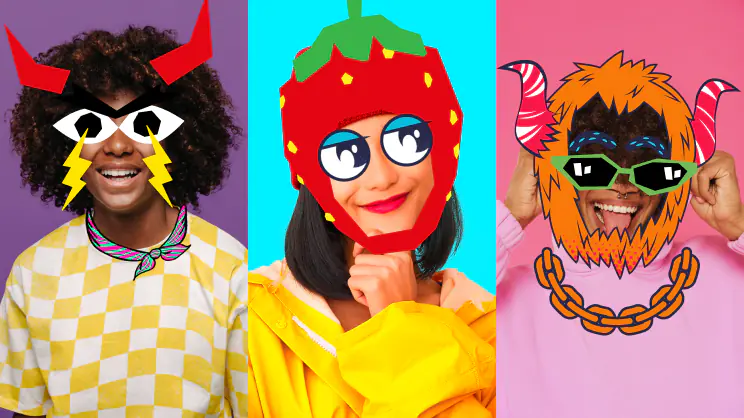 Motion tracking
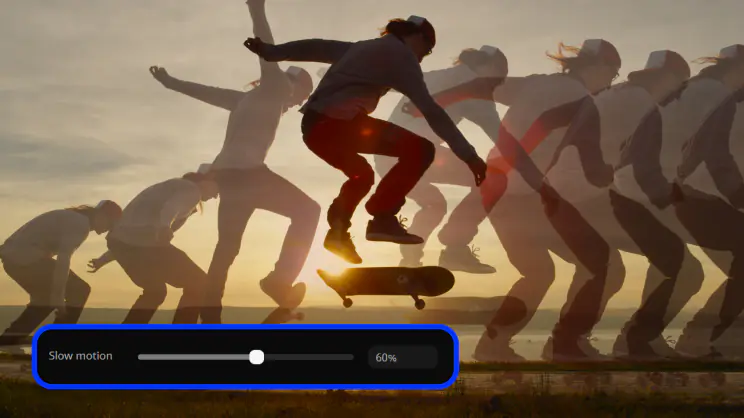 Slow motion
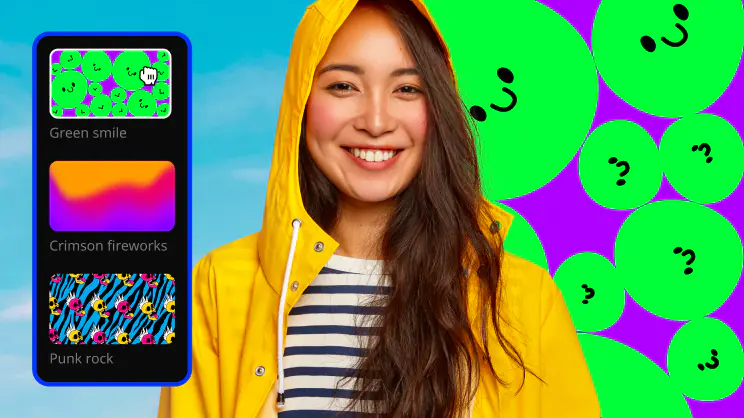 Chroma key
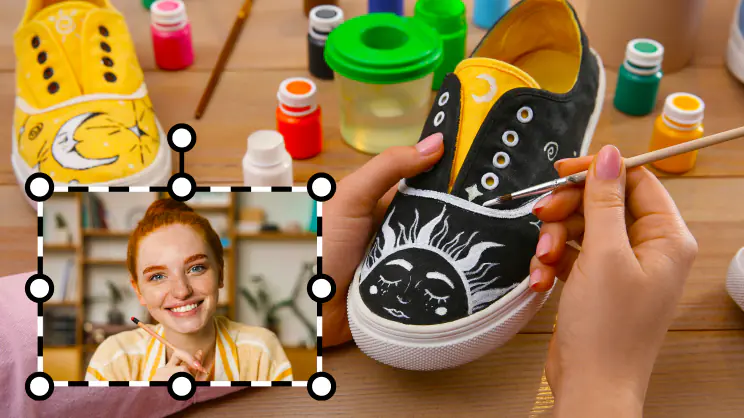 Picture in pictureStabilizationFree music and soundsAudio editingMotion trackingSlow motionChroma keyPicture in picture
Enjoy great results every time with our easy video editor
Make your socials shine
Create stunning videos to get more views, likes, and followers! Our easy-to-use tools and drag-and-drop effects will help you make anything from daily vlogs and short clips to product reviews and unboxings.
Give your business a boost
Make engaging promo reels in minutes and win new customers! With our simple design, one-click AI tools, and handy presets, you’ll save a ton of time creating eye-catching brand videos.
Cheer up your loved ones
Quickly craft videos of family get-togethers, birthday parties, and holiday celebrations. In just a few clicks, you can preview and add titles, transitions, and music to make memories that will last forever.
Explore the abyss of creative content
Make a splash on social media
Imagine what you can create with these video effects and get ready for an avalanche of likes. Don’t wait, explore your creativity.
System requirements
Microsoft® Windows® 10/11 64-bit with up-to-date patches and service packs installed
Intel®, AMD®, or compatible dual-core processor, 1.5 GHz
Intel® HD Graphics 2000, NVIDIA® GeForce® series 8 and 8M, Quadro FX 4800, Quadro FX 5600, AMD Radeon™ R600, Mobility Radeon™ HD 4330, Mobility FirePro™ series, Radeon™ R5 M230 or higher graphics card with up-to-date drivers
1280 × 768 screen resolution, 32-bit color
4 GB
400 MB available hard disk space for installation, 600 MB for ongoing operations
Administrator permissions are required for installation


1.5M+ users already subscribed to our newsletter