
How to use our screen recording software for Windows
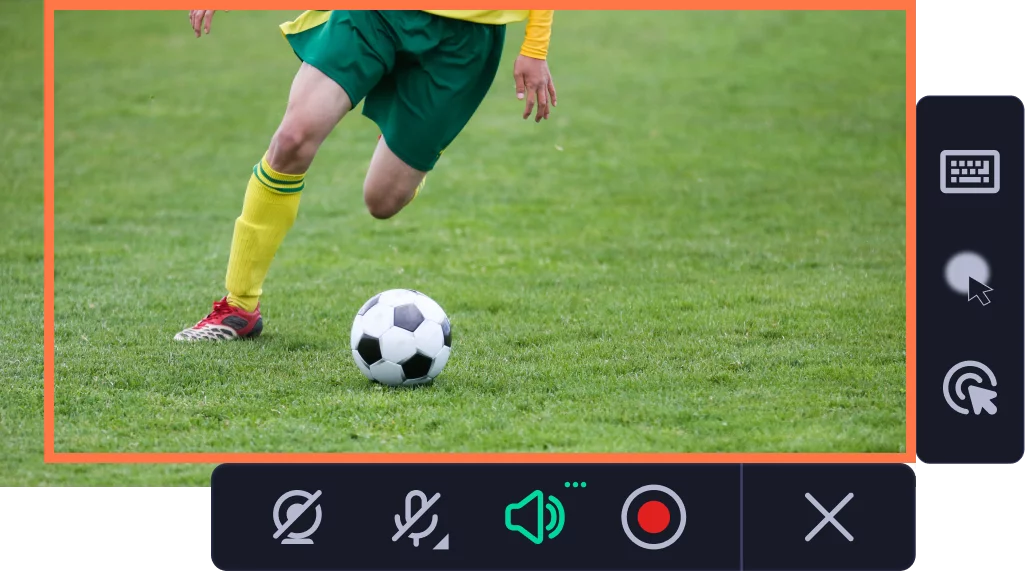
Set up the recording parameters
Choose the capture area and adjust recording settings.
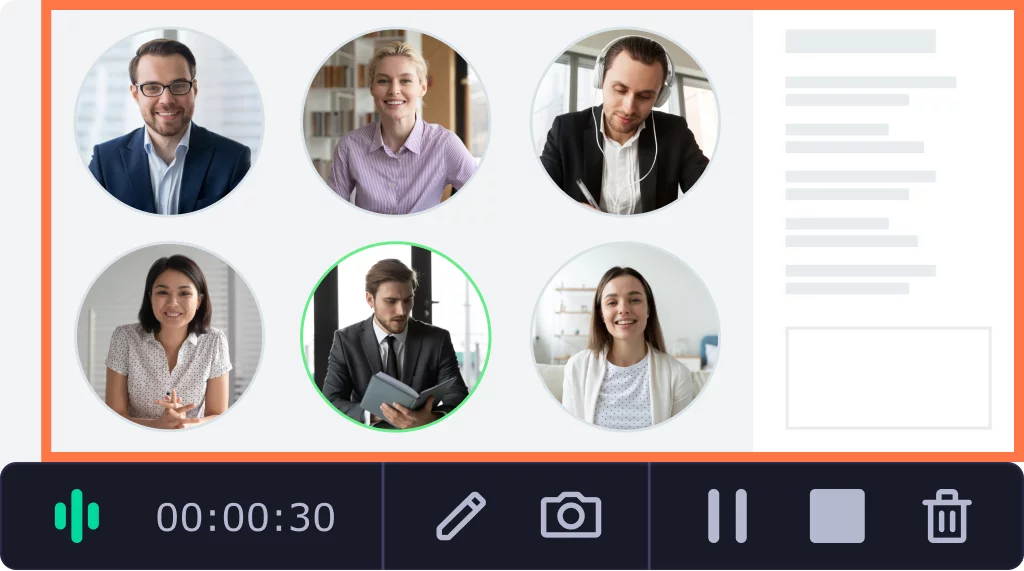
Grab audio and video
Hit the REC button and start recording your desktop in FullHD or 4K resolution.
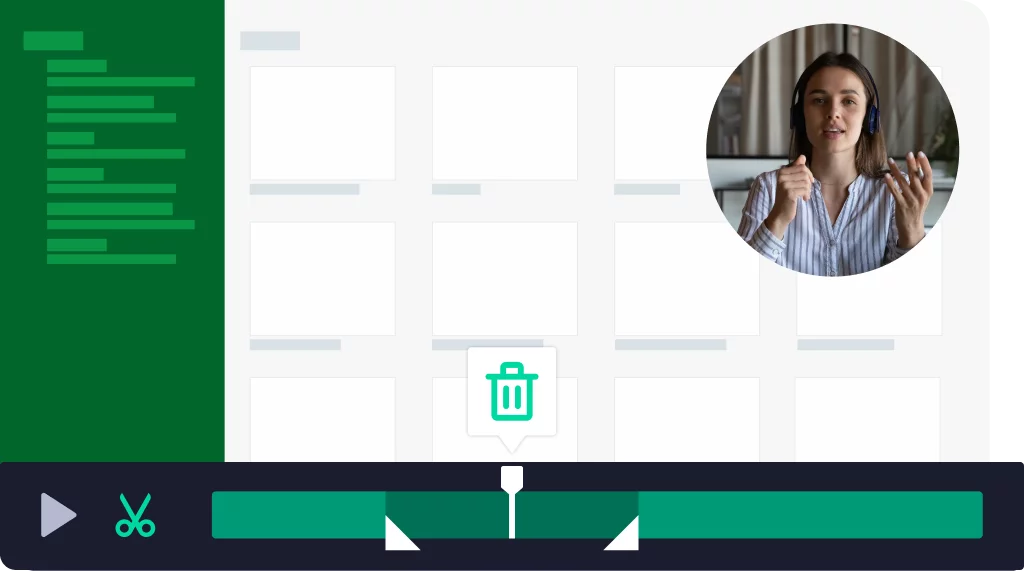
Edit the record and save the file
Use simple editing tools to make your record perfect. Save the file in any convenient format to your laptop.
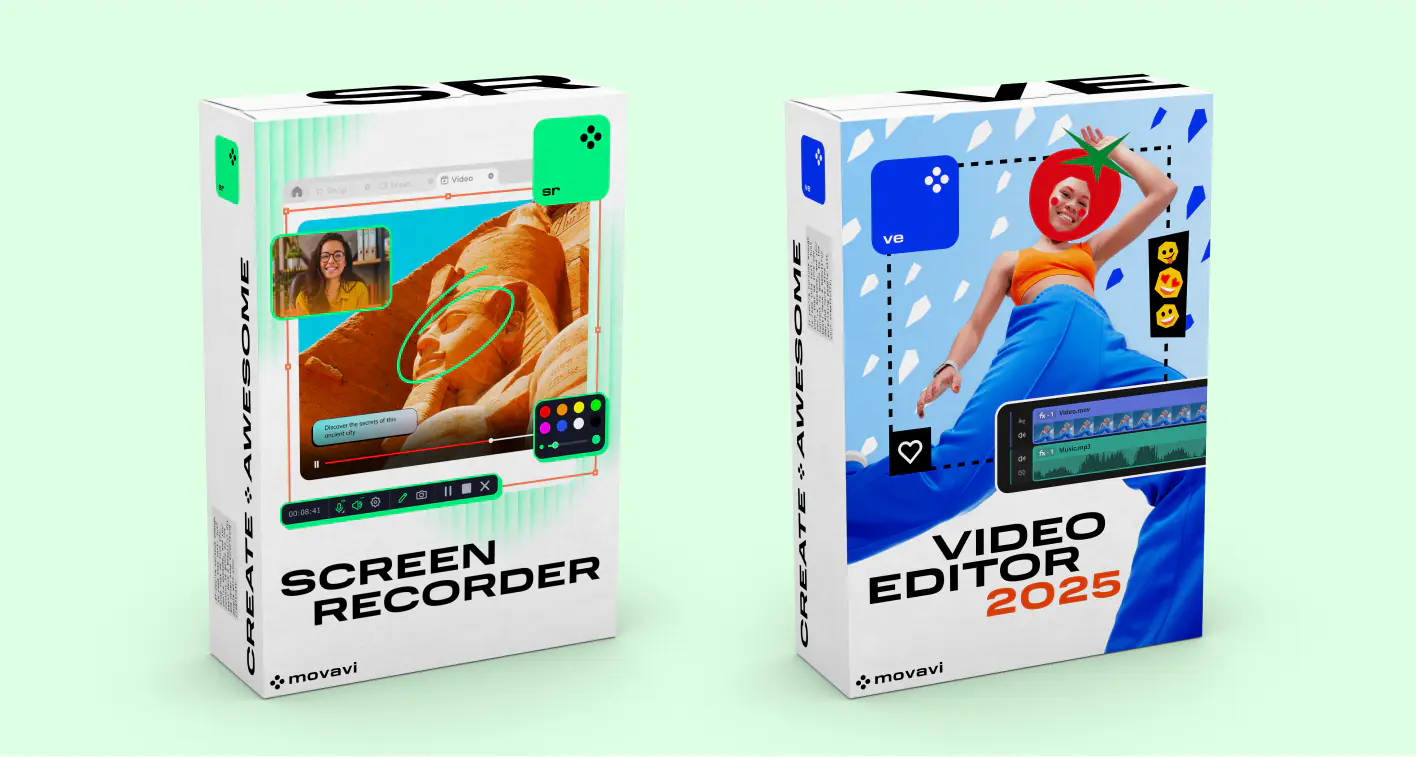
Use recordings for video creation
Do you want to use your recordings to create movies? We have an idea! Try the Screen Recorder + Movavi Video Editor bundle.
How do they work together?
Capture the screen with Screen Recorder.
Open the recordings in Movavi Video Editor.
Use the recordings to create a video by trimming, cutting, and joining clips. Add animated titles and special effects.
Save your clip in Full HD or 4K.
To help kickstart your creativity, we’ll give you a special discount for the bundle!
What can you do with our Screen Recorder & Video Editor bundle?
What do users think about our bundle?

My overall experience using Movavi Screen Recorder has been pretty amazing. Especially because both the video and audio quality comes out really clear and vivid. I love it and would recommend it to course creators especially.

Movavi Screen Recorder is a simple program I was able to use without a ton of training. I like software that is generally simple enough to use without reading instructions. All of the tools and functional items in Movavi Screen Recorder are as simple as possible to me.

Overall experience is perfect. The screen recording looks clear and the formats to export are the ones I need. I recommend this software a lot!

I like the ease of use of this software. It provides lots of options from screen capture images to screen capture videos. You can highlight material, draw on the images, even put arrows on it. The program is always open as a tab on the side of your computer screen so it is quick to get to.
All inclusive service
What’s new in Movavi Screen Recorder

Scrolling screenshots
No need to take endless screenshots anymore. Take scrolling screenshots to capture content that doesn't fit on the screen.
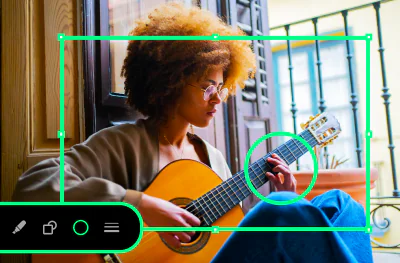
Drawing shapes on video
Add tidy-looking pointers and other shapes in the middle of your recordings. Guide the viewers’ attention to the parts you want to highlight and get your message across in a most impactful way.
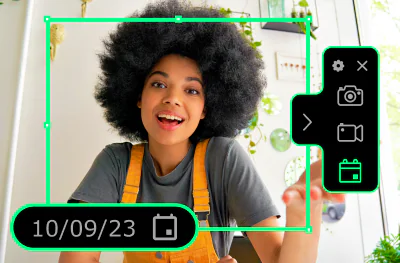
Recording scheduler
Prepare for a blast from the past: your long-time favorite scheduled recordings are back on the menu! Touch a few buttons and grab everything you need – right on time.
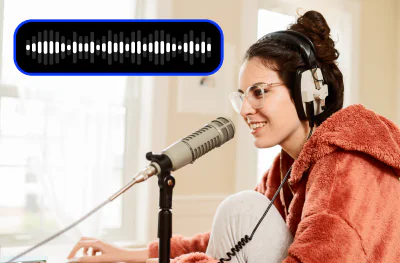
Noise reduction
No need to worry about loud neighbors or colleagues any longer! Our new noise reduction feature will help you get rid of extraneous sounds.


1.5M+ users already subscribed to our newsletter