M4A Converter
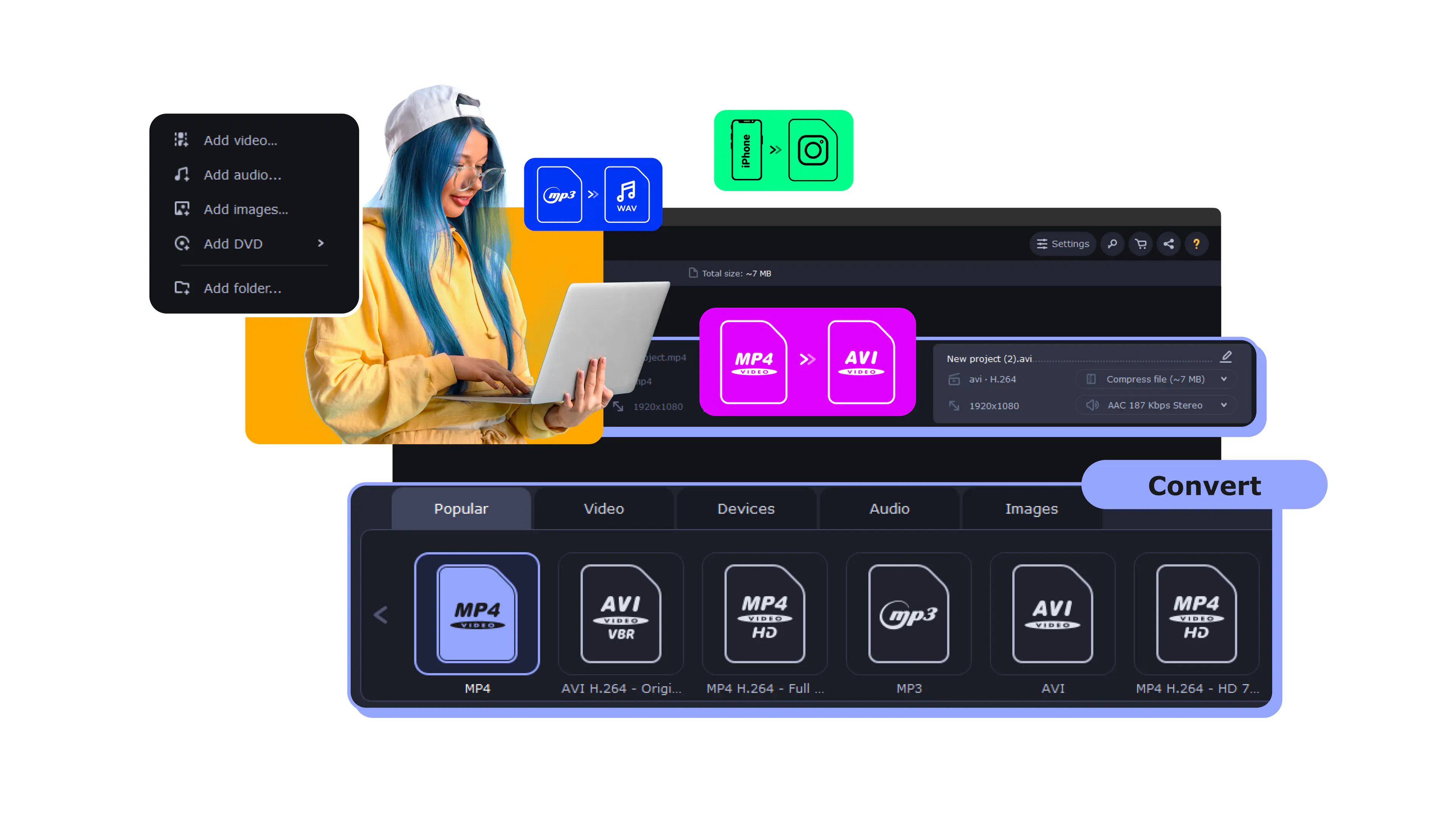
Add your file.
Choose the output format.
Click Convert.
What is M4A?
Full name
MPEG-4 Audio Layer
Format type
Audio
Developed by
The International Organization for Standardization
Description
M4A is described in the MPEG-4 Part 14 standard created by the International Organization for Standardization. While MP4 files can contain audio and video, M4A is designed for audio only. This file type can be used to store music, podcasts, or audiobooks. Apple devices and programs support M4A natively, and it is the most common format in iTunes. On Windows, you might need to install an additional codec pack to open and play an M4A file.
File extension
.m4a
Technical details
In the M4A format specification, you might see one of two codecs: AAC or ALAC. ALAC provides lossless compression, so these files might be relatively large compared to those compressed with AAC, which offers lossy compression. If you’re wondering how to choose between these codecs when converting files to M4A, think about the audio playback. Lossless compression means better quality.
Associated programs
Windows Media Player 12 (older versions will require additional codecs), iTunes, QuickTime, and VLC
Popular M4A conversions
Convert from M4A
Convert to M4A
Frequently asked questions
What is an M4A file?
What is an M4A file?
What does the .m4a file extension mean?
What does the .m4a file extension mean?
What is the M4A file format?
What is the M4A file format?
What does m4a stand for?
What does m4a stand for?
What are the advantages of using an m4a file?
What are the advantages of using an m4a file?


1.5M+ users already subscribed to our newsletter