
VLC media player
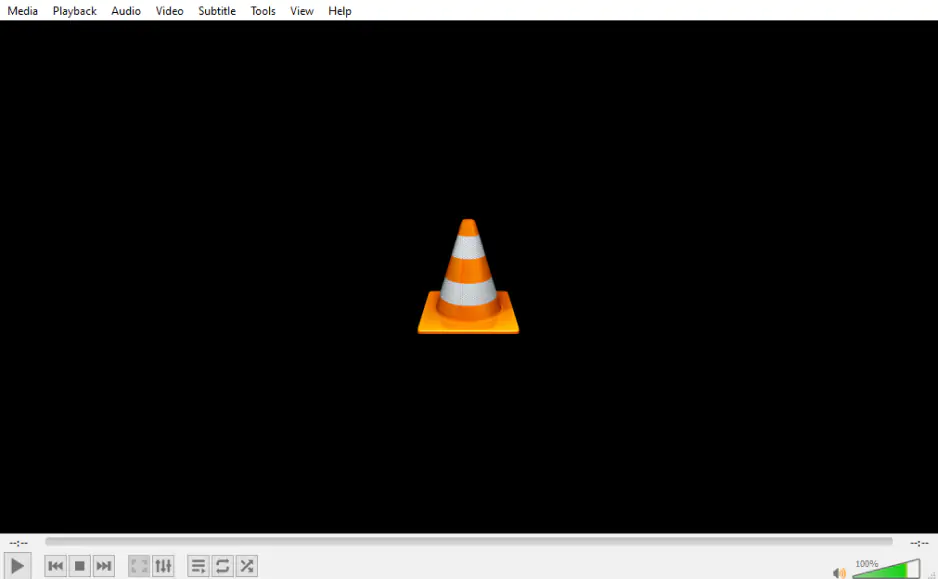
VLC is a free, open-source player, and its desktop version includes filters that rotate and mirror video during playback. It can also convert files, which is how a rotation gets saved.
How to rotate a video:
- Open the video in VLC and choose the rotation in its video effects. Check the picture.
- Open Media > Convert / Save, click Add, select the video, then click Convert / Save.
- Next to Profile, click the wrench (Settings) icon. On Video codec > Filters, tick Video transformation filter, then click Save.
- Choose a destination file name, then click Start.