Step 1. Download and install Movavi Screen Recorder
Download Movavi Screen Recorder and install it on your PC or Mac. The simple instructions will guide you through the installation process.
Easily make engaging screencasts with Movavi Screen Recorder
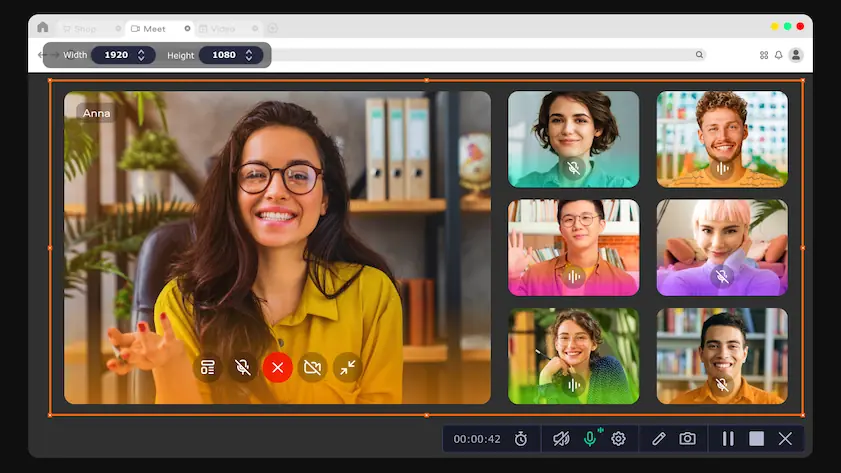
Full-screen or custom area recording
Webcam capture and drawing on recordings in real time
Highlighting mouse cursor and keystrokes
Capture sounds from your computer or microphone separately from the screen recording. Easily grab audio calls and make video lessons or tutorials even more useful with additional voice comments.
Download Movavi Screen Recorder and install it on your PC or Mac. The simple instructions will guide you through the installation process.
Open Movavi Screen Recorder. On the side panel, click the Plus icon. In the pop-up window, under the audio recording description, click + Select to add the icon to your toolbar.
Click Preferences, then select Audio in the pop-up window. Choose the preferred Audio quality from the dropdown list. You can also Reduce background microphone noise – just tick the corresponding checkbox. Then click OK.
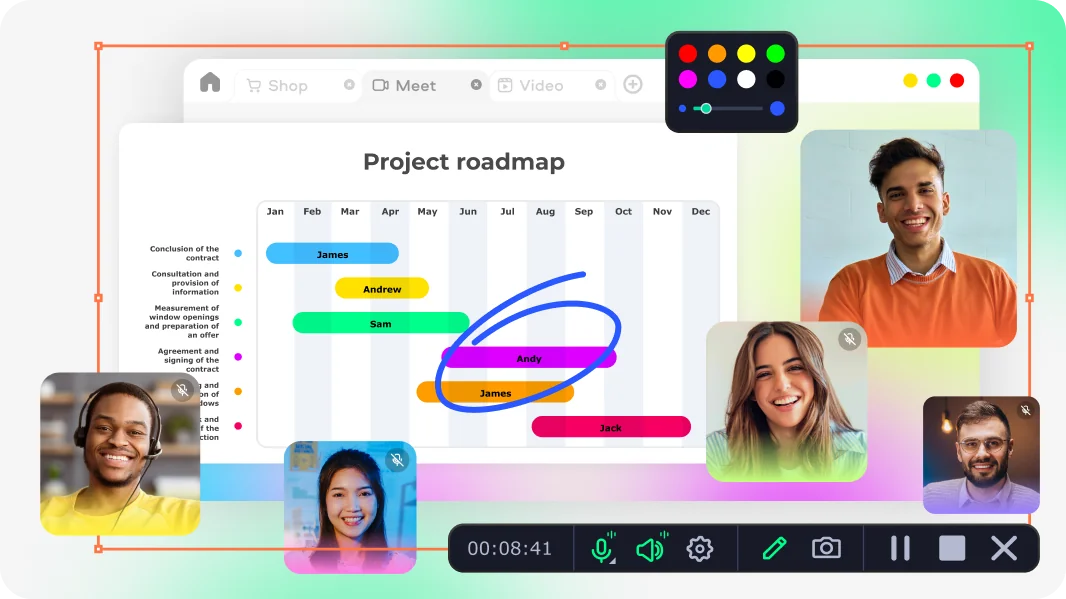
Click Audio recording. After that, you’ll see the screen-recording panel. Click System audio to capture the sound from your computer and Microphone to record your voice. Then click Start recording.
To pause the recording, click Pause. To stop it, click Stop.
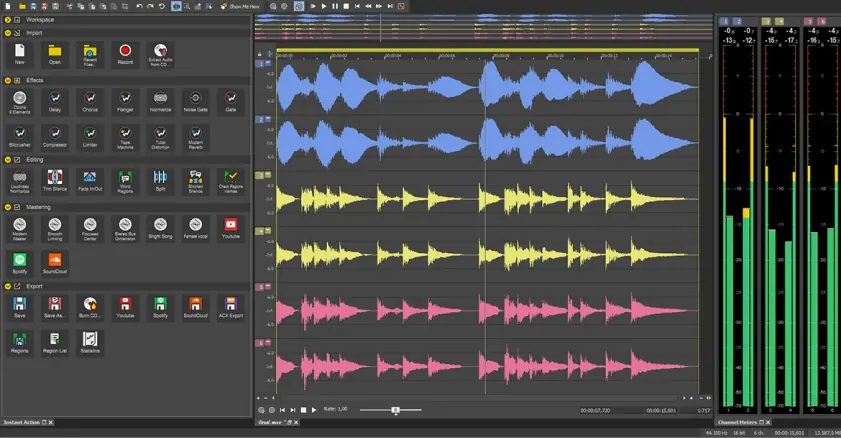
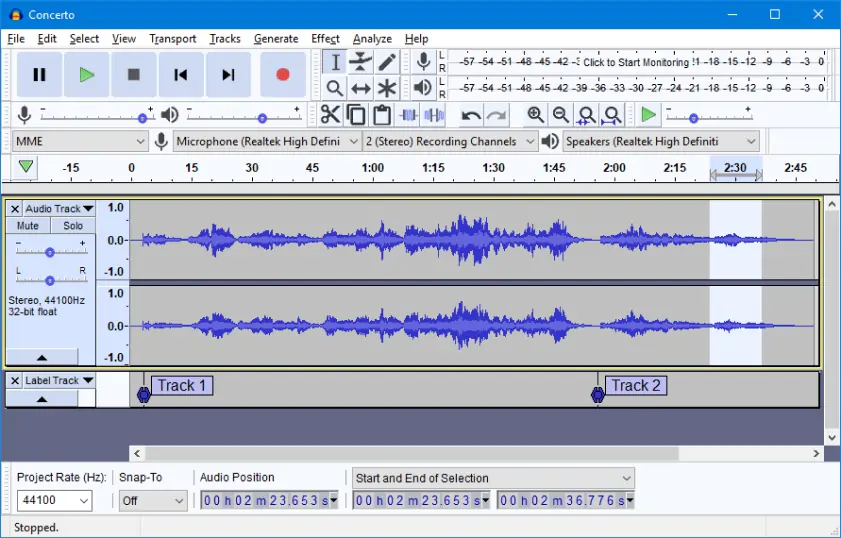
After finishing the recording, you can trim the audio and remove any unwanted parts. Place the cursor where you want to split the track and click Cut. Then select the segment you want to remove and click Delete fragment. Now your audio is ready for export.
Click Export, then click Save – your MP3 audio file will be saved to your computer!
Your hassle-free screen capture tool for more efficient projects
Record Mic and System Audio | Movavi Screen Recorder
Audio Recording Software for PC [2026] – Movavi
How to Record Screen and Webcam
Grab Webcam Video and Audio | Movavi Screen Recorder
Add Mouse and Keyboard Effects | Movavi Screen Recorder
Free Online Voice Recorder
Screen Recording with No Sound [SOLVED] – Movavi
13 Best Free Internal Audio Recorders in 2026 – Movavi
Grab Screens Remotely | Movavi Screen Recorder
1.5M+ users already subscribed to our newsletter