Step 1. Install the GoPro video editing software
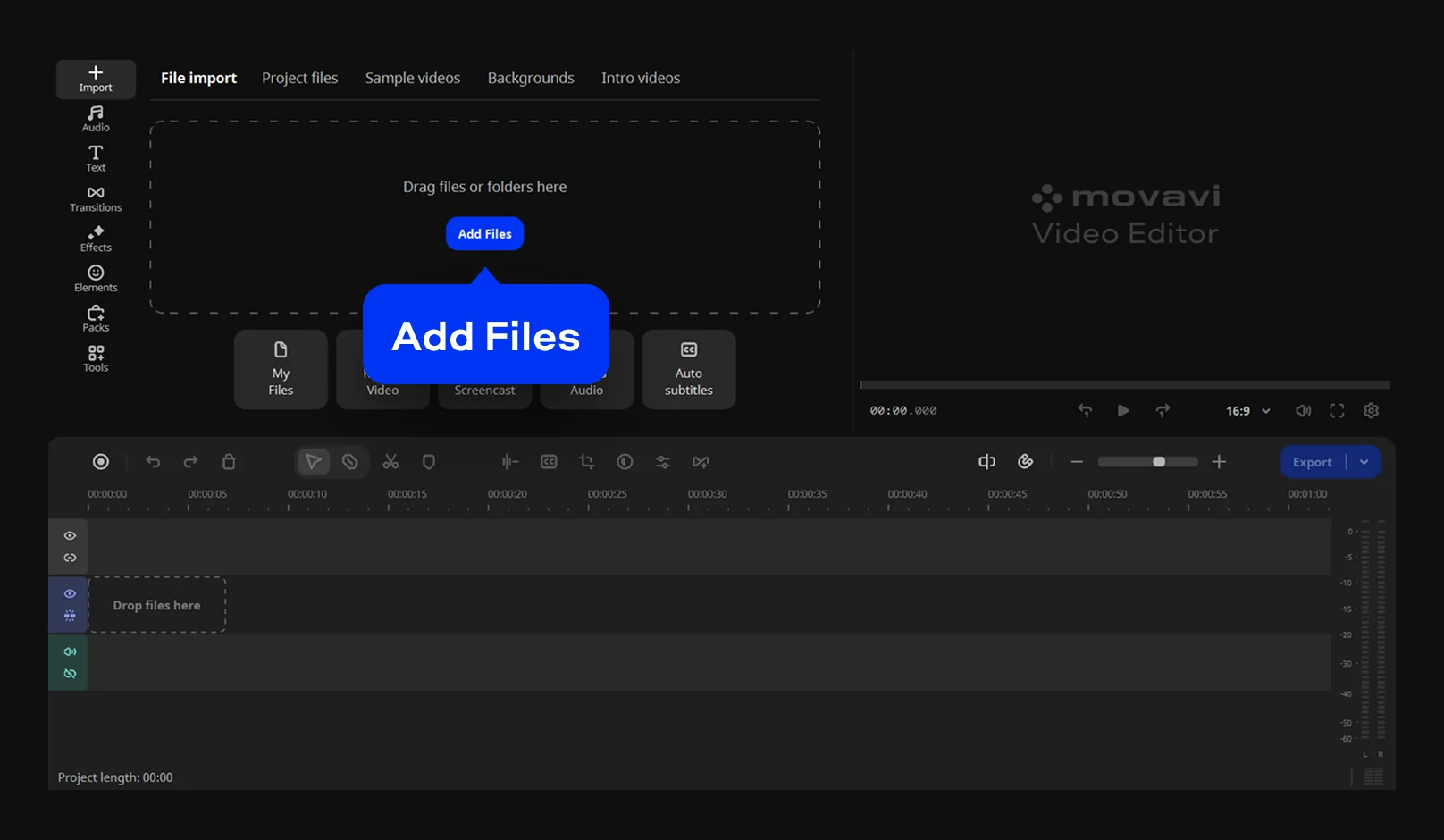
Download the installation file and install Movavi Video Editor. Open the GoPro video maker and click Add Files to import your action footage. Drag your clips directly onto the timeline.
Meet the GoPro Video Editor for a PC and Mac
Edit and enhance your GoPro clips efficiently

Fast action editing
Turn your raw outdoor footage into a professional movie in just a few minutes.
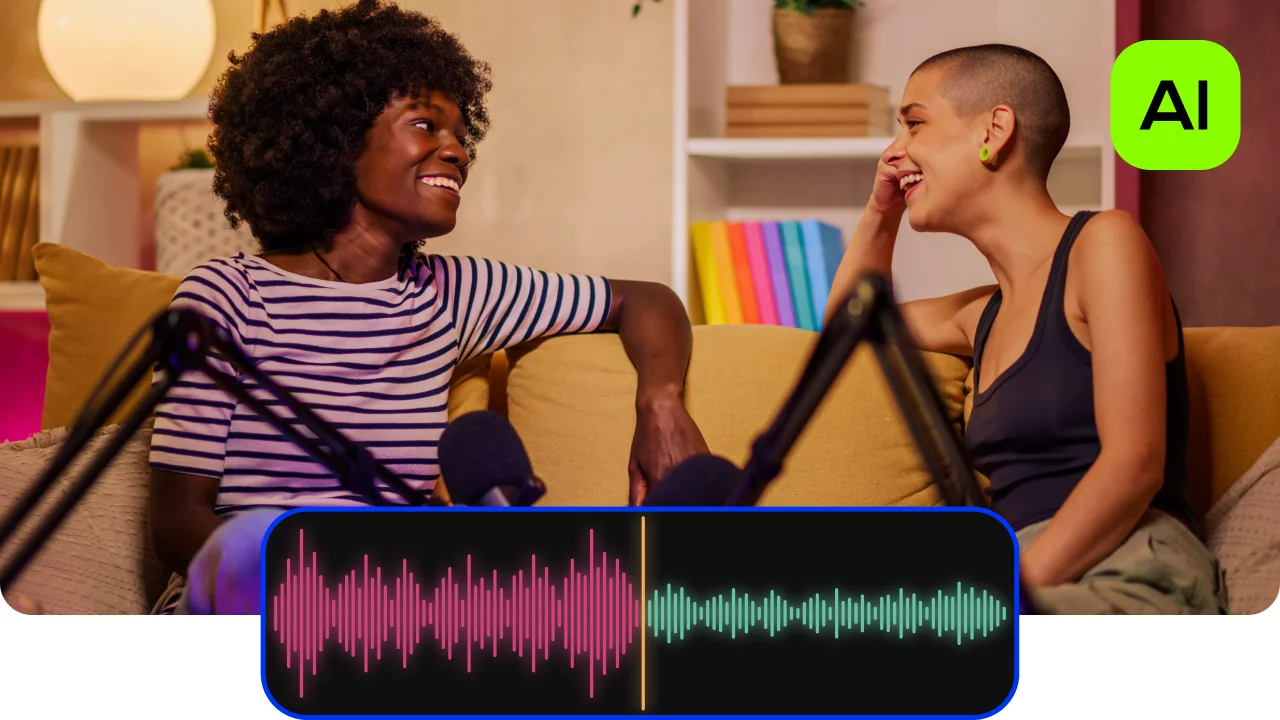
One-click AI tools
Use special utilities for motion tracking and noise removal to make every stunt look perfect.
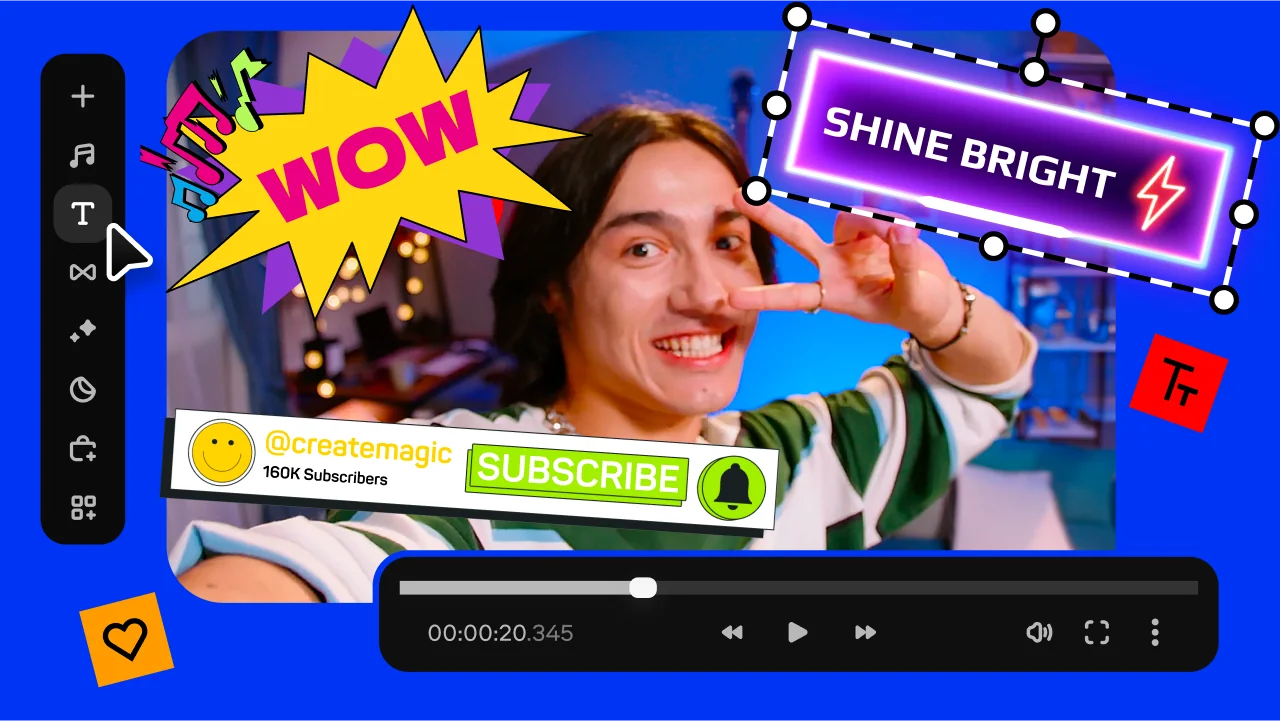
Room for freedom
Choose from hundreds of filters, titles, and transitions to give your adventure a unique style.
Easily edit your GoPro videos
If you capture epic stunts, you need the best free video editing software for GoPro. Movavi Video Editor is optimized for both Windows and Mac computers, is very fast, and geared towards beginners. It acts as a reliable GoPro video editor for Windows for people who want results without a steep learning curve. You can use it to combine your 4K clips into a professional movie.
Movavi Video Editor features specialized tools to fix shaky footage and remove loud wind noise using AI. You can start your journey with a GoPro editing software free download to test every feature on your own clips. Many creators say it is a great app to edit GoPro videos on a home PC because it supports high-resolution formats.
For full access, you can upgrade to the paid plan to unlock more effects. It is a very stable GoPro editor for PC that keeps your work fast and organized. This GoPro editing software for Windows fits the purpose for any athlete who needs to share their vision quickly.
Download the installation file and install Movavi Video Editor. Open the GoPro video maker and click Add Files to import your action footage. Drag your clips directly onto the timeline.
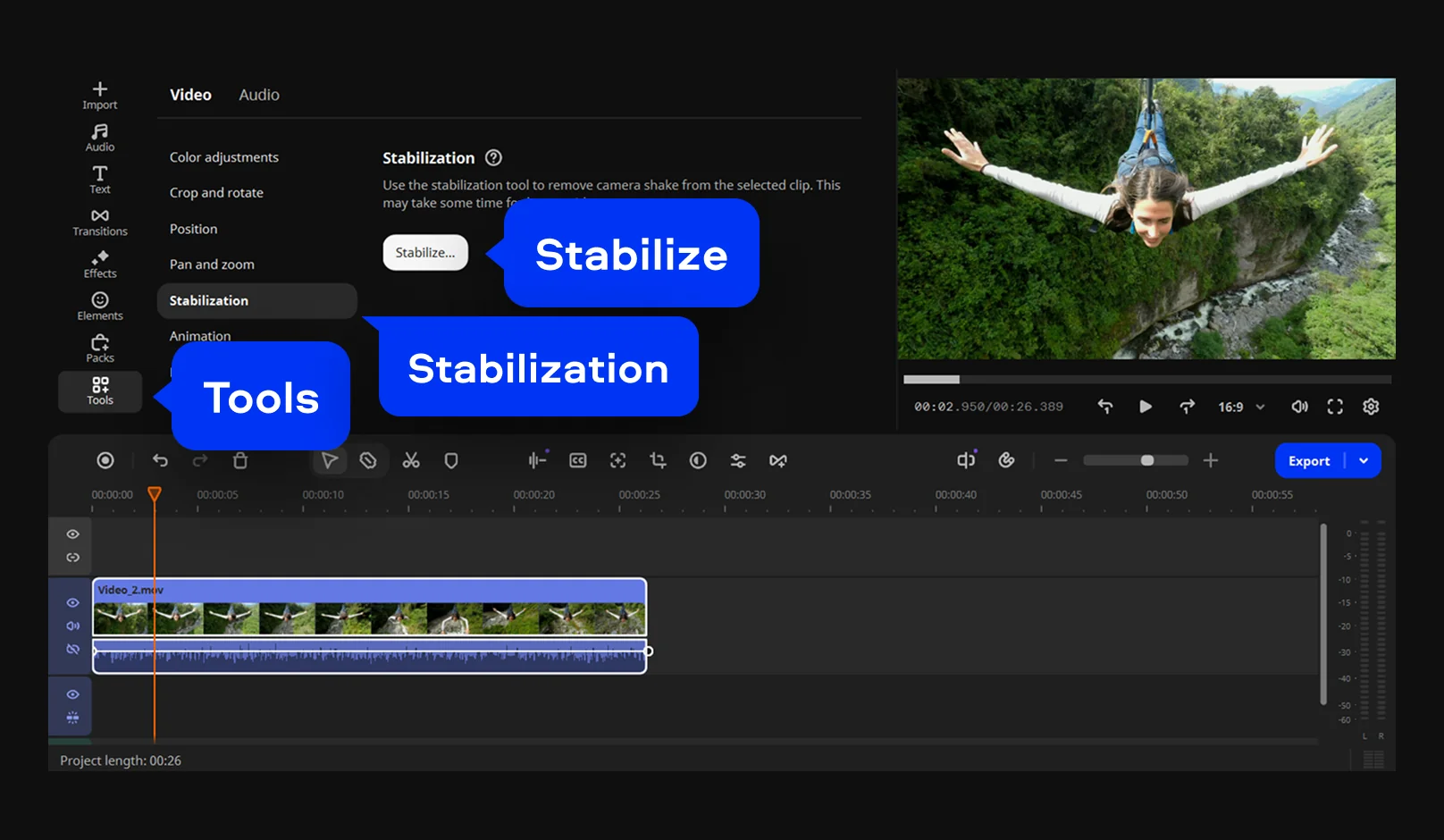
Now you can trim your clip or balance the light. Use the Stabilization tool to fix shaky movements from your camera. This GoPro editing software for Windows and Mac makes your action shots look very smooth. From the toolbar at the left side of the screen, you can also add music, elements, or transitions to make the story flow.
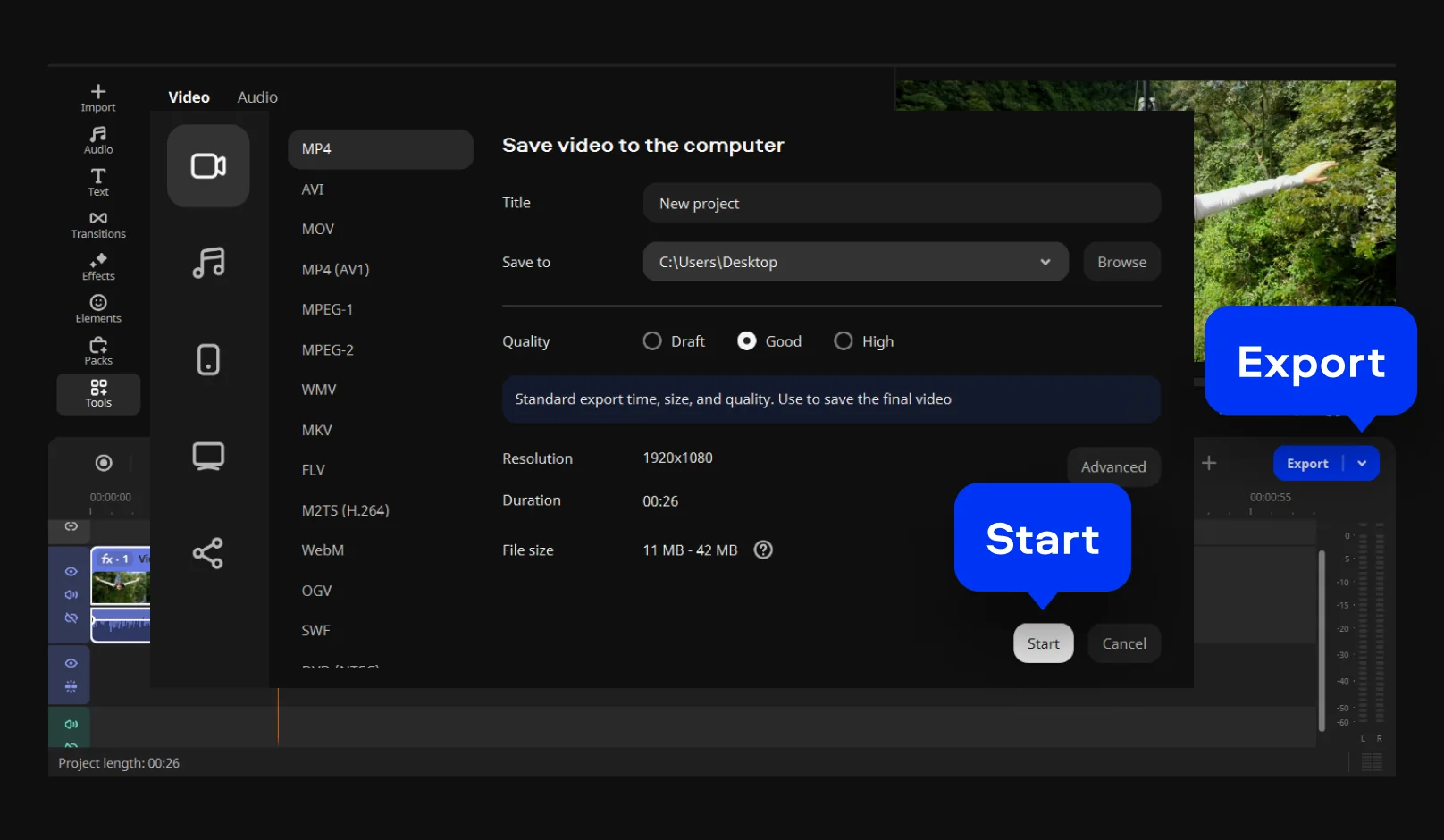
When your edit looks perfect, click the Export button. Choose your favorite format and hit Start to save the file. Now you know how to edit GoPro videos on your PC.

We’re the #1 choice for millions of people from all around the world. Join our thriving community and create stunning content with incredible ease.
Millions


Movavi Video Editor is one of the best software to edit GoPro videos because it is easy to navigate. It offers pro features like motion tracking and AI tools without a steep learning curve.
You should use a specialized GoPro 360 editing software that supports high bitrates. This type of editing software keeps your 4K and panoramic shots looking sharp and clear during the whole process. Your viewers will see every tiny detail.
While most tools are paid, you can start with a trial to access advanced stabilization. It is a great way to see why it is a preferred GoPro editing software for Windows for action sports. You get to see the quality before you buy.
*The free version of Movavi Video Editor may have the following restrictions depending on the build: watermark on exported clips, 60-second video or 1/2 audio length limit, and/or some advanced features unavailable when exporting videos.


1.5M+ users already subscribed to our newsletter