Step 1. Download and install MKV to DVD Converter
First, download and install Movavi Video Converter on your Mac or Windows computer. You can follow the instructions that appear on your computer screen to install the program.
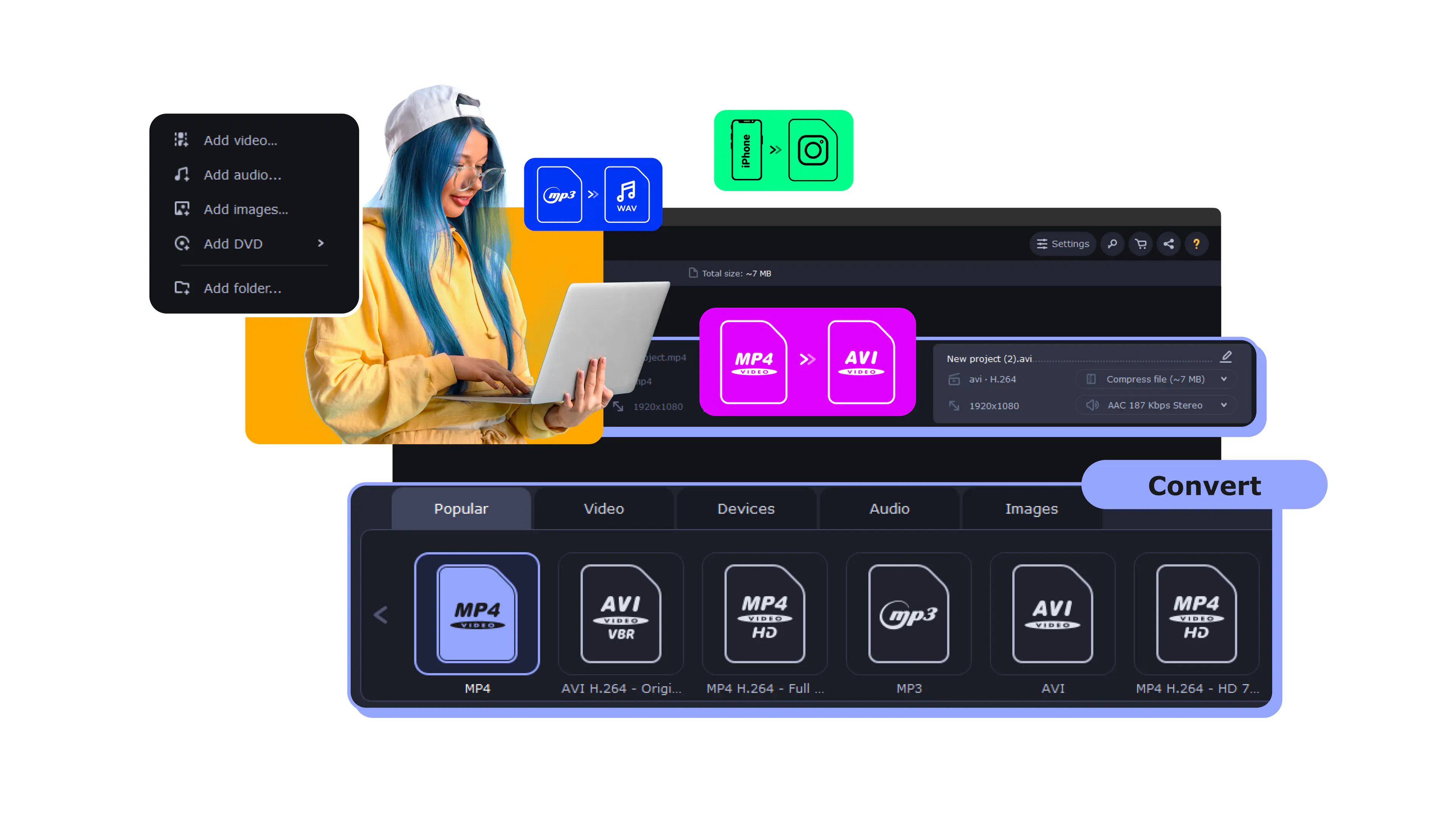
Movavi Video Converter turns your MKV files into a DVD-ready video in the right format for a physical disc – DVD-compliant MPEG-2 in PAL or NTSC, with the VIDEO_TS structure that home players expect.
Weddings, birthdays, graduations, home movies – prepare them as a disc you can hand to family, keep as a physical backup, or play on an ordinary DVD player and TV.
Millions


A good MKV to DVD converter should turn your files into a disc-ready format, fit them onto the disc, and produce something that plays on any home player – without a single codec setting.
Converts MKV into DVD-ready format
Movavi prepares your MKV in DVD-compliant MPEG-2 – DVD PAL or NTSC – with the structure that standard set-top players understand. You don't touch codecs or containers: pick the DVD preset for your region and you get a video that's ready to burn and play on a living-room DVD player.
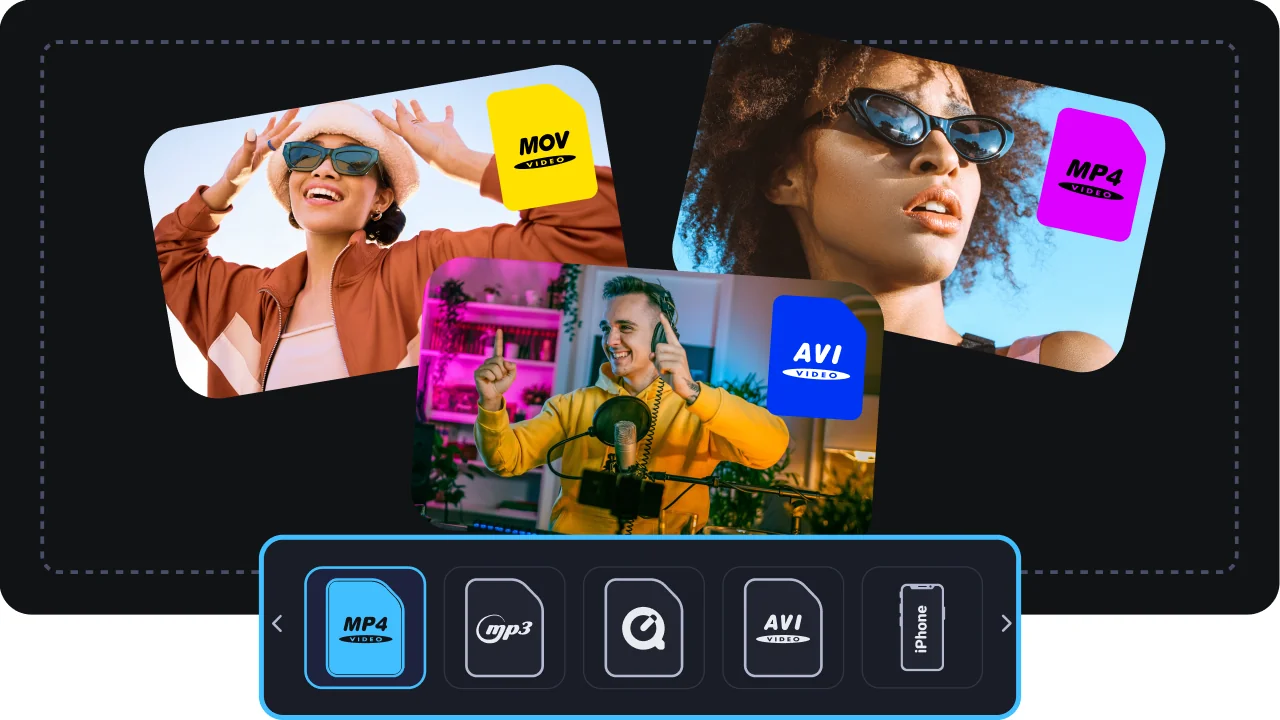
Fits your video onto the disc
Movavi automatically matches the bitrate to your disc's capacity – DVD-5 (~4.7 GB) or DVD-9 (~8.5 GB) – so a full-length movie fits without you doing the math or losing more quality than necessary. No more "file too large for the disc" guesswork.

Several files on one disc, plus batch
Combine several clips into a single DVD, and keep the audio and subtitle tracks you actually need. Batch mode lets you prepare multiple discs' worth of video in one run, so putting a whole set of recordings onto disc is quick.

Compatibility and speed
The output plays on ordinary DVD players and TVs – exactly what you need for a disc you're handing to someone who doesn't stream. SuperSpeed hardware acceleration keeps the conversion fast, even for long recordings and full discs.
Three reasons a desktop app beats a free or online MKV to DVD converter for this task.
From an MKV file to a disc-ready video – done in minutes.
First, download and install Movavi Video Converter on your Mac or Windows computer. You can follow the instructions that appear on your computer screen to install the program.
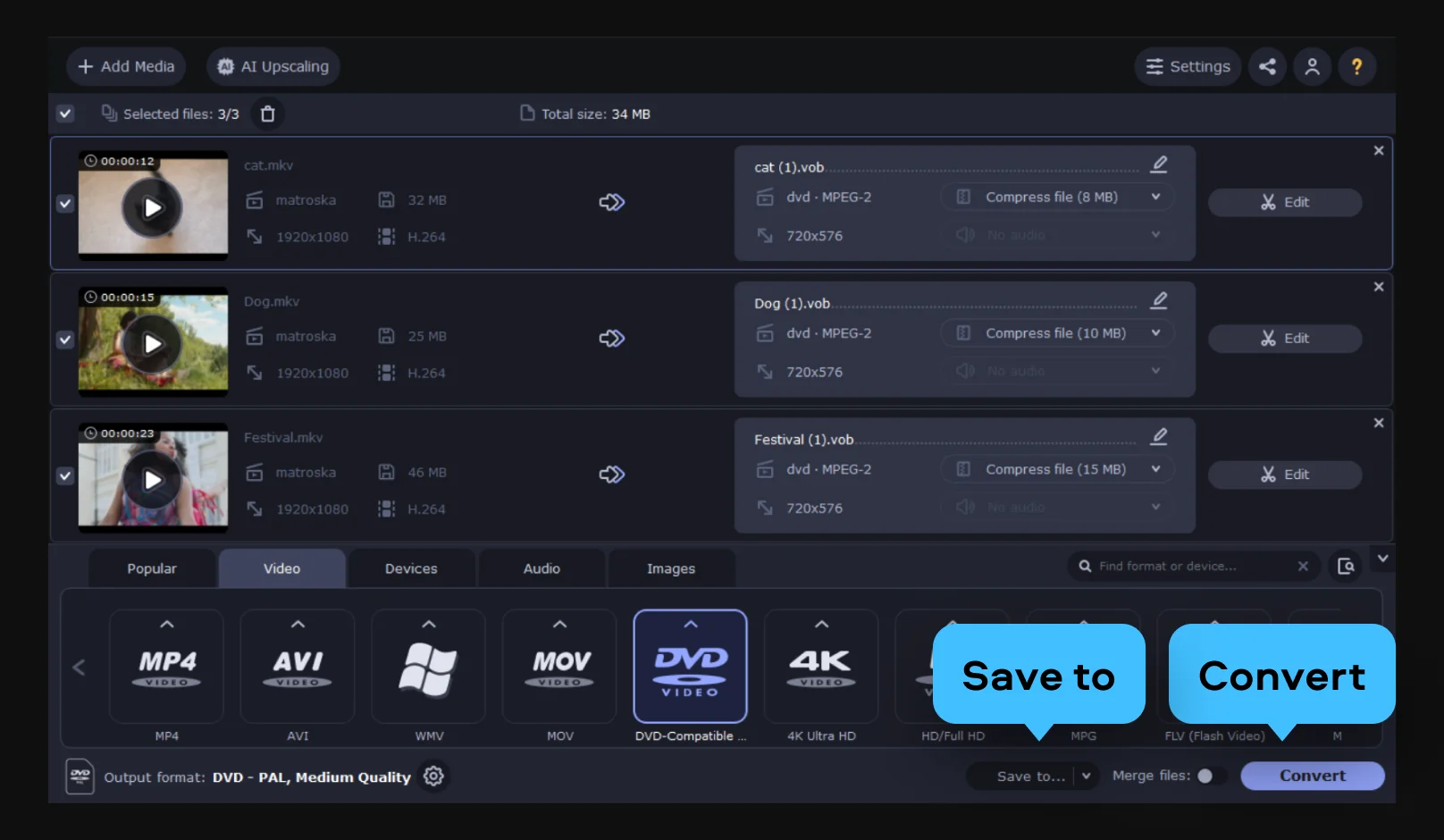
Drag your MKV files into the window, or click Add Media, choose Add Video and select them.
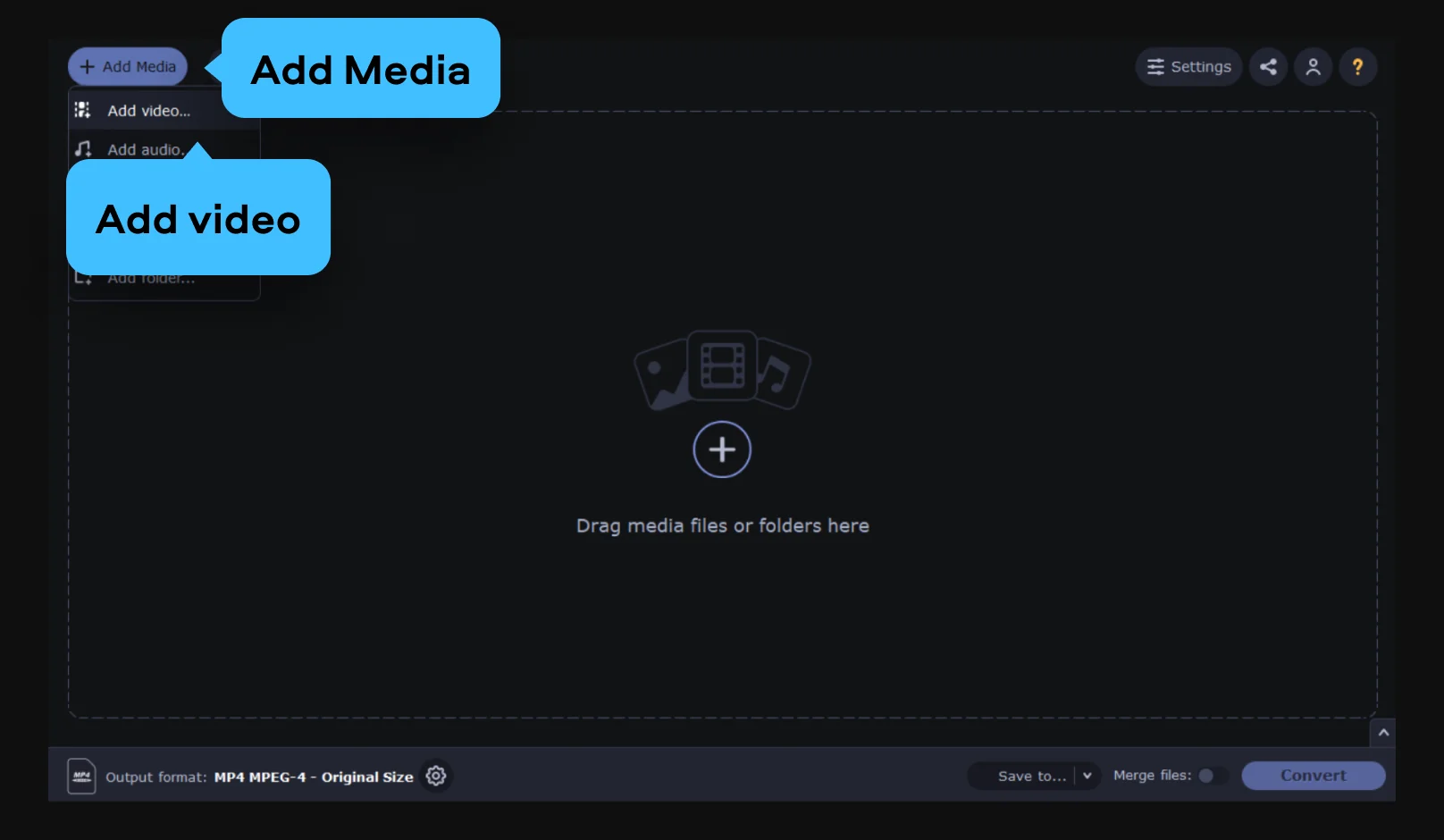
Open the Video tab and pick DVD.
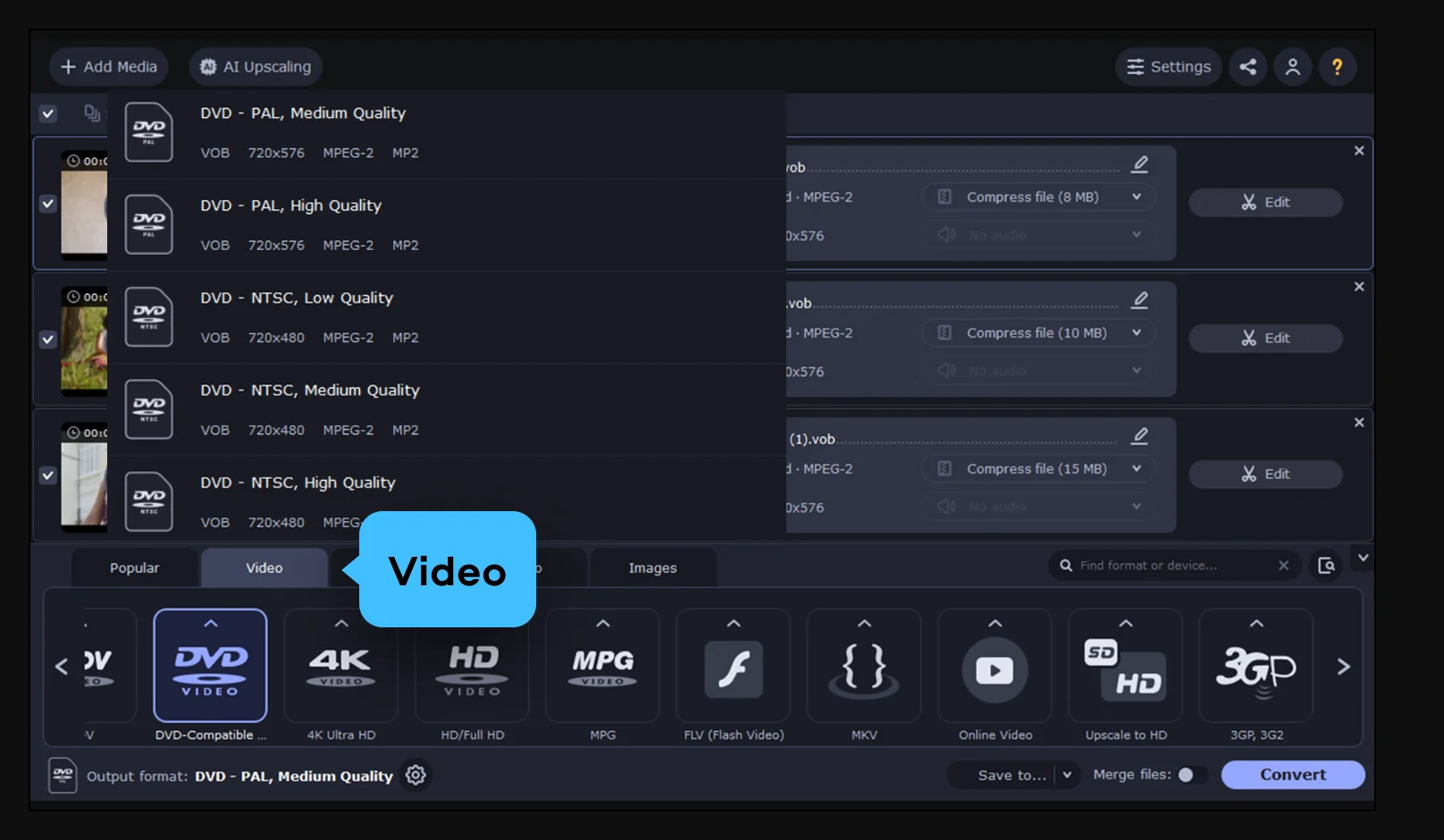
Click Save to to pick an output folder, then hit Convert. You'll get a DVD-compliant video ready for burning.
Putting video on a disc still solves real problems across families, gifting, and small business.
Families and events · PERSONAL
Weddings, anniversaries, and graduations – put the recordings on discs and hand them out to relatives who still have a DVD player. It's the easiest way to share a big moment with people who don't stream.
Gift-givers and archivists · LIFESTYLE
Assemble a movie onto a disc for someone who doesn't use streaming, or keep a physical copy as a keepsake. A disc on the shelf is a backup that doesn't depend on any account or service.
Small business · BUSINESS
Handouts, presentations, and training materials on disc – a simple, self-contained way to give clients and staff something that plays on any DVD player without downloads or logins.
Common questions about converting MKV to DVD and what to expect from the process.
The output is a DVD-compliant video, ready to burn onto a disc.
Yes – as long as you pick the DVD standard for your region. Movavi prepares the video as DVD-compliant MPEG-2, which is what set-top players read. Yes – as long as you pick the DVD standard for your region. Movavi prepares the video as DVD-compliant MPEG-2, which is what set-top players read. Choose PAL or NTSC to match where the disc will be played, and it will work on ordinary DVD players and TVs.
Pick the one used where the disc will be watched. NTSC is standard in the US, Canada, and Japan; PAL is used across most of Europe and many other regions. When in doubt, match the region of the DVD player or TV the disc is for.
A standard single-layer DVD-5 holds about 4.7 GB, and a dual-layer DVD-9 holds about 8.5 GB. Movavi automatically fits your video to the disc by adjusting the bitrate, so a full movie fits without you doing the math – with less quality loss than a manual squeeze.
Movavi Video Converter prepares the DVD-compliant video and structure. To actually write it onto a blank disc, you'll use a disc-recording tool – for example, Movavi Video Suite includes burning, so you can go from file to finished disc in one place.


1.5M+ users already subscribed to our newsletter