Movavi Video Suite
Your all-in-one multimedia toolkit
What do you get with Movavi Video Suite?
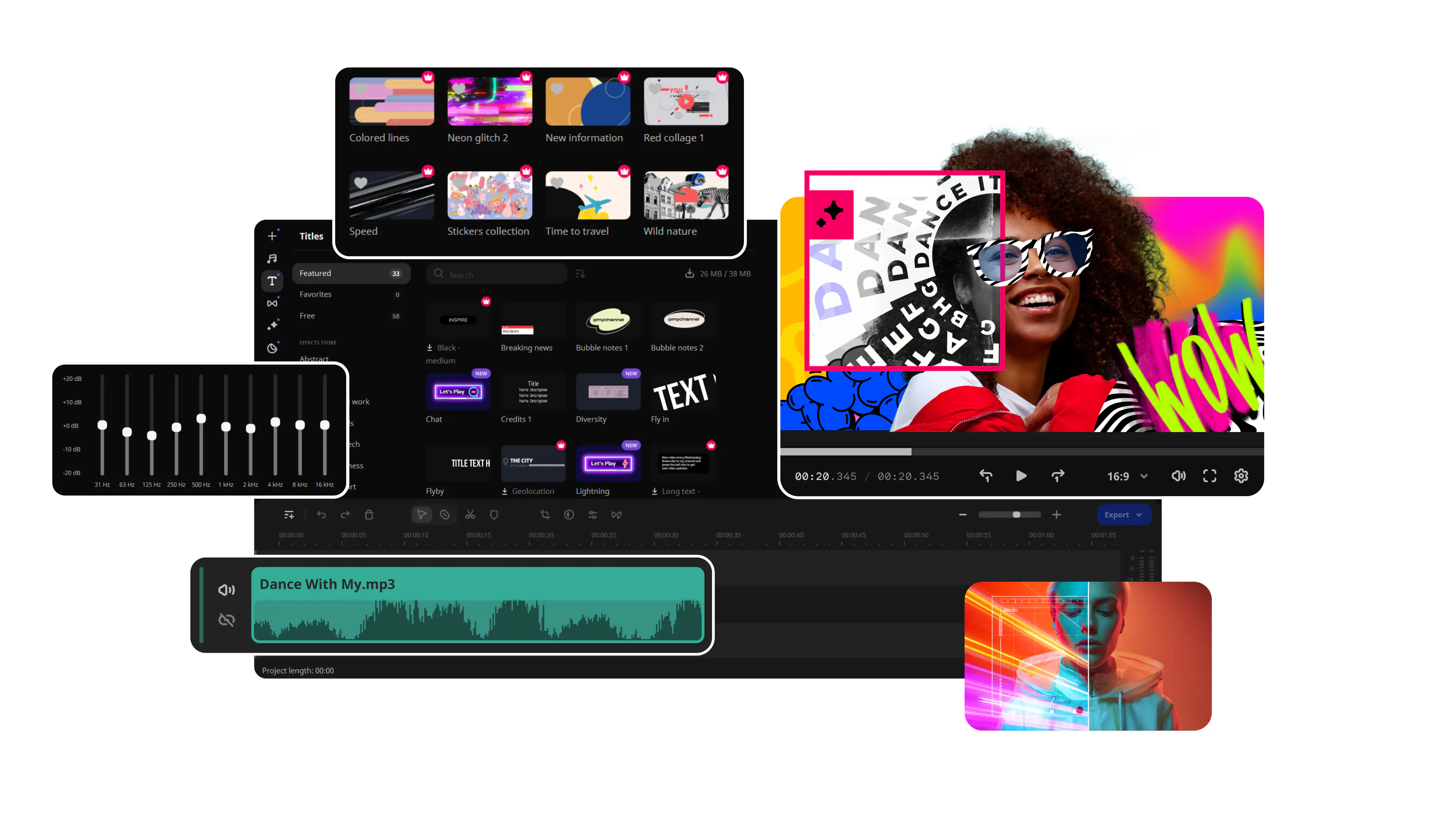
Video editor with AI functionality
Video and audio converter and compressor
Screen recorder with audio and webcam
To see the pricing options, click here
Why choose Movavi Video Suite
To create videos that stand out
Make killer videos in a snap: have fun with dazzling effects, use AI to quickly swap out backgrounds and remove noise, polish the sound, and convert files in the blink of an eye.
To convert and compress files in a click
Transcode files at incredible speed and high quality with one of the best video converters. Transfer your films, music, and pictures in any format to any platform or device.
To record on-screen activities with sound
Grab any desktop activity in a click: record video lessons, software demos, webinars, and more. Highlight mouse and keystrokes and draw on recordings in real time to make super informative presentations.
Need inspiration? Get fresh ideas and learn more about video making every week with Movavi Ideas
The features that content creators love
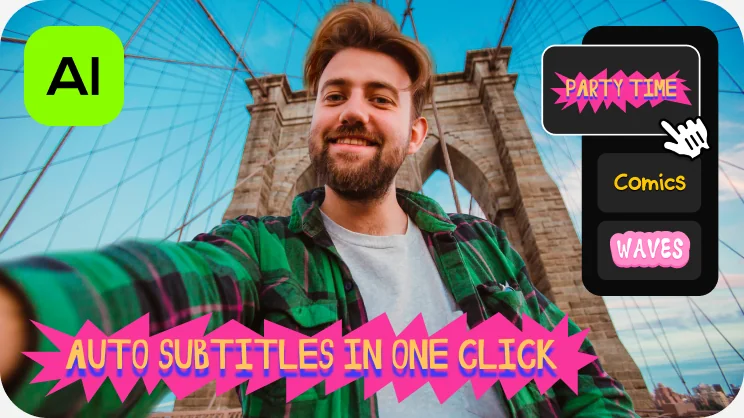
One-click automatic subtitles
Let AI quickly turn your speech into text and automatically create captions for your videos in almost any language. Just choose the font, text color, position – and you’re all set!
Mouse-over effects preview
Picking titles, transitions, and filters has never been easier! Simply hover your mouse over any effect to see it in action. You can also view your project files in the same way.

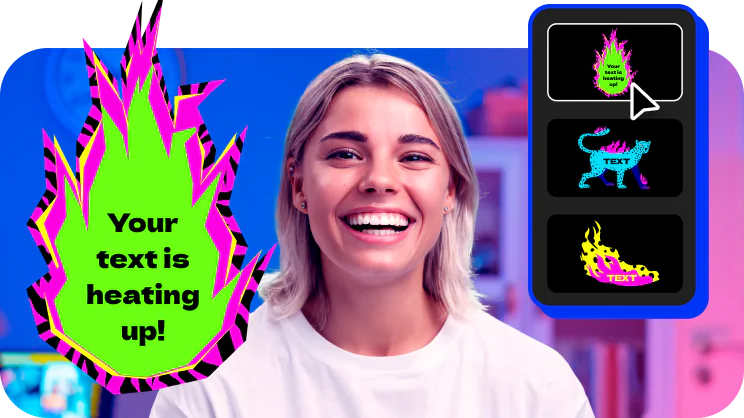
Movie-like effects for your videos
Pack a ton of action into your videos in a flash! Add fire, lightning, or other ready-to-use animated overlays – capture your audience’s attention right from the start.
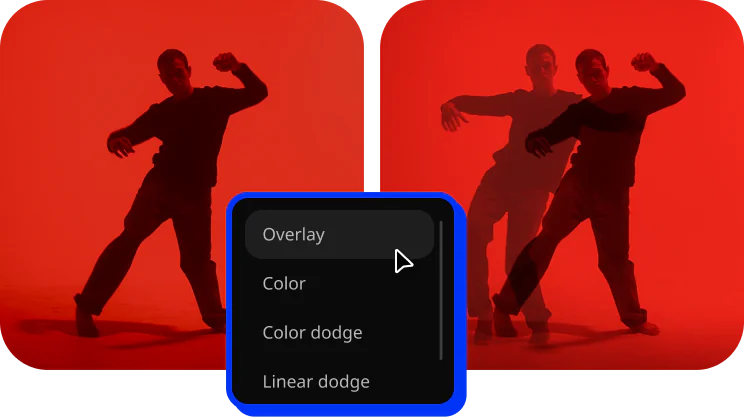
Blending modes for any content
Overlay your videos, photos, and even frames effortlessly to produce different looks. Create stylish vlogs, cinematic highlight reels, or vibrant clips in just a couple of clicks.
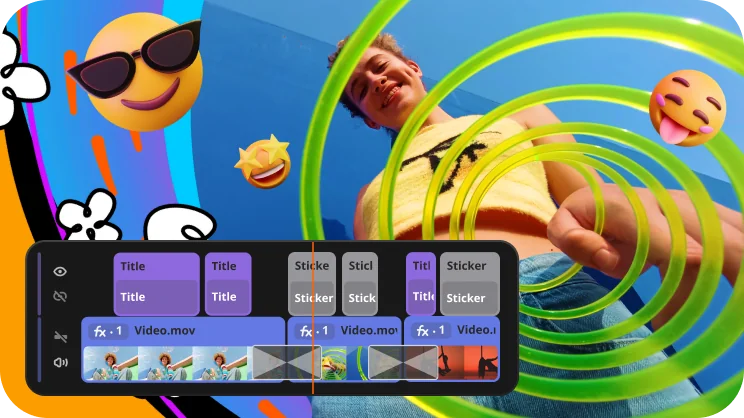
Revamped timeline for easier editing
The new timeline is now clearer and more streamlined. Get your projects done faster and have more fun with anything – from short vids for socials to longer family movies.

Wow effects
Create awesome videos in any style with our huge collection of professionally designed effects. Now you can try them all right away, right in the video maker. To use these effects in your videos, subscribe to Movavi Effects!
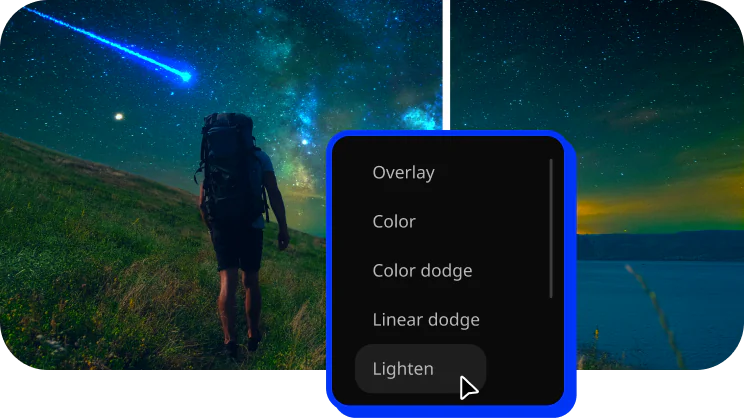
Perfect-match overlay effects
Now each overlay effect has 13 blending modes to choose from. Try each of them with the press of a button and pick the one that fits your video perfectly.
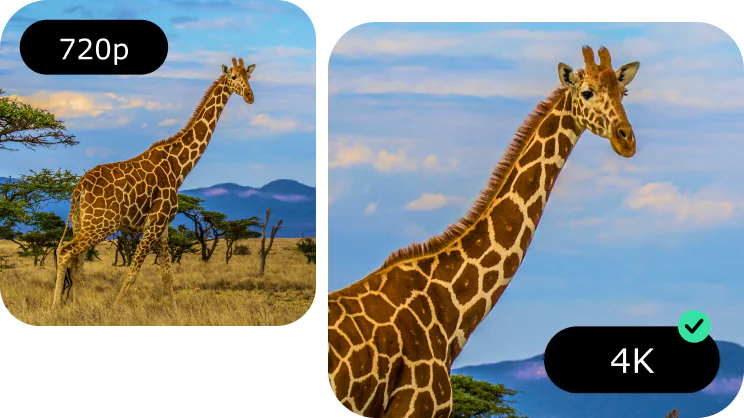
AI upscaling
Give your clips a serious facelift – make their resolution 8 times better in just one click and enjoy watching your videos on bigger screens.
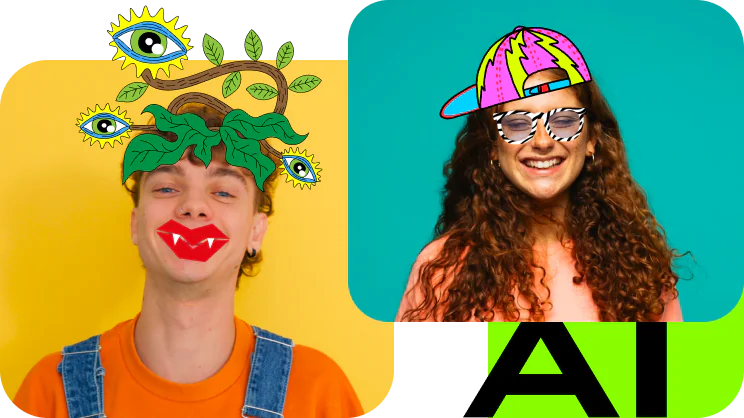
AI motion tracking
Enhance reality in your videos with additional moving graphics. Just click, and AI will quickly attach any photos, videos, emojis, or memes to objects in your footage.
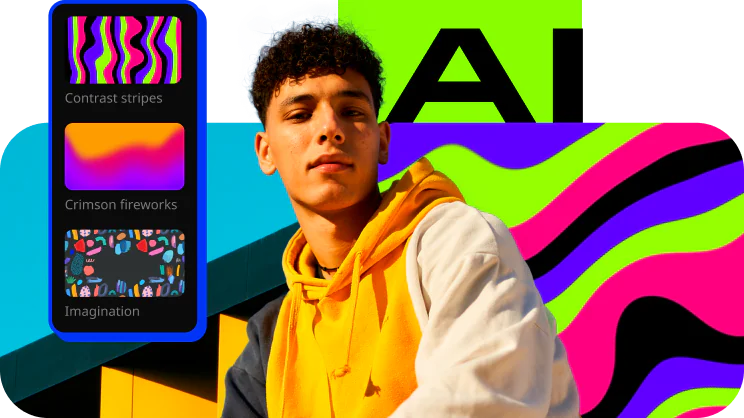
AI background removal
The built-in AI will quickly remove a background from your video, even without a green screen. Change it to anything – from a solid color to outer space – and stun your viewers with out-of-this-world videos.
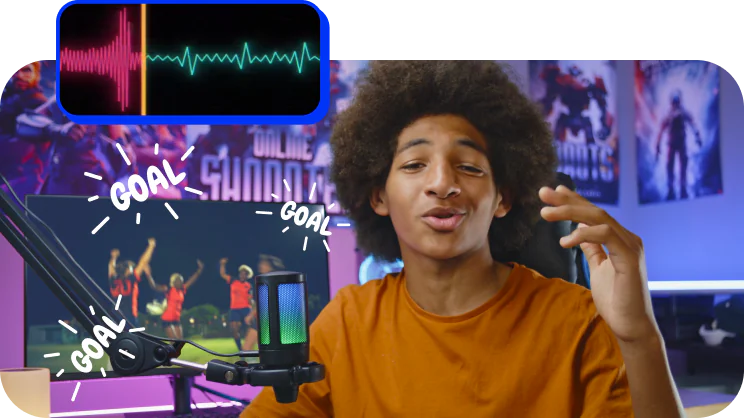
AI noise removal
Automatically remove car, wind, and other uncool sounds from your clips with our AI-driven audio denoiser. Create videos with crisp sound that viewers are sure to appreciate.
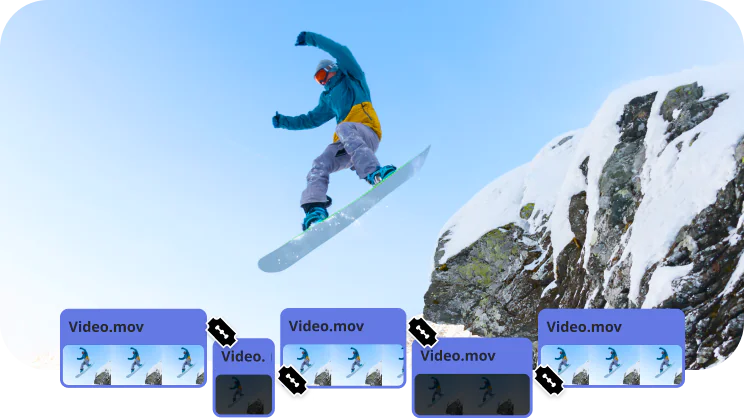
Frame-precise cuts in a click
Give your videos a sharper look with the new video-cutting tool. Easily make precise cuts and create eye-catching montages like your favorite bloggers.
What influencers say about Movavi

10 Reasons You Should Try Movavi Video Suite!
By Daniel Batal, November 15, 2020
207 000 subscribers, 19 400+ views on the review
Specialty: helping creators grow their YouTube channels
"I've used Movavi video editing software to make some pretty cool effects, like the Iron Man heads-up display. Well, Movavi just updated their software and it's got all kinds of new features. It's got new personalized recommendations, it's got a mobile companion, it's got new LUTs that you can use."

Movavi Video Editor - Best Video Editor For Beginners (2024)
By Kingy AI, Jun 25, 2024
223 000 subscribers, 25 600+ views on the review
Specialty: All things AI
"Welcome back to another exciting AI video tutorial! In this video, we're diving deep into Movavi Video Editor 2024, exploring its powerful AI features like background removal, motion tracking, and audio noise reduction."
13 Mindblowing Video Editing Tips (Using Movavi?)
By FILM CRUX, May 31, 2024
60 600 subscribers, 107,000+ views on the review
Specialty: Creating content about filmmaking.
"We are going to show you 13 mind-blowing video editing tips, all using a wildly underrated video editing program – Movavi. We were actually blown away by how much this thing could do, so we put together some of our best tricks so you can take your videos to the next level."
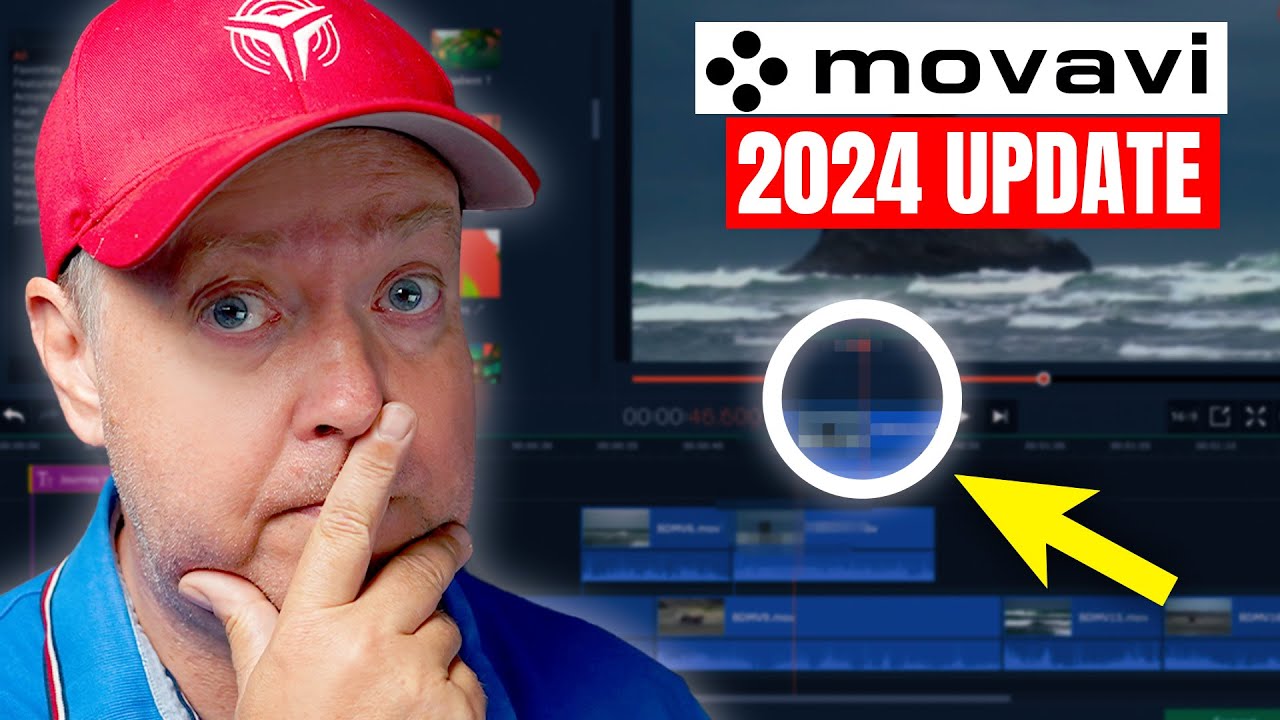
Movavi Video Editor 2024 Update
By TECH DRONE MEDIA, November 8, 2023
113 000 subscribers, 13000+ views on the review
Specialty: tips and tutorials about drones
"If you don’t have any experience, taking on a video editing task for the first time can be very daunting and seem almost impossible to complete. This is exactly what Movavi does well, as it’s pretty straightforward, and I bet anyone can learn it."
Get Movavi Video Suite 2027
Video Suite
1-month subscription
$29.95
All video-processing apps in one package
Video Editor
Video Converter
Screen Recorder
Video Suite Plus
1-year subscription
$250.95
60% off$99.95
Offer valid until
All video-processing apps in one package
Plus: 3 effects packs for a quick start
– Enticing gradients
– Cinematic effects and dramatic LUTs
– Vintage VHS effects


1.5M+ users already subscribed to our newsletter