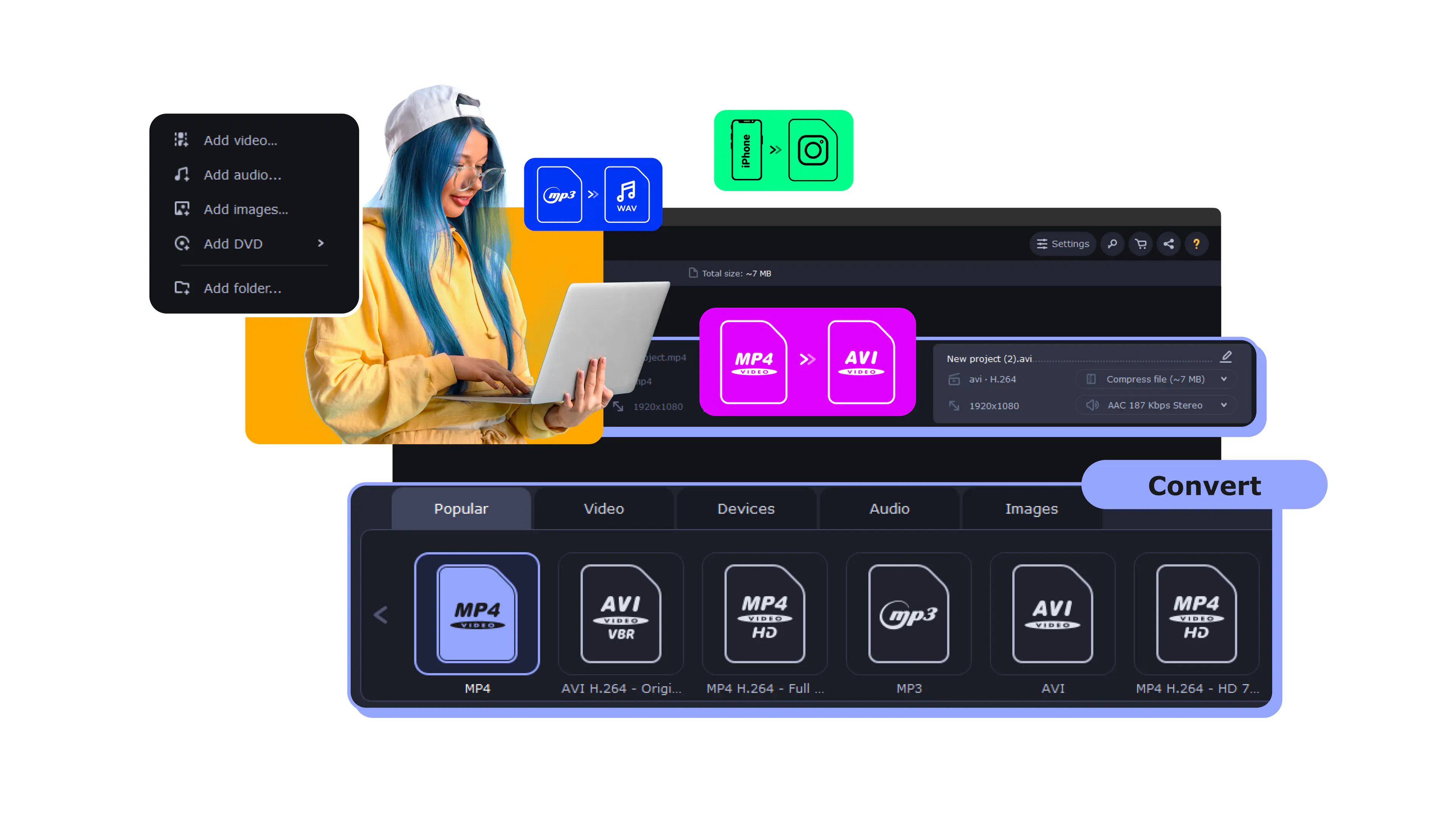
Meet the lightning-fast video converter
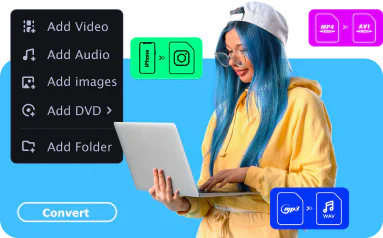
Convert to any format instantly
Convert files at incredible speed and high quality. Transfer your films, music, and pictures in any format to any platform or device.
See all formats
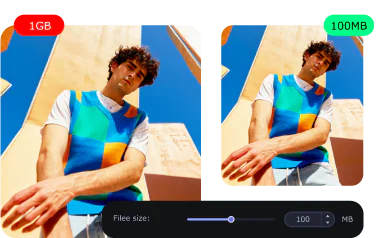
Compress large videos
Compress files without losing quality to save more of your precious moments.
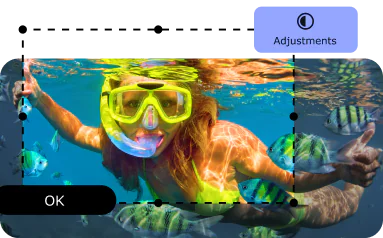
Edit your files
Trim and crop your video. Create exciting clips, adjust colors, and insert effects. Merge multiple files into one.
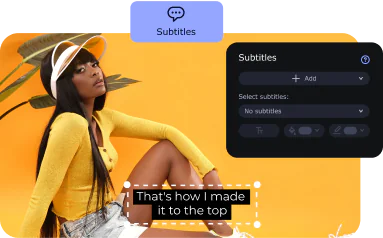
Find and add subtitles
Find the right subtitles on your computer or online directly from within the application. Add them to your videos right away.
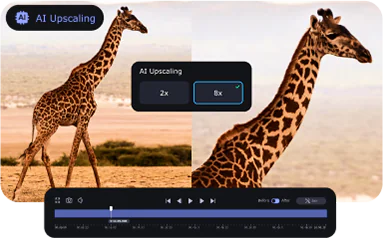
Discover AI quality upscaling
Try the new AI-powered feature to upscale the quality of your videos.
Get the media file converter for your every need
Ever wanted a simple conversion program that can help you quickly change the format of your movies and other digital content? Try the latest version of Movavi’s media converter for Windows or Mac and discover tons of useful features!
The software supports any type of format, including MP4, GIF, AVI, MOV, RAW, WMV, DVD, VOB, MKV, MP3, and much more, for all popular devices from Apple (iPhone, iPad), Xiaomi, Samsung, Huawei, Sony, and many others.
You don’t have to be tech-savvy. Just download the app for your PC or Mac, and you’ll be sharing your media creations with others in minutes.
Tech websites reviews
Check out how easy it is
See what our users have to say
We read all your feedback about the app! Here are some examples.
Microsoft® Windows® 10/11 64-bit with up-to-date patches and service packs installed
Intel®, AMD®, or compatible processor, 1 GHz
NVIDIA® GeForce® series 8, Intel® HD Graphics 2000, AMD Radeon™ R600 or higher graphics card with up-to-date drivers
1280 × 768 screen resolution, 32-bit color
4 GB
Show allHide
120 MB available hard disk space for installation, 750 MB for ongoing operations
* The trial version of Movavi Video Converter has the following restrictions: a 7-day trial period; a watermark on output videos; when converting audio files, an ability to convert only half the file length; and, when working in the SuperSpeed mode, an ability to convert only half the video file length. Learn more
Disclaimer. Please be aware that Movavi Video Converter does not allow you to convert copy-protected media files and DVDs.


1.5M+ users already subscribed to our newsletter