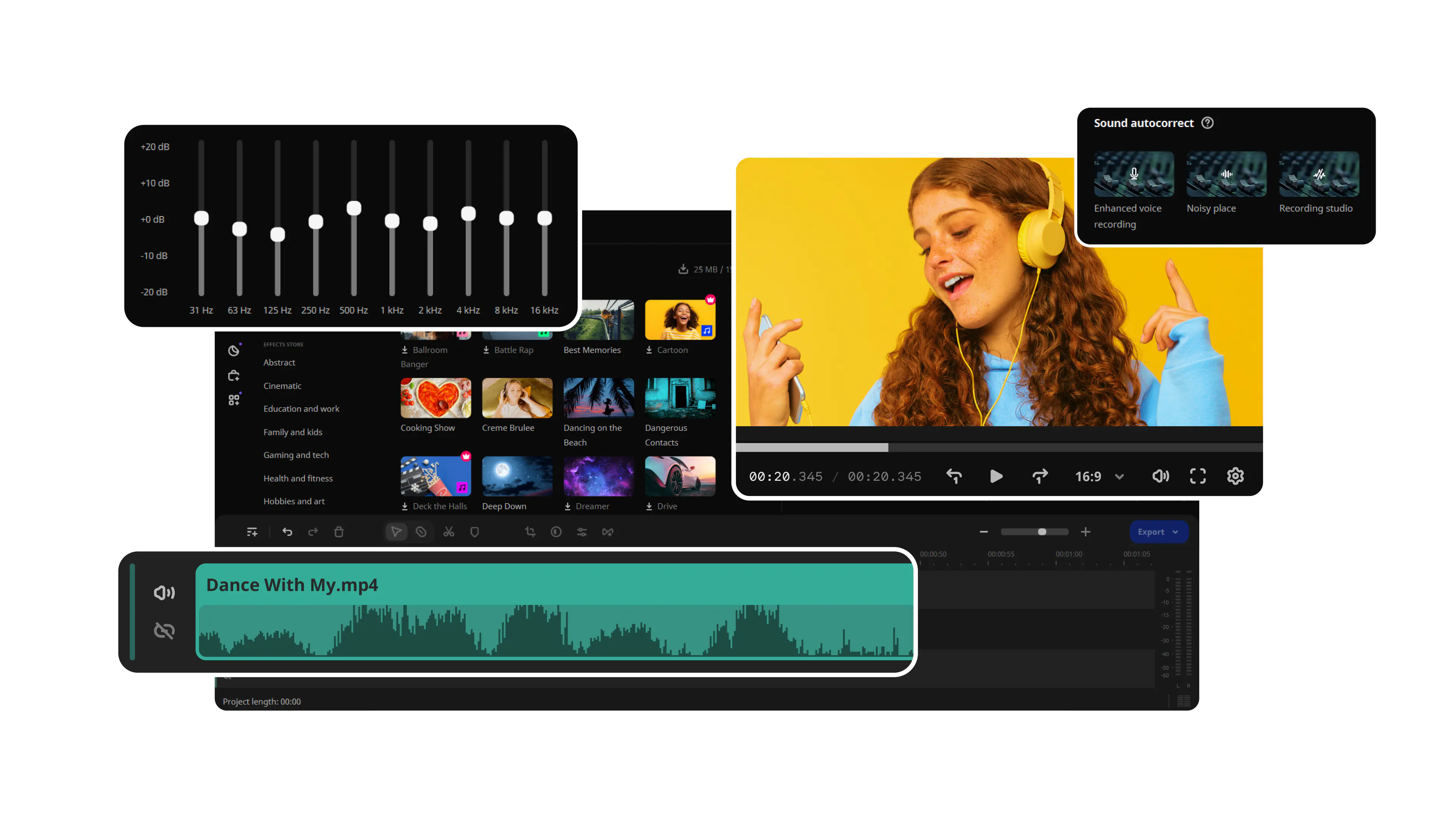
Movavi Video Editor vs VLC Media Player

Movavi will provide you with following features:

  • Lightning-fast file conversion

  • Powerful video compression

  • AI video upscaling: up to 8X

By clicking the download button, you're downloading a free version of the program.*

70M+

users

190+

countries

15+

updates per year

10,000+

effects to choose from

Convert to any format instantly

Convert files at incredible speed and high quality with one of the best video converters. Transfer your films, music, and pictures in any format to any platform or device.

Compress large videos

Compress files without losing quality to save more of your precious moments.

Edit your files

Trim and crop your video. Create exciting clips, adjust colors, and insert effects. Merge multiple files into one.

Movavi Video Editor vs VLC Media Player

The table below highlights the differences and similarities between
Movavi Video Editor and VLC Media Player:

Feature

Movavi Video Editor

VLC media player

User interface

Modern, intuitive, beginner-friendly

Functional, but dated. Steep learning curve

Supported formats

180+ supported formats

Wide format support, but limited in presets

Conversion speed

High-speed conversion

Slower conversion, especially with large files

Device presets

Device-oriented presets (for phones, tablets, TVs)

Manual configuration required

Video-editing tools

Trimming, cropping, rotating, color adjustment, effects application

Trimming, cropping, rotating, color adjustment, effects application

Batch conversion

No

Yes, but limited customization

Subtitle integration

Subtitle addition, editing, and synchronization

Basic subtitle support

Video upscaling

AI-powered video upscaling up to 8x

Standard upscaling with no AI assistance

User support

24/7 customer support, tutorials, knowledge base

Community-based support, no official help center

Movavi Video Editor
Create awesome videos easily

*The free version of Movavi Video Editor may have the following restrictions depending on the build: watermark on exported clips, 60-second video or 1/2 audio length limit, and/or some advanced features unavailable when exporting videos.


Movavi Video Editor

70M+ people love Movavi

Hear from our users how simple tools make a big impact

Johnny Green
video enthusiast

The program is great! and your support is amazing! I experienced a bug on the steam version on with I was not able to merge subtitles with the video, but I contacted the support and you guys sent me a licence key for the website version of the program! This versions works flawless!! this is one of the best video software that I've ever used! thanks for the great product and the amazing support! keep the great work!

Patricia Batton
designer

Excellent program and does just what I need in the way of converting the mts files I am using to the Quicktime format I need for the finished product. Also the editing tools are simple and intuitive for helping me pick out the scenes and getting them ready for converting.

Robert Perry
pensioner

Great, simple and so easy to use. Keep developing.

Hanifa Reed
housewife

awsome application and software really like it so much thank you guys

Andrea Urbach
physician

The fastest and most intelligent software, a life saver.

Movavi Video Editor

Languages

Version

26.11.1

Update

Operating system

Microsoft® Windows® 10/11 64-bit with up-to-date patches and service packs installed

Visit Movavi Store for older versions

Processor

Intel®, AMD®, or compatible dual-core processor, 1.5 GHz

Graphics card

Intel® HD Graphics 2000, NVIDIA® GeForce® series 8 and 8M, Quadro FX 4800, Quadro FX 5600, AMD Radeon™ R600, Mobility Radeon™ HD 4330, Mobility FirePro™ series, Radeon™ R5 M230 or higher graphics card with up-to-date drivers

Display

1280 × 768 screen resolution, 32-bit color

RAM

4 GB

Show allHide
Hard drive space

400 MB available hard disk space for installation, 600 MB for ongoing operations

System permissions

Administrator permissions are required for installation

*The free version of Movavi Video Editor may have the following restrictions depending on the build: watermark on exported clips, 60-second video or 1/2 audio length limit, and/or some advanced features unavailable when exporting videos.

Join us for discounts, editing tips, and content ideas

1.5M+ users already subscribed to our newsletter

By signing up, I agree to receive marketing emails from Movavi and agree to Movavi's Privacy Policy.