
Clone Yourself: Your Ultimate Video Multiplier with Movavi Video Editor 2026

Clone Yourself: Your Ultimate Video Multiplier with Movavi Video Editor 2026

A short step-by-step tutorial

Edited by
EJ Tech
8,584

Ever wanted to high-five yourself or create your own backup dancers? With Movavi, you can multiply yourself in videos without needing a twin (or five). Follow these quick steps to create a video that'll make your audience do a double-take!

Get the new Movavi Video Editor 2026

Start your clone army

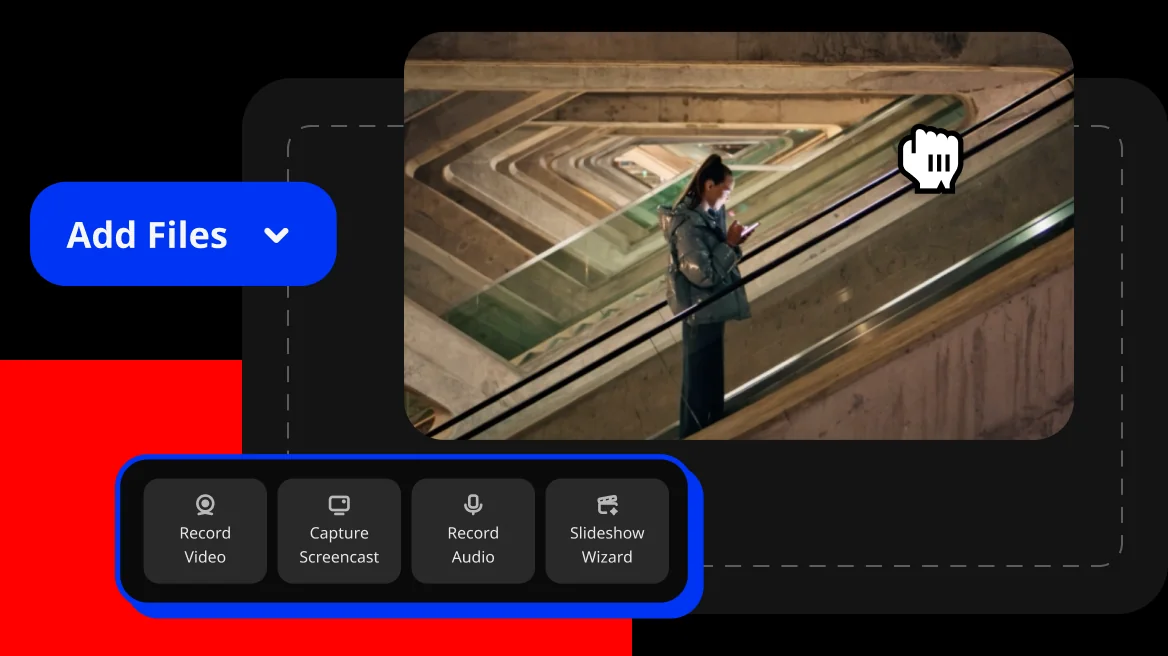
Upload your video and make a copy of it on the timeline. Think of it as creating your digital twin!

Make some space

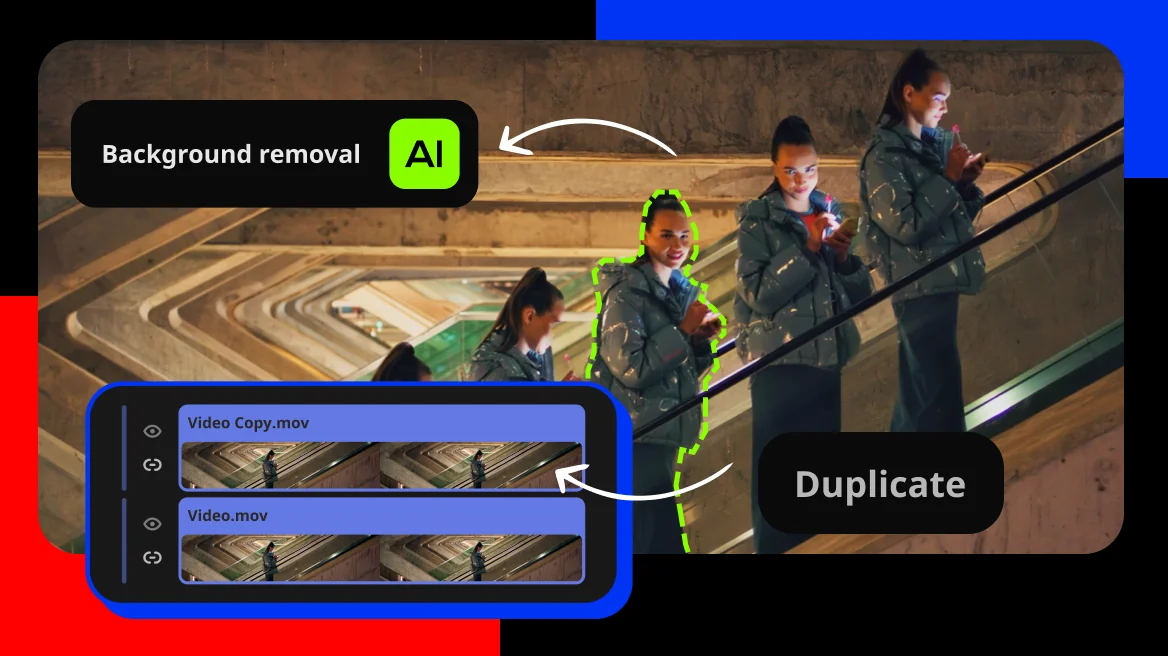
Use our AI-powered Background Removal tool to erase the background from your cloned video. Choose "precise removal" for the cleanest cut.

Multiply the magic

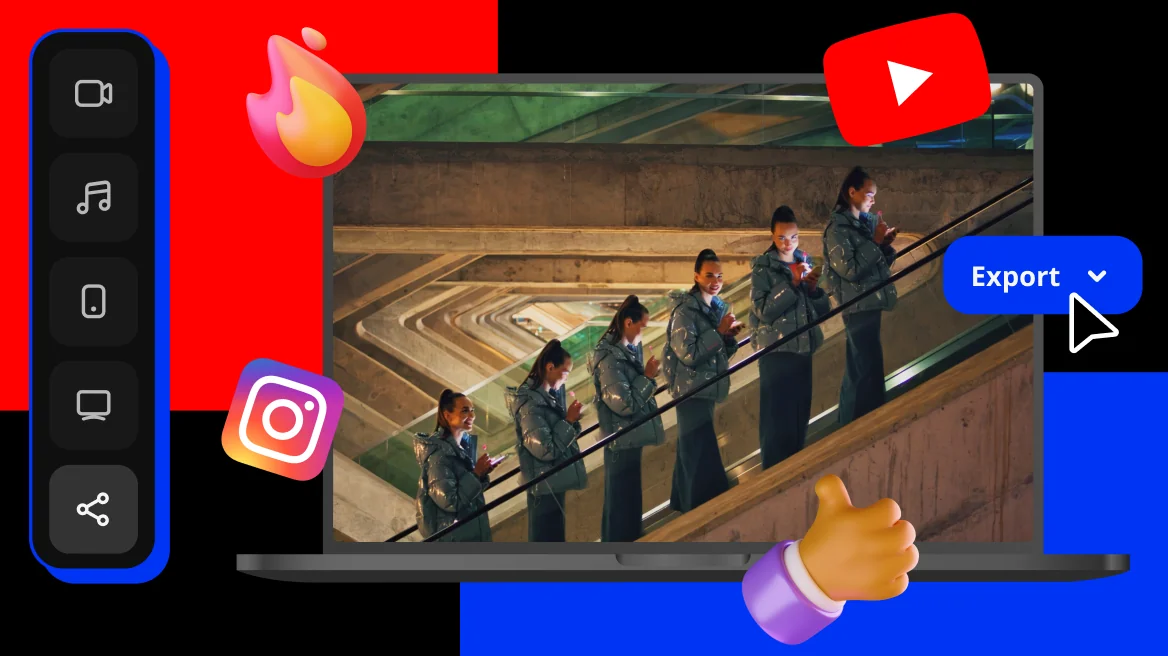
Duplicate your layer, shift each copy to a different position, and trim the edges for perfect timing. Just like that – you've got a whole crew of you!

Movavi Video Editor

Your simple yet powerful editor for creating wow videos

*The free version of Movavi Video Editor may have the following restrictions depending on the build: watermark on exported clips, 60-second video or 1/2 audio length limit, and/or some advanced features unavailable when exporting videos.

Movavi Video Editor

Need more ideas?

Movavi Ideas

How to create wow content with Movavi: simple and fresh ideas every week

  • Perfect for any format, from short reels to long vlogs
  • Step-by-step tips for fast results
  • Always-relevant ideas
  • Exclusively for Movavi users
Join us for discounts, editing tips, and content ideas
We’ll send you the best of Movavi news just once a month. We promise

1.5M+ users already subscribed to our newsletter

By signing up, I agree to receive marketing emails from Movavi and agree to Movavi's Privacy Policy.