Gaming and entertainment content creators · CONTENT CREATION
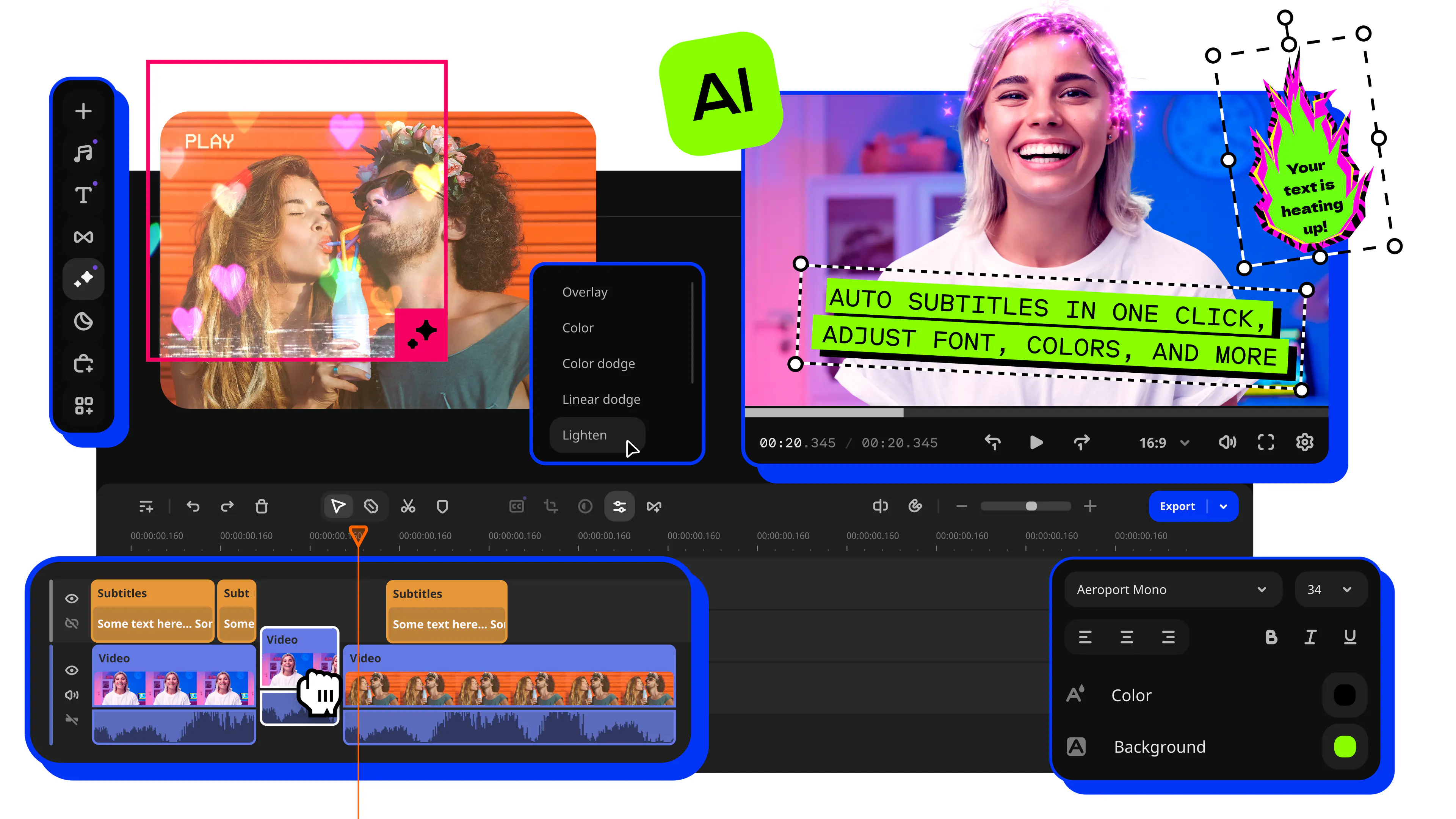
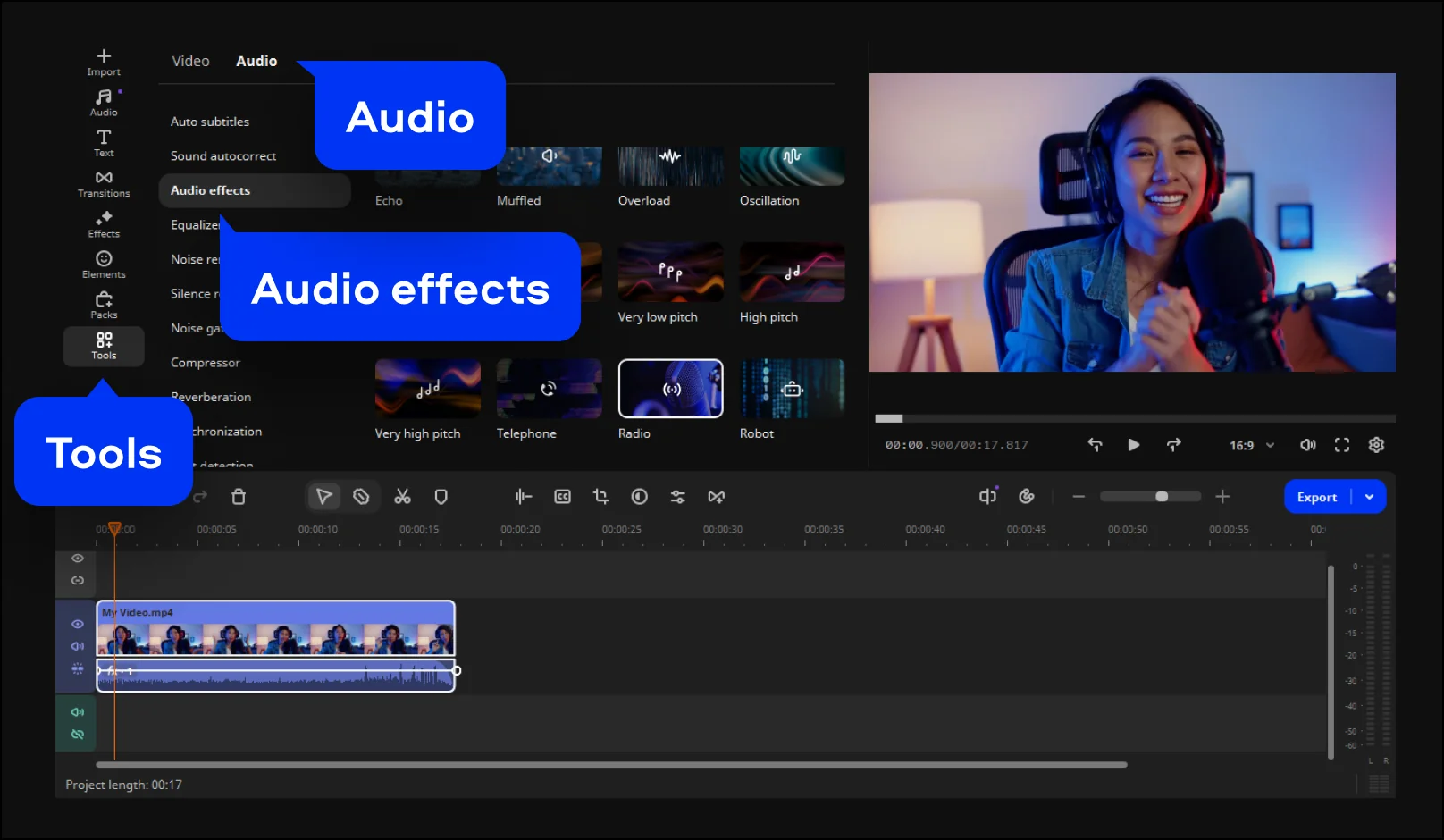
Gaming YouTubers, TikTok creators, and short-form video makers add fun character voices, robotic tones, and comedic audio effects that make their content more entertaining. Movavi's built-in audio effect library gives them a range of sound transformations – from deep movie-trailer voices to squeaky chipmunk effects – that can be applied in seconds without leaving the video editor.
Independent filmmakers and storytellers · FILMMAKING
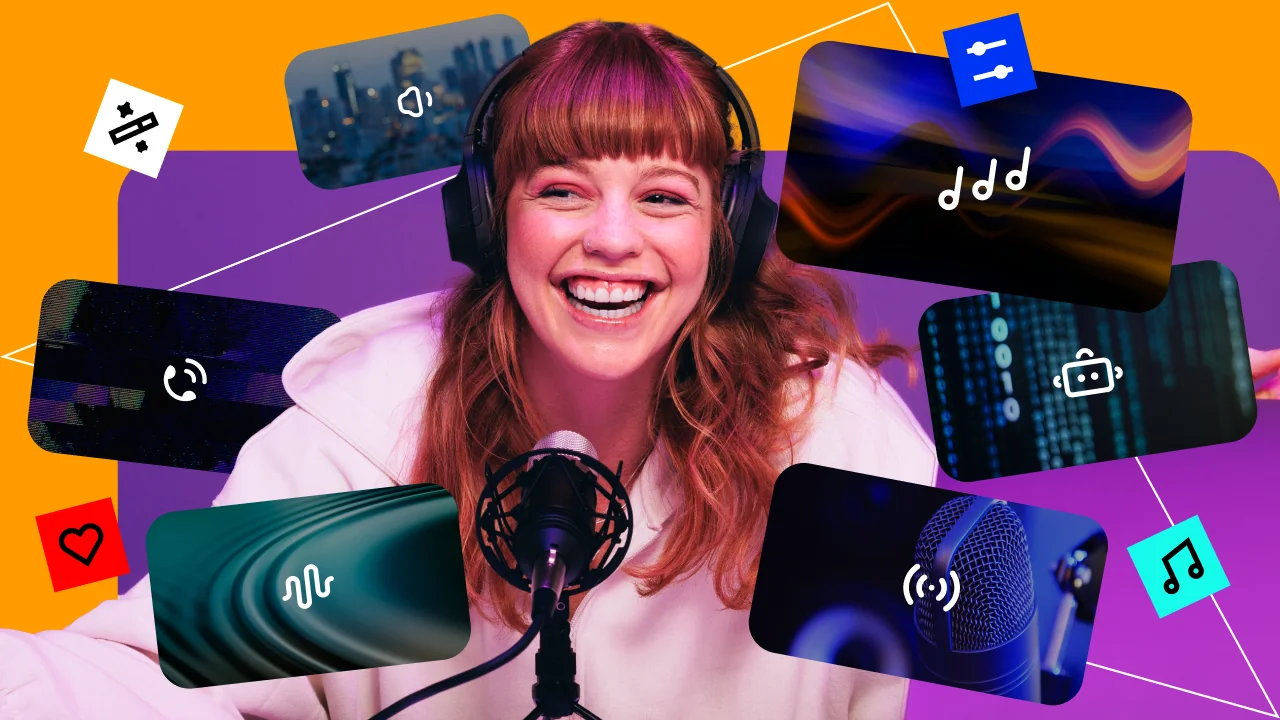
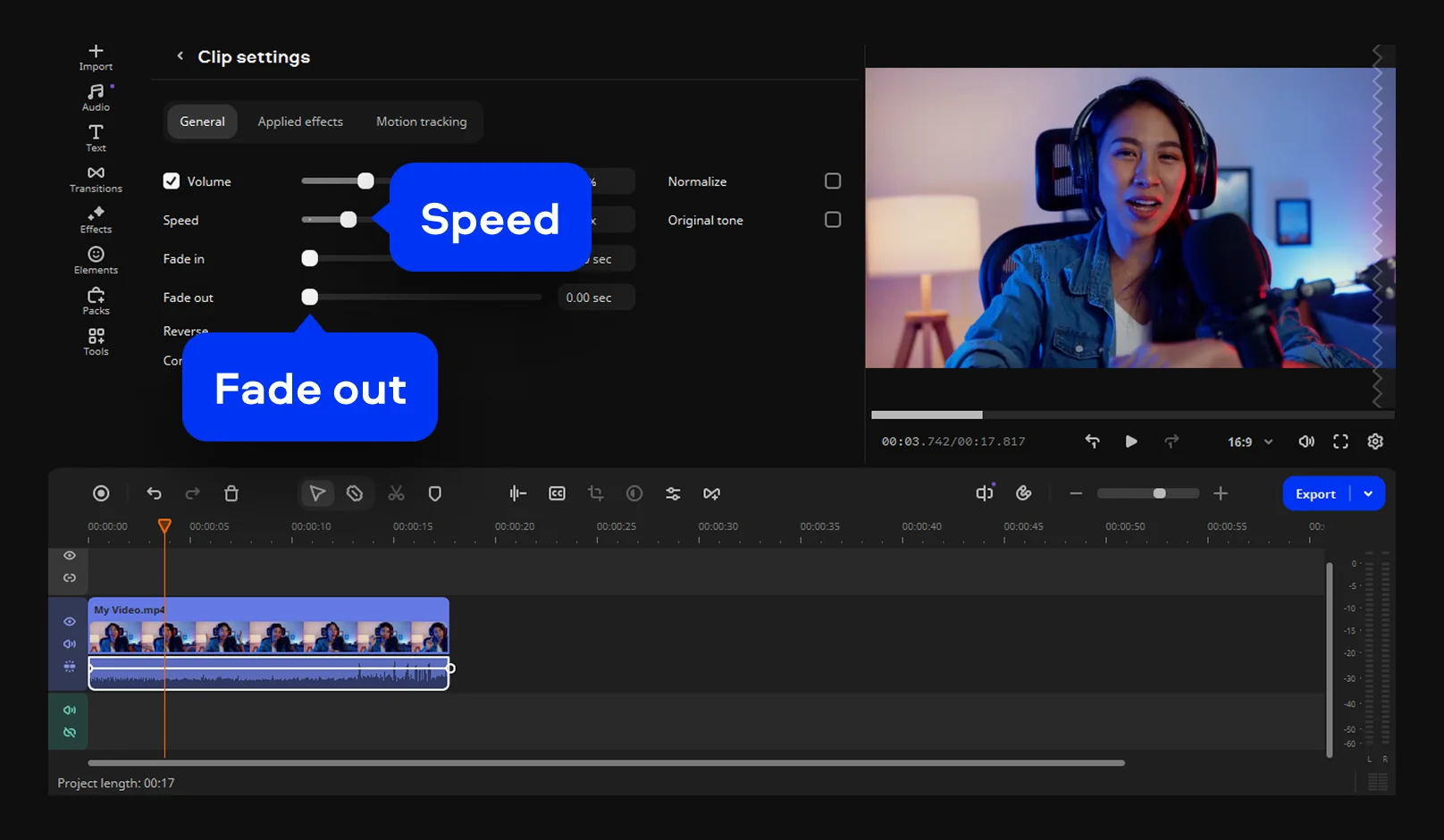
Indie filmmakers and narrative video creators use a movie voice changer to give characters distinctive vocal identities when budget or logistics make it impossible to hire voice actors. Applying a telephone or radio filter to a voice makes it sound like it is coming through a specific device, while pitch and speed adjustments give a character a non-human quality – essential for sci-fi, horror, or animation-style projects.
Privacy-conscious creators and educators · PRIVACY
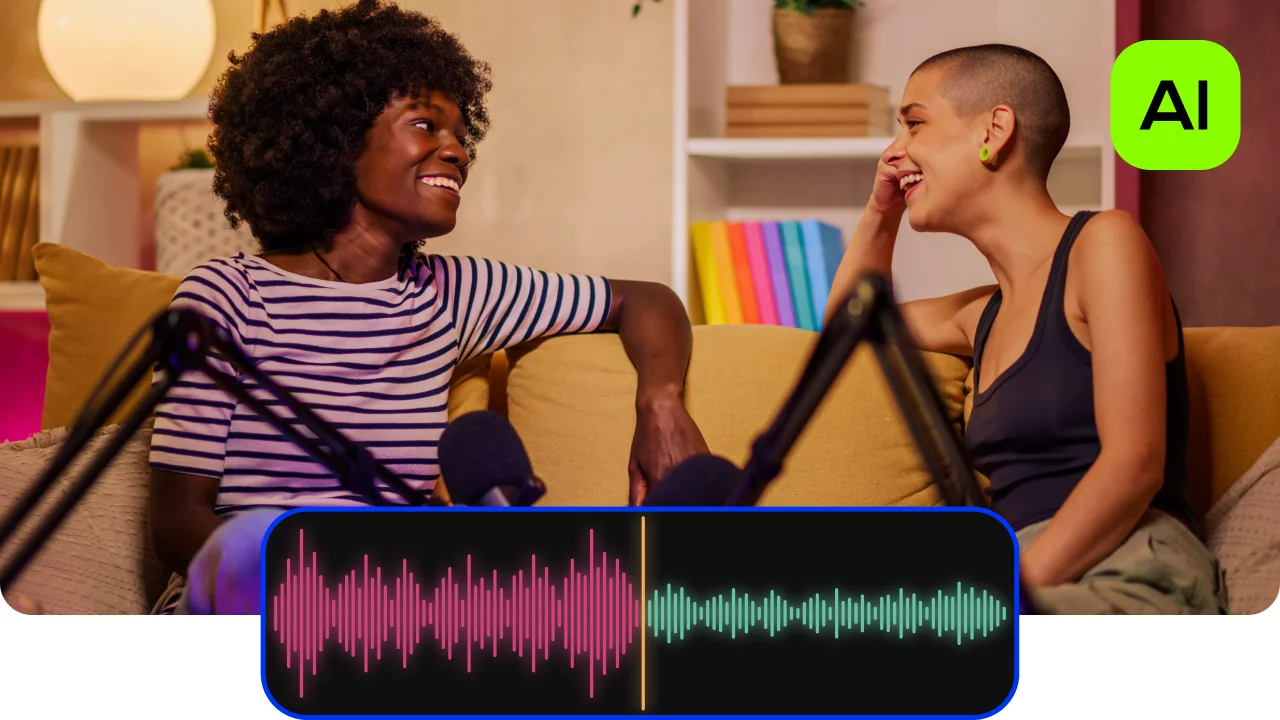
Educators, documentary makers, and interview creators who record sensitive content – where the identity of a speaker needs to be protected – use a voice changer to anonymise a human voice before publishing. Movavi's audio effects alter the recognisable characteristics of a person's voice enough to prevent identification while keeping the content of the speech fully audible and understandable.