Step 1. Add your files
Open Movavi Video Editor and click Add Files to upload your video clips, images, and music. All media appears in the library, so you can quickly access and organize everything before editing.
Movie trailer maker by Movavi
Turn videos into powerful trailers with Movavi
Video-editing basics: cut, trim, crop clips, adjust colors and brightness
Audio tools: volume control and noise reduction
Creative assets: built-in titles, transitions, filters, and overlays
By clicking the download button, you're downloading a trial version of the program.*

Beginner-friendly with pro-level features
Movavi balances professional-grade features with an interface that even complete beginners can quickly master.

Tons of built-in effects and music
Movavi comes loaded with built-in transitions, titles, overlays, music tracks, sounds, frames, backgrounds, stickers, and more.
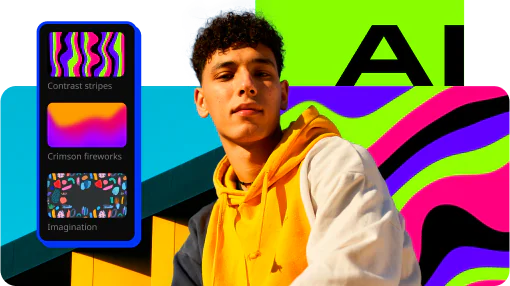
One-click AI
Movavi makes it super-easy to create subtitles, remove pauses, clean up noisy audio, track motion, change out backgrounds, and more – all automatically, no technical skills needed.
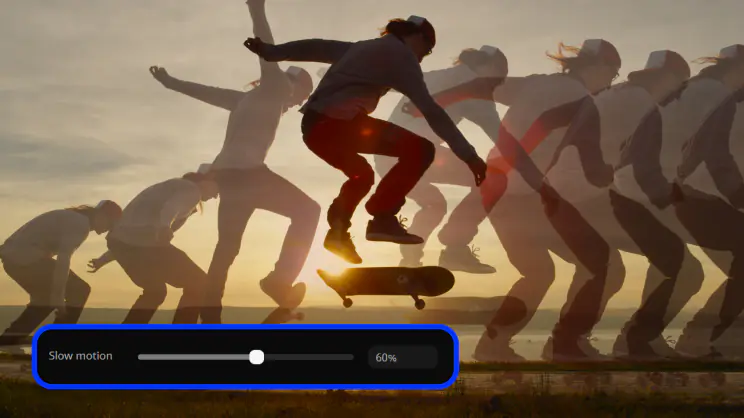
Smooth performance
Movavi is lightweight, easy to set up, and runs smoothly – even if your laptop isn’t top-of-the-line.
AI motion tracking
Enhance reality in your videos with additional moving graphics. Just click, and AI will quickly attach any photos, videos, emojis, or memes to objects in your footage.
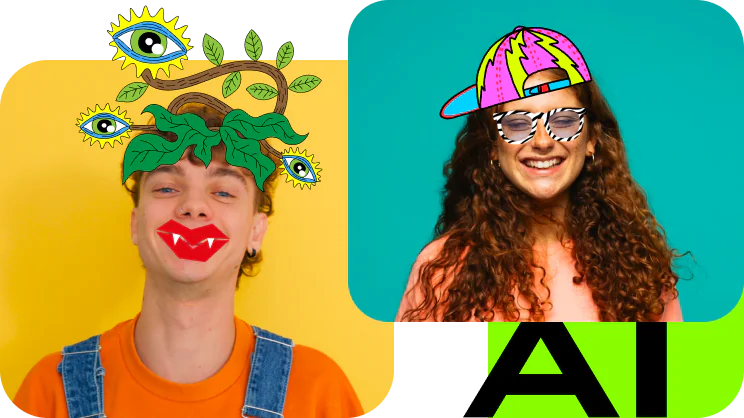
AI background removal
Use the power of the AI to instantly swap backgrounds in your videos with no green screens. Drop in a new vibrant scene and get ready for an avalanche of likes on socials!

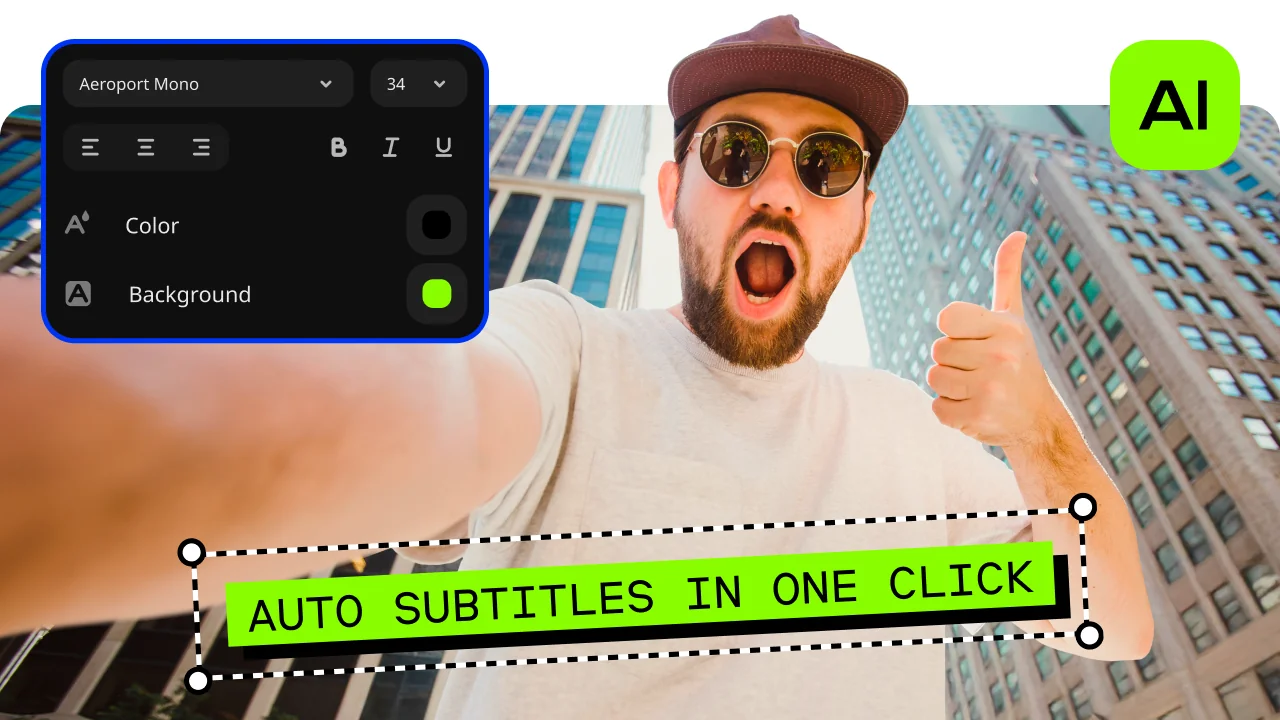
Automatic subtitles
Let AI quickly turn your speech into text and automatically create captions for your videos in almost any language. Just choose the font, text color, position – and you’re all set!
Hundreds of drag-and-drop cinematic effects
Supercharge your videos with tons of creative, professionally designed effects. Add stickers for cool accents, transitions for smoother stories, overlays for extra style, and there’s even more!
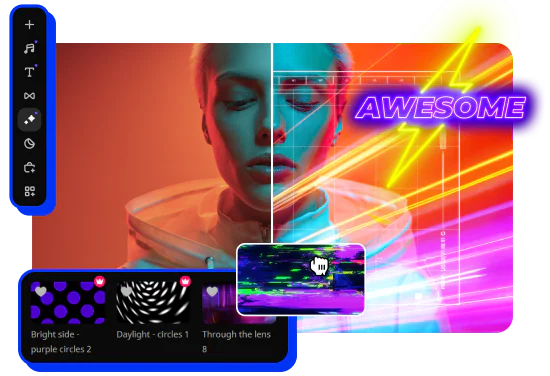
Overlays, stickers, and transitions
Use stickers to add fun and personality, overlays to give extra style, and transitions to keep your storyline flowing smoothly. Make every moment pop and keep your viewers hooked.

Open Movavi Video Editor and click Add Files to upload your video clips, images, and music. All media appears in the library, so you can quickly access and organize everything before editing.

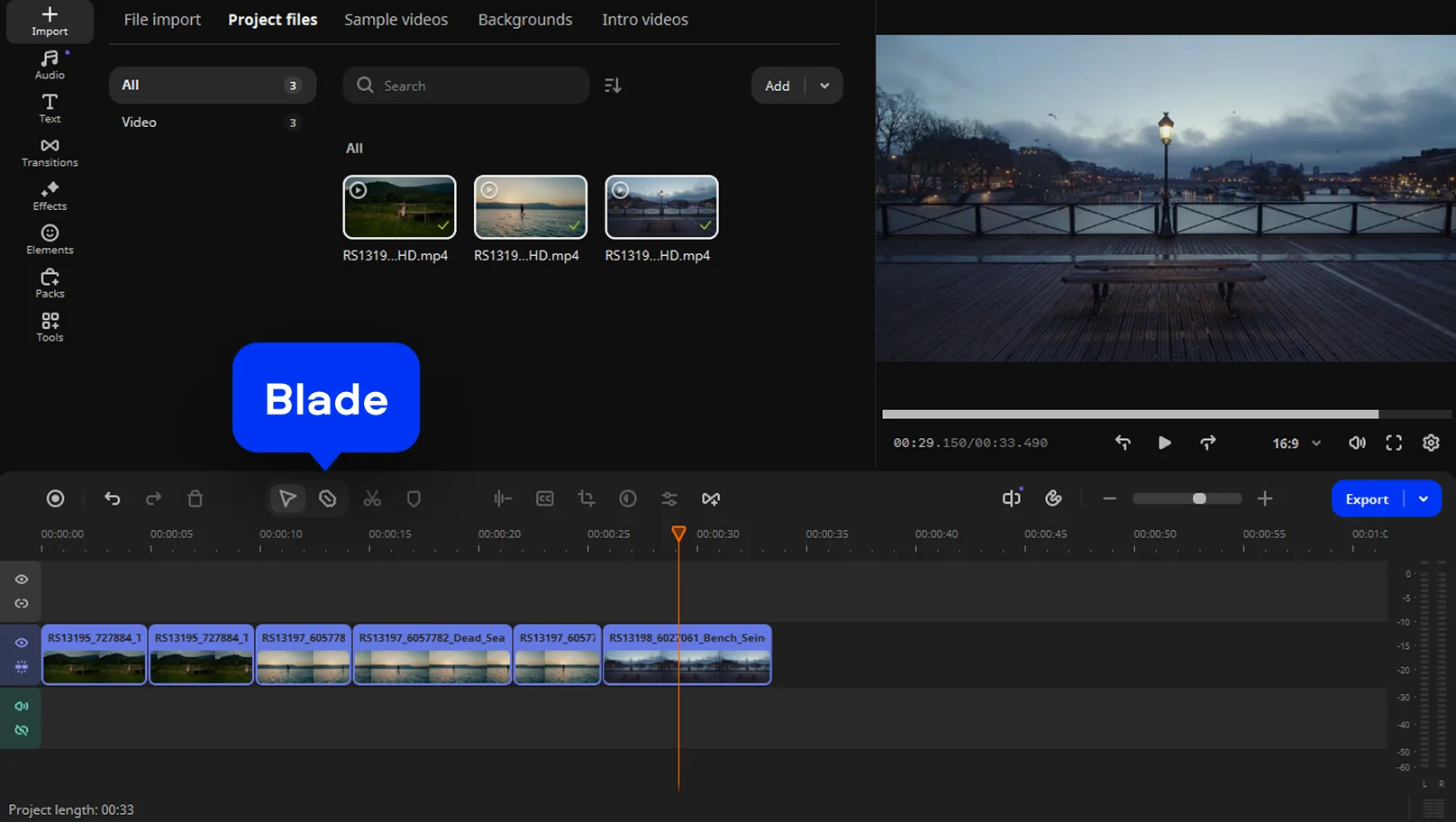
Drag your clips onto the timeline in the order you want them to appear. Trim scenes with the Blade tool and adjust clip length to control pacing and keep the trailer fast and engaging.
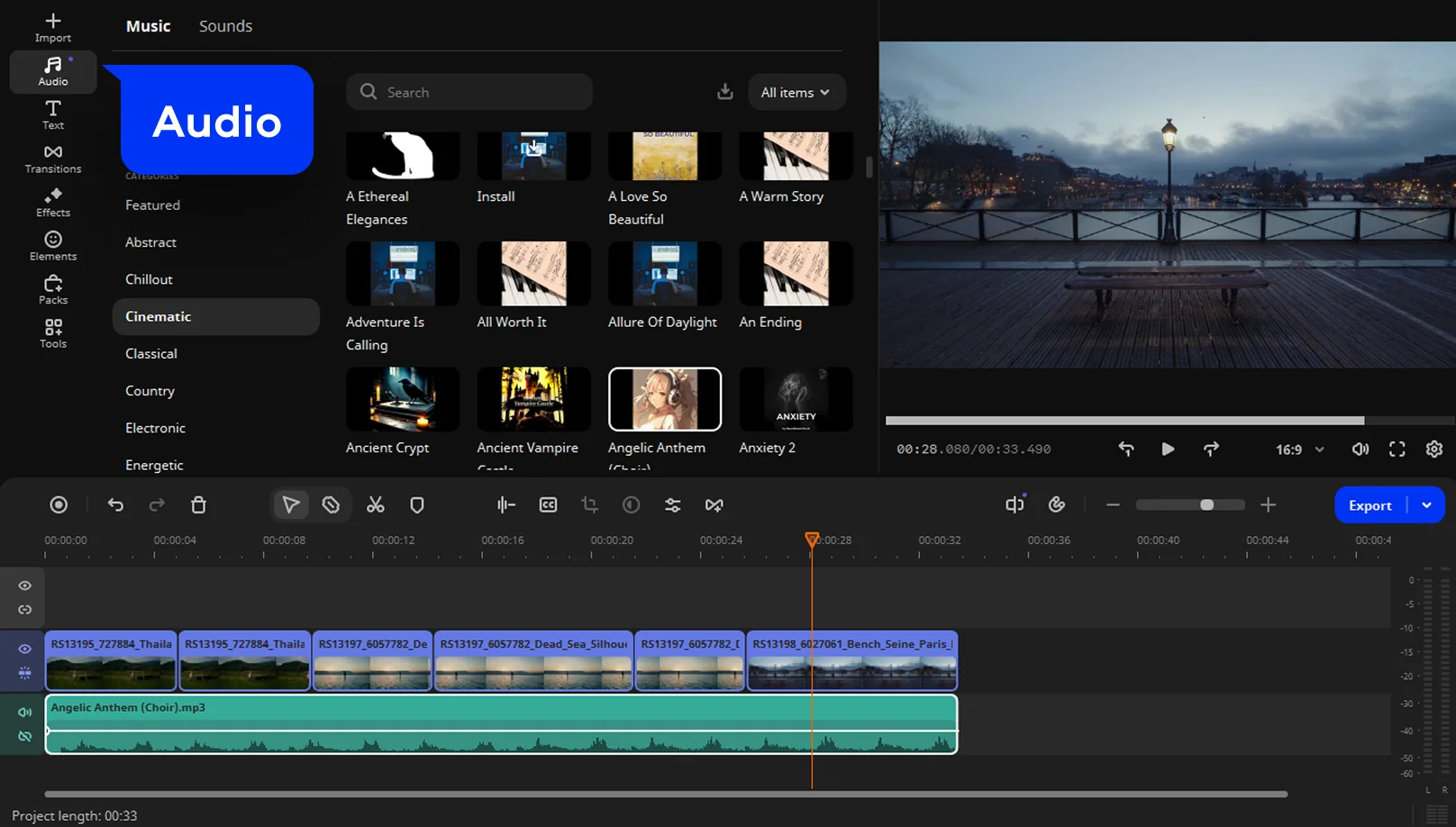
Place music on the audio track to set the mood. Use volume controls to balance sound levels, lowering music where dialogue or voice-overs need to stay clear.
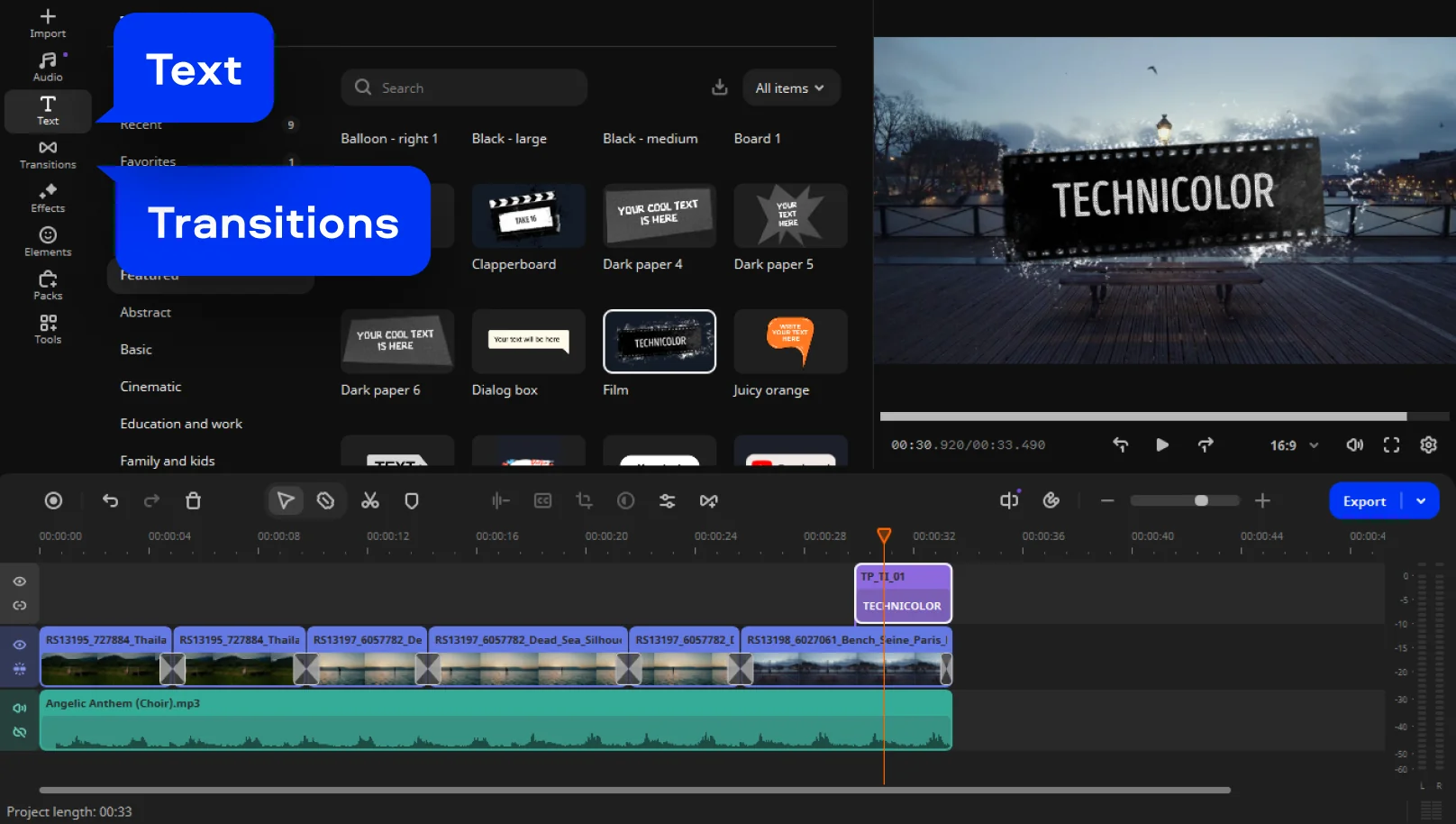
Add titles, text, and transitions to introduce the story and highlight key moments. Apply filters or effects to create a consistent look that matches the trailer’s tone.
Watch the full trailer, fine-tune timing and audio, then export it in your chosen format without a watermark in the paid version. Movavi offers presets for social media and video platforms, so you can download and share your trailer right away.

Trailer makers
Movie trailers are rarely a last-minute job. In most cases, they are cut by editors whose only task is editing raw footage into something people want to watch. Large studios rely on dedicated trailer houses that know how to grab attention fast. Independent filmmakers often handle trailers themselves, adjusting the edit as the project comes together.
Production cost
There is no standard price tag for a movie trailer. Big studio releases may spend huge sums on a short promo once editing, licensed music, and revisions add up. On smaller projects, the cost can be minimal if the footage is ready and you handle the editing yourself.
Creation method
A fast trailer comes together through clear decisions rather than fine detail. Begin by choosing scenes that show motion, tension, or emotion, then trim them down to their most engaging moments. Arrange the clips to build interest, not to explain the full story. Music should be added early, since it shapes pacing and energy. With a simple editor, you can put together a clear, watchable trailer in one focused session instead of endlessly revising it.
Trailer apps
Trailer apps come in all shapes and sizes. Mobile apps are great for fast social clips, but they often hit limits when timing and sound really matter. Desktop editors give you more room to work, especially if you want clean cuts, smooth transitions, and proper audio control without turning the process into a technical headache.

A movie trailer often comes together faster than expected. With Movavi Video Editor as a free movie trailer maker, the process stays hands-on. You add clips, rearrange them, cut what does not fit, and slowly see the structure take shape. What makes the difference is direction. When every decision serves one idea, the trailer starts to work. When you want to speed up the process, an AI video editor can help suggest cuts and arrange clips based on the rhythm you choose.
Short trailers demand clear choices, and that is their strength. Instead of covering every detail, they rely on rhythm and mood. This fits how people watch online, where attention fades quickly. With clean pacing, a brief trailer can leave a stronger impression than a longer video.
By focusing on structure and timing, you can use a video trailer maker online for free to create a trailer that feels focused and engaging, without complex tools or a big budget. If you plan to share your work on a channel, you can use a simple online editor to cut a short trailer from your longer video.
There is no clean benchmark. Some editors work full time on studio promos and earn steady, well-paid salaries. Others take on trailers as freelance jobs, quoting per project. One trailer might pay little more than a weekend edit, another might cover weeks of back-and-forth notes. It depends on scale, pressure, and how many opinions are involved.
AI can cut clips and suggest music, but it does not sense when a moment feels rushed or when silence works better than sound. Trailers live in those small decisions. In editors like Movavi Video Editors, AI tools help with practical tasks, including features like a subtitles generator, while timing stays in human hands.
Large releases usually pass through teams whose entire job is promotion editing. They focus on pace and impact, sometimes long before the film is finished. Outside that world, filmmakers and creators often cut their own trailers, adjusting them as the project evolves and the final shape becomes clear.
If your goal is to make a movie trailer online for free, browser-based tools can help you get started. Mobile apps work for quick ideas, but they hit limits fast. For more precise timing and audio control, many creators move to editors like Movavi Video Editor.
We’re the #1 choice for millions of people from all around the world. Join our thriving community and create stunning content with incredible ease.
Millions


*The free version of Movavi Video Editor may have the following restrictions depending on the build: watermark on exported clips, 60-second video or 1/2 audio length limit, and/or some advanced features unavailable when exporting videos.
Photo Video Maker 📷 How to Make a Video with Pictures Easily
21 Best Free Video-Editing Software in 2026
Video Trimmer Online – Cut and Trim a Video for Free
Windows Movie Maker Review 2026 – Pros and Cons, Pricing
How to Make Stop-Motion Videos With Stop-Motion Video Maker
Birthday Video Maker: Create Birthday Videos in 2026


1.5M+ users already subscribed to our newsletter