We like your videos
Tag them with #movavi – we’ll drop a like and a kind comment ❤️
Your simple yet powerful video editor for creating wow videos – just updated!
NEW: Adjustable video templates for any vibe – made of Blocks
NEW: Blocks – pre-edited video segments you can customize
Fast and easy editing: cut, crop, adjust colors and speed
Auto subtitles, noise removal, hundreds of effects, and more
Native support for ARM-based processors
By clicking the download button, you're downloading a free version of the program.*
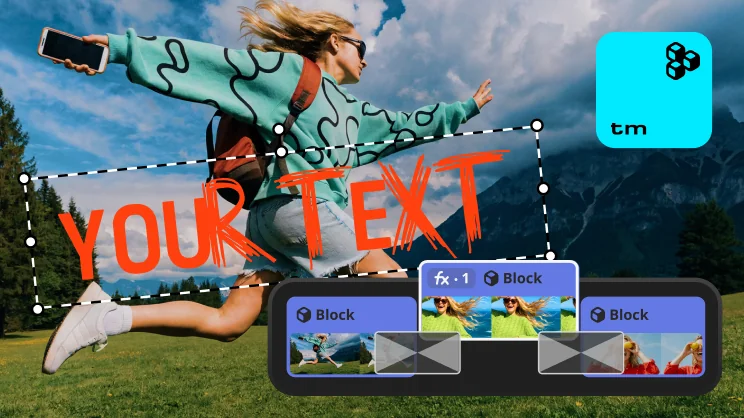
Movavi Templates
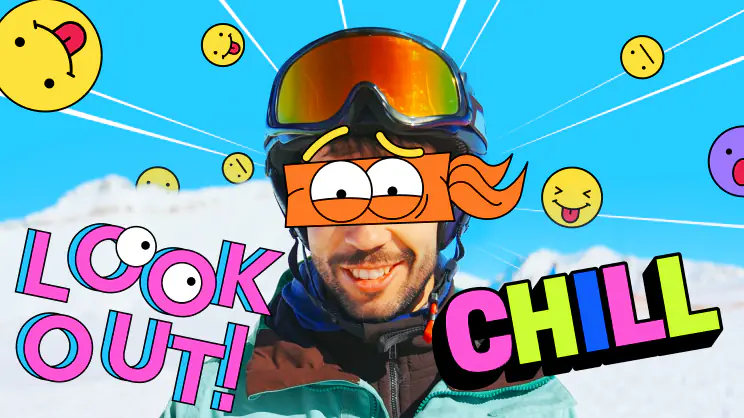
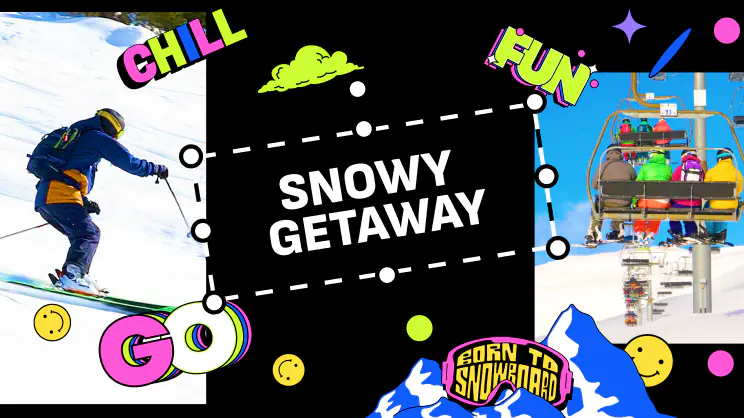
Templates have it all built in – editing, music, transitions, and text. Take one as-is or customize: shuffle its Blocks, swap in your own media, or build a whole video Block by Block – just like a building set.
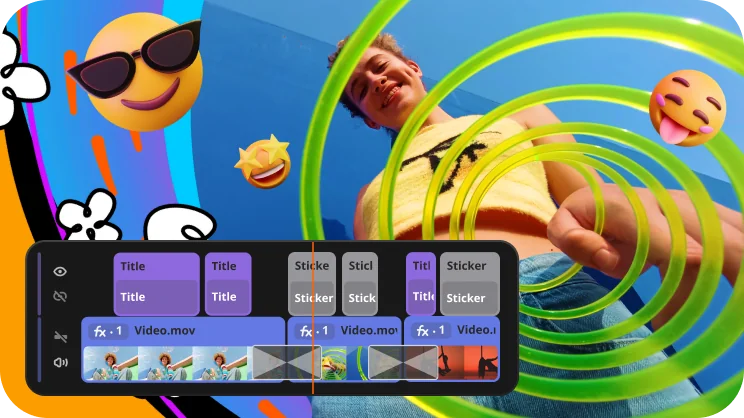
Revamped timeline for easier editing
The new timeline is now clearer and more streamlined. Get your projects done faster and have more fun with anything – from short vids for socials to longer family movies.
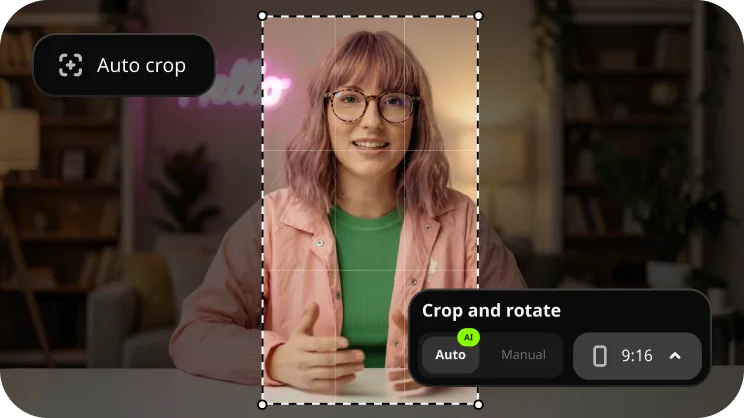
Auto-tracked cropping
Crop videos while keeping the speaker or product centered – automatically. The tool follows the main subject and adjusts the frame on-the-go. Perfect for transforming horizontal clips into vertical while still highlighting what matters most.
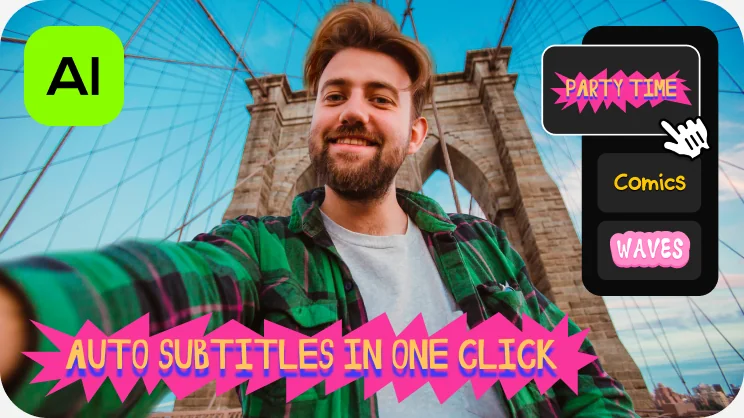
One-click automatic subtitles
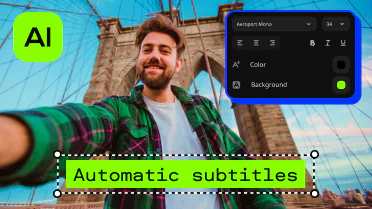
Let AI quickly turn your speech into text and automatically create captions for your videos in almost any language. Just choose the font, text color, position – and you’re all set!
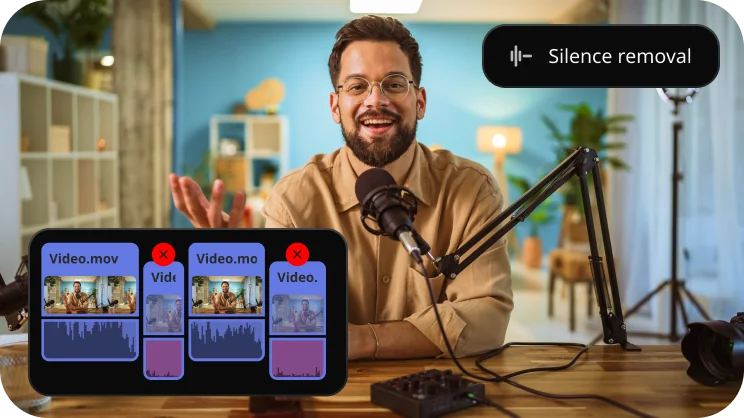
Silence removal
Cut out unwanted pauses automatically or fine-tune the pause length and volume threshold yourself. You’ll save time and be able to skip the tedious cleanup – so you can focus on the fun.
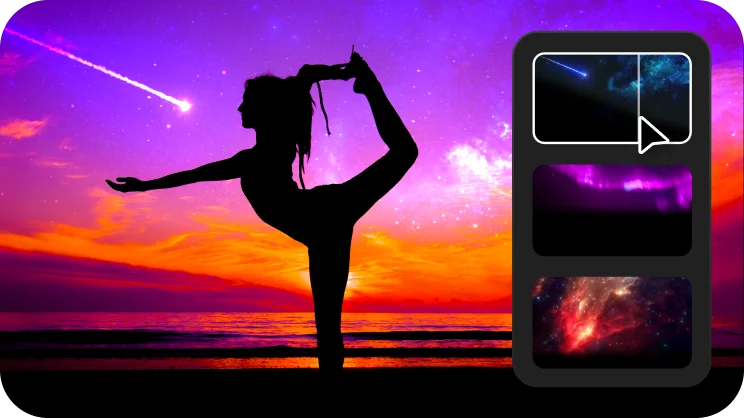
Mouse-over effects preview
This feature makes it easy to choose effects like titles, transitions, filters, and more. Simply hover your mouse over any effect to see it in action. You can also view your project files the same way.

Movie-like effects for your videos
Pack a ton of action into your videos in a flash! Add fire, lightning, or other ready-to-use animated overlays – capture your audience’s attention right from the start.
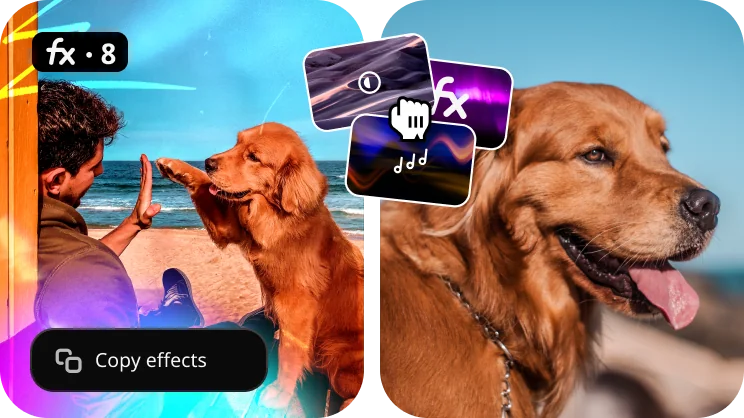
Fast effect copying
Copy effects, color tweaks, and audio settings from one clip to another in seconds. Make your whole video look awesome way faster and with less effort.
Millions


Easily create awesome content with Movavi Video Editor: cut frames precisely, polish the sound, drag and drop filters, titles, overlays, and more
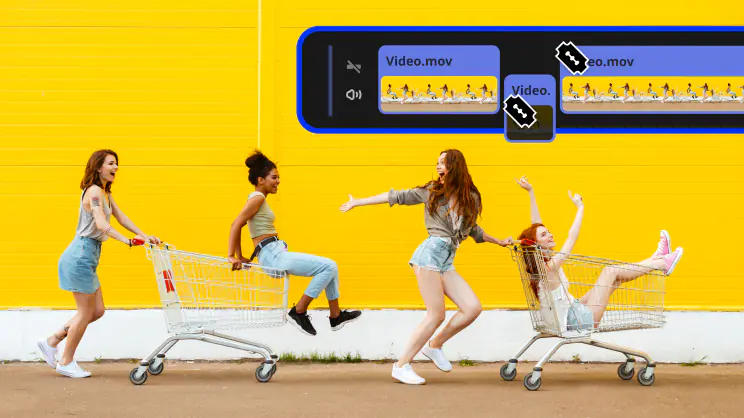 Blade tool
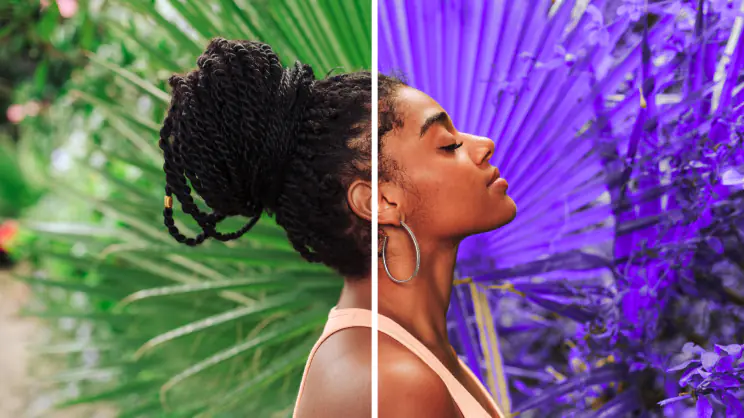 Filters and LUTs
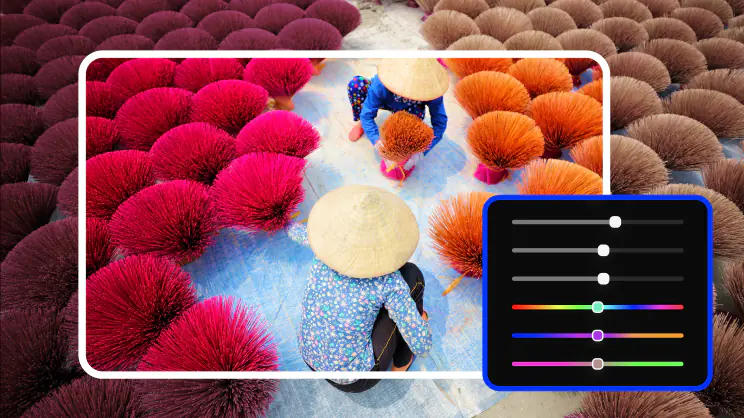 Color correction
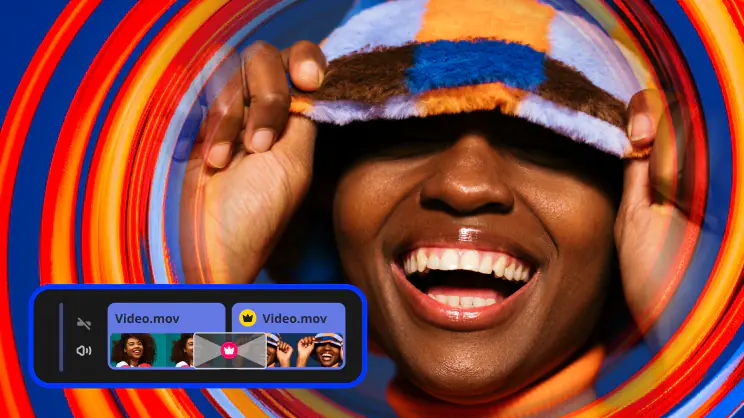 Transitions
 Overlays
 Stickers
 Intros
 Automatic subtitlesBlade toolFilters and LUTsColor correctionTransitionsOverlaysStickersIntrosAutomatic subtitles
 Stabilization
 Free music and sounds
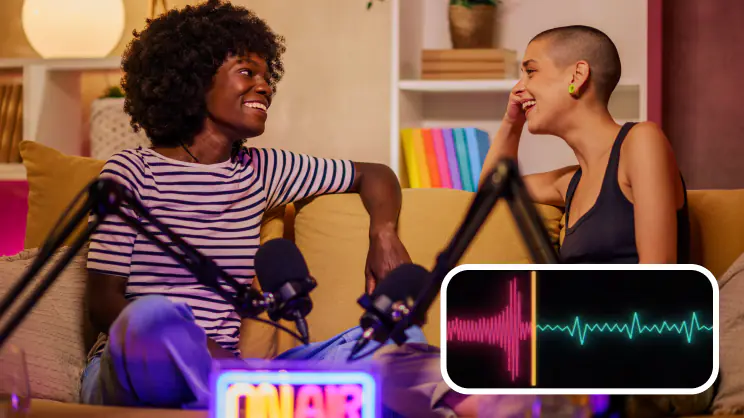 Audio editing
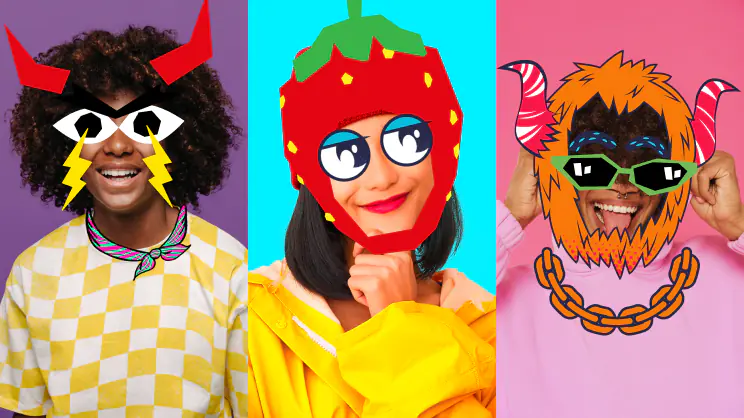 Motion tracking
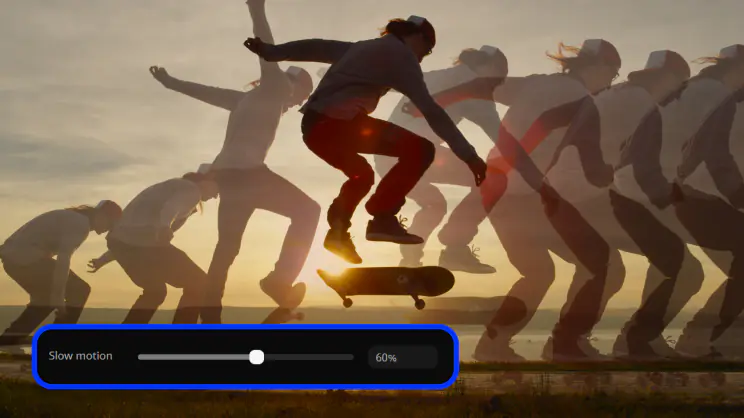 Slow motion
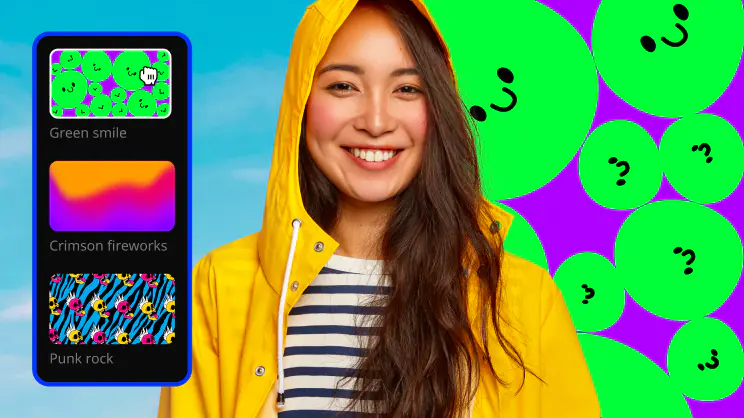 Chroma key
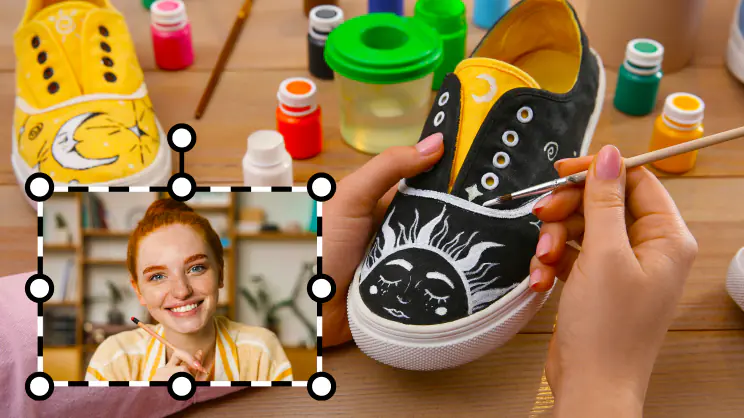 Picture in pictureStabilizationFree music and soundsAudio editingMotion trackingSlow motionChroma keyPicture in picture
Whether it’s a daily vlog, travel recap, gaming clip, or cooking video, we’ve got a template styled and ready to go. Put together on-point clips in minutes and keep your content looking pro.
Forget editing birthday celebrations, weddings, or holiday recaps from scratch. Pick a template, drop in your clips and photos, and get a video complete with synced music – no skills needed. Your loved ones will adore it!
Get a ready-made foundation for your next presentation, ad, or promo video. Customizing text, colors, and logo takes seconds and you get a sleek, professional video ready for your team, prospects, or clients.
Skip setting up picture-in-picture and transitions by hand. Choose a structured template, drop in your material, and get a clear, engaging lesson without all the hard work.
We like your videos
Tag them with #movavi – we’ll drop a like and a kind comment ❤️
Make your socials shine
Create stunning videos to get more views, likes, and followers! Our easy-to-use tools and drag-and-drop effects will help you make anything from daily vlogs and short clips to product reviews and unboxings.
Give your business a boost
Make engaging promo reels in minutes and win new customers! With our simple design, one-click AI tools, and handy presets, you’ll save a ton of time creating eye-catching brand videos.
Cheer up your loved ones
Quickly craft videos of family get-togethers, birthday parties, and holiday celebrations. In just a few clicks, you can preview and add titles, transitions, and music to make memories that will last forever.
Edit on the go with Movavi App
More than just Reels. Edit photos, too
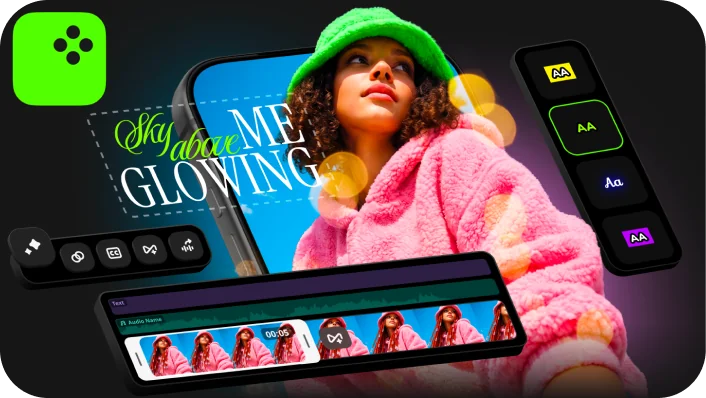
Make standout edits in minutes thanks to ready-to-use video ideas and awesome effects – all available right inside Movavi Video Editor
Movavi Ideas
How to create wow content: simple and fresh video ideas every week
Movavi Effects
Get Movavi Video Editor – and full access to a huge library of effects and background music
Microsoft® Windows® 10/11 64-bit with up-to-date patches and service packs installed
Intel®, AMD®, or compatible dual-core processor, 1.5 GHz
Intel® HD Graphics 2000, NVIDIA® GeForce® series 8 and 8M, Quadro FX 4800, Quadro FX 5600, AMD Radeon™ R600, Mobility Radeon™ HD 4330, Mobility FirePro™ series, Radeon™ R5 M230 or higher graphics card with up-to-date drivers
1280 × 768 screen resolution, 32-bit color
4 GB
400 MB available hard disk space for installation, 600 MB for ongoing operations
Administrator permissions are required for installation
*The free version of Movavi Video Editor may have the following restrictions depending on the build: watermark on exported clips, 60-second video or 1/2 audio length limit, and/or some advanced features unavailable when exporting videos.


1.5M+ users already subscribed to our newsletter