Movavi Effects
Get stunning titles, transitions, stickers, and other extra content crafted by professional designers.
Movavi Video Editor is intuitive video-editing software for Windows that will help you create and edit any type of video – from a mind-blowing challenge clip to a heart-warming birthday celebration. The software has everything you’d expect from a go-to video editor: free download, super clear interface, and a host of editing options. With Movavi’s free-download video software, you can be the director of your own story.
In Movavi Video Editor, every tool is right where you’d expect it to be. So even if you’ve never tried to edit videos on a home PC before, it will take you no more than 20 minutes to master the movie editor and start editing like a pro. Download Movavi’s video-editing software for free. Create a movie you’ll be proud of.
Unlike complex professional programs, Movavi Video Editor doesn’t hide its broad capabilities beneath multiple layers of tabs and menus. It’s all right there at your fingertips, ready to enhance your creative efforts.
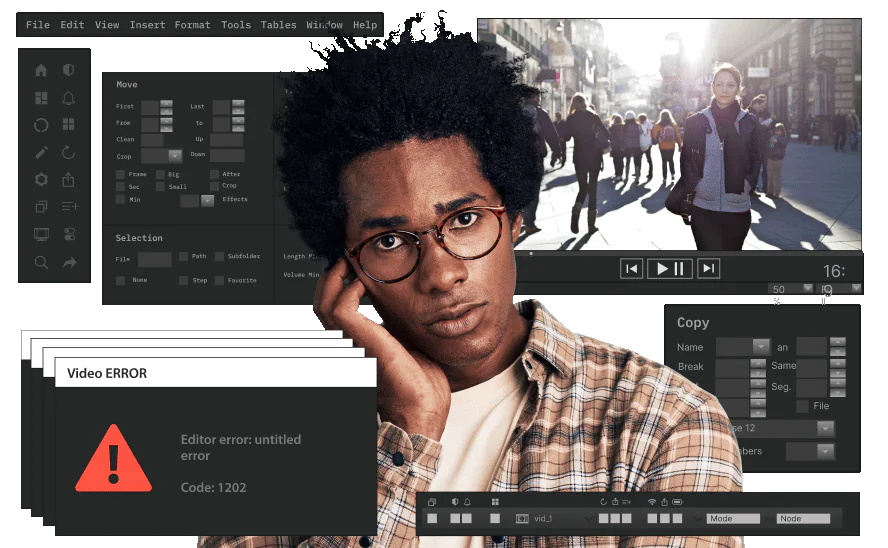
Professional software
Has complex settings and parameters
Takes time to learn basic functions
Slows down the working process
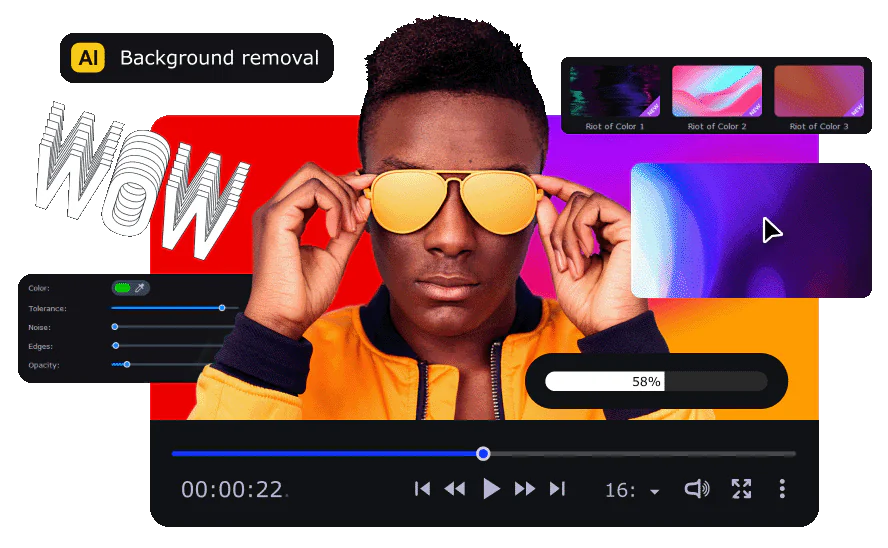
Movavi Video Editor
Has simple interface with intuitive controls
Takes 20 minutes to create a finished video
Lets you have fun making movies
From now on, making quality and engaging videos will be your strength – thanks to Movavi’s movie video editor for Windows. Just think of an idea, then use the awesome built-in features to easily turn it into total eye candy. Download the video editor for free and give it a try.
Get stunning titles, transitions, stickers, and other extra content crafted by professional designers.


Brand-new visual effects, as real as ever
Give your edits a new feeling of reality with fire, lightning, and other ready-to-use animated overlays – no special gear needed, just simple tricks. Pack a ton of action into your vids in a flash!
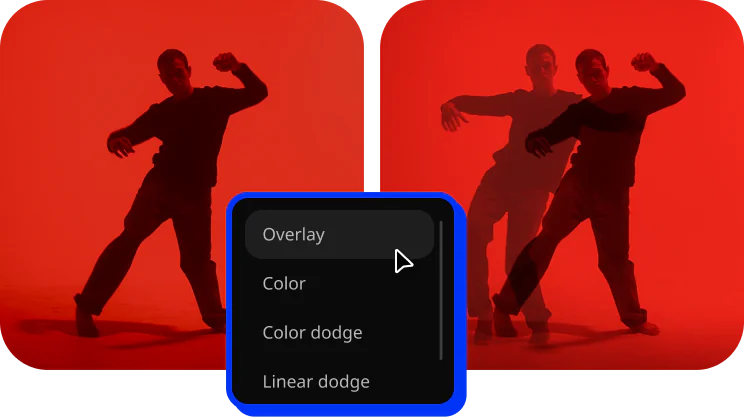
Seamless blend modes for anything
Add a new layer of awesomeness to your vlogs and highlight reels! Easily overlay your videos, photos, and frames to create a dreamlike effect.
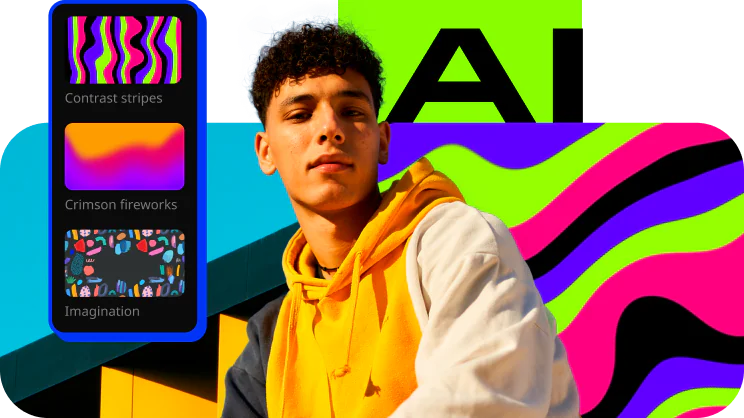
AI background removal
Use the power of the AI to instantly swap backgrounds in your vacation videos with no green screens. Drop in a new vibrant scene and get ready for an avalanche of likes on TikTok!
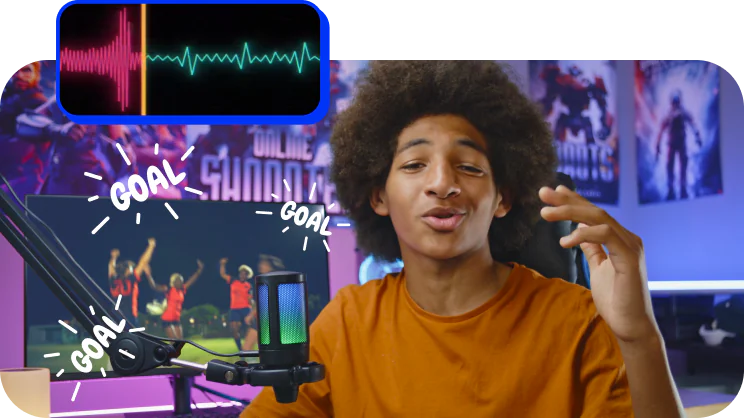
AI noise removal
Cut through the noise if you partied hard this summer! Remove car, wind, and other uncool sounds from your videos with this new AI-driven audio denoiser.
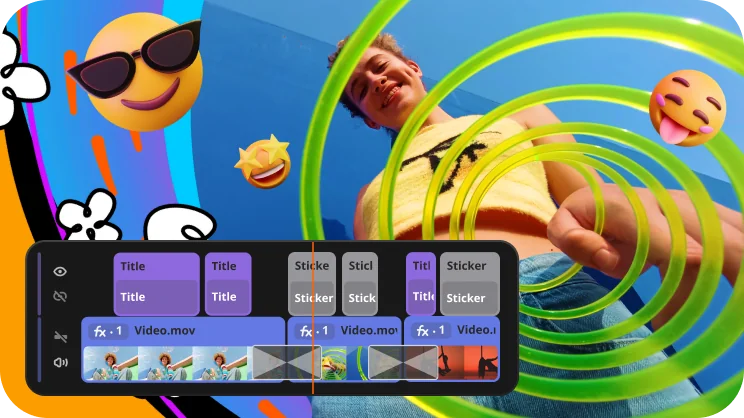
Direct upload to TikTok
Get on the For You page this fall with direct sharing to TikTok. Upload your sunny vids straight from the app and collect tons of views and likes much faster!
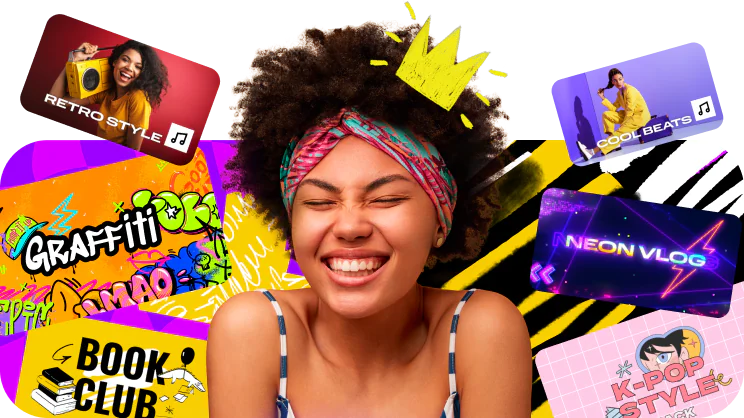
Extra effects for YouTube
Let your creativity take effect! In addition to the 5 new frames, we’ll give you an exclusive pack of effects for YouTube at no charge – just because we love you. Try them out in your next hit!
Microsoft® Windows® 10/11 64-bit with up-to-date patches and service packs installed
Intel®, AMD®, or compatible dual-core processor, 1.5 GHz
Intel® HD Graphics 2000, NVIDIA® GeForce® series 8 and 8M, Quadro FX 4800, Quadro FX 5600, AMD Radeon™ R600, Mobility Radeon™ HD 4330, Mobility FirePro™ series, Radeon™ R5 M230 or higher graphics card with up-to-date drivers
1280 × 768 screen resolution, 32-bit color
4 GB
400 MB available hard disk space for installation, 600 MB for ongoing operations
Administrator permissions are required for installation


1.5M+ users already subscribed to our newsletter