
Step 1. Download and install Movavi Video Editor
Download Movavi Video Editor and launch the installation file. Follow the on-screen instructions to install the app.
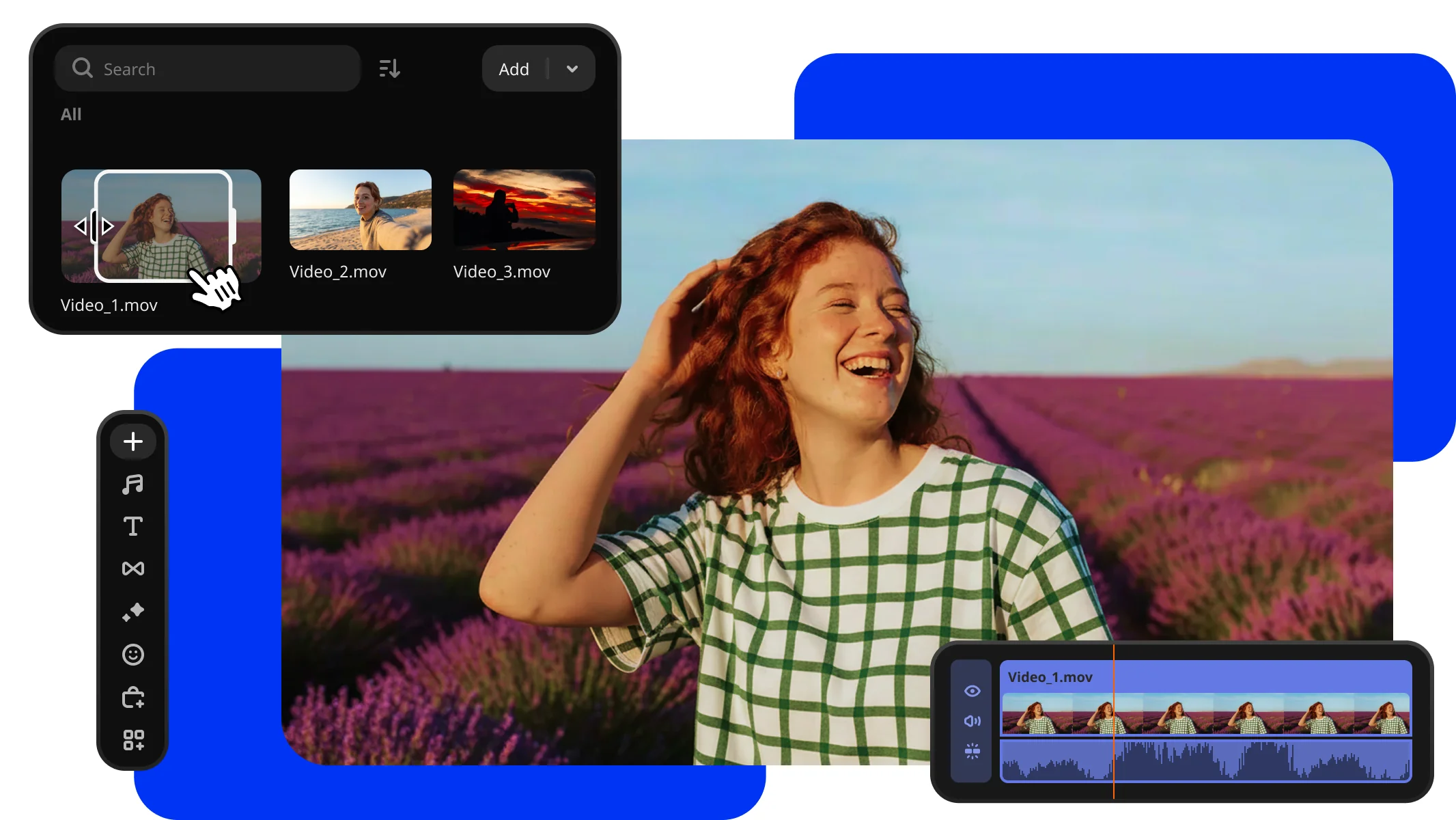
Try Movavi Video Editor
Fast and easy editing: cut, crop, adjust colors and speed
One-click AI tools: auto subtitles, noise removal, and more
Hundreds of filters, transitions, titles, overlays
Pre-trim your videos before they ever hit the timeline. Drop the exact part you need instead of the whole file, keeping your project clean and saving time so you can get straight to editing.
Download Movavi Video Editor and launch the installation file. Follow the on-screen instructions to install the app.
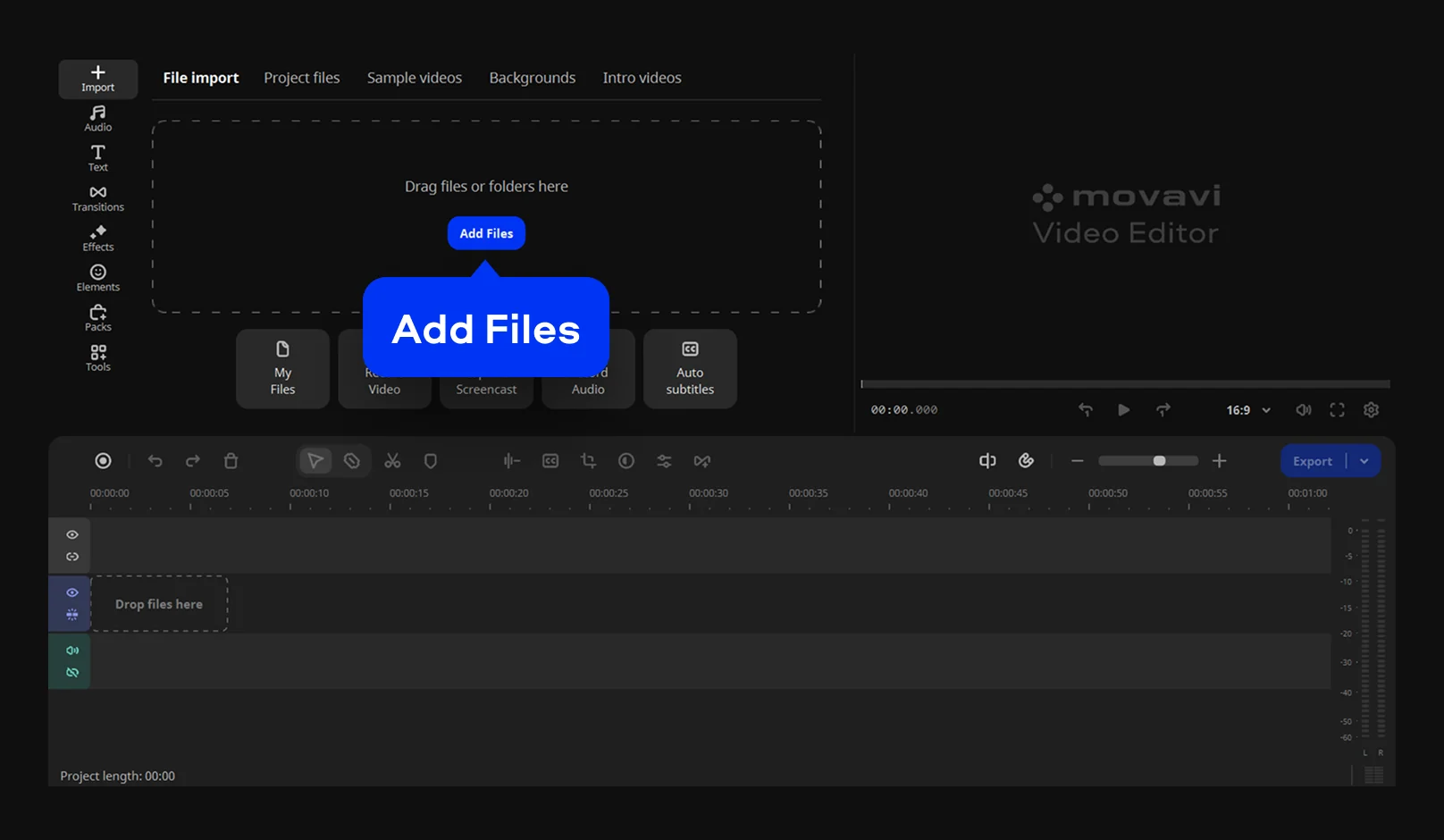
Add your video by dragging it into the program window or click Add Files.
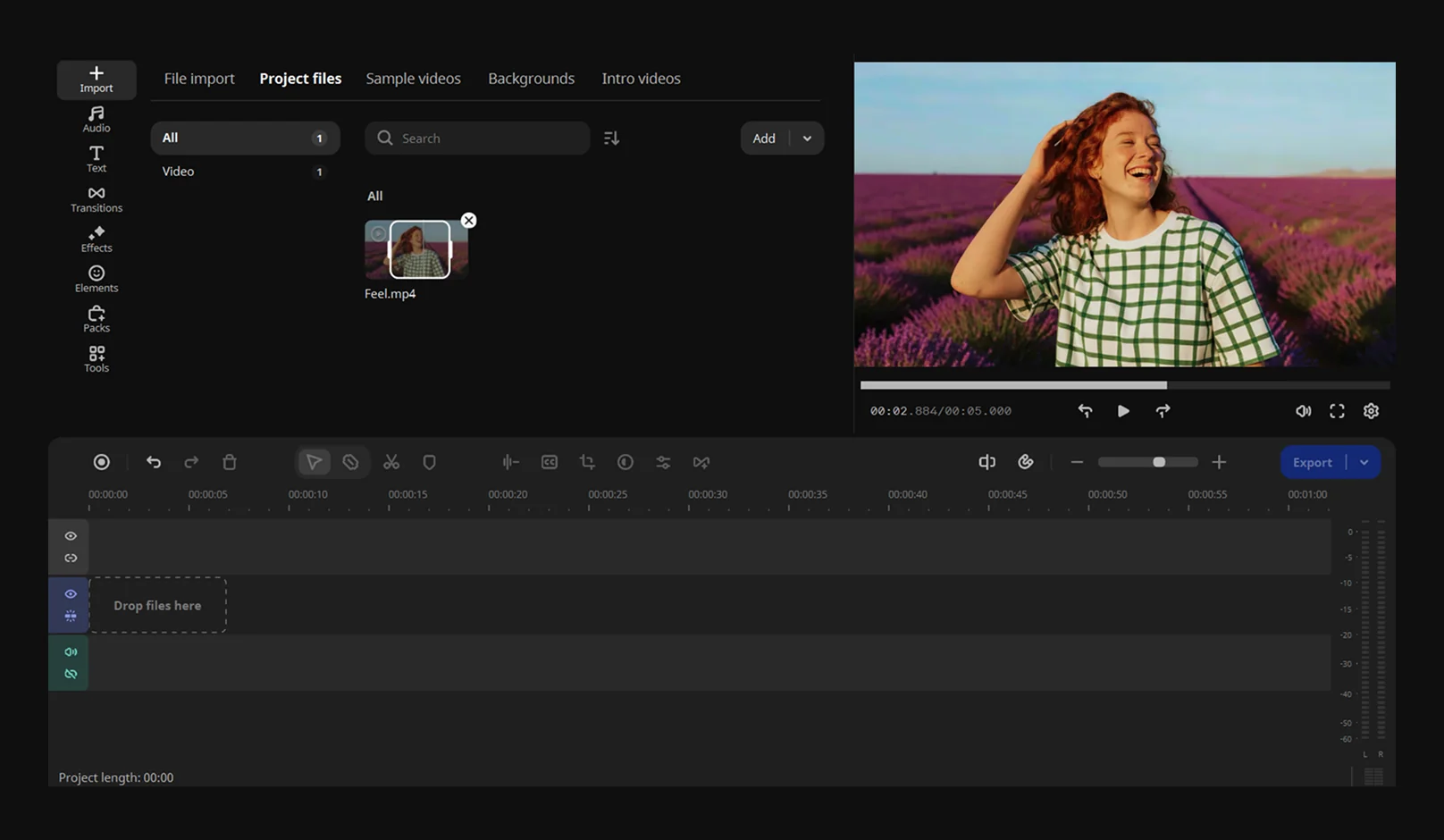
Left-click the video. A trim box with two handles appears – they mark the start and end of the selected part. Move your cursor to the left or right edge until it turns into the trim tool, then click and drag to adjust the selection. Release the mouse button when the section is set.
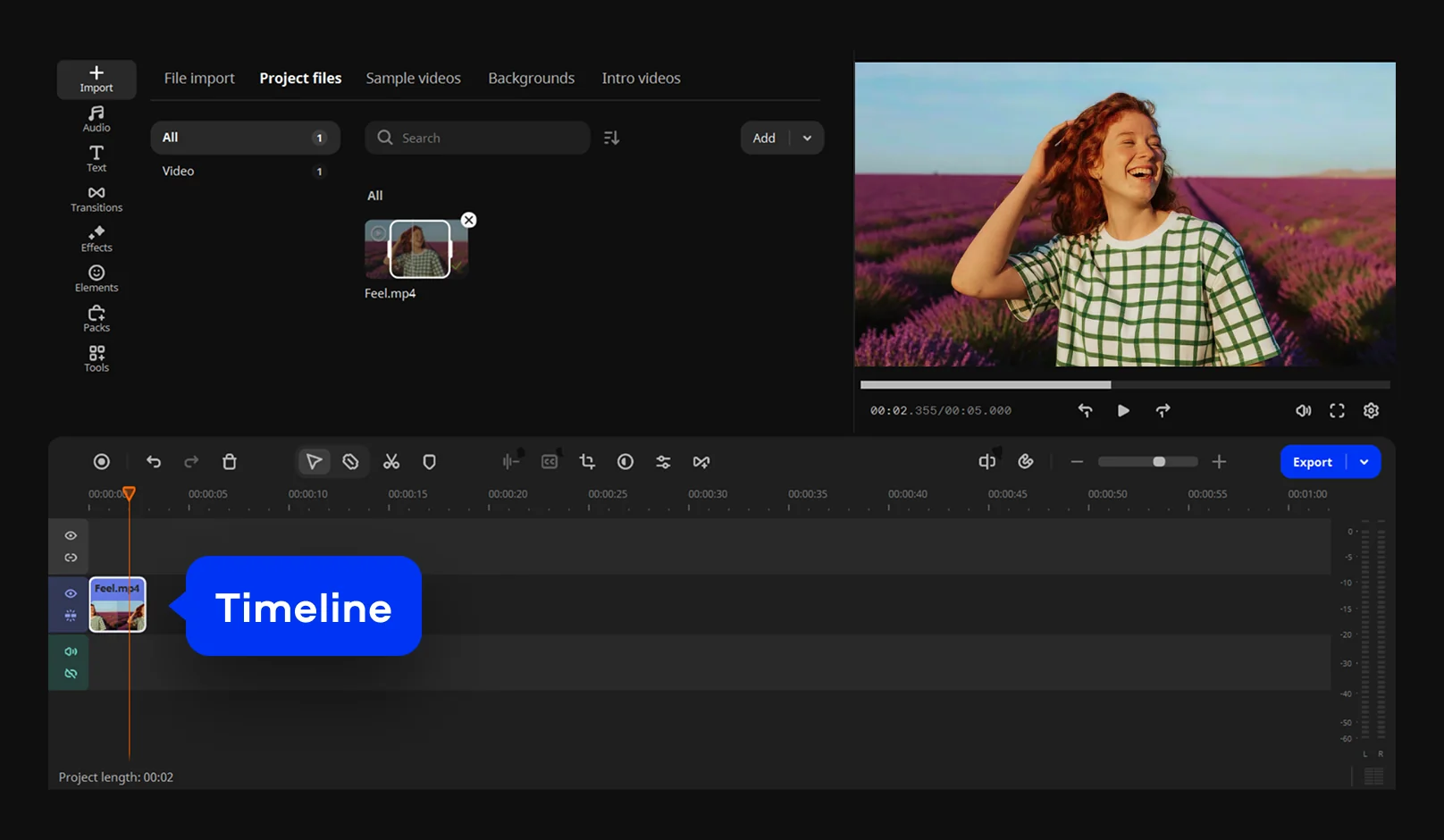
Drag the clip to the Timeline. Only the selected portion will be added, so you can start editing right away.
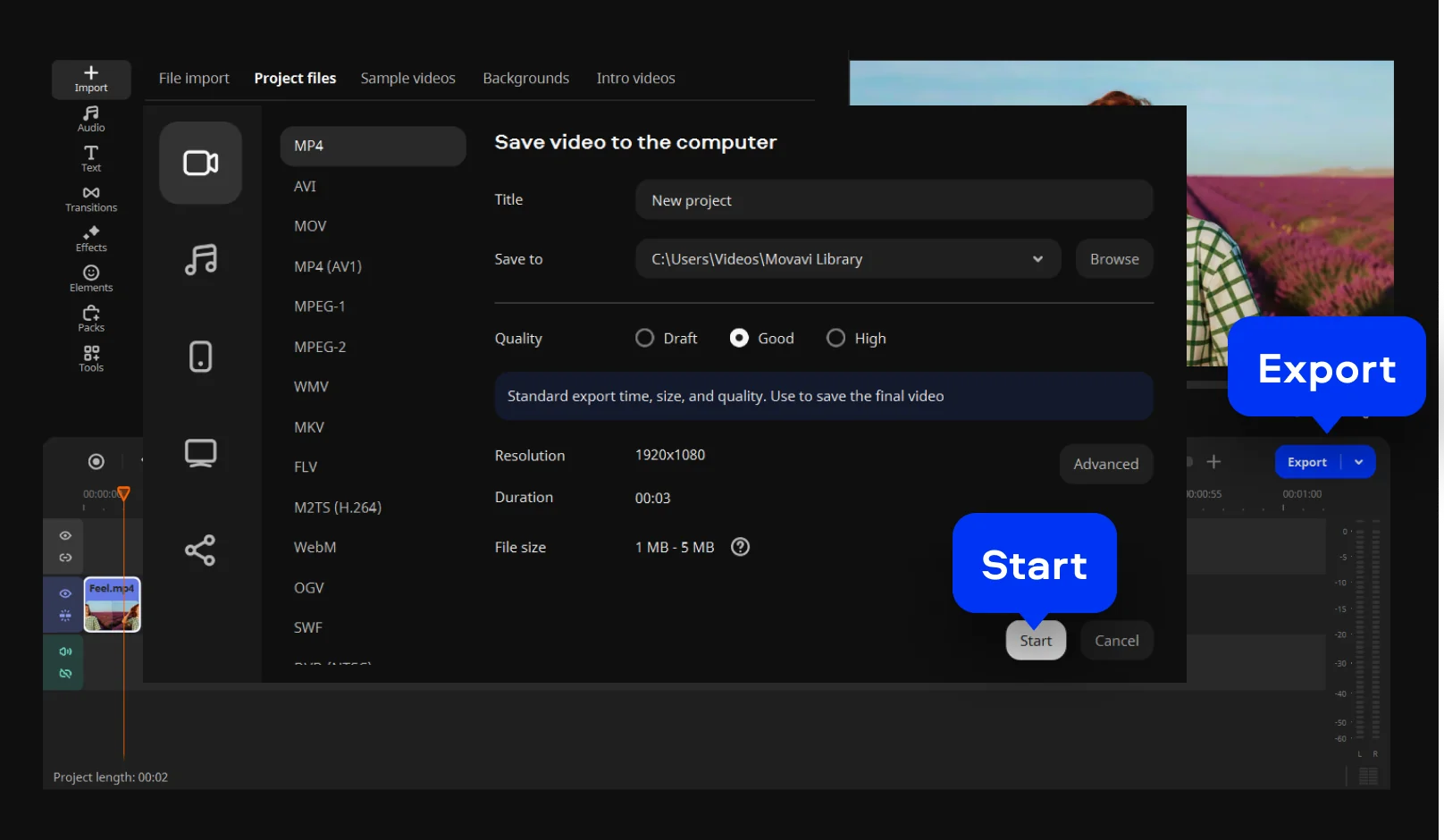
Click Export, choose the desired output settings, and click Start. The finished video will be saved with your edits applied.
Your simple yet powerful editor for creating wow videos

Make standout edits in minutes thanks to ready-to-use video ideas and awesome effects – all available right inside Movavi Video Editor
Movavi Ideas
How to create wow content: simple and fresh video ideas every week
Movavi Effects
Get Movavi Video Editor – and full access to a huge library of effects and background music


1.5M+ users already subscribed to our newsletter