

Step 1. Import your media and shape the timeline
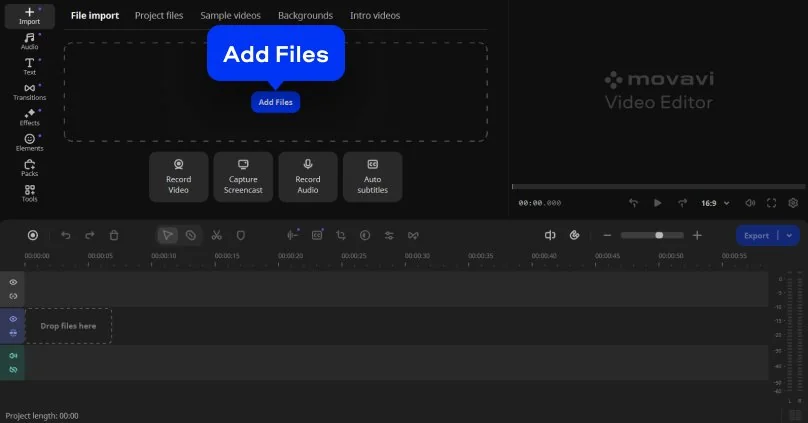
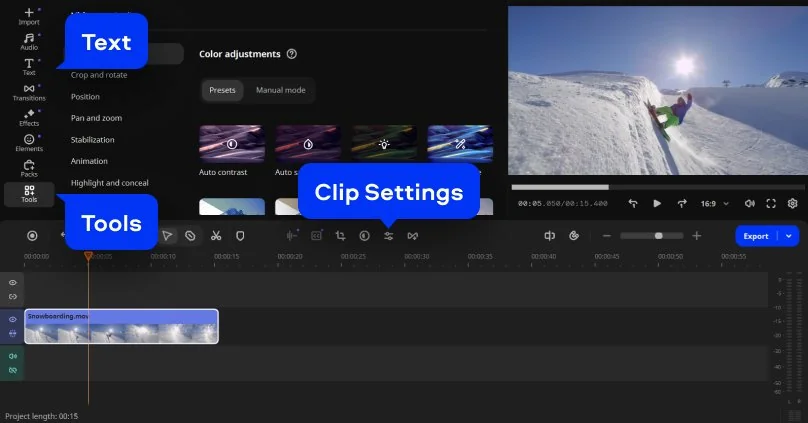
Open Movavi Video Editor, click Add Files, and import your video, images, or audio. Drag everything onto the timeline and arrange clips in the right order. Trim unnecessary parts, split scenes where needed, and adjust timing to build a clear structure. As an automated video maker, the editor gives you a workspace where these initial edits come together quickly.