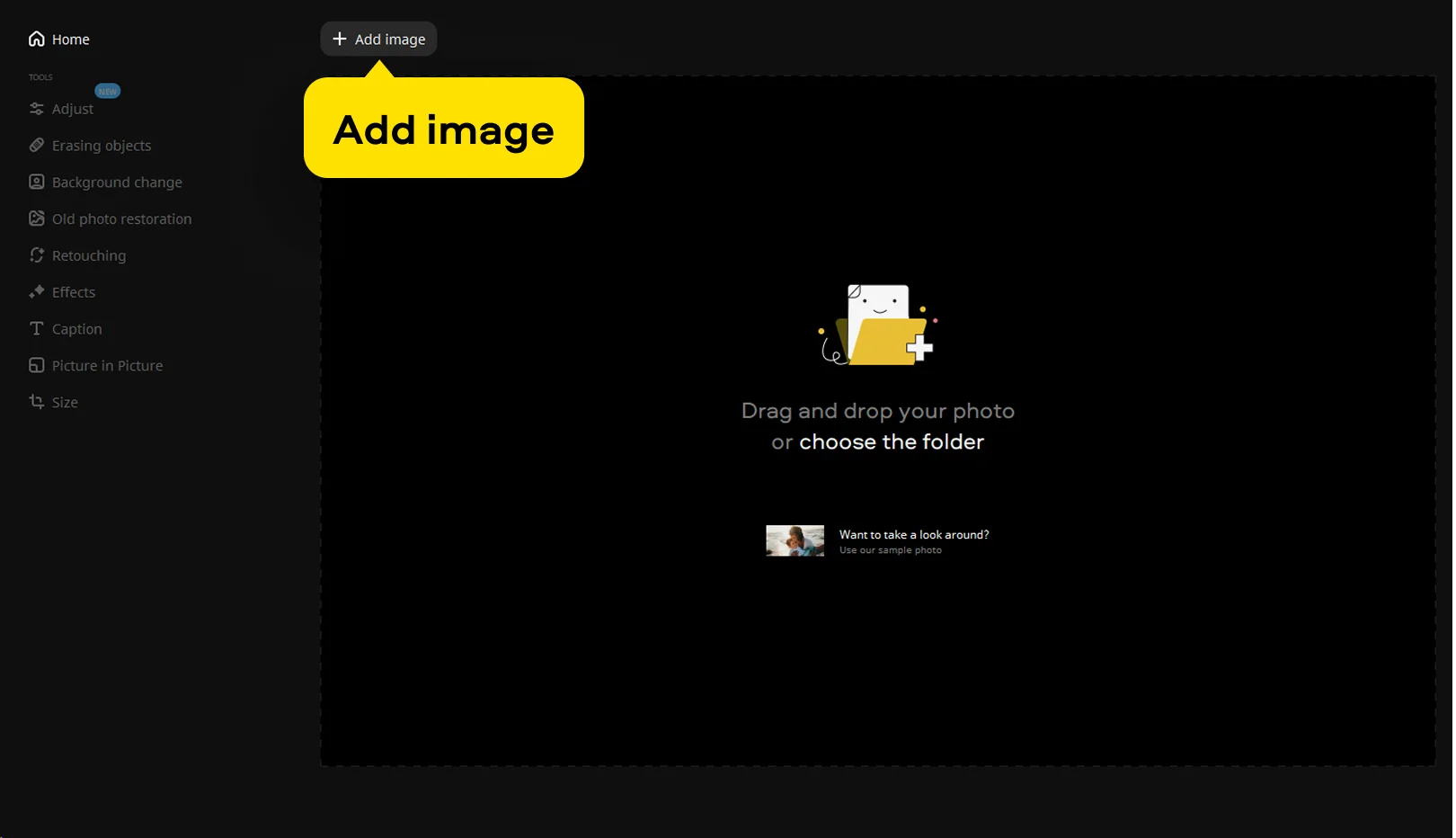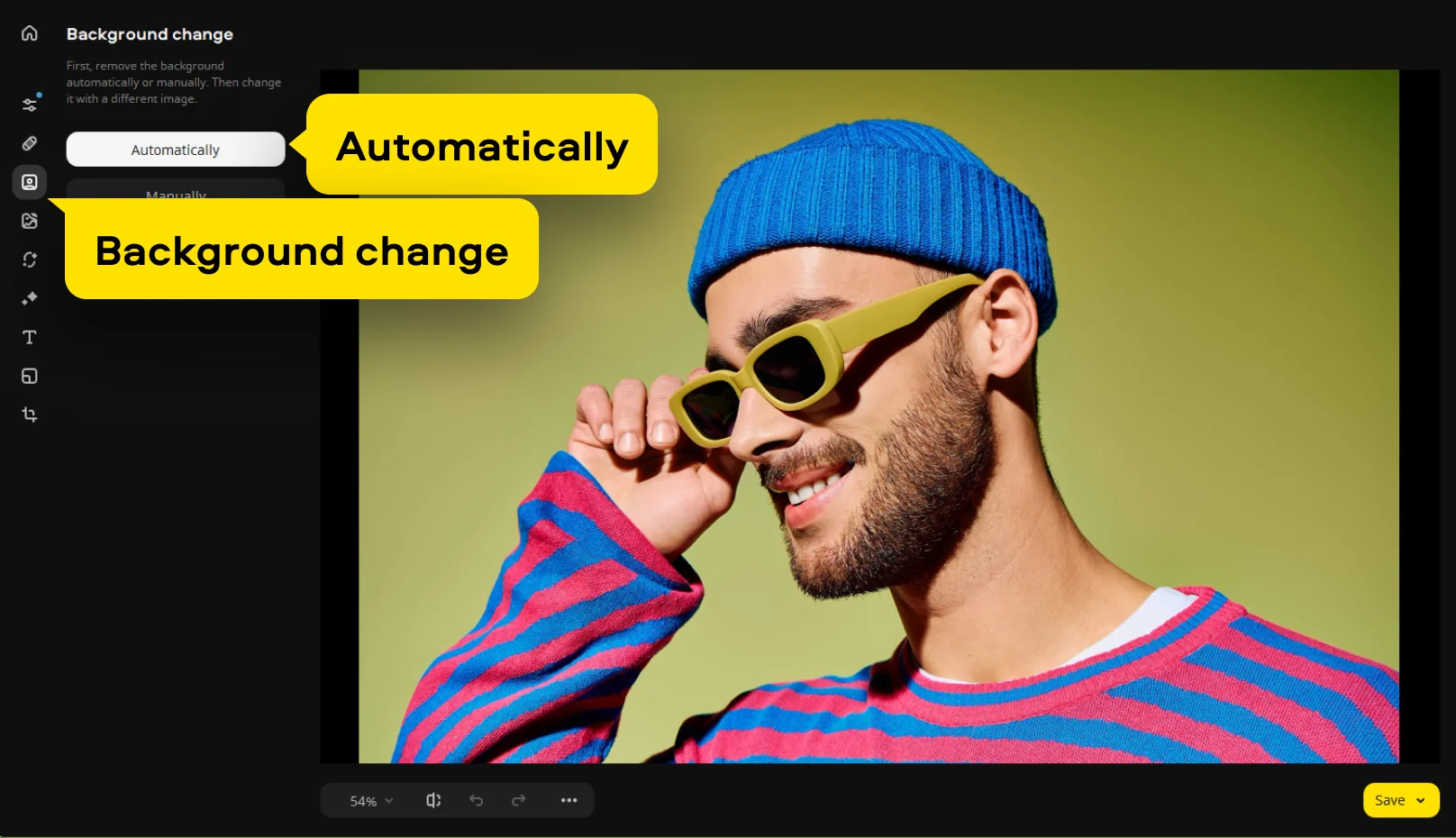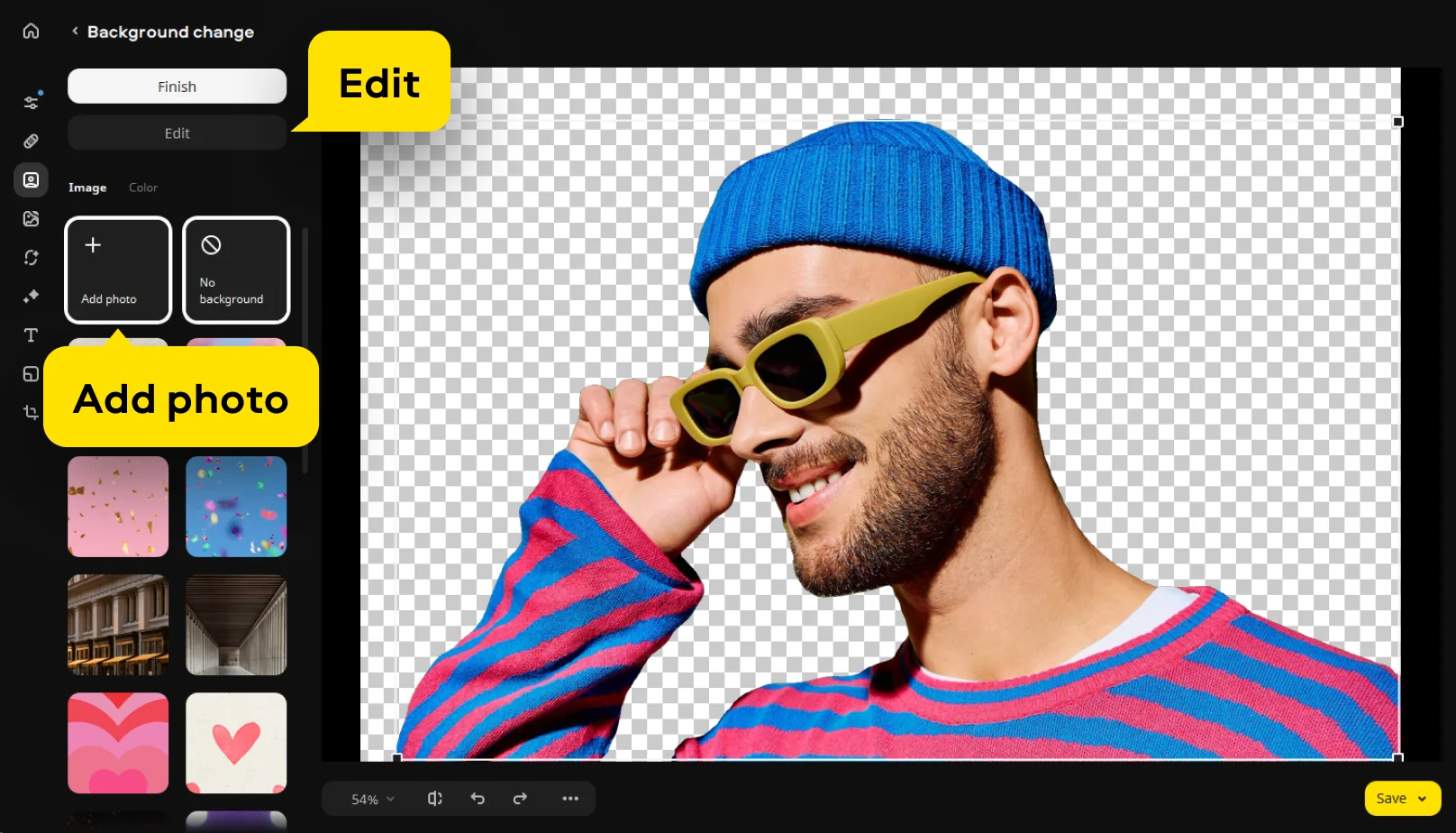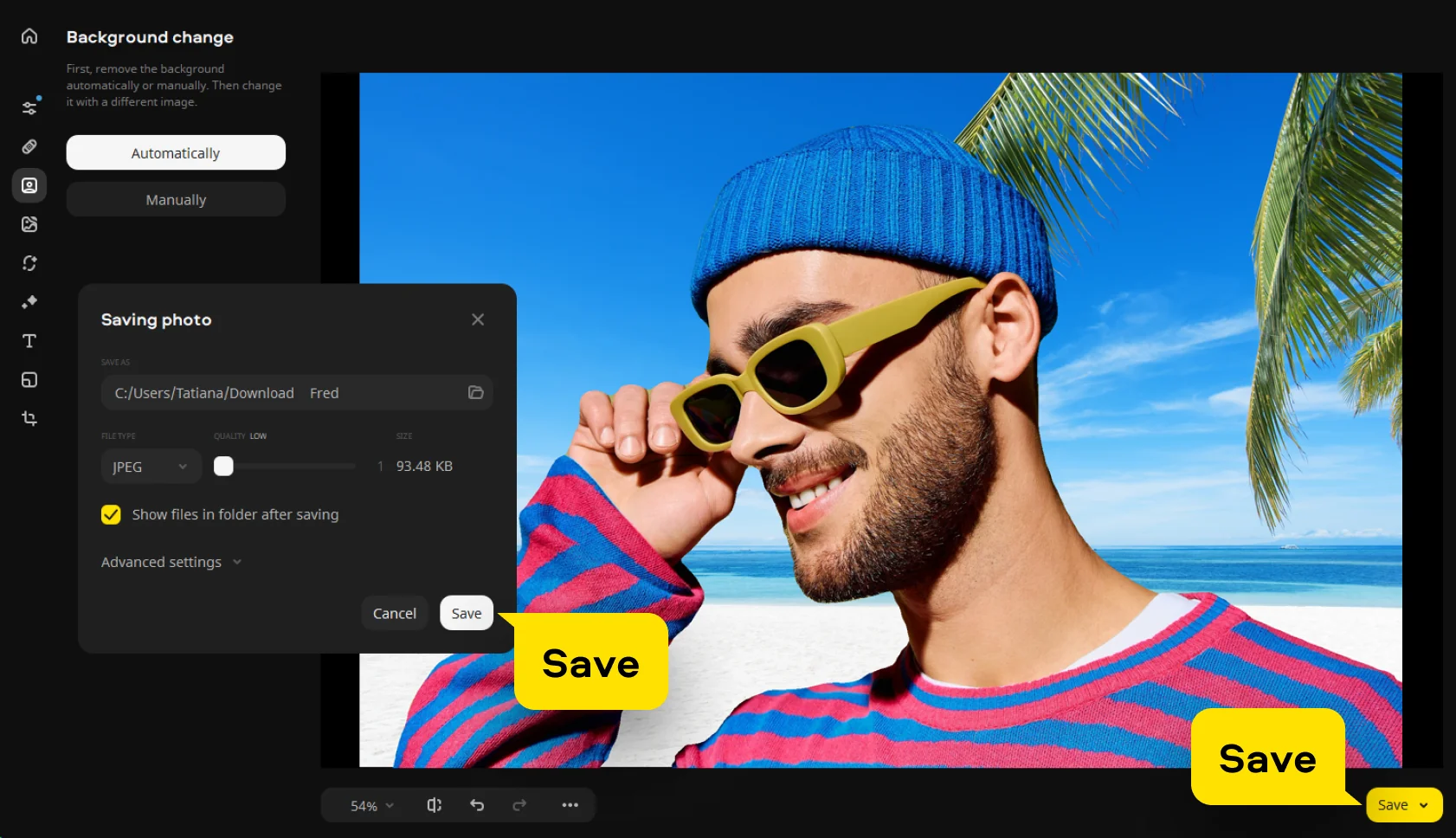


Step 1. Install the program and add your image
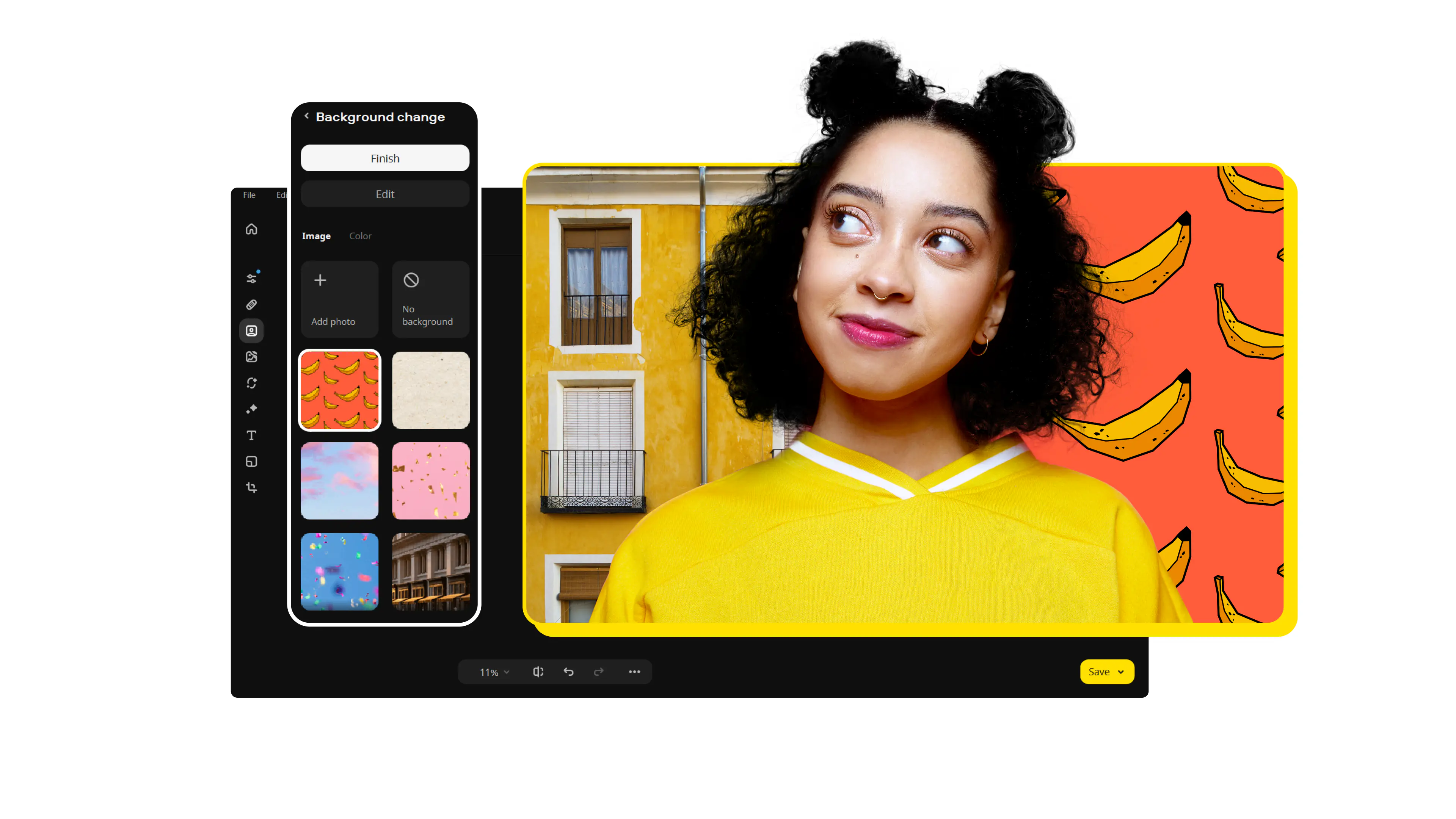
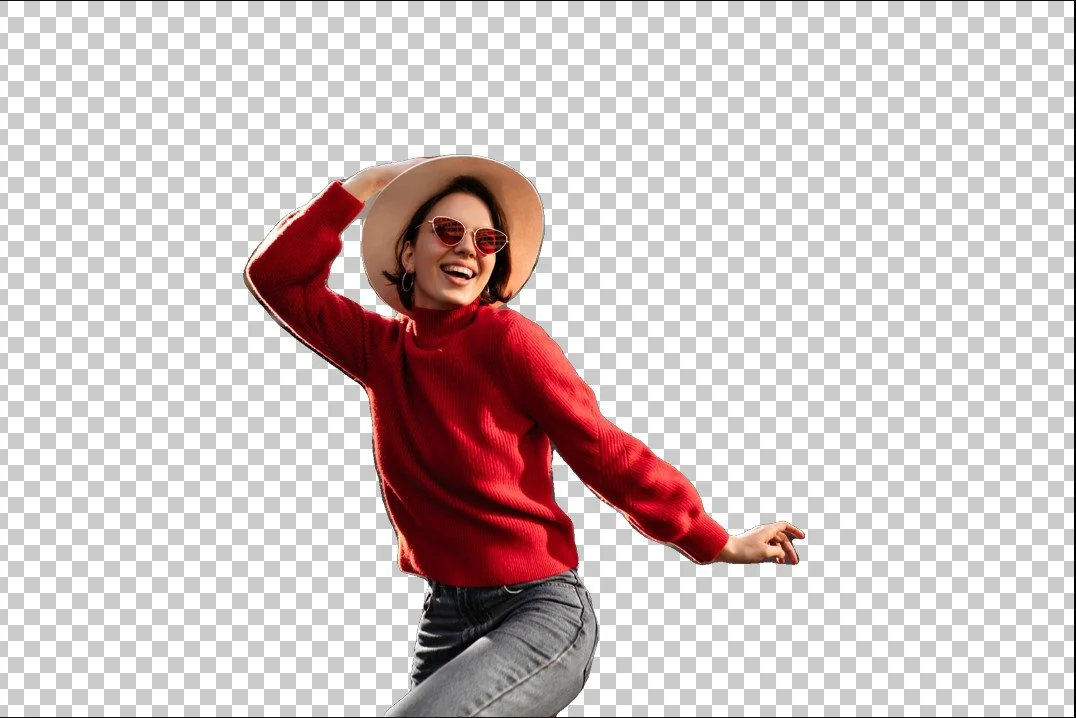
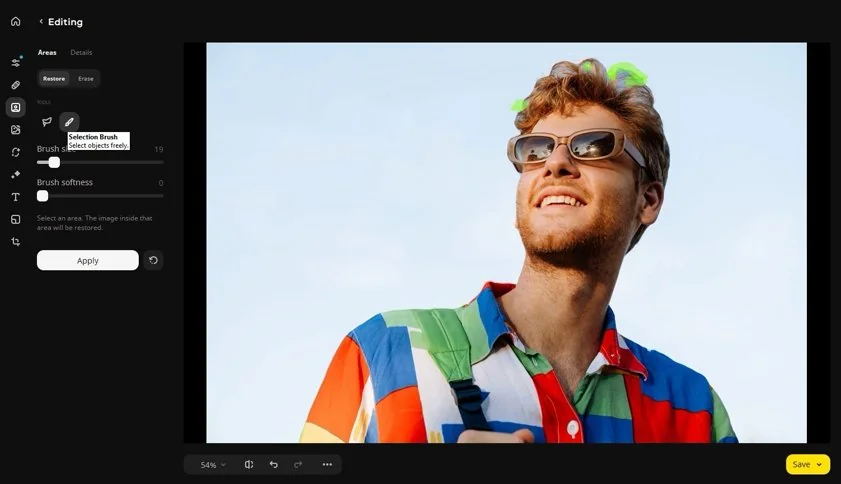
Download and install Movavi Photo Editor, then launch the program. Click Add image or drag and drop your file into the workspace to open the photo you want to edit. Once your image appears in the editor, you can start preparing it for editing with the built-in image background remover.