Movavi Effects
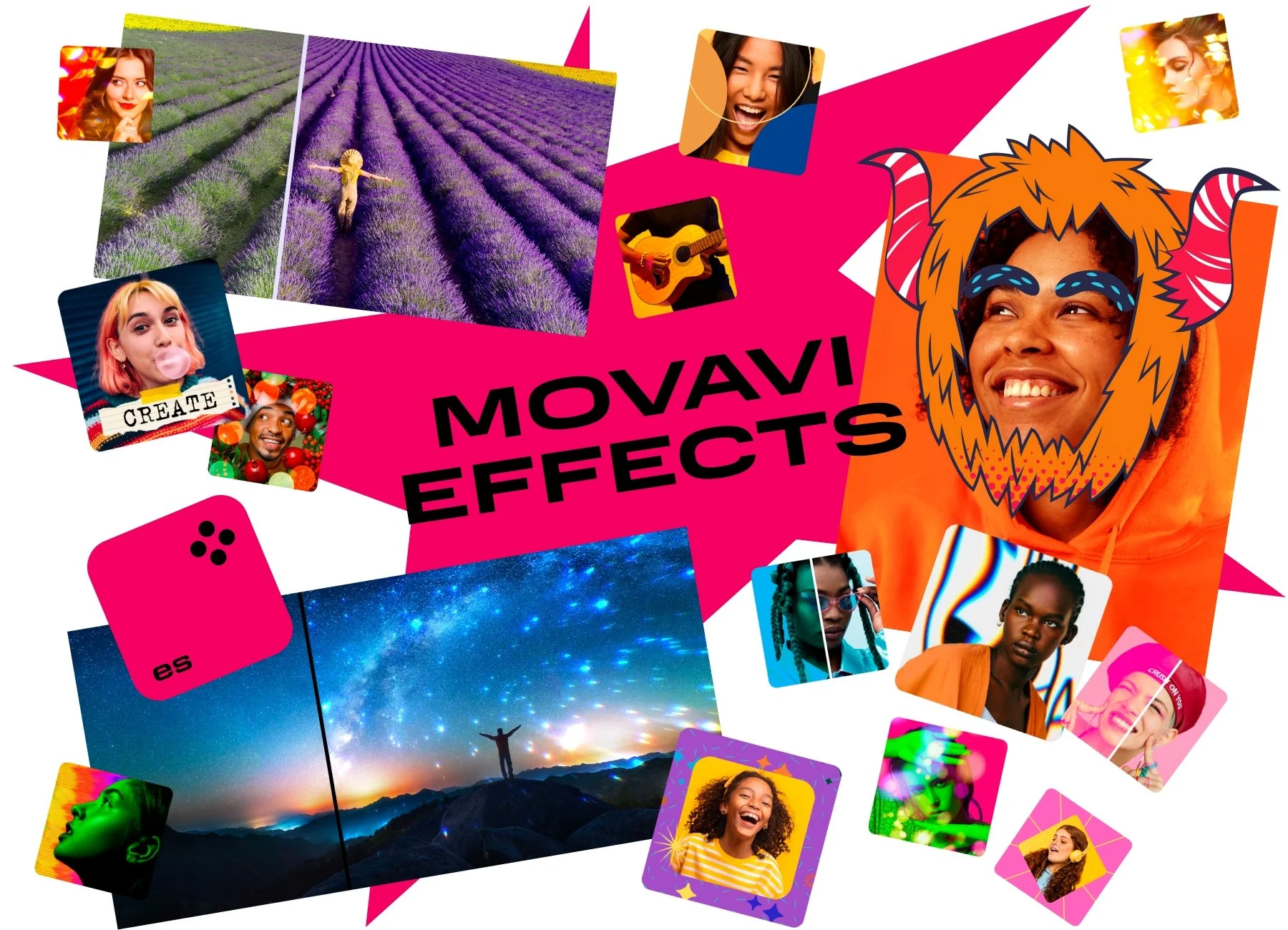
Get stunning titles, transitions, stickers, and other extra content crafted by professional designers.
Movavi Video Editor
2026
Create videos much faster with simpler design, quicker cutting, smarter AI, and extra overlay modes.
New features to boost your video creation
Revamped timeline for easier editing
The new timeline is now clearer and more streamlined. Get your projects done faster and have more fun with anything – from short vids for socials to longer family movies.
Frame-precise cuts in a click
Give your videos a sharper look with the new video-cutting tool. Easily make precise cuts and create eye-catching montages like your favorite bloggers.
Pro-quality color correction
Get next-level color correction with the same simplicity. Boost colors in a snap and make more viewers fall in love with your videos.
AI motion tracking
Enhance reality in your videos with additional moving graphics. Just click, and AI will quickly attach any photos, videos, emojis, or memes to objects in your footage.
Perfect-match overlay effects
Now each overlay effect has 13 blending modes to choose from. Try each of them with the press of a button and pick the one that fits your video perfectly.
Our best effects – at your fingertips
Create awesome videos in any style with our huge collection of professionally designed effects. Now you can try them all right away, right in the app.
Features that spark ideas
It's more than just a video editor. It’s intuitive software for video creativity. Enjoy a host of video-editing options to boost your creative flow.
Movavi Effects
Get stunning titles, transitions, stickers, and other extra content crafted by professional designers.
Microsoft® Windows® 10/11 64-bit with up-to-date patches and service packs installed
64-bit Intel® processor, Apple M1 or higher
Intel® HD Graphics 2000, NVIDIA® GeForce® series 8 and 8M, Quadro FX 4800, Quadro FX 5600, AMD Radeon™ R600, Mobility Radeon™ HD 4330, Mobility FirePro™ series, Radeon™ R5 M230 or higher graphics card with up-to-date drivers
1280 × 768 screen resolution, 32-bit color
4 GB
400 MB available hard disk space for installation, 600 MB for ongoing operations
Administrator permissions are required for installation


1.5M+ users already subscribed to our newsletter