70M+


What’s new in Movavi Video Converter
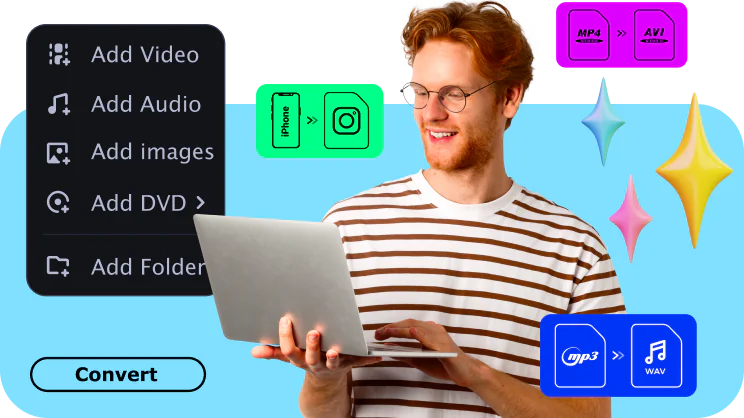
Ultrafast conversion
Boost productivity, save time, and unlock compatibility across all devices: change the format of your videos in the blink of an eye.
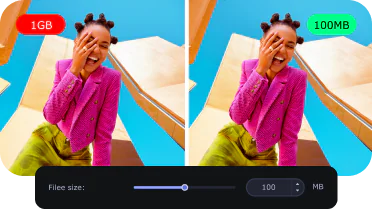
Lossless compression
Compress multimedia to optimize storage, speed up uploads, and ensure smooth playback – all without loss of quality.
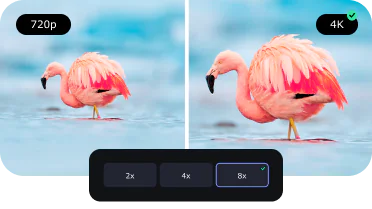
AI quality upscaling
Take advantage of the latest tech trend: use the program’s AI to up the resolution of grainy shots by 4 or even 8 times. Make every detail count!
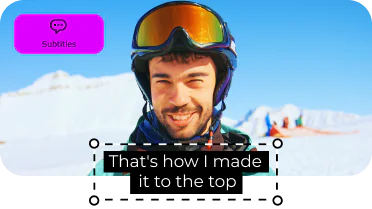
Online subtitle search
Watch your favorite foreign language pictures more easily – find the correct subtitles using our app and add them right away. Download this movie converter for Windows and see for yourself!
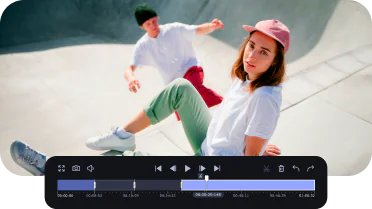
Super-precise trimming
Transform hours of footage into one captivating highlight reel. Seamlessly cut out pauses and other unwanted segments to create a video that perfectly captures the essence of your content.
Convert to any format instantly
Convert files at incredible speed and high quality with one of the best video converters. Transfer your films, music, and pictures in any format to any platform or device.
See all formats
Compress large videos
Compress files without losing quality to save more of your precious moments.
Edit your files
Trim and crop your video. Create exciting clips, adjust colors, and insert effects. Merge multiple files into one.
Discover AI quality upscaling
Try the new AI-powered feature to upscale the quality of your videos.
Find and add subtitles
Find the right subtitles on your computer or online directly from within the application. Add them to your videos right away.
See what our users have to say
We read all your feedback about the app! Here are some examples.

The program is great! and your support is amazing! I experienced a bug on the steam version on with I was not able to merge subtitles with the video, but I contacted the support and you guys sent me a licence key for the website version of the program! This versions works flawless!! this is one of the best video software that I've ever used! thanks for the great product and the amazing support! keep the great work!

Nice product. I did not think it would help me because initially, it did not do what I thought it would (to transfer a video into a .jpg with individual pictures. But today, I needed to incorporate a DVD into a video and it worked perfectly.

Excellent program and does just what I need in the way of converting the mts files I am using to the Quicktime format I need for the finished product. Also the editing tools are simple and intuitive for helping me pick out the scenes and getting them ready for converting.

It is very helpful it has helped reduce my space in my PC. Thank u and i recommend every one to use this video converter

Great, simple and so easy to use. Keep developing.

awsome application and software really like it so much thank you guys

The fastest and most intelligent software, a life saver.
Tech websites reviews
System requirements
Microsoft® Windows® 10/11 64-bit with up-to-date patches and service packs installed
Visit Movavi Store for older versions
Intel®, AMD®, or compatible processor, 1 GHz
NVIDIA® GeForce® series 8, Intel® HD Graphics 2000, AMD Radeon™ R600 or higher graphics card with up-to-date drivers
1280 × 768 screen resolution, 32-bit color
4 GB
120 MB available hard disk space for installation, 750 MB for ongoing operations


1.5M+ users already subscribed to our newsletter