Step 1. Upload your files
Launch Movavi Video Editor – a powerful alternative to an online birthday video maker. Drop in your photos, images, video clips, and music, then line them up on the timeline to create a fully personalized birthday video.
Movavi’s Birthday Video Maker
Combine photos and video clips on a simple timeline to create birthday videos
Access essential editing tools like trim, crop, speed, music, and color
Enhance videos with AI features such as noise removal and auto subtitles
Customize content using titles, transitions, filters, stickers, and overlays
Export videos in popular formats for easy sharing
By clicking the download button, you're downloading a trial version of the program.*
Online Birthday Video Maker
Why Movavi’s birthday video maker stands out
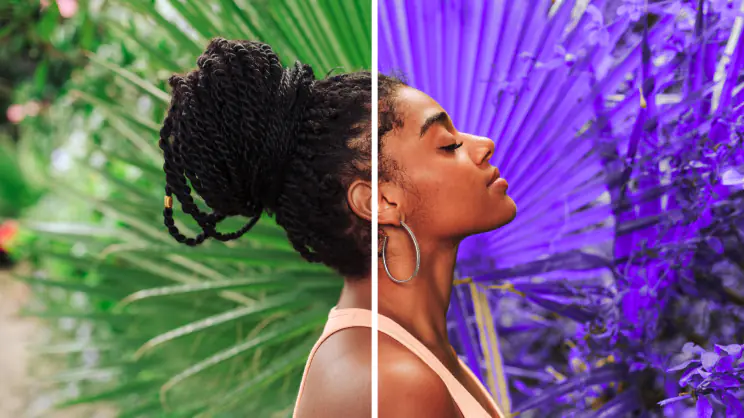
Beginner-friendly with pro-level features
Movavi balances professional-grade features with an interface that even complete beginners can quickly master.
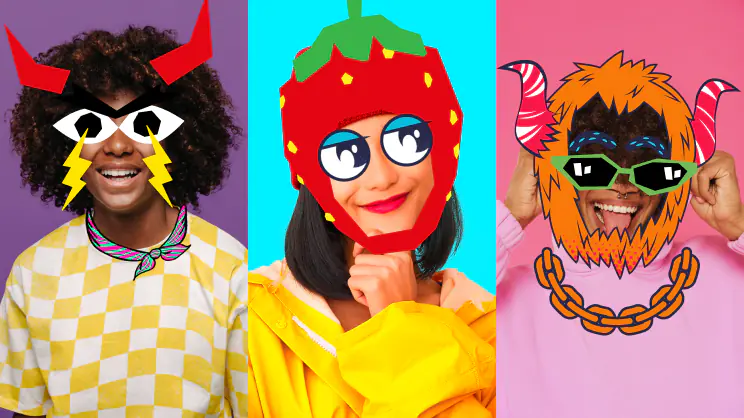
Tons of built-in effects and music
Movavi comes loaded with 10,000+ creative effects, built-in transitions, titles, overlays, music tracks, sounds, frames, backgrounds, stickers, and more.

One-click AI
Movavi makes it super-easy to create subtitles, remove pauses, clean up noisy audio, track motion, change out backgrounds, and more – all automatically, no technical skills needed.
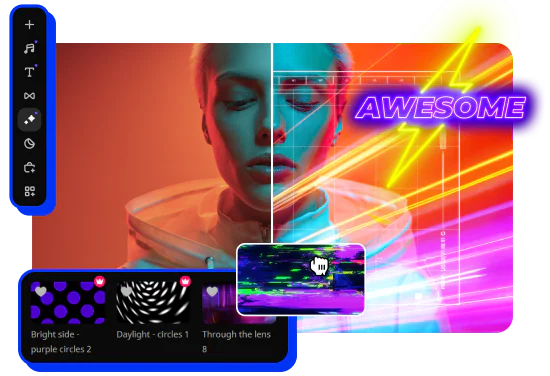
Smooth performance
Movavi is lightweight, easy to set up, and runs smoothly – even if your laptop isn’t top-of-the-line.
Features of Movavi’s birthday video maker
AI motion tracking
Enhance reality in your videos with additional moving graphics. Just click, and AI will quickly attach any photos, videos, emojis, or memes to objects in your footage.
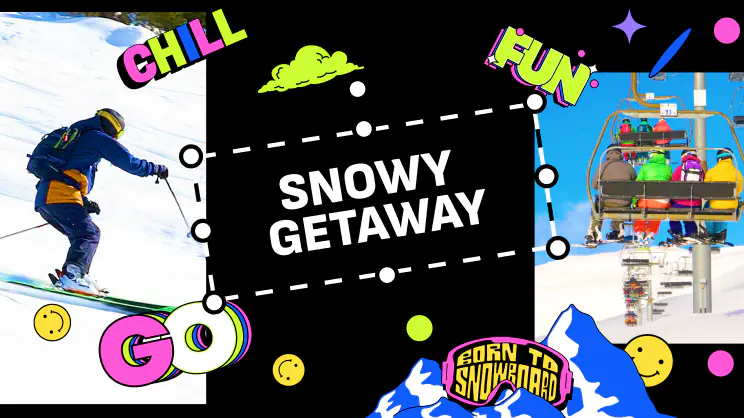
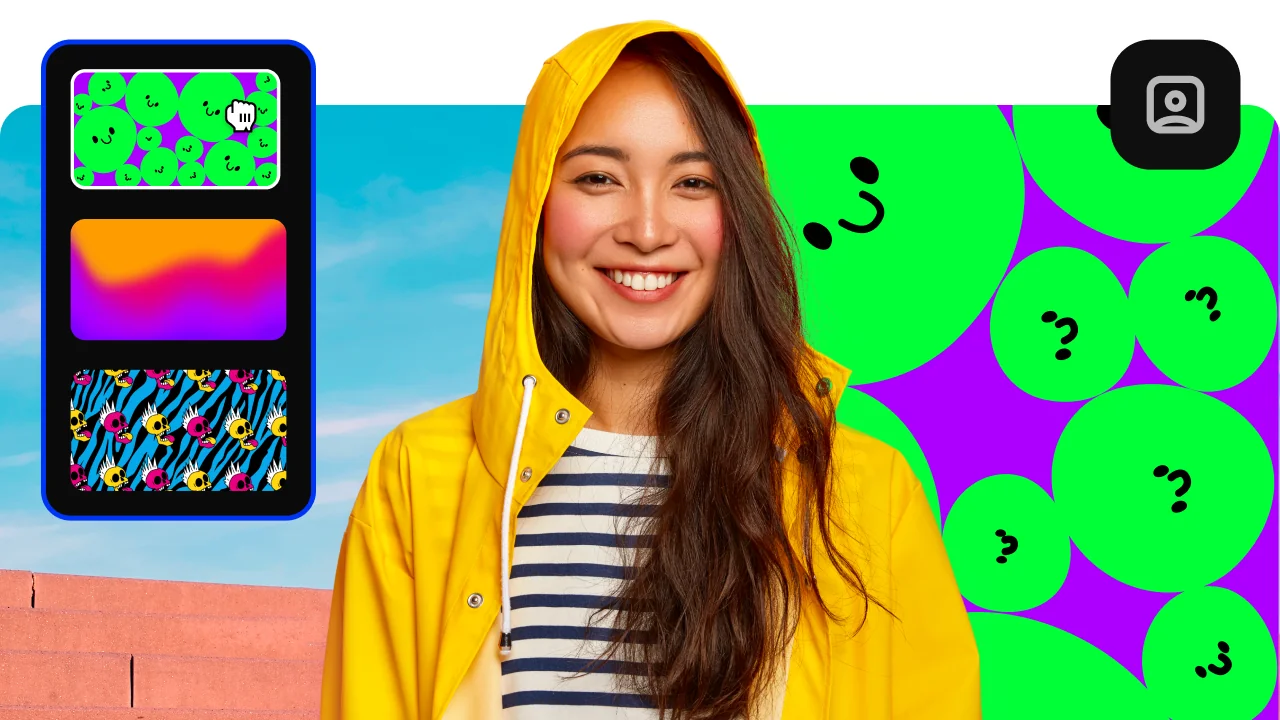
AI background removal
Use the power of the AI to instantly swap backgrounds in your videos with no green screens. Drop in a new vibrant scene and get ready for an avalanche of likes on socials!
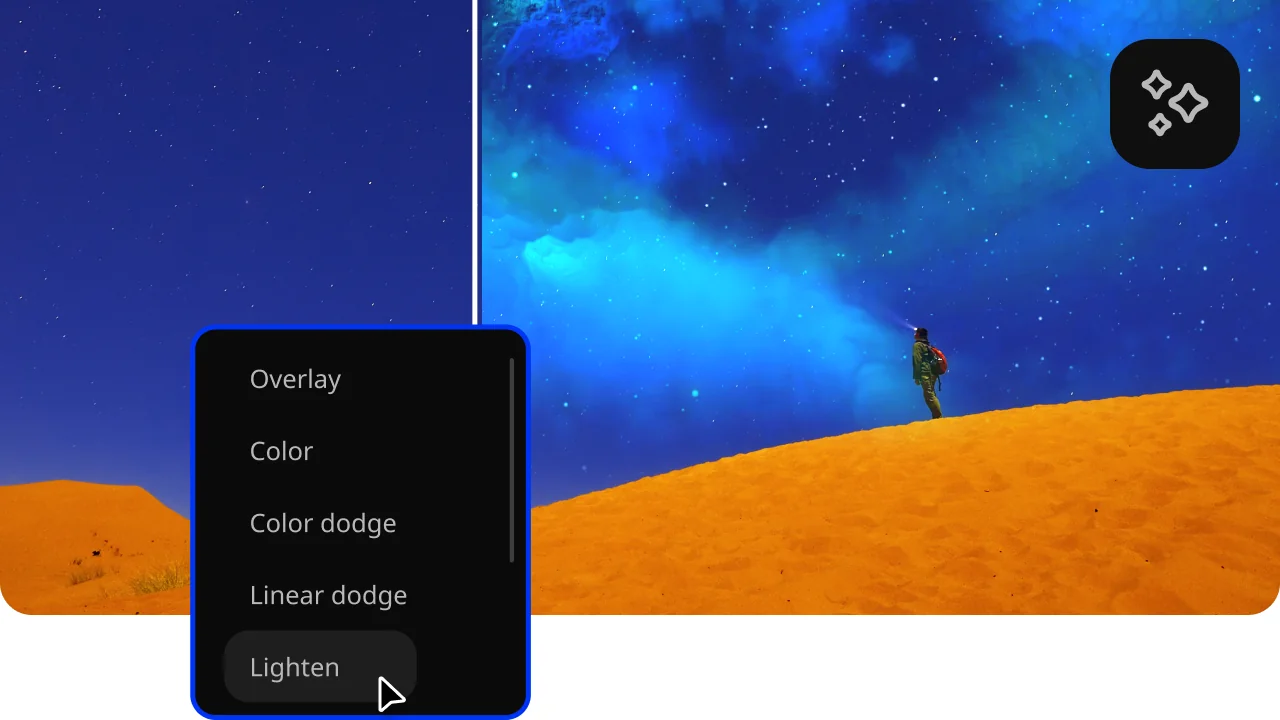
Hundreds of drag-and-drop cinematic effects
Supercharge your videos with tons of creative, professionally designed effects. Add stickers for cool accents, transitions for smoother stories, overlays for extra style, and there’s even more!
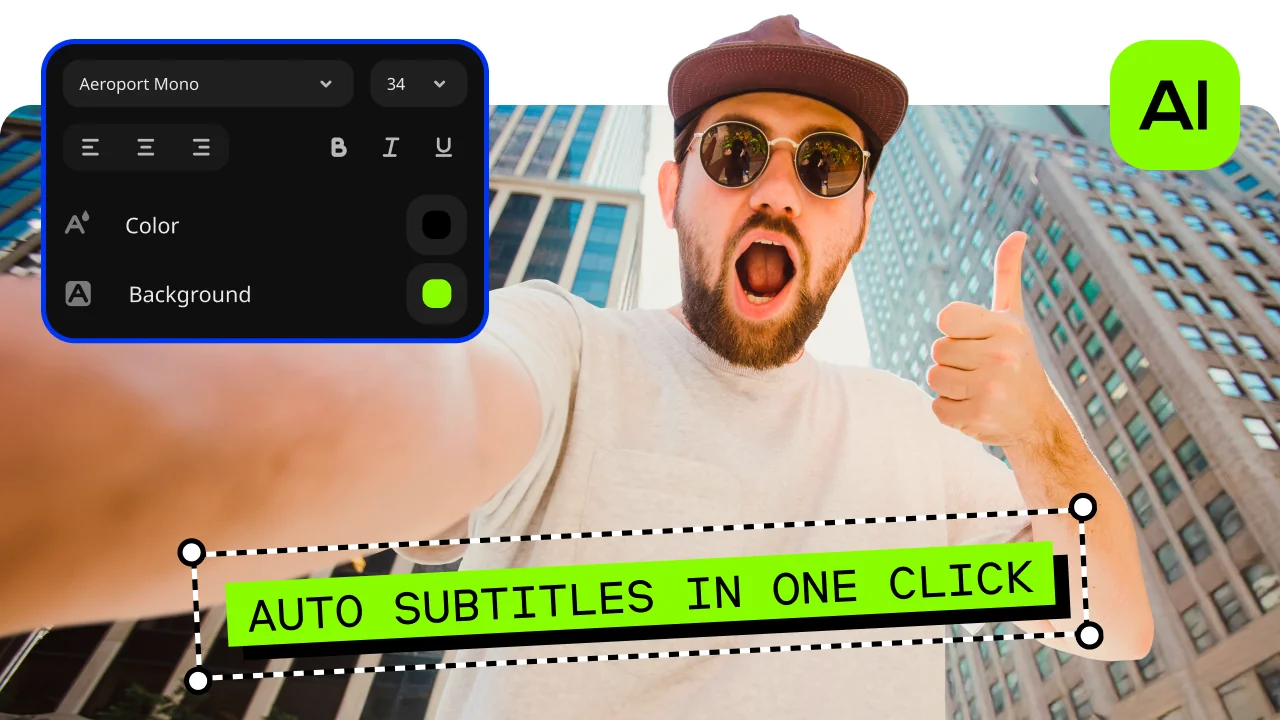
Automatic subtitles
Let AI quickly turn your speech into text and automatically create captions for your videos in almost any language. Just choose the font, text color, position – and you’re all set!
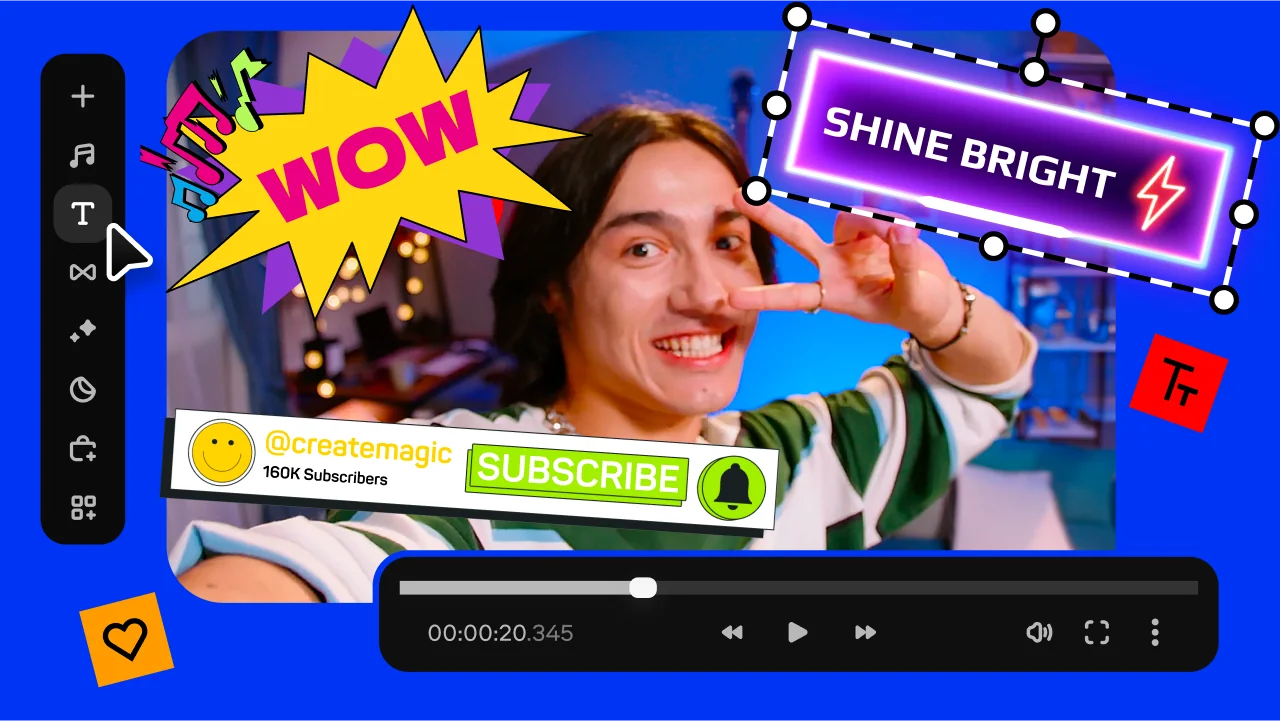
Overlays, stickers, and transitions
Use stickers to add fun and personality, overlays to give extra style, and transitions to keep your storyline flowing smoothly. Make every moment pop and keep your viewers hooked.
How to make a birthday video with Movavi birthday video maker
Step 1. Upload your files
Launch Movavi Video Editor – a powerful alternative to an online birthday video maker. Drop in your photos, images, video clips, and music, then line them up on the timeline to create a fully personalized birthday video.
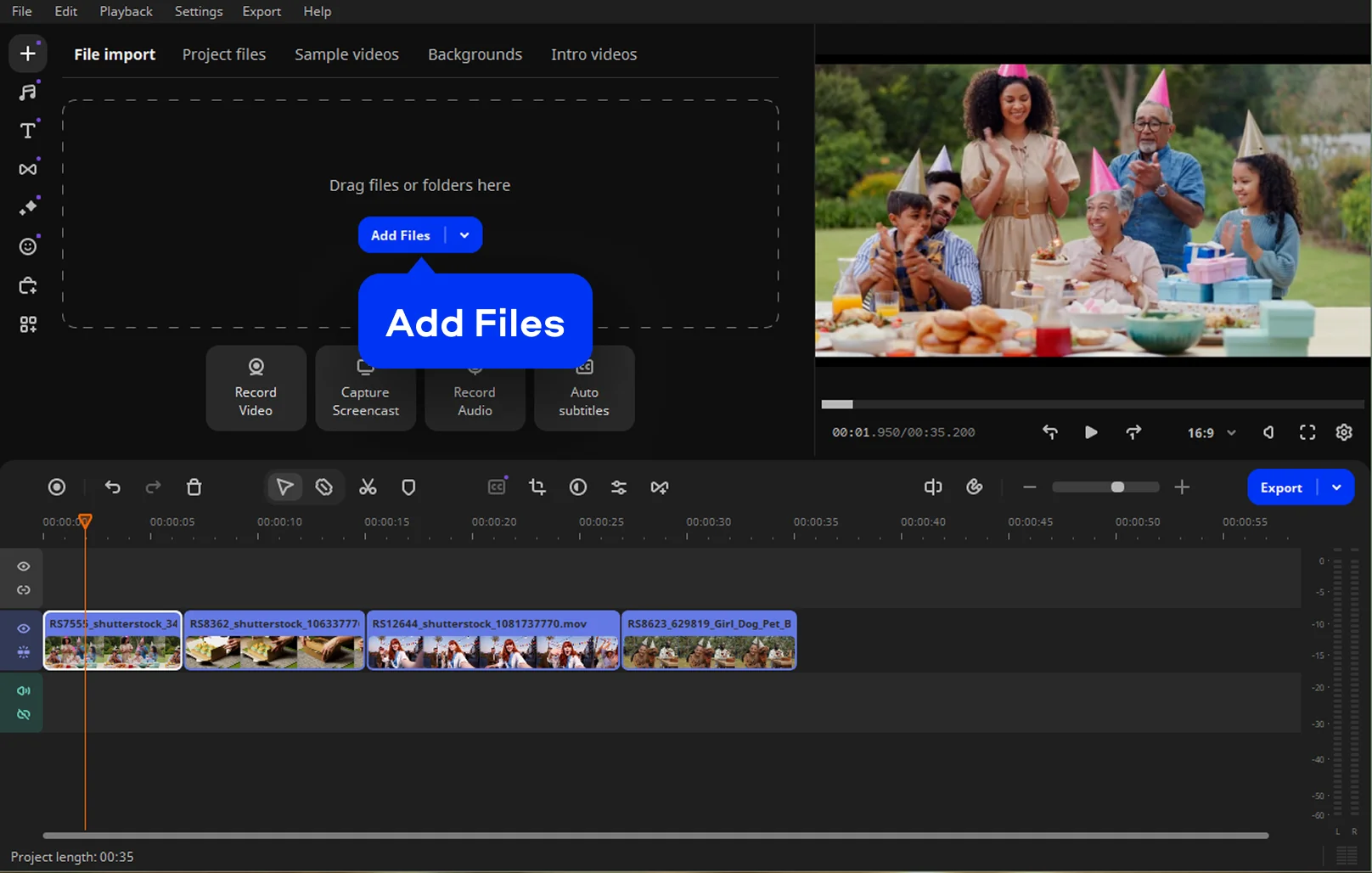
Step 2. Shape the story
Trim awkward pauses, tweak colors, and adjust pacing until everything feels right. A few smooth transitions help scenes flow naturally, keeping the video polished without looking overworked.
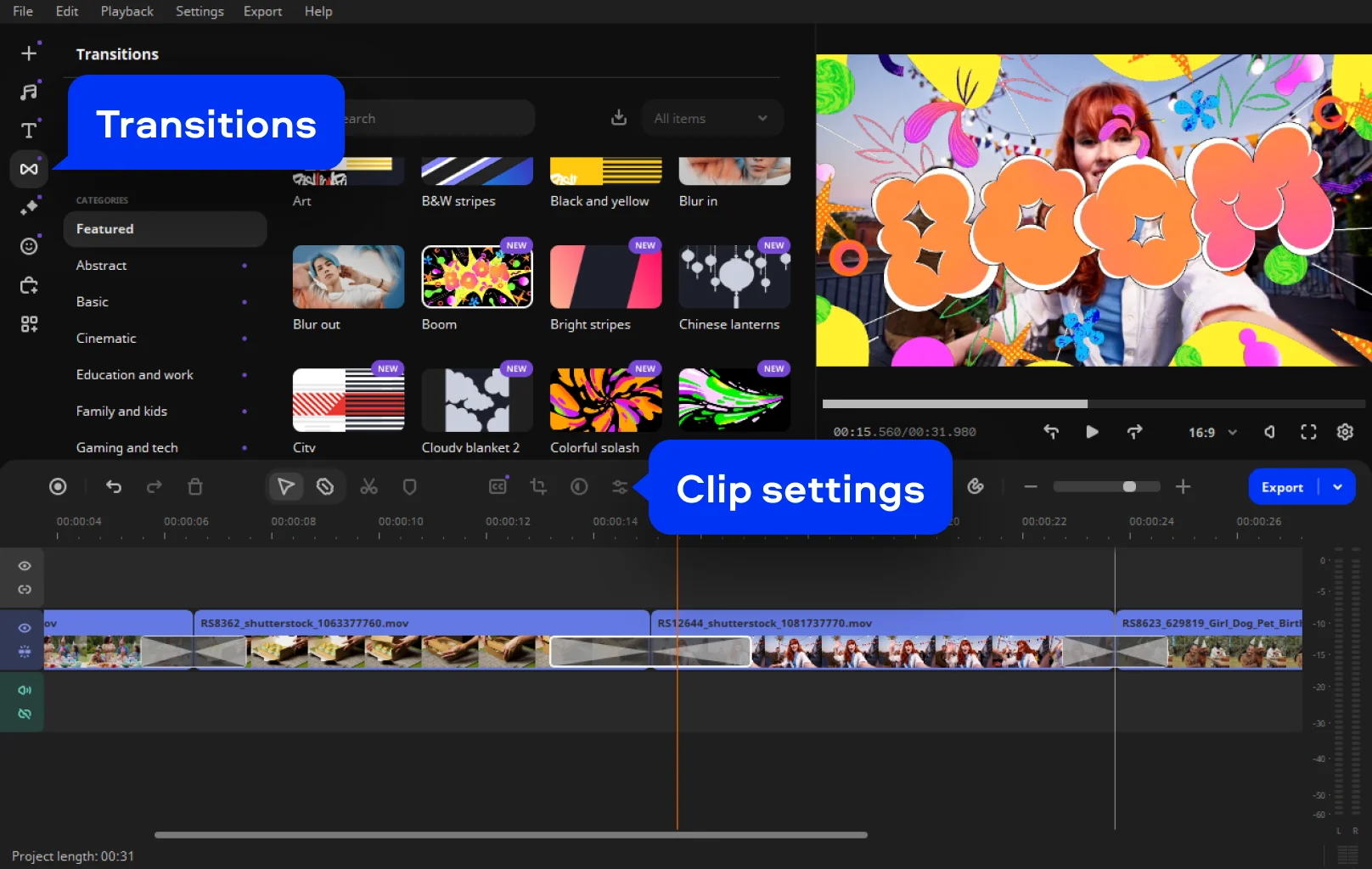
Step 3. Add effects
Layer in titles, captions, or stickers to set the mood. Music or a quick voice-over brings it all together, turning a simple montage into something that feels thoughtful and personal.
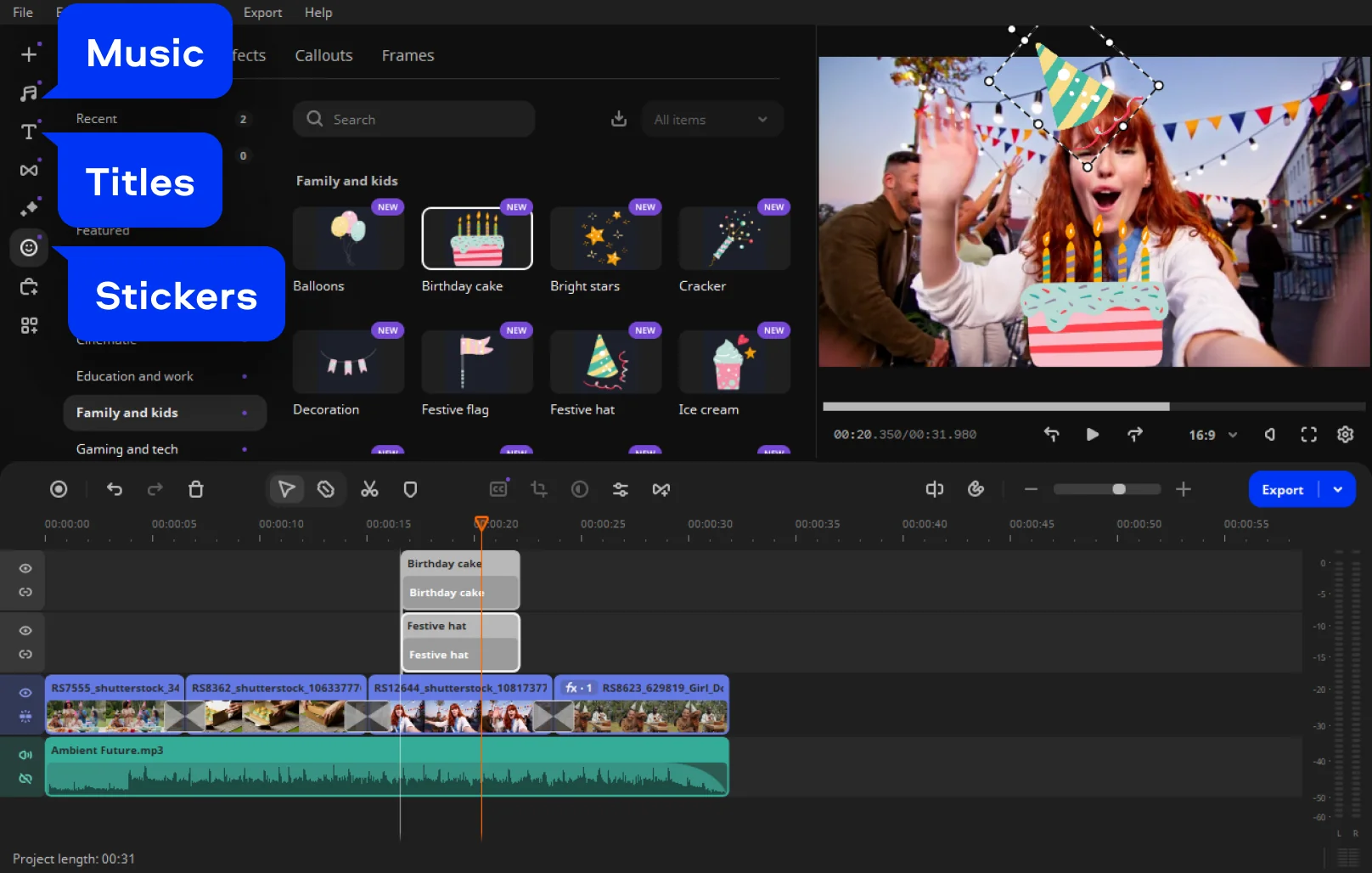
Step 4. Save the video
Export and download the video in a popular format that works anywhere. Once it’s ready, share it online or send it directly – the kind of birthday surprise that actually lands.
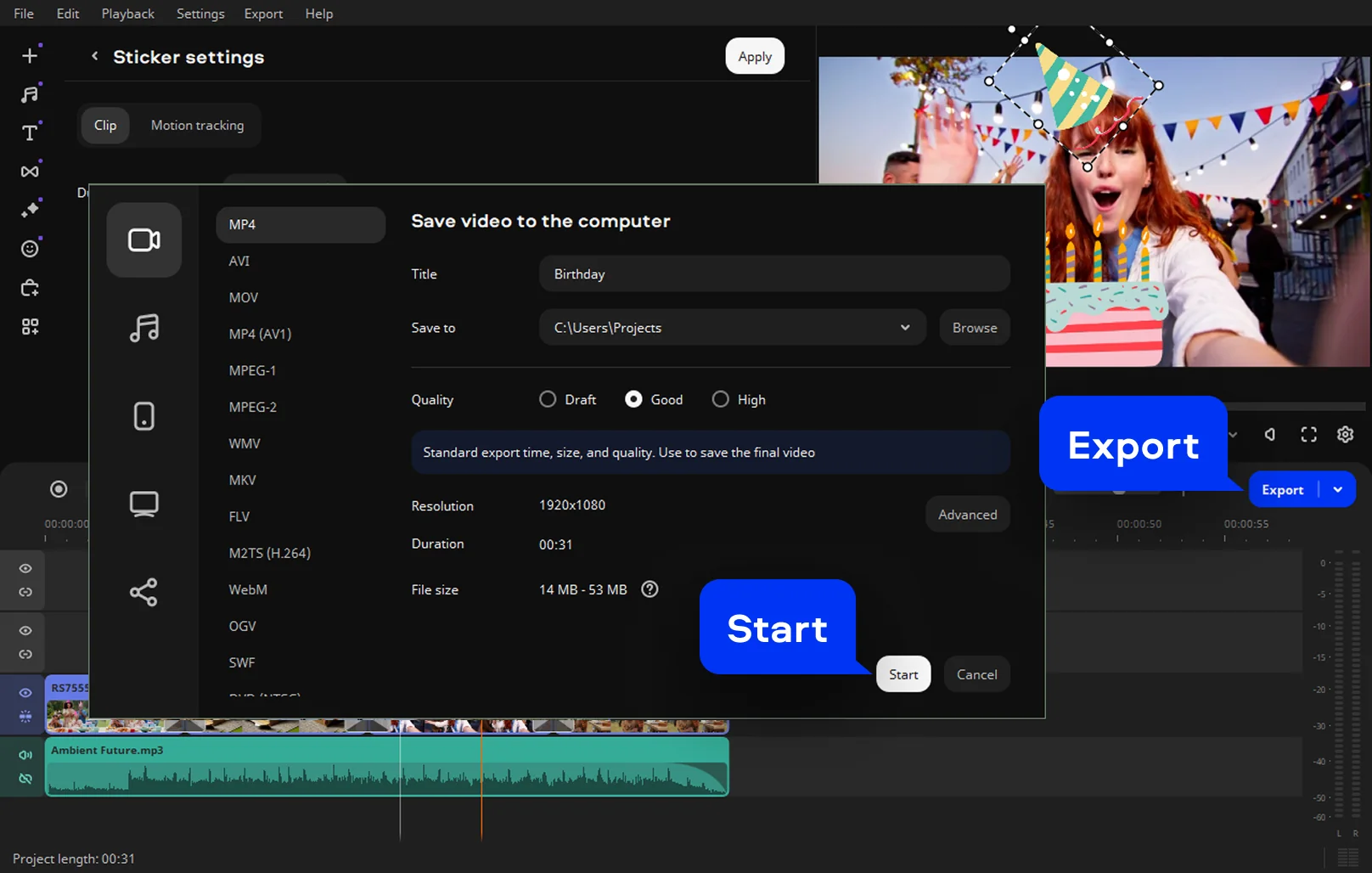
More tools of the Movavi birthday video maker

Create birthday video with AI – less effort, better vibes
AI tends to slip into daily routines without making a big announcement, and birthday videos have quietly followed the same path. When you create a birthday video with AI, you skip the tedious parts that used to drag the whole process out, while keeping full creative control over your animated videos.
approaches this with an easy, no-nonsense attitude. Its AI noise removal smooths out messy phone audio, turning uneven recordings into something clear and listenable. Auto subtitles appear almost instantly, which works especially well for personal messages, quick jokes, or videos watched on mute.
On the visual side, there’s a low-key sense of polish at work too. AI-powered enhancements help balance colors across clips shot in different places and lighting conditions. That grainy old photo, the too-dark video from a party, and a bright daylight clip suddenly feel like they belong together. No deep technical tweaks required.
What makes this approach work is that it stays out of the way. You still choose the moments that matter, the music that hits just right, and the pacing that fits the person you’re celebrating. AI just keeps the workflow smooth, so you’re not stuck fixing tiny issues for hours.
For anyone racing against a birthday deadline or simply wanting the process to feel lighter, Movavi Video Editor ’s AI tools take the pressure off. The result feels personal, intentional, and surprisingly polished – without turning the whole thing into a production marathon.
Use Movavi Video Editor to create all types of birthday videos
Birthday videos don’t come in one standard format, and Movavi Video Editor doesn’t treat them that way either. The desktop editor gives you enough room to experiment, adjust, and shape something that actually fits the person you’re celebrating, whether the mood leans sentimental, funny, or somewhere in between.
Birthday video slideshow
A birthday video slideshow is the classic move, and for good reason. Drop photos onto the timeline, add music that means something, and let the sequence do the talking. With gentle transitions and short captions, even old snapshots start to feel intentional.

Funny birthday video
Birthday videos are not in one fixed style, and neither is Movavi Video Editor . The desktop video editor allows you to do much better than that, offering space for experimentation, adjustments, and molding something that really matches the personality that is being celebrated – and that could range from sentimental to funny and other in-betweens.

Heartfelt birthday message video
For the birthday girl who wants laughter rather than tears, a humorous birthday video message is the best option. By using the techniques of fast cuts, stickers, sound effects, and text animations, the message becomes even more humorous.
From low-key slideshows to personality-packed edits, you can implement all kinds of birthday video ideas with ease in Movavi Video Editor . The tool has flexibility in terms of following your ideas, even when that vision changes halfway through.

Tips to create a birthday video for free
Creating a birthday video doesn’t have to mean signing up for subscriptions or wrestling with complicated software. With Movavi Video Editor, you can create a birthday video for free and still end up with something that feels thoughtful, polished, and genuinely personal. The key is knowing how to use the tools strategically and keeping the focus on the story rather than the effects.
Then start simple. The birthday video works best if it is based on a concept – a history of photos in a timeline, an inside joke, a message from those who are important. Add your photos and video files to the project, organize them more or less in a timeline order, then let it dictate your cuts. Even without any of the "extras," a simple cut and a steady rhythm will go a long way.
Music does all the heavy lifting. Pick one track to fit your mood and build your video around it. In Movavi Video Editor, you can adjust volume levels and even trim audio to have all your actions seem deliberate. Having all your music point to this video makes it go far beyond all other random video effects.
Case example 1: a last-minute birthday slideshow
A user needs a birthday video fast and has nothing but phone photos. By creating a simple birthday video slideshow, adding music, and inserting short text captions, they end up with a clean, nostalgic video that works perfectly for sharing online or playing at a small gathering.
Case example 2: a funny birthday video for a friend
Instead of going sentimental, another user creates a funny birthday video using short clips, memes, stickers, and playful titles. Speed changes and sound effects add comedic timing, proving that even a free version can deliver laughs and personality.
Case example 3: a heartfelt birthday message
For family members living far apart, a birthday message video brings everyone together. Short video greetings and voice notes are combined, audio is cleaned up, and subtle transitions keep the focus on the words. The result feels intimate, not overproduced.
The biggest tip is restraint. When you create a birthday video online for free, clarity beats complexity every time. Movavi Video Editor gives you enough tools to shape a meaningful video without overwhelming you, making it easy to focus on what really matters – the person you’re celebrating.
Frequently asked questions
The best birthday video maker is the one that doesn’t get in your way. Movavi Video Editor hits that sweet spot – powerful enough to handle photos, clips, music, and effects, but approachable enough that you don’t feel like you’ve accidentally enrolled in film school.
Make it simple. Use your phone camera, record the video in a quiet area with good lighting, and speak naturally. You can always clean up the sound quality, remove awkward moments of silence, and tweak it later using a computer video editing program like Movavi Video Editor .
There are plenty of programs that enable you to record a video with music, but they usually limit you in some way, and it becomes apparent very quickly. Another great thing about this video editing tool is that it has a free version with which you can merge photos, video, and music.
Start with photos in a rough chronological order, add one meaningful song, and keep transitions subtle. A birthday photo slide show will become most memorable if it has a personal touch, which is achieved easily by using the Movavi Video Editor software.
We’re the #1 choice for millions of people from all around the world. Join our thriving community and create stunning content with incredible ease.
70M+


*The free version of Movavi Video Editor may have the following restrictions depending on the build: watermark on exported clips, 60-second video or 1/2 audio length limit, and/or some advanced features unavailable when exporting videos.


1.5M+ users already subscribed to our newsletter