Reaction and commentary creators · CONTENT CREATION
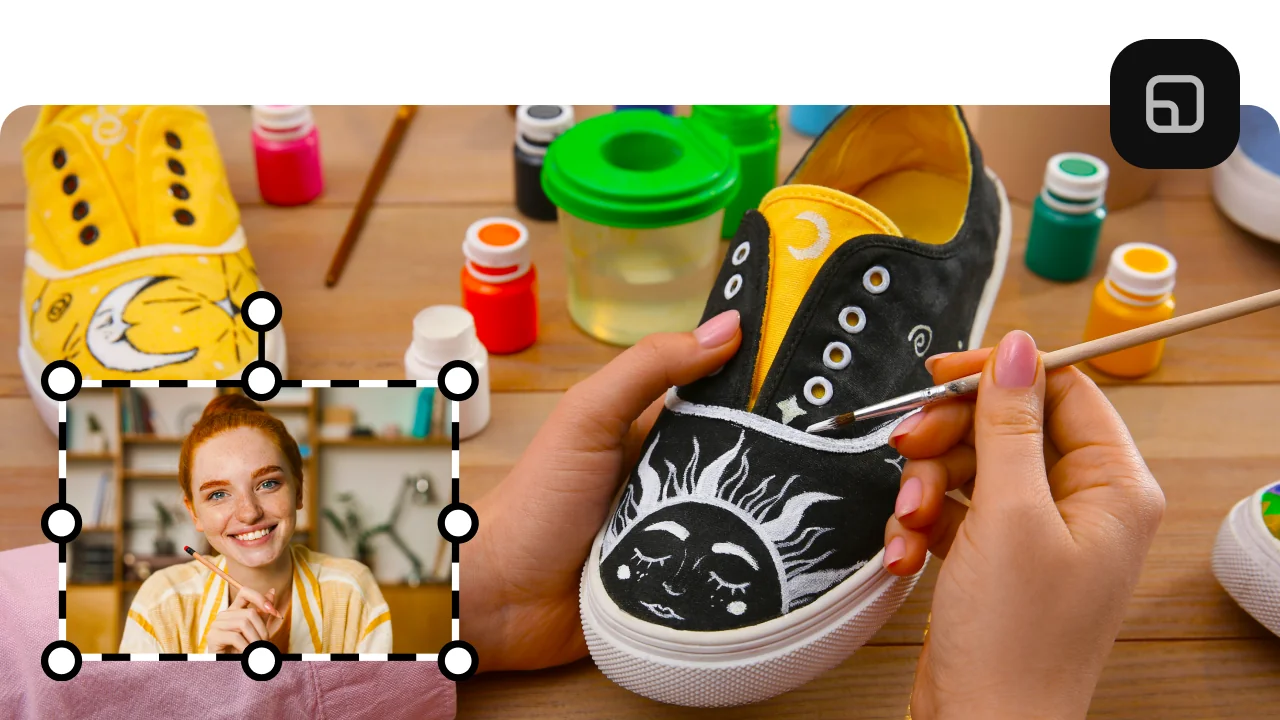
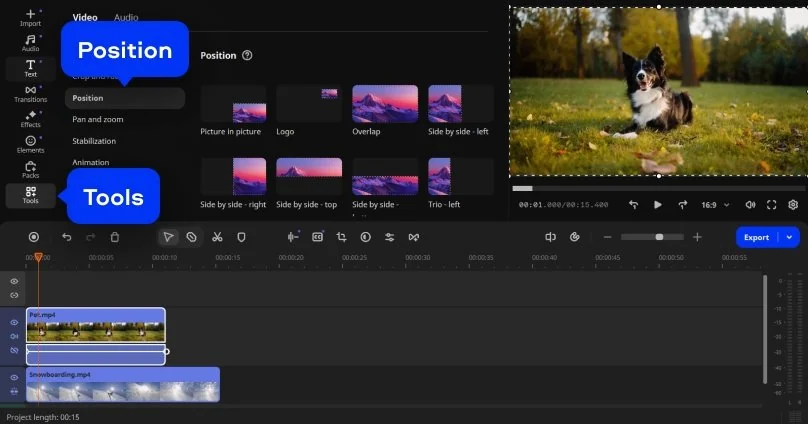
YouTube and social media creators who film themselves reacting to other videos use split screen to show both the original clip and their response simultaneously. Movavi's visual layout tool makes it fast to size the primary video larger and keep the reaction camera in a smaller secondary frame – the standard format that audiences expect for reaction content.
Fitness and tutorial instructors · EDUCATION
Fitness coaches and tutorial creators frequently need to show a before-and-after, a correct-versus-incorrect technique comparison, or two camera angles of the same movement at once. A split-screen video maker that handles independent clip trimming and audio control lets instructors produce clean comparison videos without needing a dedicated video production team.
Marketing and product teams · BUSINESS
Brand and marketing teams creating product comparison videos, testimonial reels, or campaign recap content use split screen to present two perspectives or two products simultaneously. Movavi's colour matching tools and title overlays let a small internal team produce a consistent, on-brand split-screen video that looks deliberate rather than thrown together.